






Photo Recovery
This guide explains effective photo recovery methods for restoring deleted or lost images from computers, SD cards, and mobile devices, including practical steps and tips to improve recovery success.
TOP 4 Hot Articles
Top 4 hot articles will provide you reliable solutions to find crucial data with Drecov software.
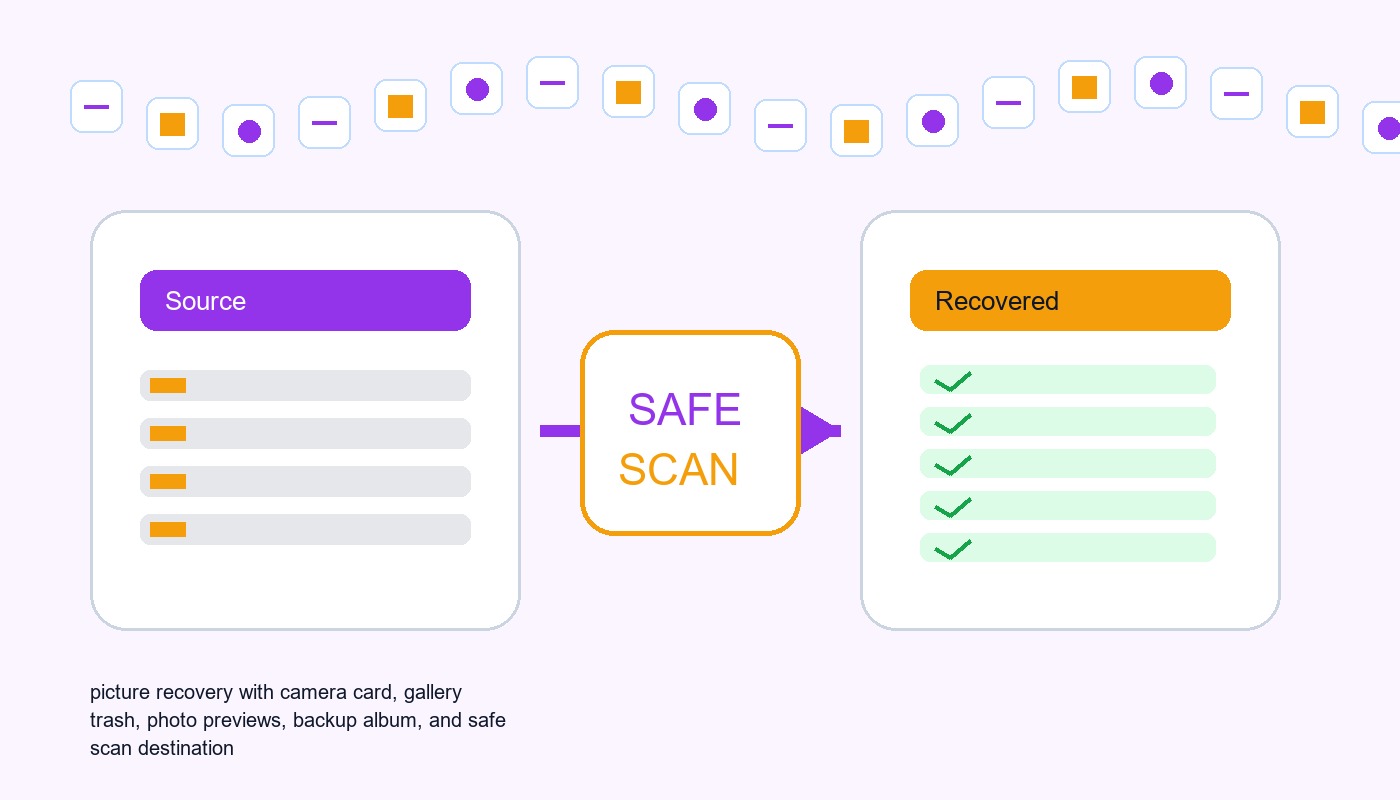

Pictures Data Recovery Software: Recover Photos Without Damaging The Source
This guide explains when pictures data recovery software can work, what built-in recovery paths to check first, and how to scan readable local storage safely.


How to Fix Corrupted Image Files Without Losing the Original
Separate viewer trouble, incomplete copies, damaged image data, and failing storage before choosing restore, recovery, or repair.


Photo Recovery Online: How to Recover Deleted Photos Online and Restore Lost Pictures
This guide explains how to recover deleted photos online, including cloud backups, deleted folders, and SD card recovery methods to restore lost pictures safely.


How to Recover Deleted Photos From Canon EOS Rebel T3i Camera
This guide explains how to recover deleted photos from Canon EOS Rebel T3i cameras. Learn about backup methods, SD card recovery, photo recovery software, and tips to protect your images.
Find a solution that suits your case
Here are file recovery guidelines for all types of files. Just choose the most suitable situation for you to retrieve your data


Image Recovery Software: Find Originals, Not Just Thumbnails
Read more →: Image Recovery Software: Find Originals, Not Just ThumbnailsThis article helps you identify where an original picture disappeared, check easier restore options, and judge recovery software by the actual files it finds. A preview is useful, but opening a recovered original is the real test.


Recover Affinity Photo Documents: Snapshots, Saved History, and Layers
Read more →: Recover Affinity Photo Documents: Snapshots, Saved History, and LayersThis guide focuses on the documented Affinity Photo 2 workflow. Menu placement and licensing can differ in other releases, so inspect your actual version. Built-in features can avoid buying an additional recovery utility when you already have appropriate access. They do not establish that every installation has a traditional interval-based archive of all previous document…
Recover digiKam Albums and Tags: Collection Paths, Databases, and XMP
Read more →: Recover digiKam Albums and Tags: Collection Paths, Databases, and XMPThe database can preserve catalog relationships, while embedded metadata and XMP sidecars can preserve selected information according to prior settings. Neither source necessarily contains everything. Start with a known photo, one distinctive tag, and the actual collection path. Those examples help you compare candidates and show what the recovery really supplies.

Recover darktable Edits: XMP Sidecars, History Stacks, and Original RAW Files
Read more →: Recover darktable Edits: XMP Sidecars, History Stacks, and Original RAW FilesThe strongest candidate depends on what disappeared. An existing sidecar can preserve processing history, a database copy can preserve catalog context, and an appropriately exported image may contain useful embedded history. These sources are not interchangeable. Identify the missing edit and the actual original image before applying history, because loading the wrong candidate can replace…

Best Photo Recovery Software: Look for the Original, Not a Thumbnail
Read more →: Best Photo Recovery Software: Look for the Original, Not a ThumbnailEvaluate photo recovery tools by source access, image quality and verification. Learn why an unavailable RAW preview needs further checking, follow Drecov’s recovery workflow, and distinguish full originals from thumbnails and smaller exports.

Recover GIMP XCF Files After a Crash: Layers, Recovery Copies, and Exports
Read more →: Recover GIMP XCF Files After a Crash: Layers, Recovery Copies, and ExportsIf GIMP offers recovered images after restart, open and save useful candidates under new names. Then compare existing XCF revisions and original source assets. A surviving export can support a limited salvage or manual reconstruction, but it does not automatically recreate layers. Also, GIMP’s crash recovery is an attempt made under unstable conditions, not a…
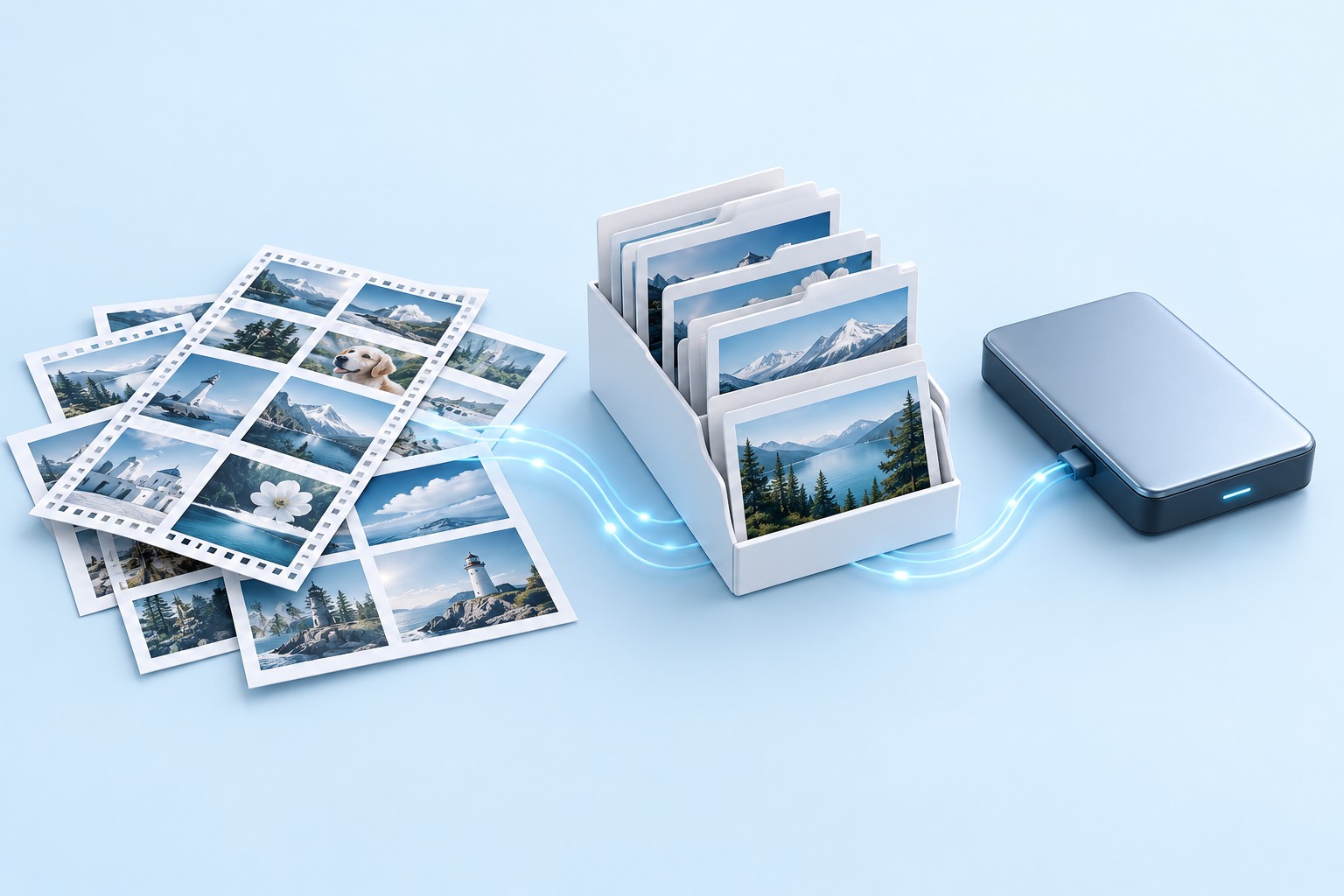
Recover Lightroom Classic Catalogs and Missing Original Photos
Read more →: Recover Lightroom Classic Catalogs and Missing Original PhotosIf Lightroom Classic shows missing-photo icons, use Locate or Find Missing Folder to reconnect verified originals that still exist. For an incorrectly opened catalog, select the actual working catalog. If that catalog is damaged or absent, inspect an existing catalog backup. When the original image files are genuinely gone, recover them separately from a photo…

Recover Photoshop PSD After a Crash: Layers, Versions, and Composites
Read more →: Recover Photoshop PSD After a Crash: Layers, Versions, and CompositesStart Photoshop once and inspect any recovered documents without dismissing them. Save useful candidates under new names. If the design was a cloud document, inspect its version history in the correct Adobe account. If an existing PSD or PSB remains unreadable, test a duplicate and consider composite recovery only as a fallback. A flattened image…

CR3 Photos Will Not Open After Transfer: Recover Originals
Read more →: CR3 Photos Will Not Open After Transfer: Recover OriginalsDistinguish unsupported Canon CR3 files from incomplete transfers, protect the memory card, recover full RAW originals, and verify resolution and image content.

Photo Thumbnails Show but Files Won’t Open: Recover the Originals
Read more →: Photo Thumbnails Show but Files Won’t Open: Recover the OriginalsStop using the memory card and enable write protection. Copy the card or create an image before testing repairs, then try a second trusted viewer on copied files and inspect verified backups. Recover full-size originals from the stable card image to another disk and verify resolution, metadata and several random photos before formatting.




Copyright © 2025 PandaOffice. All Rights Reserved. The order process, tax issue, and invoicing to end users are conducted by PandaOffice Limited.