








4.9 from 100,000+ reviews
Devices
Supports Data Recovery for Various Devices
Panda Data Recovery Software supports data recovery from almost all storage devices, whether it’s Windows computer internal hard drives or external storage media
Supported File Types
Supported Devices









Why
PandaOffice Drecov
Better RAW Partition Recovery Results
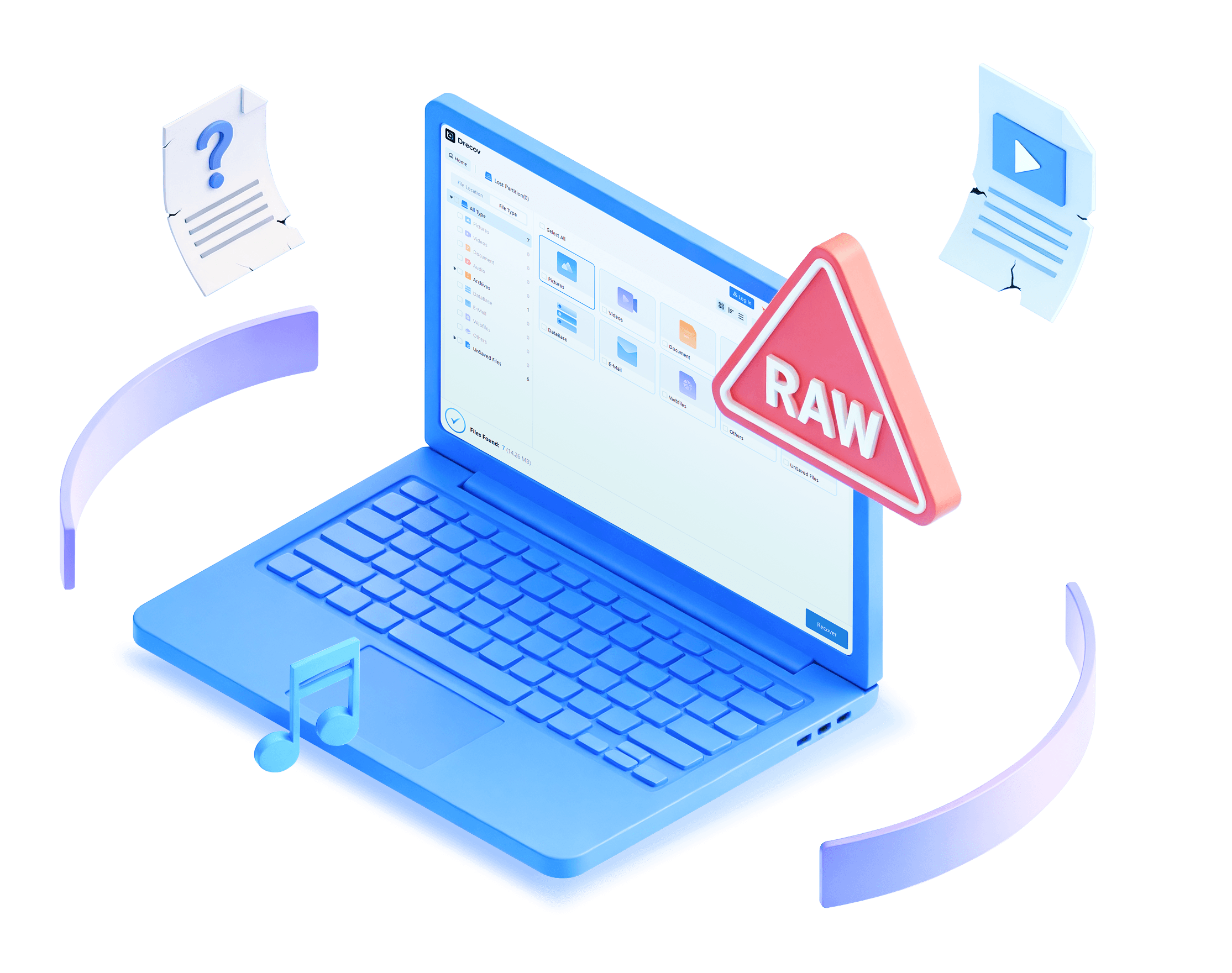
Powerful recovery technology helps restore inaccessible files from RAW partitions without data overwriting or complicated operations.
Why Choose PandaOffice Drecov for RAW Partition Recovery?

Fast detection and rebuild of RAW partitions for recovery.
Restores files with minimal loss or corruption.
Works with all devices like HDDs, SSDs, USB drives, and SD cards.
Protects original partition from any further damage.
Recover files in just a few simple steps quickly.

Lost Access? Here’s Why Your Partition Becomes RAW
RAW partition errors often occur unexpectedly due to corruption, unsafe operations, or system failures that block file access.

File System Corruption
Damaged file system structures can make a partition unreadable and display it as RAW.

Unsafe Device Removal
Improperly ejecting storage devices may corrupt partition information and cause sudden data loss.

Virus or Malware Infection
Malware attacks can damage partition tables and prevent normal access to important files.

Formatting or Partition Errors
Interrupted formatting or failed partition operations may turn a healthy drive into RAW format.
3 Simple Steps
to Retrieve Lost Files
setp 1
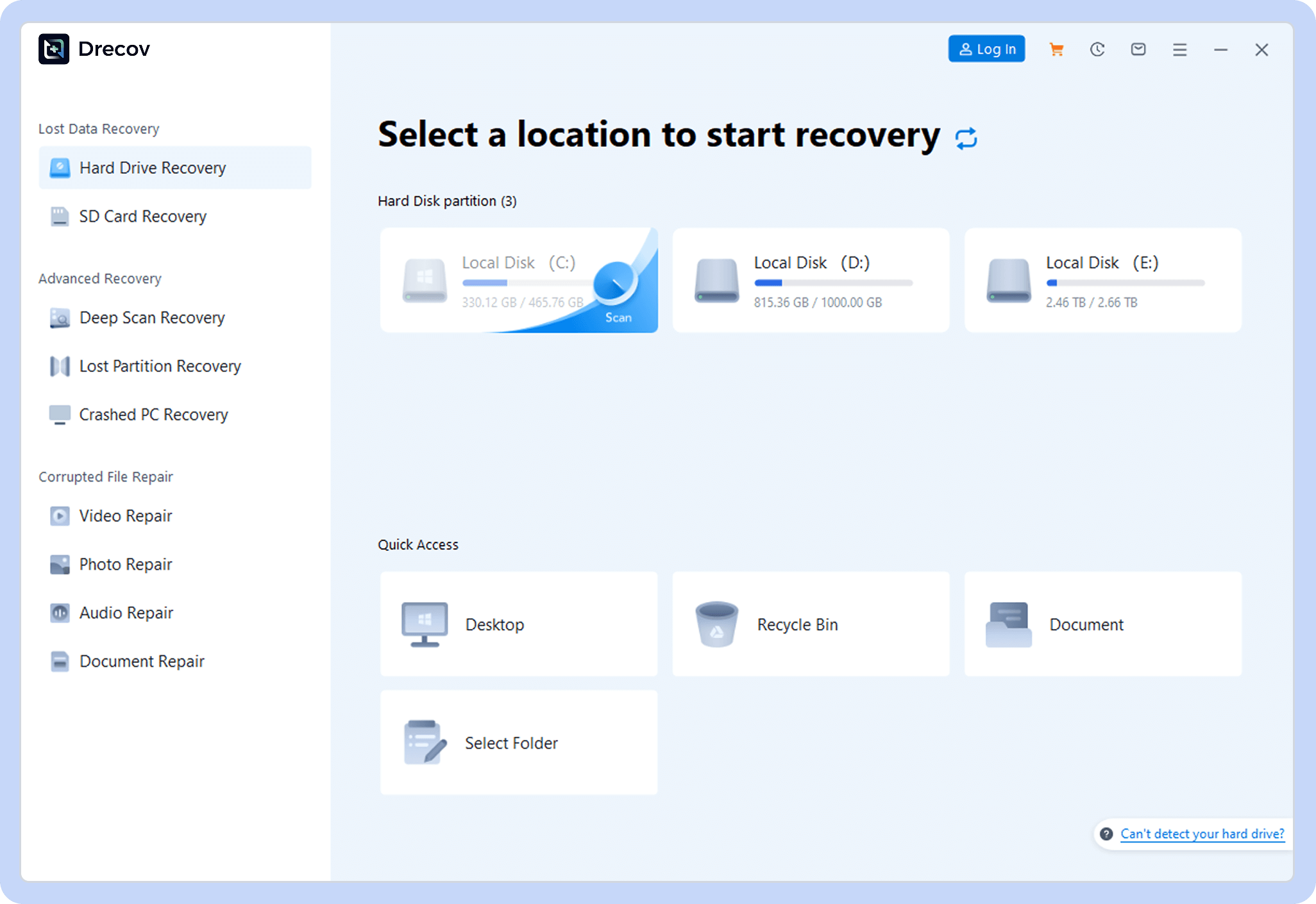
Choose a Location
Open PandaOffice Drecov and select where to scan.
setp 2
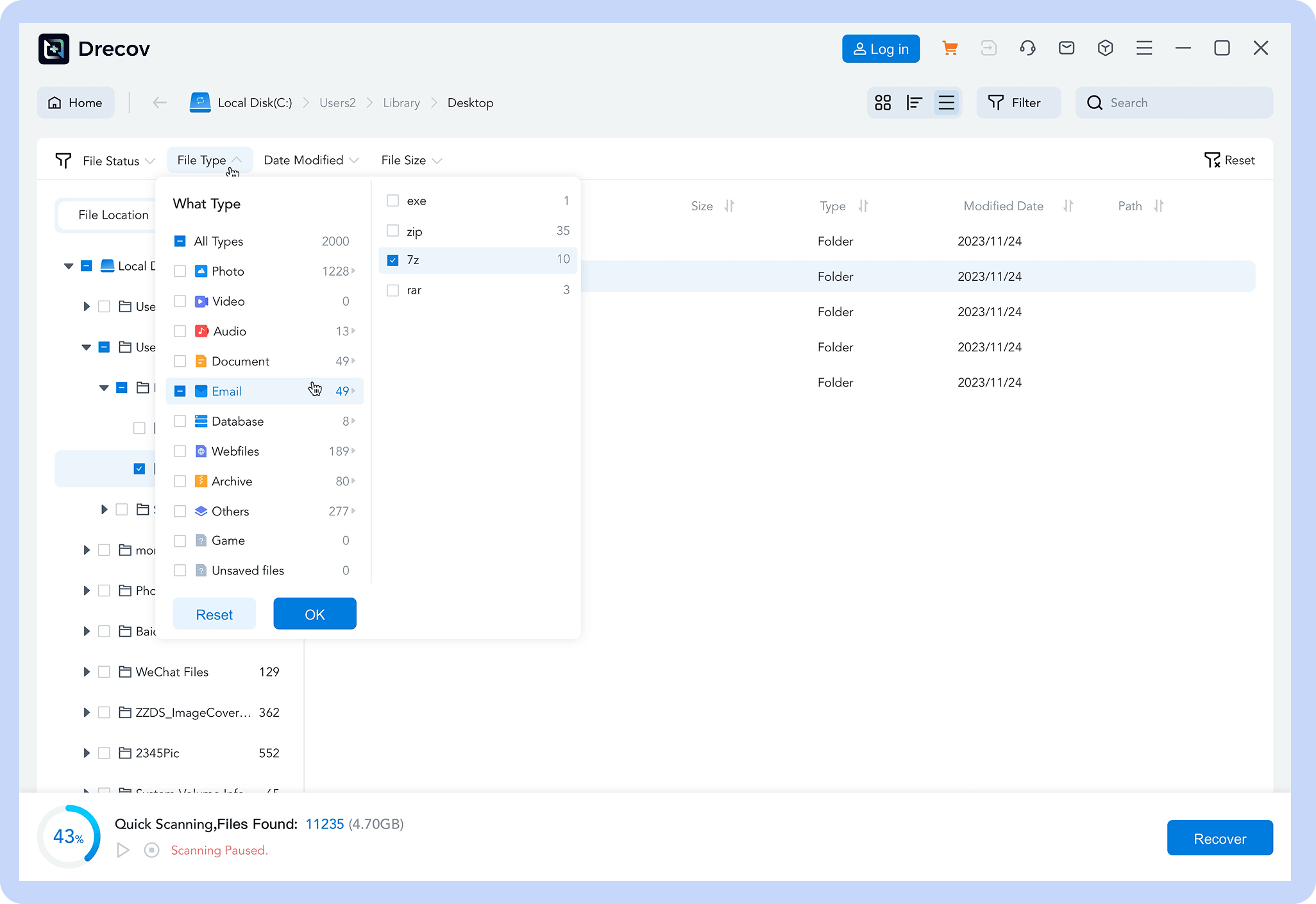
Scan for Files
Let the software find lost or deleted data.
setp 3
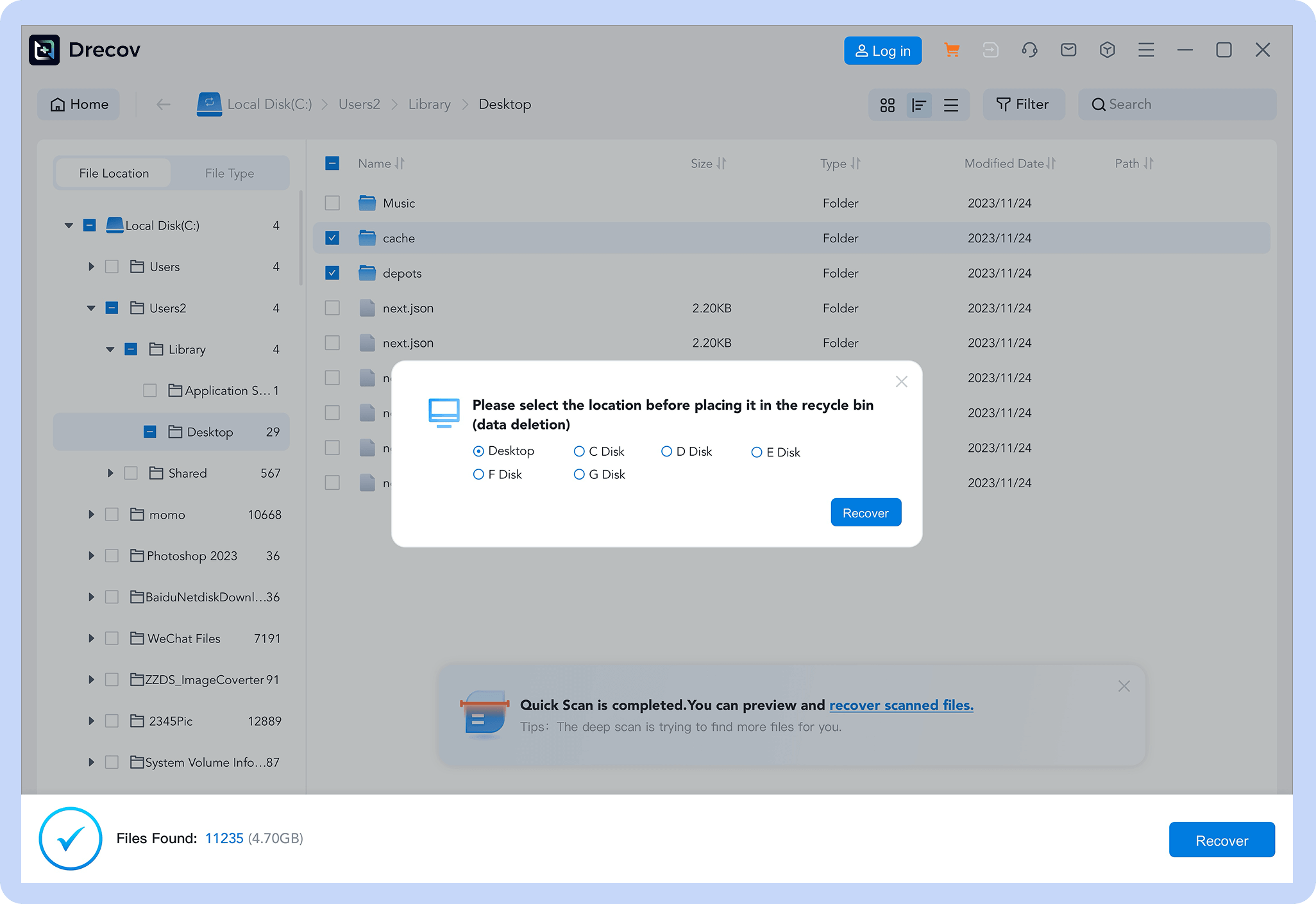
Recover Data
Preview and restore your files with one click.
RAW Partition Recovery Articles & Tutorials
Watch detailed articles and tutorials to easily master RAW partitions data recovery methods.
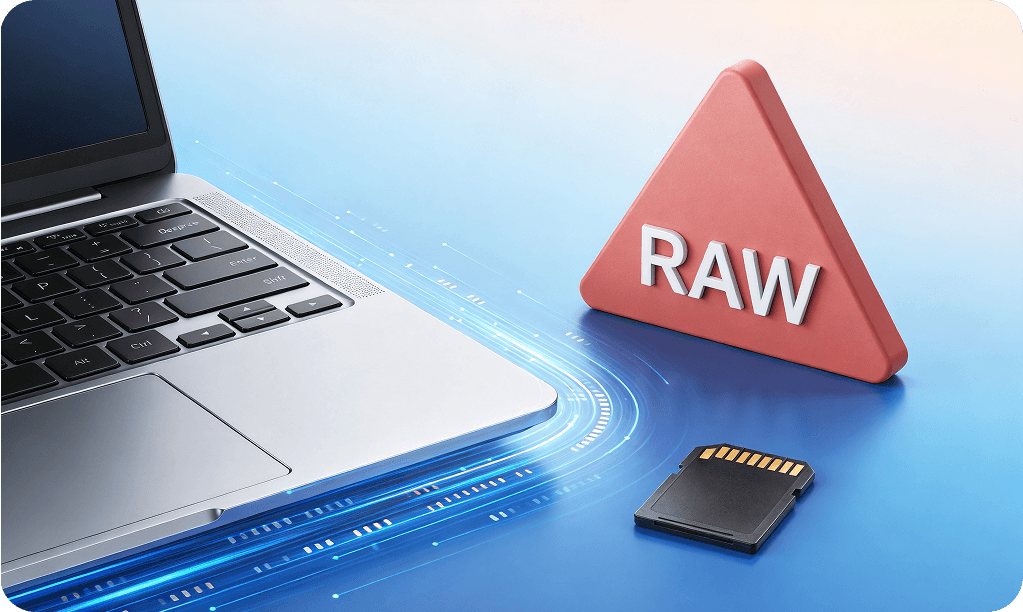
How to Recover RAW Files from SD Card Safely
Learn how to recover raw files from SD card and perform raw SD card recovery safely. Restore photos, videos, and documents using proven methods and Pandaoffice Drecov.
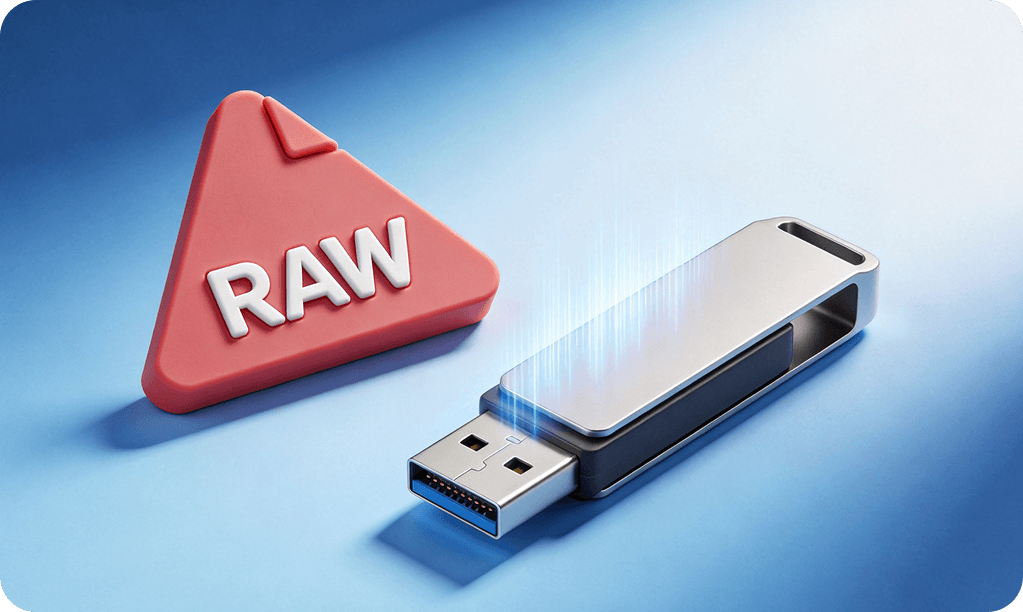
4 Easy Ways on How to Recover Data from RAW USB
This guide explains why USB drives become RAW and provides a detailed walkthrough on using CHKDSK, PandaOffice Drecov, and other tools to safely restore your lost files and prevent future corruption.
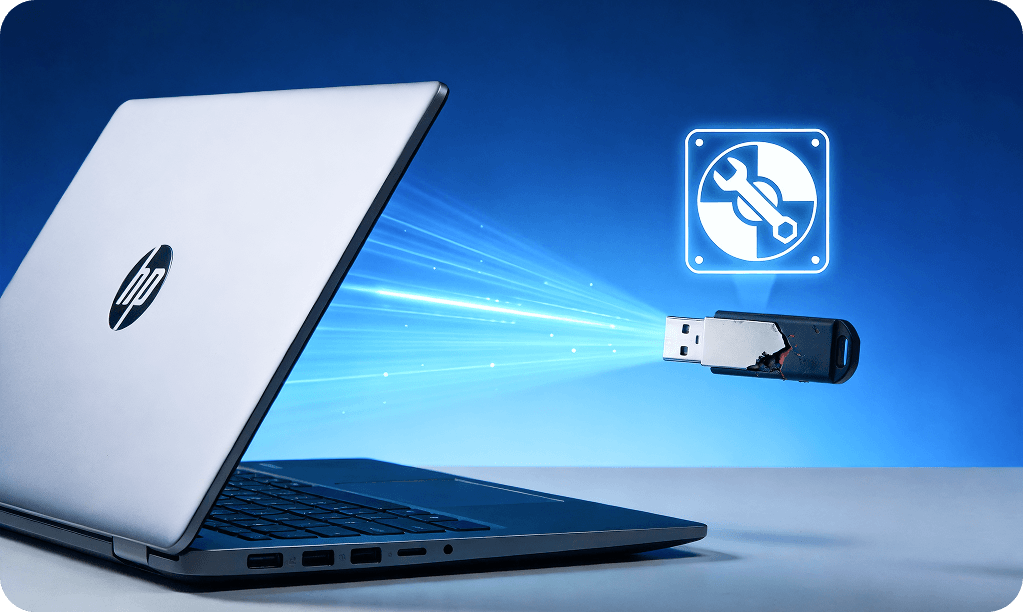
How to Recover Data from a Corrupted/RAW USB Drive
This article explains causes and recovery methods for corrupted/RAW USB drives, recommends tools like PandaOffice Drecov, avoids recovery mistakes, and helps quickly get back photos, documents, etc.
Reviews
Trusted by Users Worldwide
Users around the world rely on PandaOffice Drecov to recover important files from damaged and RAW partitions successfully.

Ethan Walker

Videographer
“My external hard drive suddenly became RAW and I couldn’t access years of video projects. PandaOffice Drecov recovered nearly all my files quickly.”


Olivia Bennett
University Student
“I accidentally unplugged my USB drive and it turned into a RAW partition. The software was easy to use and saved all my assignments.”

Kevin Lee
System Administrator
“I’ve used several recovery tools before, but PandaOffice Drecov provided the most reliable RAW partition recovery results with an excellent scan speed.”
Ready to Recover Your Data?
Download Drecov now and get back your lost files in just a few clicks



