










Scenarios
Common Causes of Audio File Loss
No matter how your audio files are lost, Drecov helps you recover them with ease.
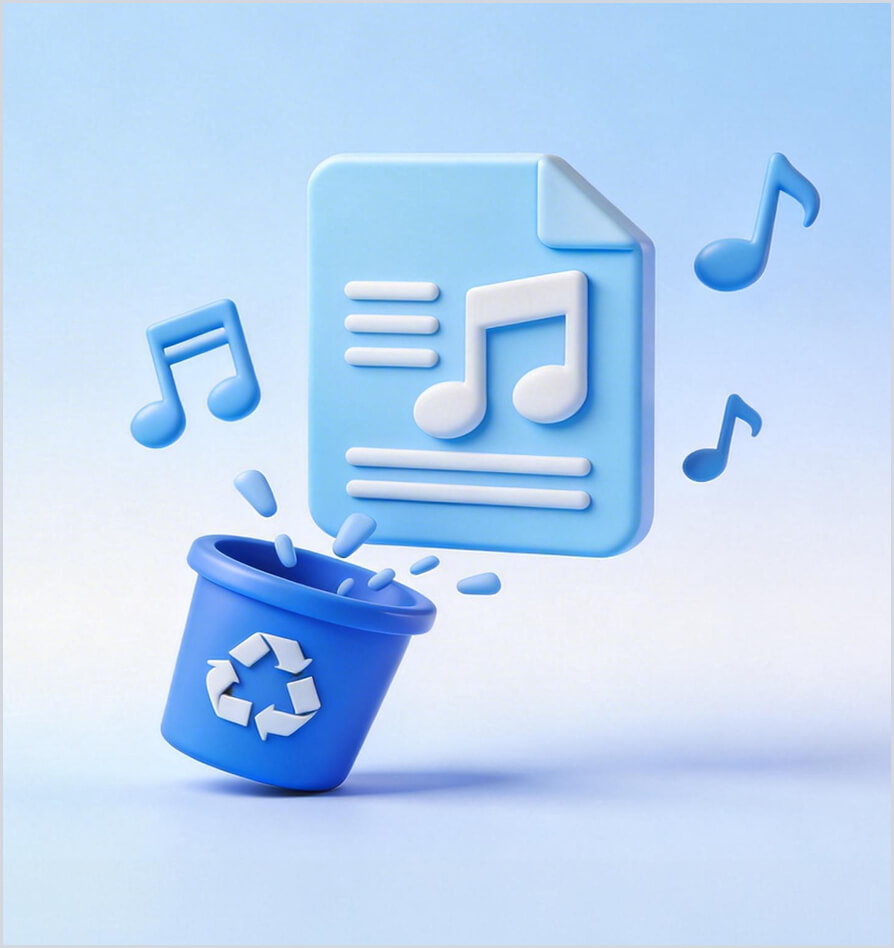
Accidental Deletion
Important audio files like recordings, music, or voice memos get accidentally deleted.
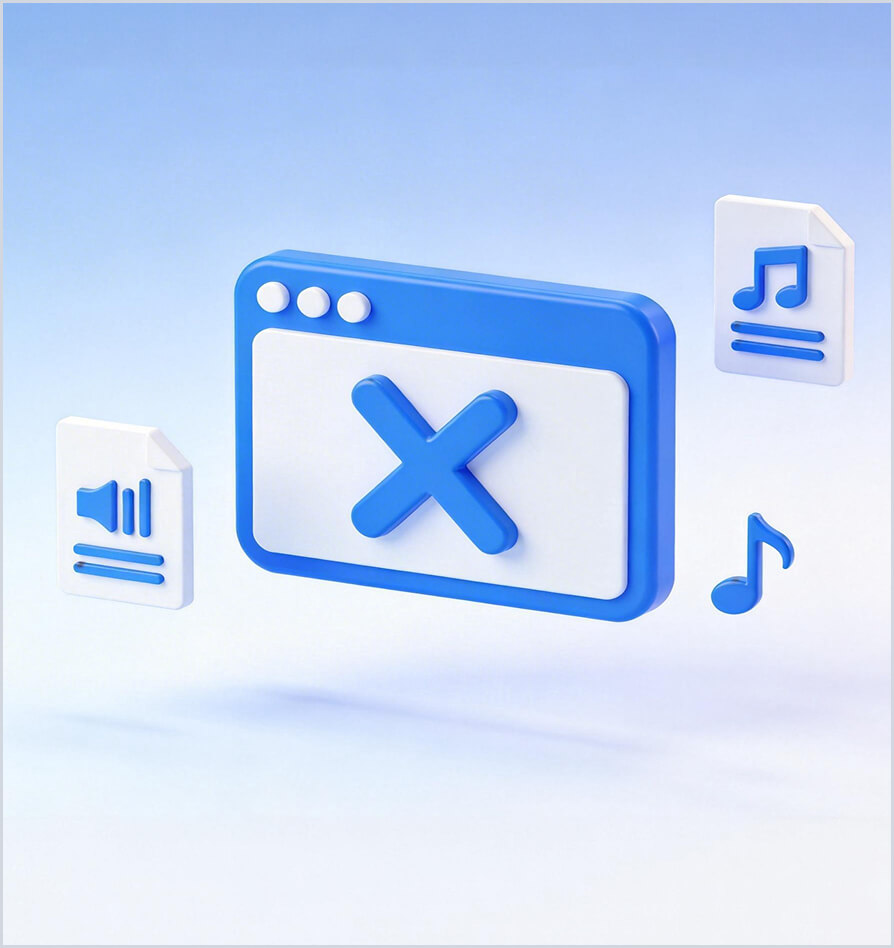
Software Issues
System crashes or software errors can corrupt or make audio files inaccessible.
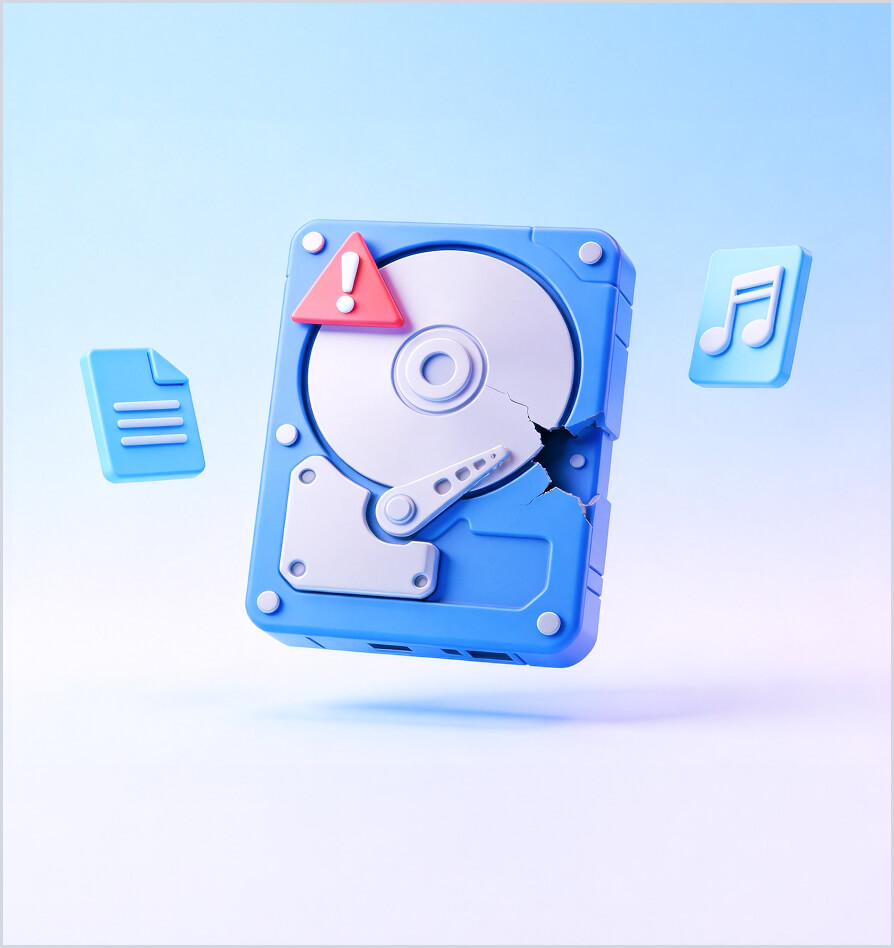
Storage Device Issues
Damaged or formatted storage devices may lead to lost or unreadable audio files.

File Transfer Interruption
Interrupted transfers can cause audio files to be incomplete or partially lost.
Versatile and Reliable Audio Restoration Tool
PandaOffice Drecov works with all major storage devices to recover your lost data.

Music Production
Podcasting

Voice Notes & Interviews
Multimedia Projects & Video Dubbing
Why Choose PandaOffice Drecov?
Quick and Efficient
High Recovery Success Rate
100% safe
User-Friendly Interface
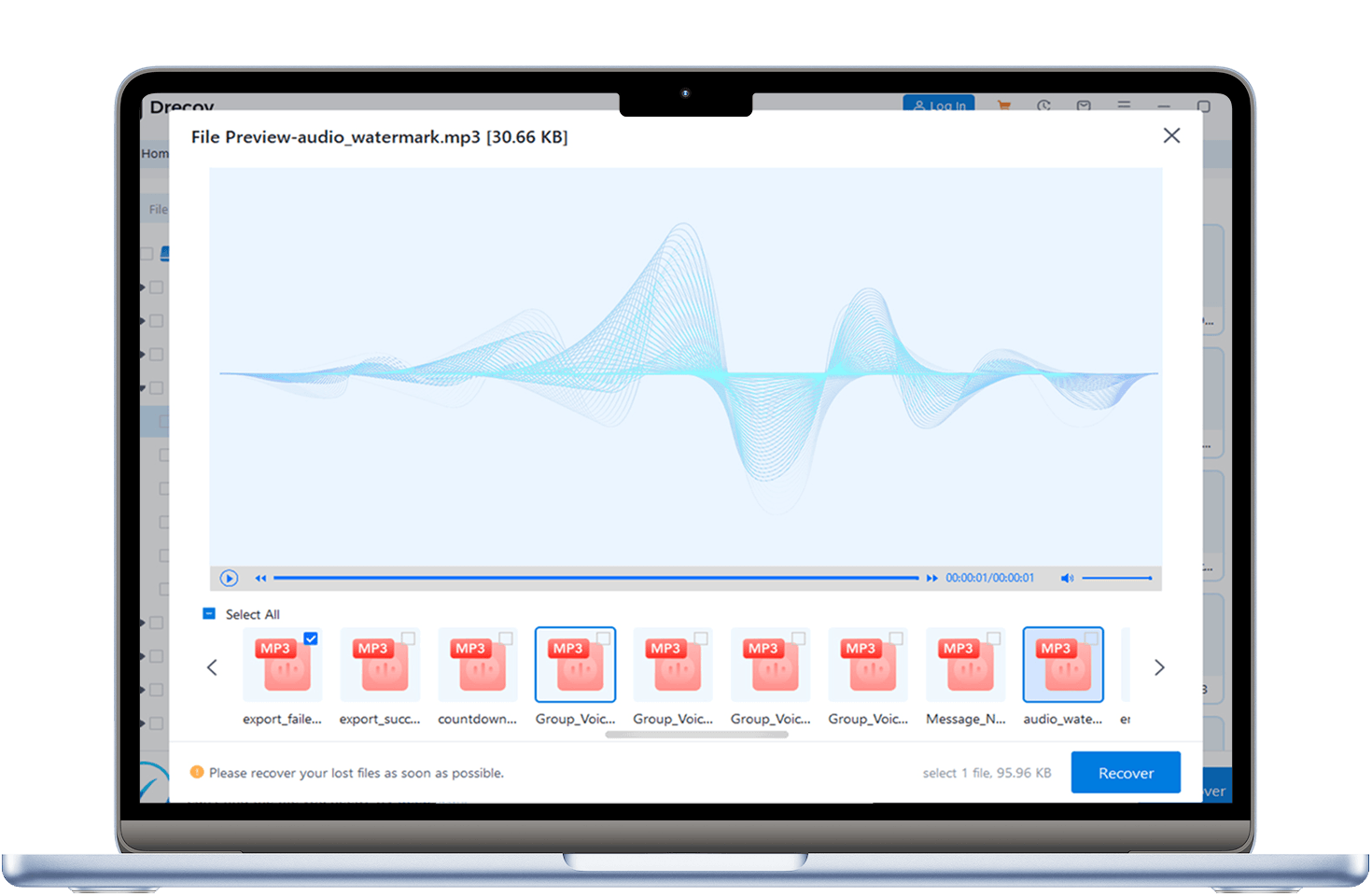
Drecov offers fast, reliable audio recovery for all formats and devices. With easy-to-use tools, selective file recovery, and preview options, it ensures lost audio is restored safely and efficiently.

Support all format

Versatile Device Compatibility

Selective Recovery

Quick scan and deep scan
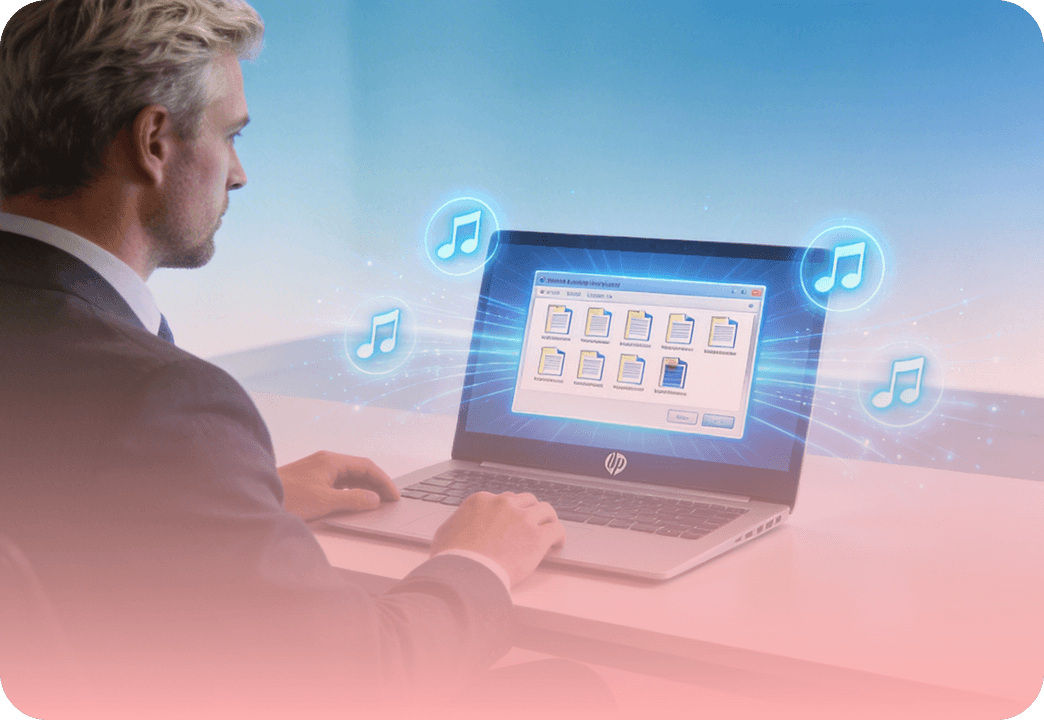
Batch recovery
Device
Supported
Device Types
Our solution supports recovery for various devices and file types to meet your diverse needs.






100% Safe
24/7 Support
Money-Back Guarantee
No Data Loss Risk
High Success Rate
3 Steps
to Recover Formatted USB Drive Data
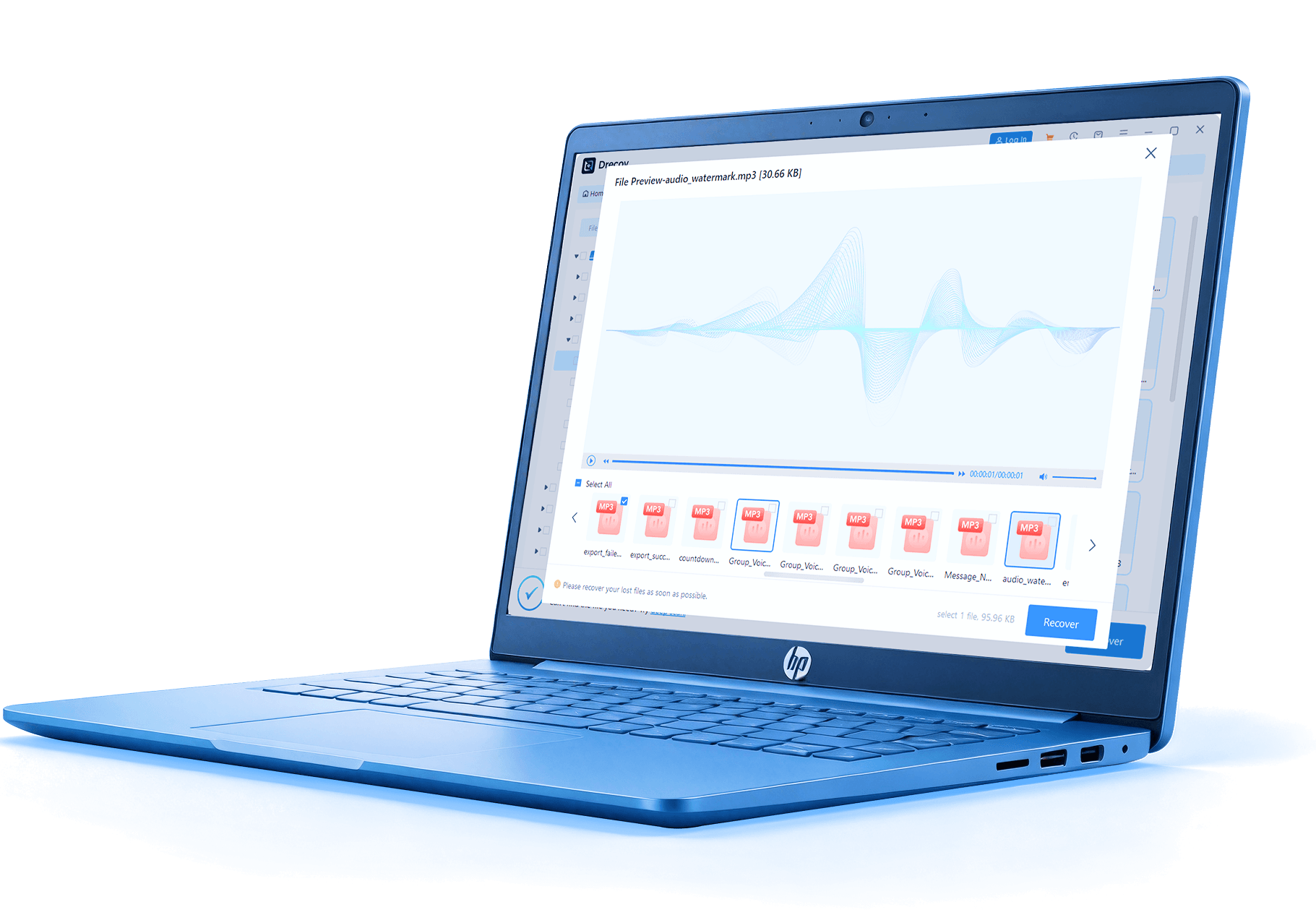
PandaOffice Drecov simplifies the recovery process—get back lost audio files in just 3 steps
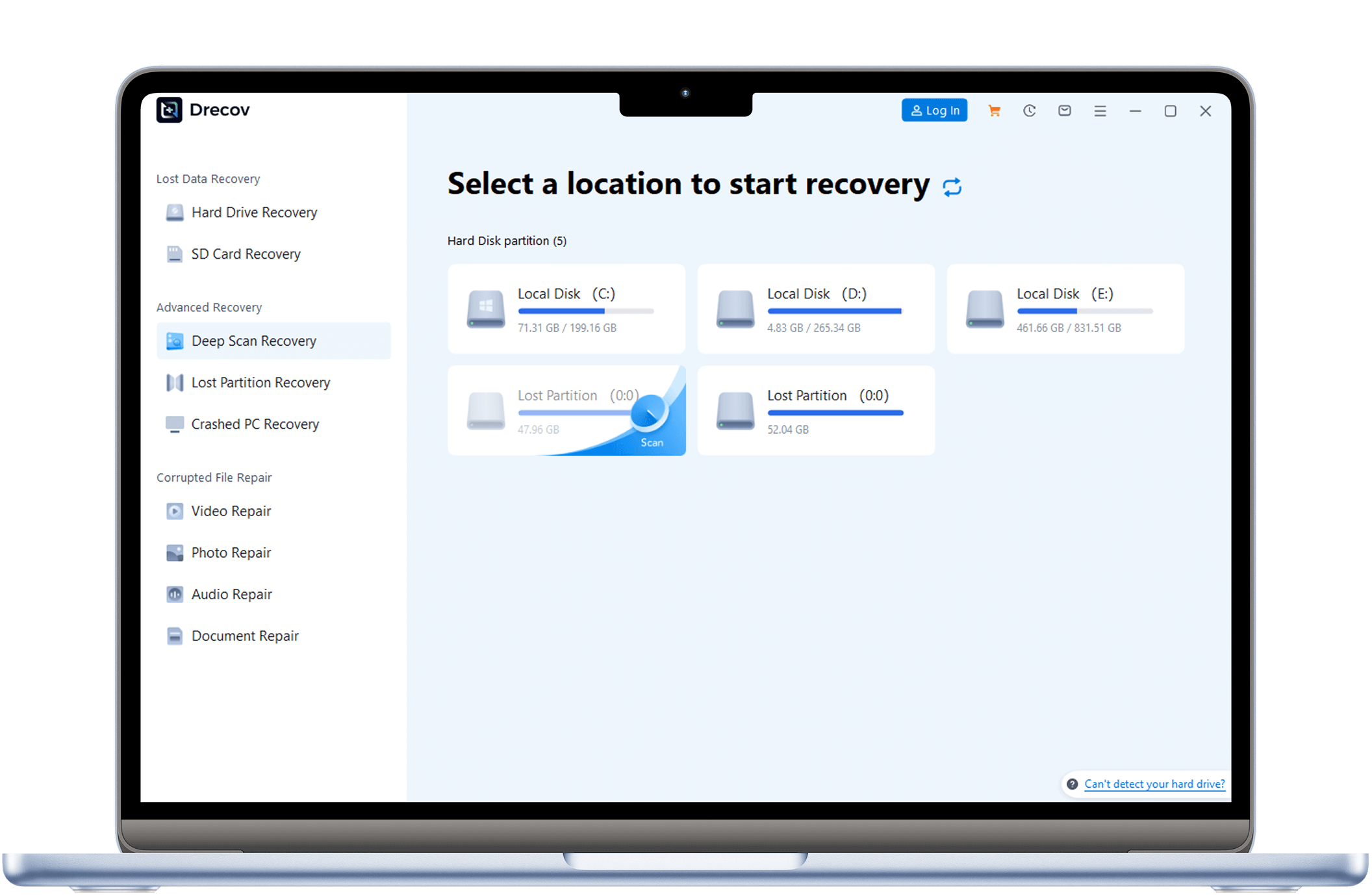
setp 1
Download & Install
Download and install PandaOffice Drecov. Locate the audio storage location and click “Scan”.
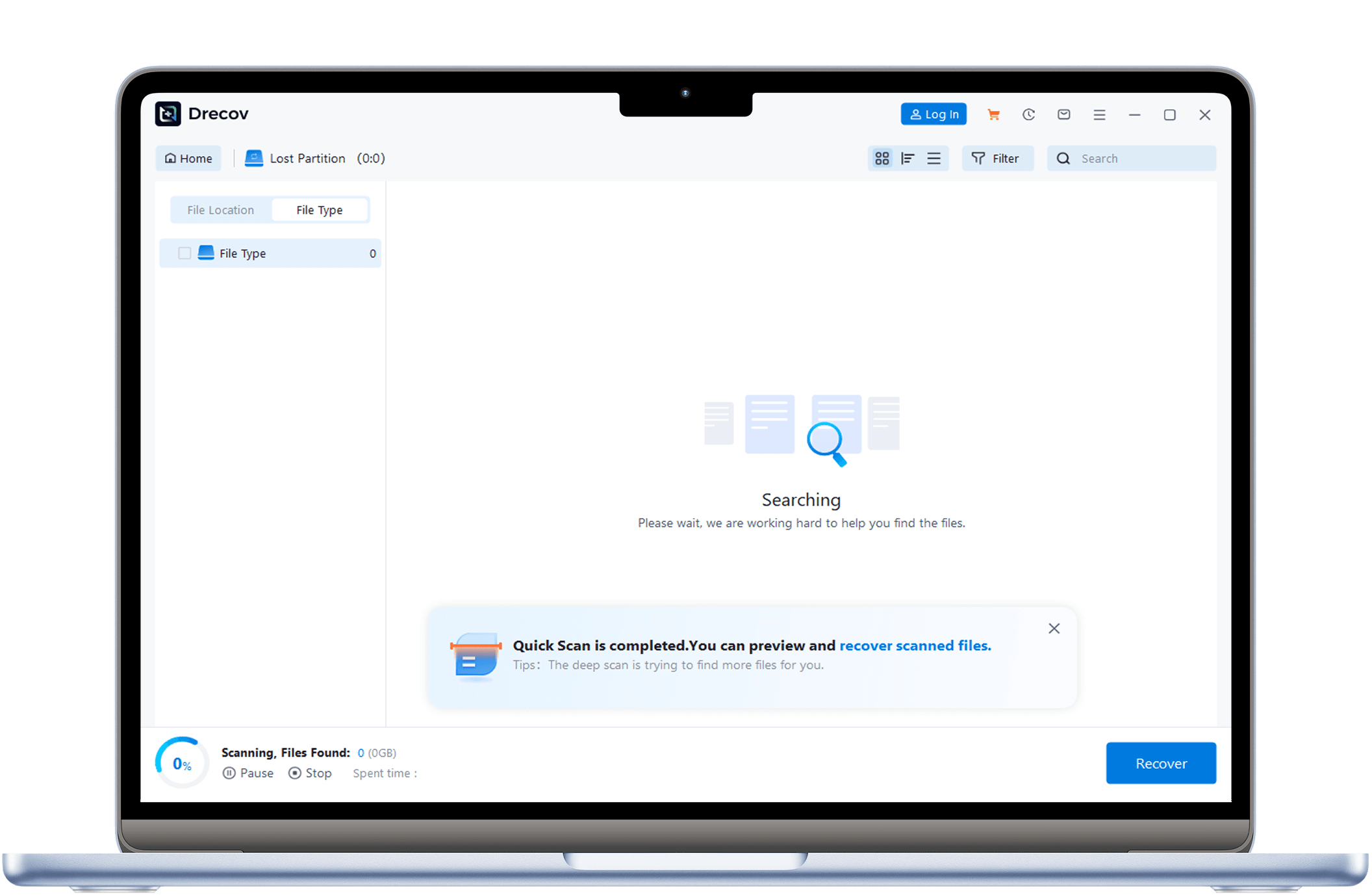
Step 2
Scan for Lost Audio Files
Scan the location of the audio to look for the lost audio files
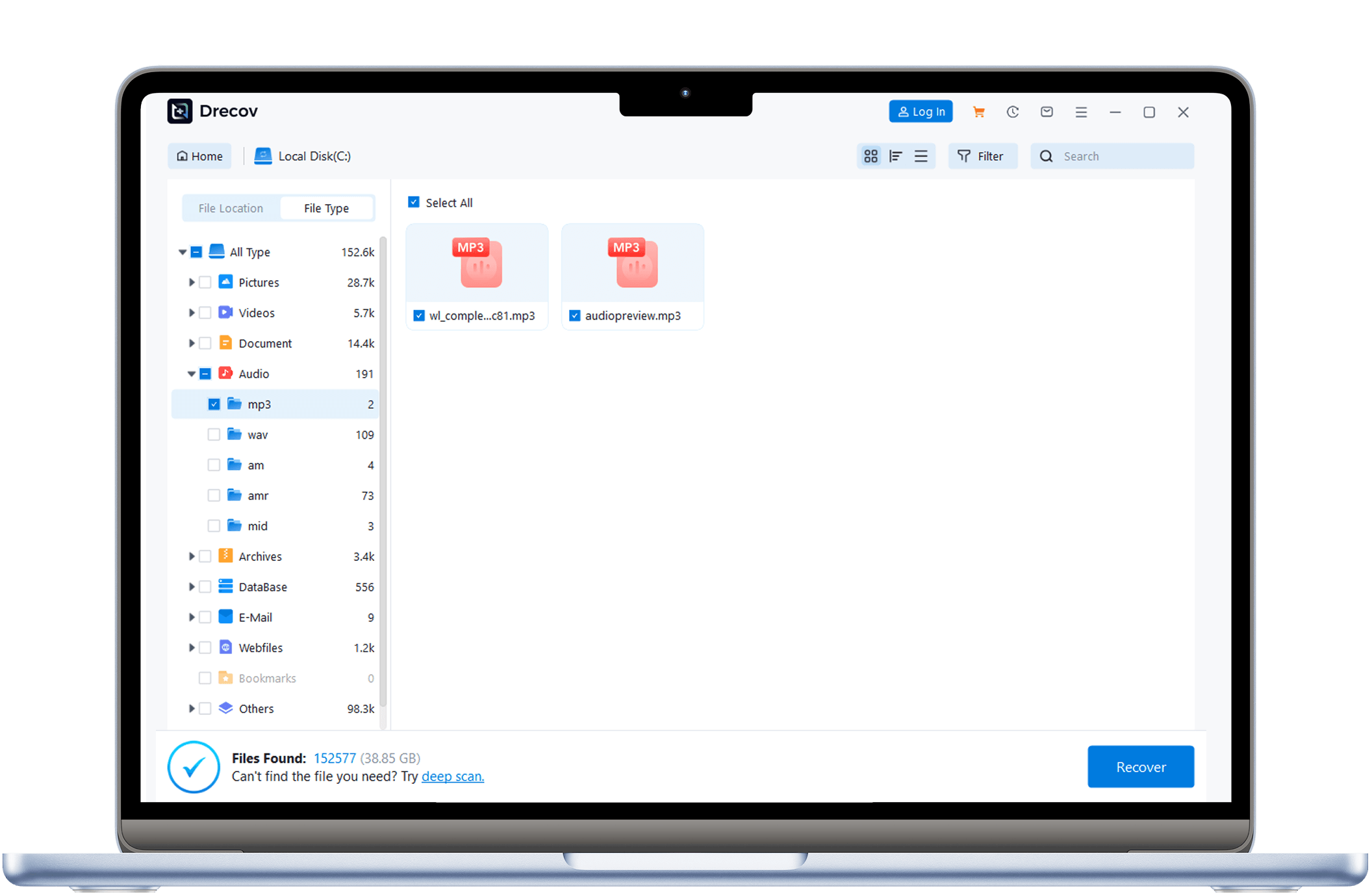
Step 3
Preview & Recover Files
After scanning, preview found files, check the ones you need to recover, click “Recover”, and save to another location.
Hear from Our Users
Users from all walks of life have chosen PandaOffice Drecov and successfully recovered their audio data. Read their stories.

Michael Chen
Music Producer
“I often work with a lot of audio files. This audio recovery software helped me retrieve accidentally deleted recordings. It’s easy to use and very fast—saved me a lot of time!”


Sara Lim
Podcast Host
“The interface is intuitive, and I recovered my lost podcast audio in just minutes. The quality was intact and it’s very reliable. Highly recommended for anyone needing audio recovery.”

David Tan
IT Technician
“As an IT technician, I need reliable recovery tools. This audio recovery software supports multiple formats and deep scanning, allowing me to easily restore clients’ accidentally deleted audio files.”
Audio recovery Articles & Tutorials
Watch detailed articles and tutorials to easily master audio data recovery methods.
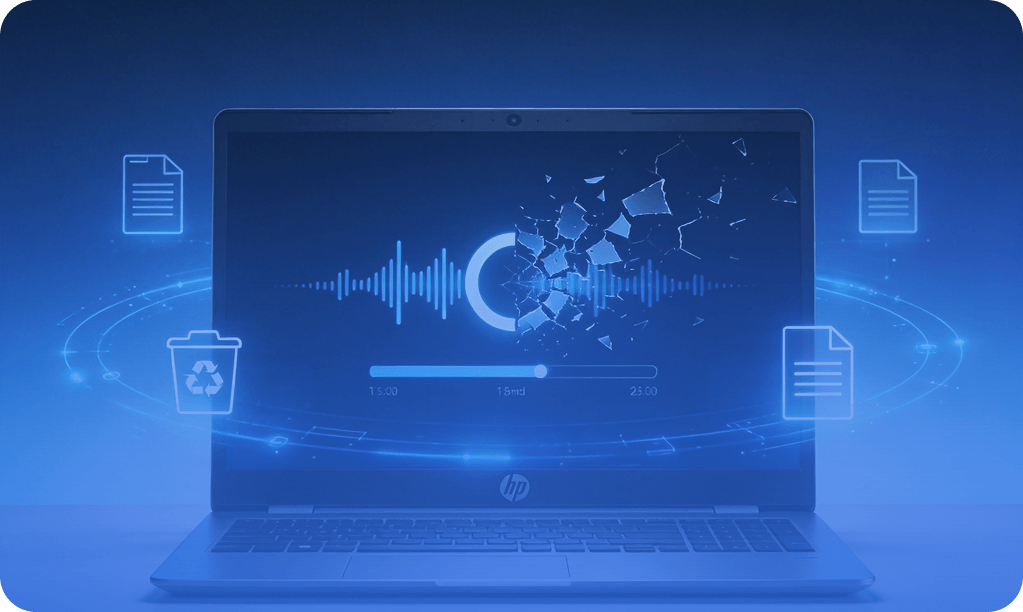
How to Recovery Deleted or Corrupted Audio Files – Complete Guide
A concise guide to deleted audio recovery and audio corrupted file recovery, showing practical methods and tools to restore lost music and recordings safely.
AMR Audio Recovery: Complete Guide to AMR Files and How to Recover Them
This guide explains AMR audio recovery, including causes of file loss and effective solutions. Learn how to restore deleted or corrupted recordings using amr audio file recovery software, backups, and repair methods while preventing future data loss.

How to Perform SD Card Audio Recovery: Recover Deleted Audio Files
This guide covers SD card audio recovery methods, including software, backups, and system tools. Learn how to restore deleted or corrupted audio files safely using reliable steps and prevent future data loss.
Download Now and Get Your Audio Files Back
Don’t wait—download PandaOffice Drecov now and begin your audio recovery instantly. Use the free scan to preview recoverable files before upgrading to the full version.



