






Recover Lost Partition Data Quickly and Safely
99.8% Success Rate
PandaOffice Drecov is a powerful lost partition recovery tool that quickly restores deleted, lost, or inaccessible files from accidental deletion, formatting, or system errors.
For Windows11/10/8/7/Vista/xp
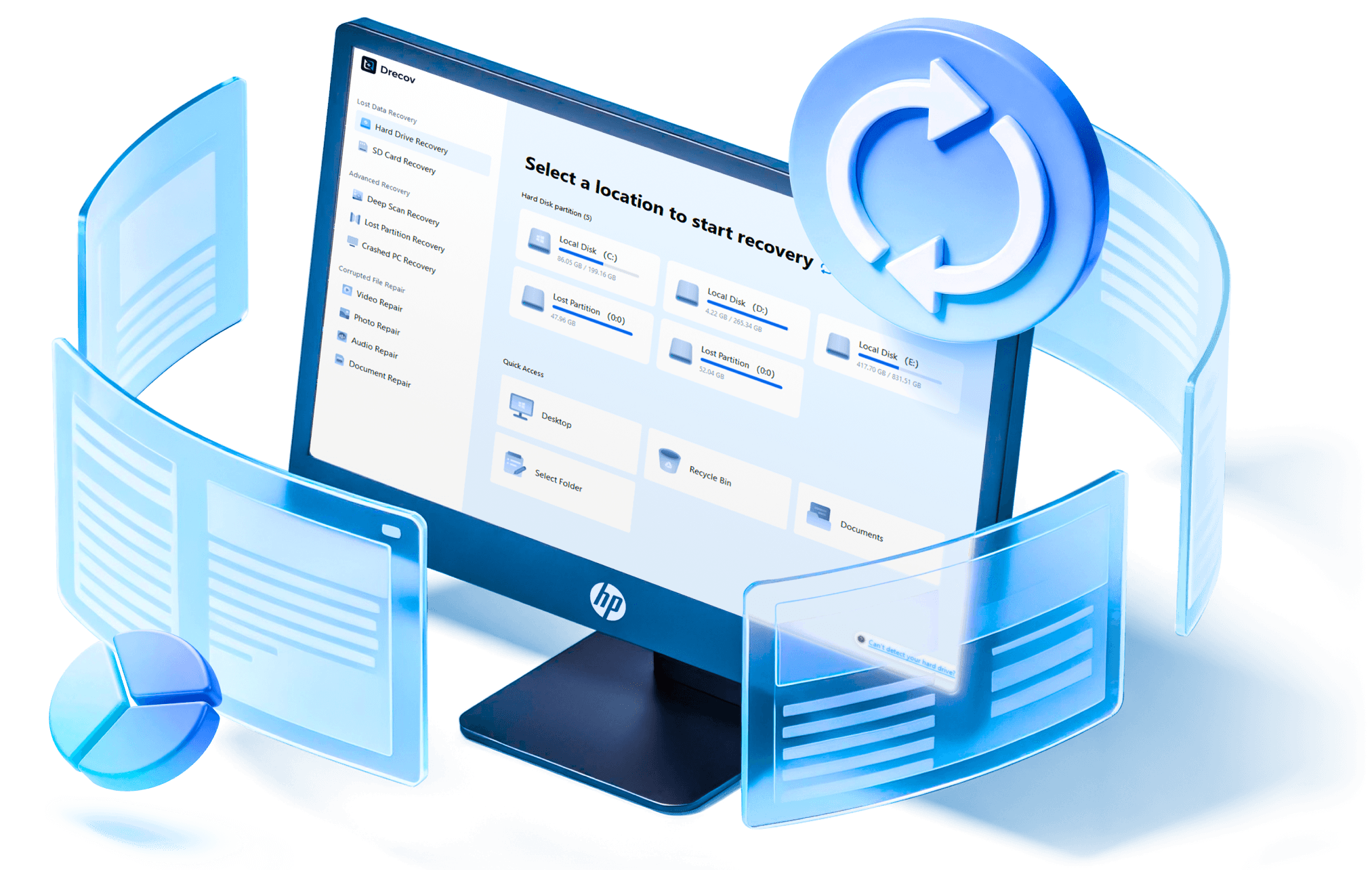

File Recovery Formats

Average Scan Time

Quick & Deep Scan

Safety Guarantee
Scenarios
Handles All Common Data
Loss Scenarios
No matter how your files were lost, Drecov is built to handle it
Deletion

Accidental Deletion
Files accidentally deleted or permanently removed after emptying the recycle bin.
RAW

Corrupted or RAW drives
Drives turn RAW or corrupted, making files unreadable or inaccessible.
Lost Partitions
Lost Partitions
Data lost after disk formatting or when partitions become missing or inaccessible.
Virus

Virus Attacks or Corruption
Data lost, hidden, or damaged after virus infection or malware attacks..
Crashes

System Crashes
Files become inaccessible due to system crashes, blue screens, or boot failures.
Disconnection

Unexpected Power Loss or Disconnection
Data loss caused by sudden power outages or improper device removal.
Wide Compatibility
Supported Storage Devices
Supported File Types









PandaOffice Drecov –
Lost Partition
Recovery Solution
PandaOffice Drecov-The Best Lost Partition Recovery Software for Fast and Reliable Data Recovery
Why Choose PandaOffice Drecov for Lost Partition Recovery?

The intuitive interface allows users of all skill levels to quickly navigate and recover files.
Recover data from hard drives, SSDs, USB drives, SD cards, and other storage devices.
Quick scan finds recent files instantly, while deep scan locates hidden or older data.
Preview files before restoring to ensure only the correct and intact files are recovered.
High success rate for restoring files lost due to deletion, formatting, or system errors.
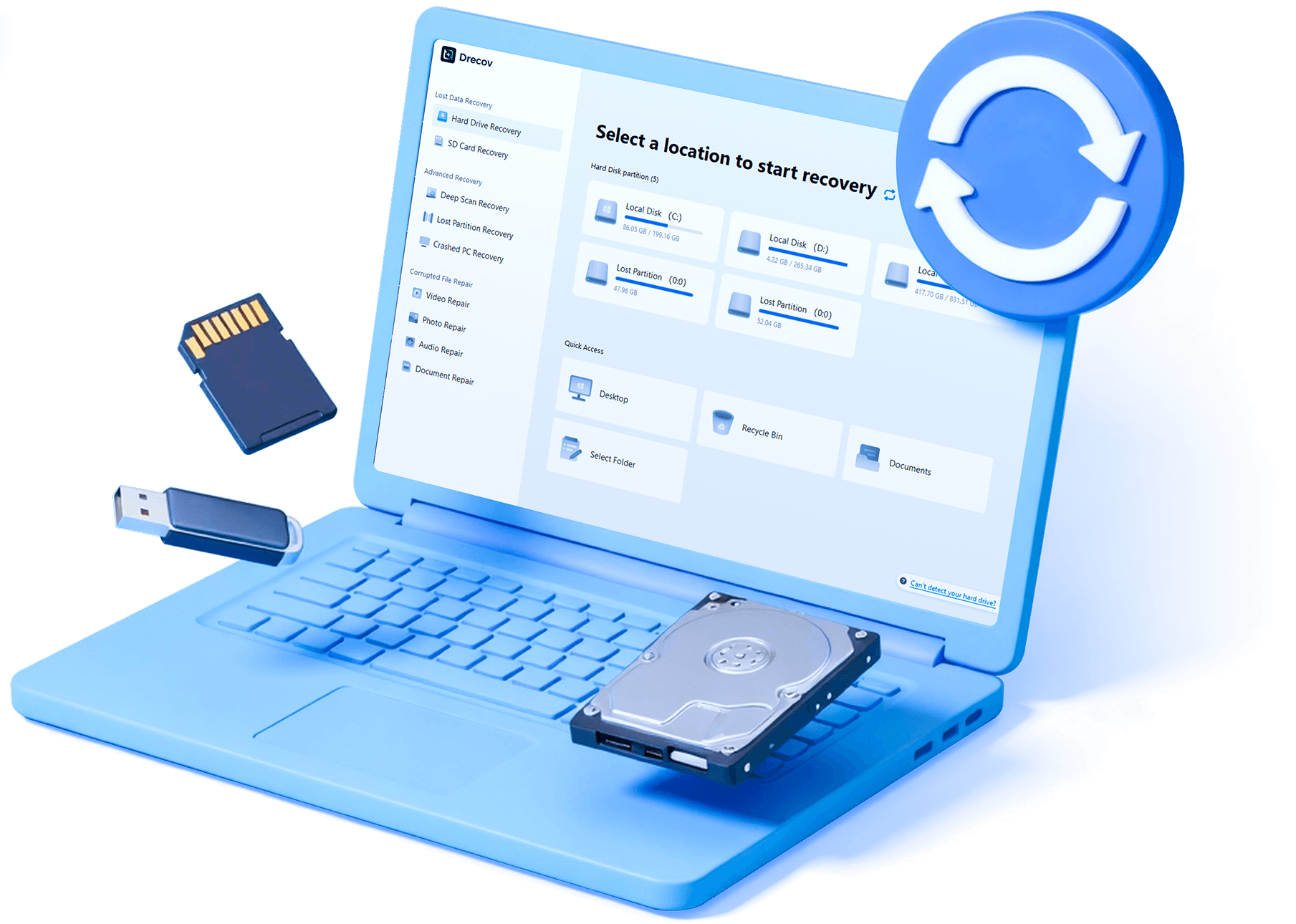
Steps
3 Simple Steps to Recover Data
No professional skills needed – anyone can master the process quickly.
1
1
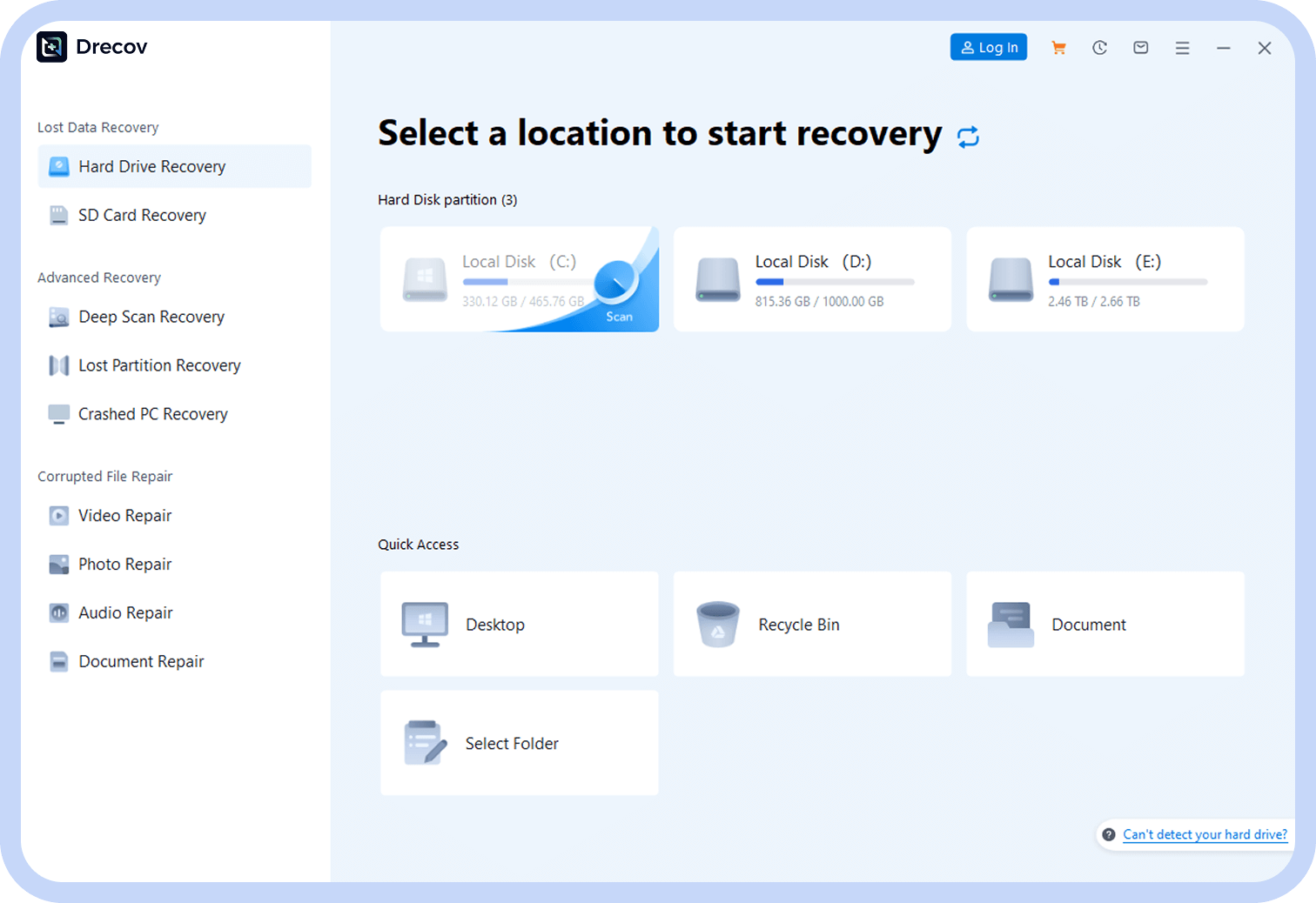
Select Scan Location
Launch the software, then choose the location/device where files were lost.
2
Deep Scan for Files
Click “Deep Scan” – the software automatically searches for recoverable files.
2
3
3
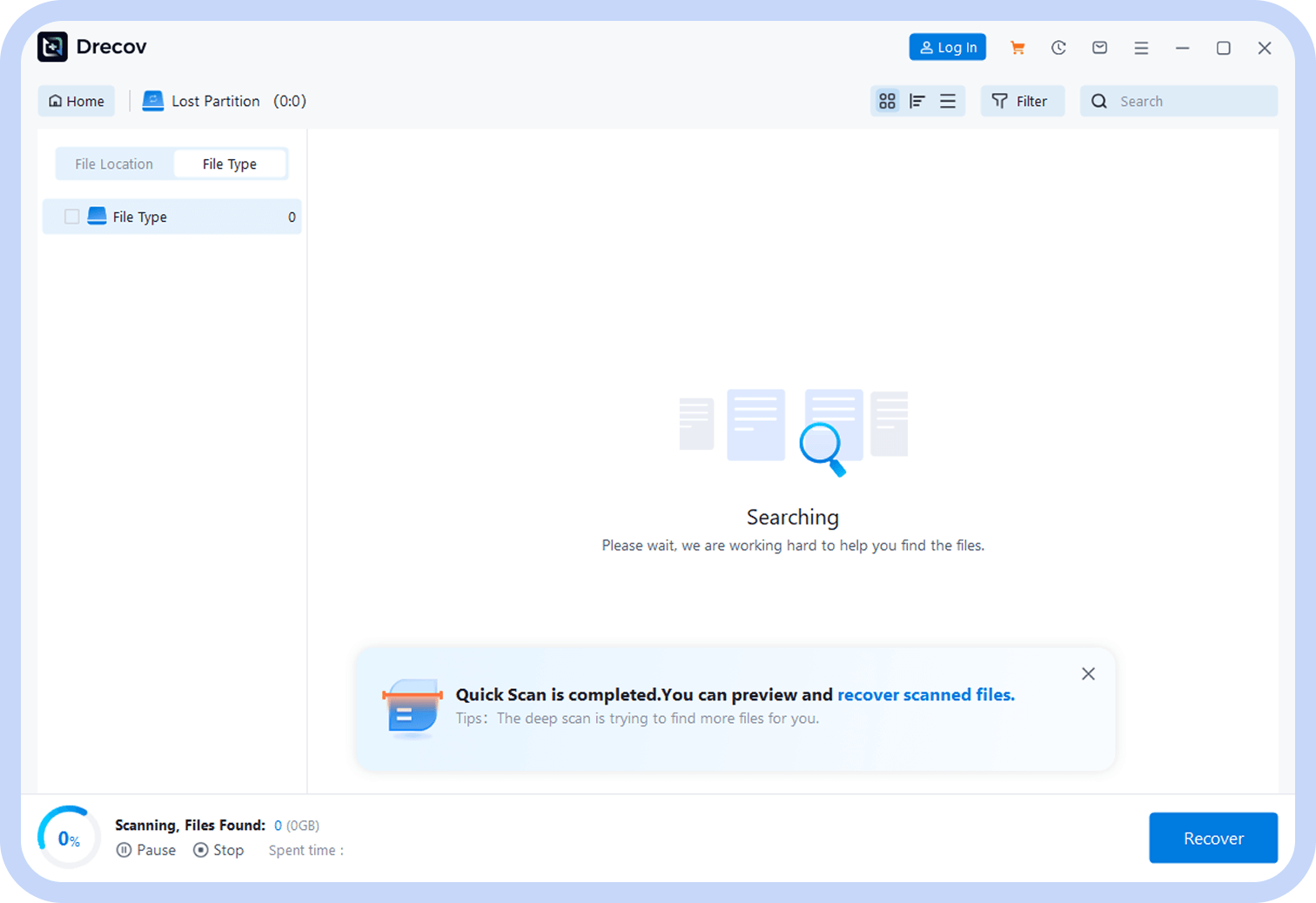
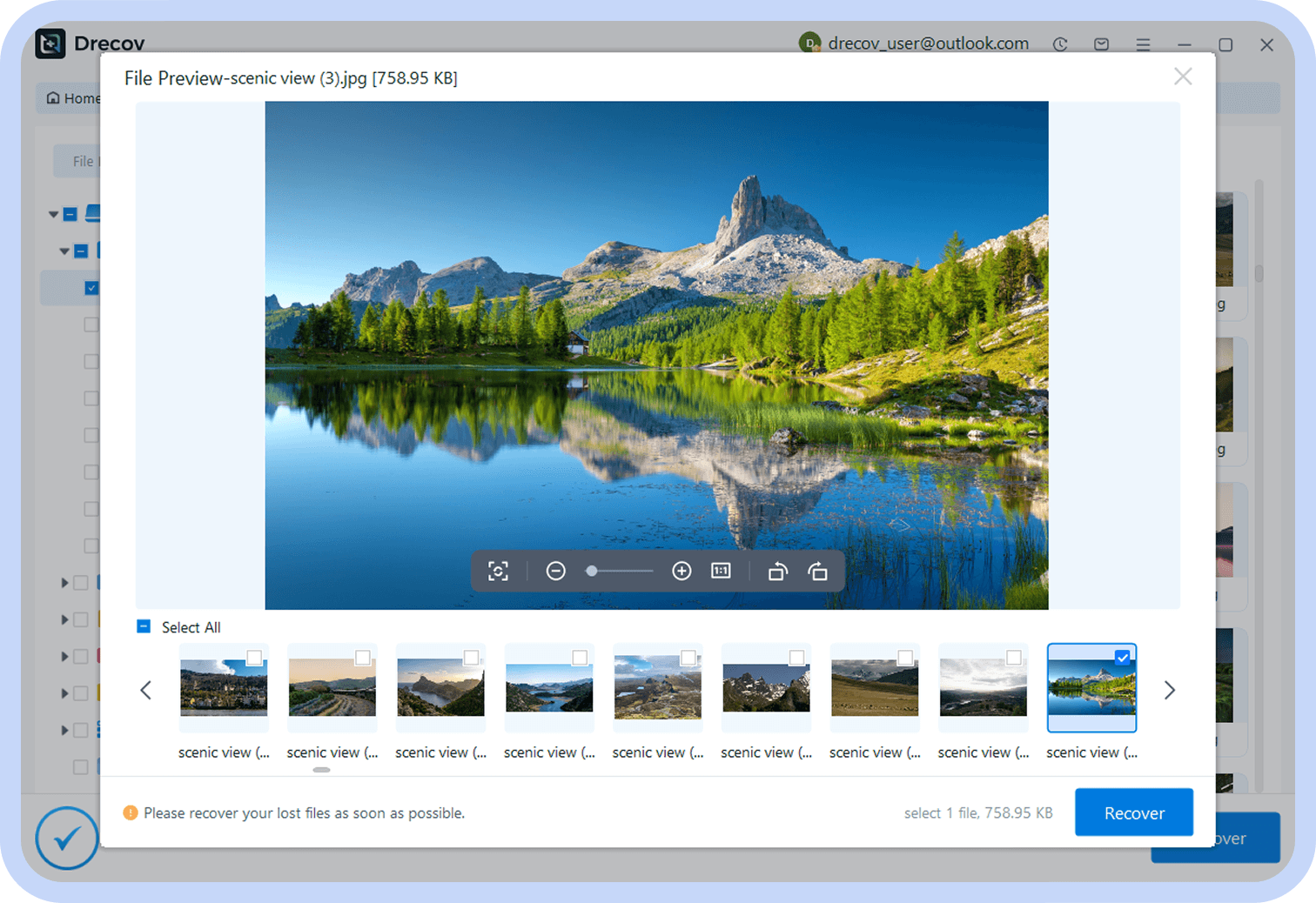
Preview & Recover
Preview found files, select the data to recover, and save it.
User
Success Stories
See how others recovered data from lost partition with PandaOffice Drecov

John Miller
IT Specialist

“I accidentally formatted my partition and lost critical files. PandaOffice Drecov recovered everything flawlessly. Easily the best lost partition recovery software I’ve tried.”
Recovery Scenario: Formatted Partition
Recovered: Critical Files.

Emma Chen
Graphic Designert
“Fast, reliable, and user-friendly. The deep scan found files I thought were gone forever. Highly recommend PandaOffice Drecov for anyone facing data loss.”
Recovery Scenario: Virus-Induced Formatting
Recovered: Word Docs, PDF Files

David Rodriguez
Small Business Owner
“After a system crash, PandaOffice Drecov helped me restore essential documents. Previewing files before recovery made the process seamless. Truly the best lost partition recovery software.”
Recovery Scenario: System Crash
Recovered: Documents
Recovery
Lost Partition Recovery
Articles & Tutorials
Learn detailed lost partition data recovery methods for different devices and scenarios to easily solve lost partition data issues


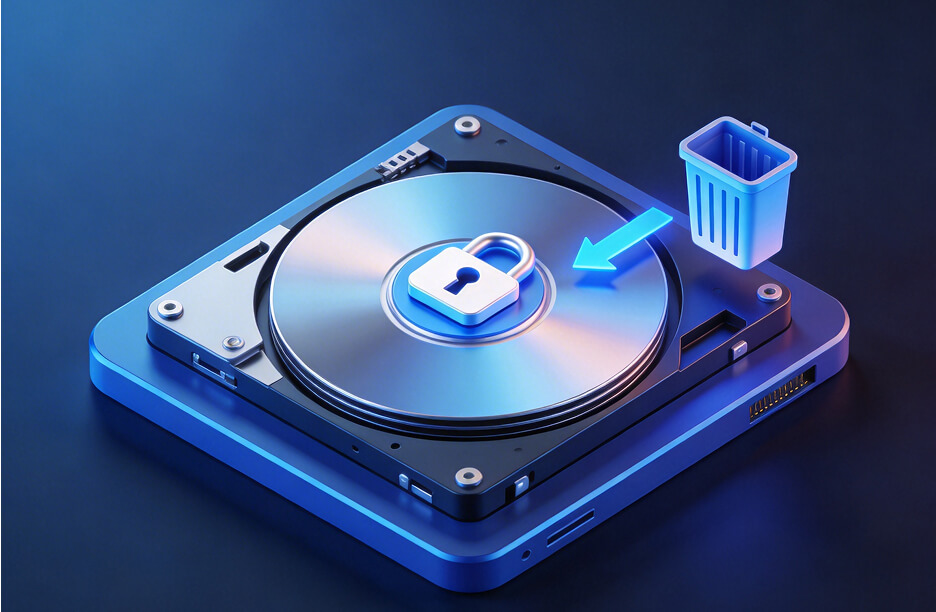
How to Delete a Recovery Partition in Windows Safely
This guide explains how to delete recovery partition Windows creates, including deleting healthy recovery partitions using DiskPart, PowerShell, and other methods. Learn safe steps, precautions, and solutions when Windows blocks the deletion process.

How to Remove a Healthy Recovery Partition in Windows Safely
This comprehensive guide shows multiple ways to safely remove a recovery partition in Windows, including Disk Management, DiskPart, PowerShell, and Pandaoffice Drecov, helping you free up space while keeping your system secure and optimized.

How to Recover Lost Hard Disk Drive Partitions Safely
This comprehensive guide explains multiple ways to recover lost or deleted partitions on Windows, including Disk Management, DiskPart, PowerShell, and Pandaoffice Drecov, ensuring data safety and efficient disk recovery.
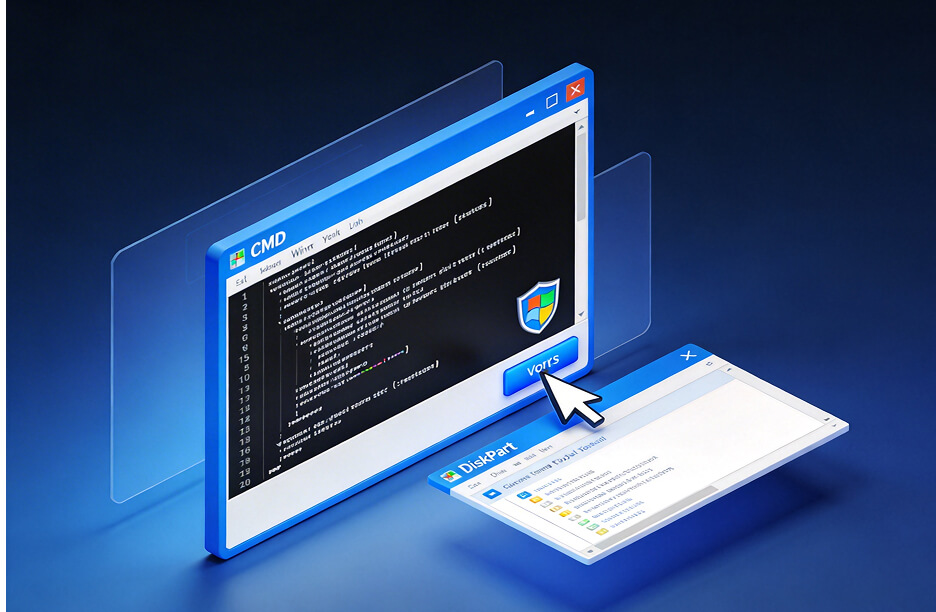

How to Delete Recovery Partition in Windows 10 Safely
This guide explains multiple ways to delete recovery partition in Windows 10, including Disk Management, DiskPart, PowerShell, and Pandaoffice Drecov, helping users reclaim disk space while keeping their system stable.
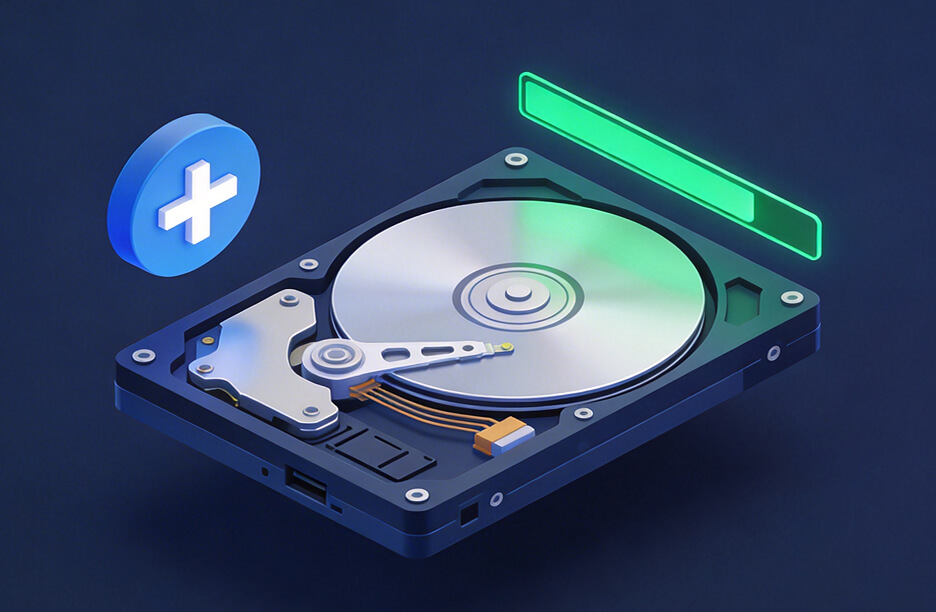

How to Create a Recovery Partition in Windows 10
This comprehensive guide explains how to create a Windows 10 recovery partition, covering built-in tools, DiskPart, PowerShell, and Pandaoffice Drecov, helping users secure their system and restore Windows easily.
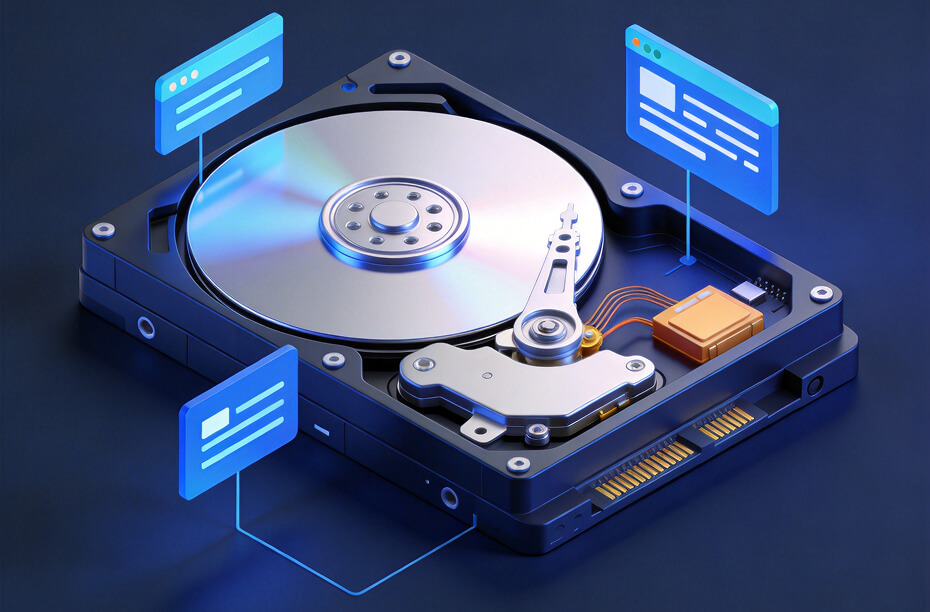
How to Move a Healthy Recovery Partition in Windows 10/11
This complete guide explains what a healthy recovery partition is and shows how to move it in Windows 10/11 using built-in tools, PowerShell, DiskPart, and Pandaoffice Drecov for safe system recovery.
Membership Plan
Choose Your Membership Plan
Select the perfect plan for your data recovery needs with flexible pricing options.
1 Month License
Files Recovery for 2 PCs
$39.99
/month

Lost Data Recovery
Recover 3000+ file formats
Support 2000+ device recovery
Unlimited data recovery
Unsaved file recovery
USB & SD Card recovery

Advanced Recovery
Deep scan algorithm
Lost partition recovery
Recover from crashed PC

File Repair
Repair damaged videos
Repair damaged images
Repair damaged audio
Repair damaged documents
No Auto-Renewal
1 Year License
Files Recovery for 3 PCs
$59.99
/month
Lost Data Recovery
Recover 3000+ file formats
Support 2000+ device recovery
Unlimited data recovery
Unsaved file recovery
USB & SD Card recovery
Advanced Recovery
Deep scan algorithm
Lost partition recovery
Recover from crashed PC
File Repair
Repair damaged videos
Repair damaged images
Repair damaged audio
Repair damaged documents
No Auto-Renewal
Lifetime License
Files Recovery for 5 PCs
$79.99
/month
Lost Data Recovery
Recover 3000+ file formats
Support 2000+ device recovery
Unlimited data recovery
Unsaved file recovery
USB & SD Card recovery
Advanced Recovery
Deep scan algorithm
Lost partition recovery
Recover from crashed PC
File Repair
Repair damaged videos
Repair damaged images
Repair damaged audio
Repair damaged documents
No Auto-Renewal



