









When You Need Email Recovery Most
Common situations where emails are lost and need fast recovery with Drecov
Accidental Deletion
Emails removed by mistake can be quickly restored before they are permanently lost.
Emptying trash folder
Even after clearing the trash, Drecov can scan deep storage for recoverable emails.
Account hacking
If your email account was compromised, deleted messages can still be retrieved.
System crash or update failure
Unexpected system errors may corrupt email data, but recovery is still possible.
Email client corruption
Outlook or other client issues may hide or damage emails, which Drecov can restore.
Sync failure across devices
When email sync breaks, missing messages can be recovered from local or cloud traces.
Device
Supported Email Formats
for Recovery
Drecov supports multiple email clients and file formats for maximum compatibility

PST

EMLX

MBOX

EML

MSG

DBX
100% Safe
24/7 Support
Money-Back Guarantee
No Data Loss Risk
High Success Rate
Reason
Why
Choose Us?
A powerful and user-friendly solution for fast and reliable email recovery


High recovery rate
Maximizes the chance of restoring lost emails even after formatting or corruption.

Easy-to-use interface
Simple steps designed for both beginners and advanced users without technical skills.

Wide compatibility
Supports major email clients, file formats, and both Windows and Mac systems.
Steps
3 Simple Steps
to Retrieve Lost Emails
PandaOffice Drecov’s email recovery software is easy to use—no professional knowledge required, anyone can master it
setp 1
Download & Install
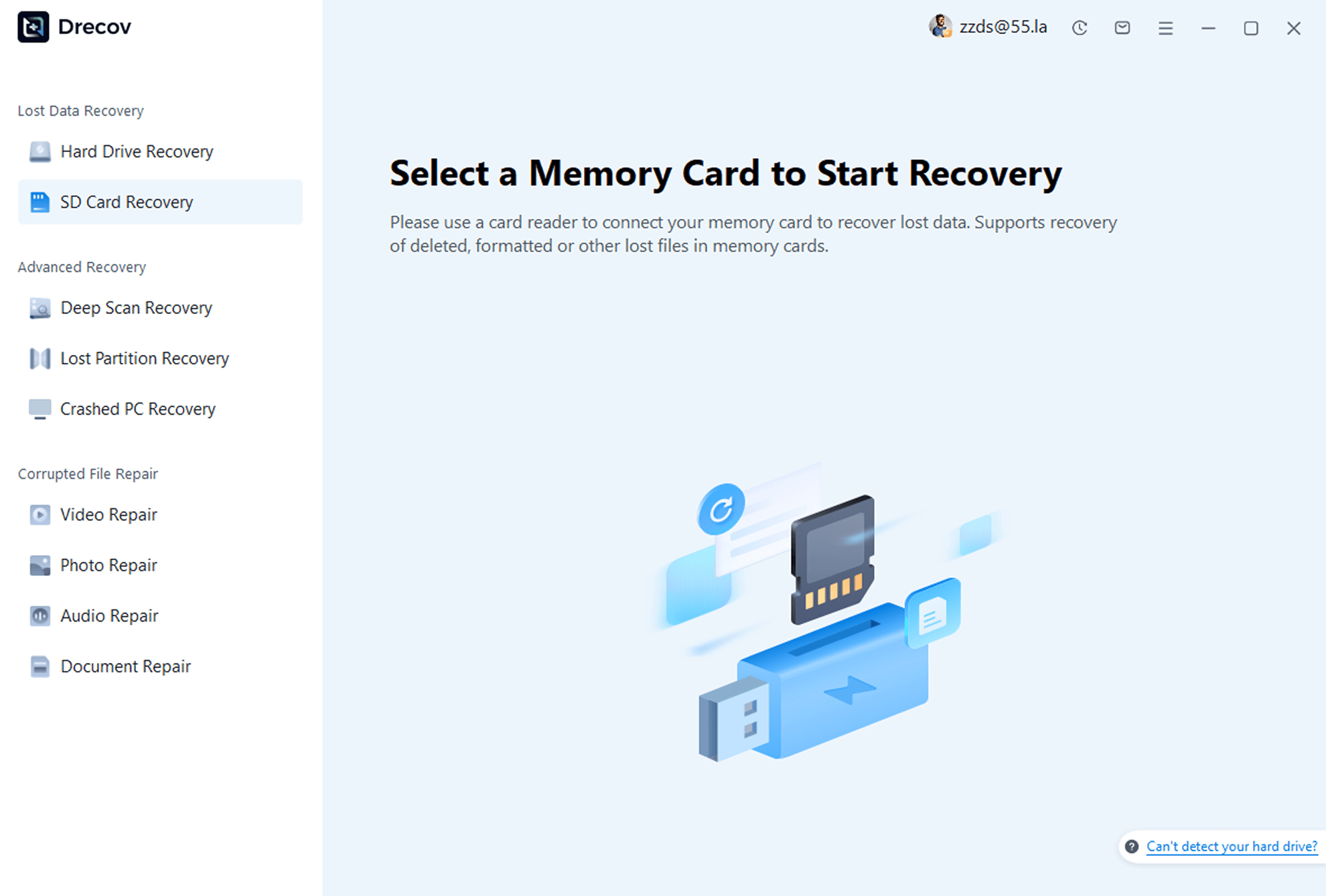
Download and install PandaOffice Drecov on your computer. Launch the program and select the “SD Card Recovery” feature.
setp 2
Select Device & Scan
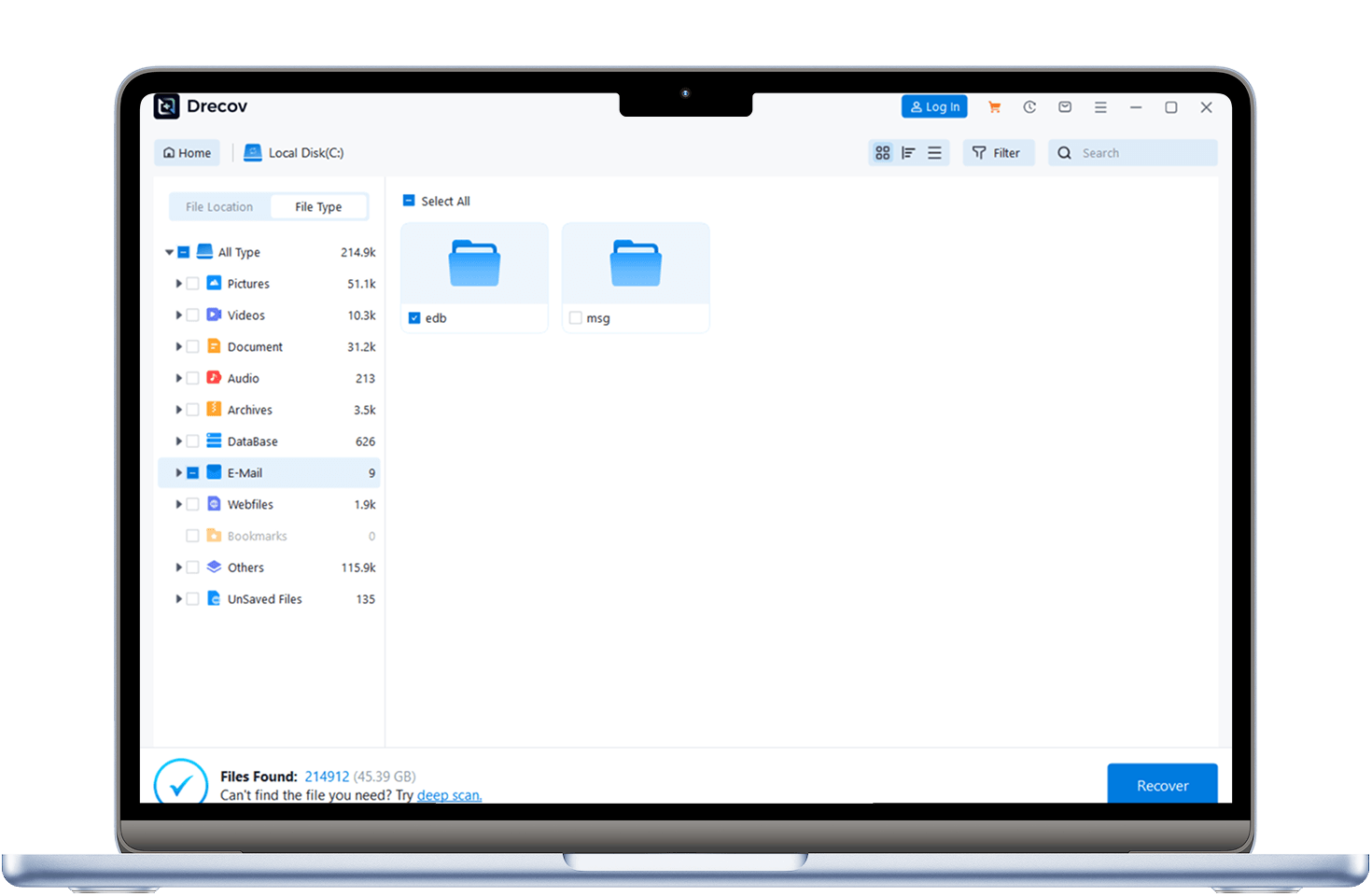
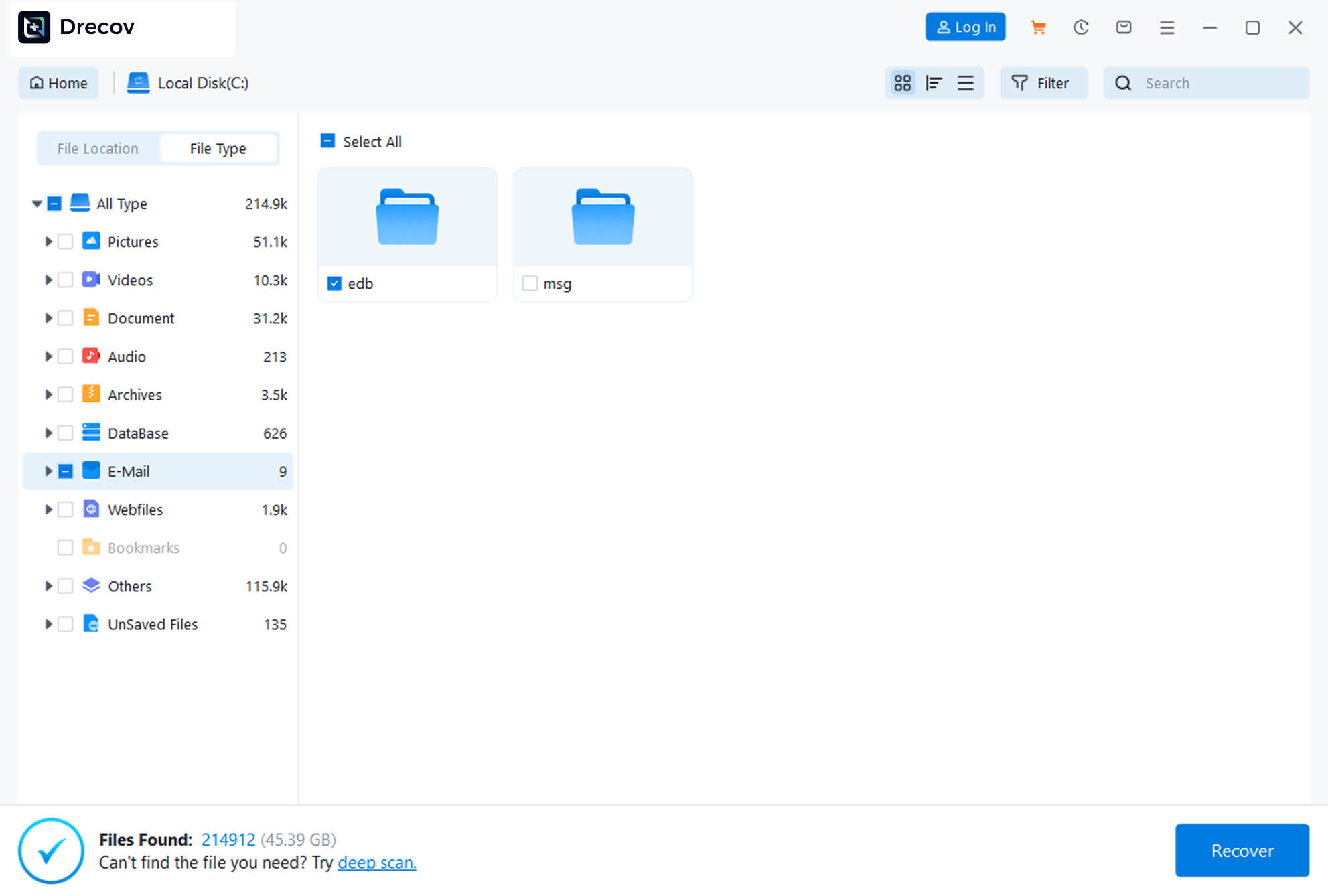
Choose the storage device where emails were lost, start the scan, and the software will automatically scan for recoverable emails.
setp 3
Preview & Recover
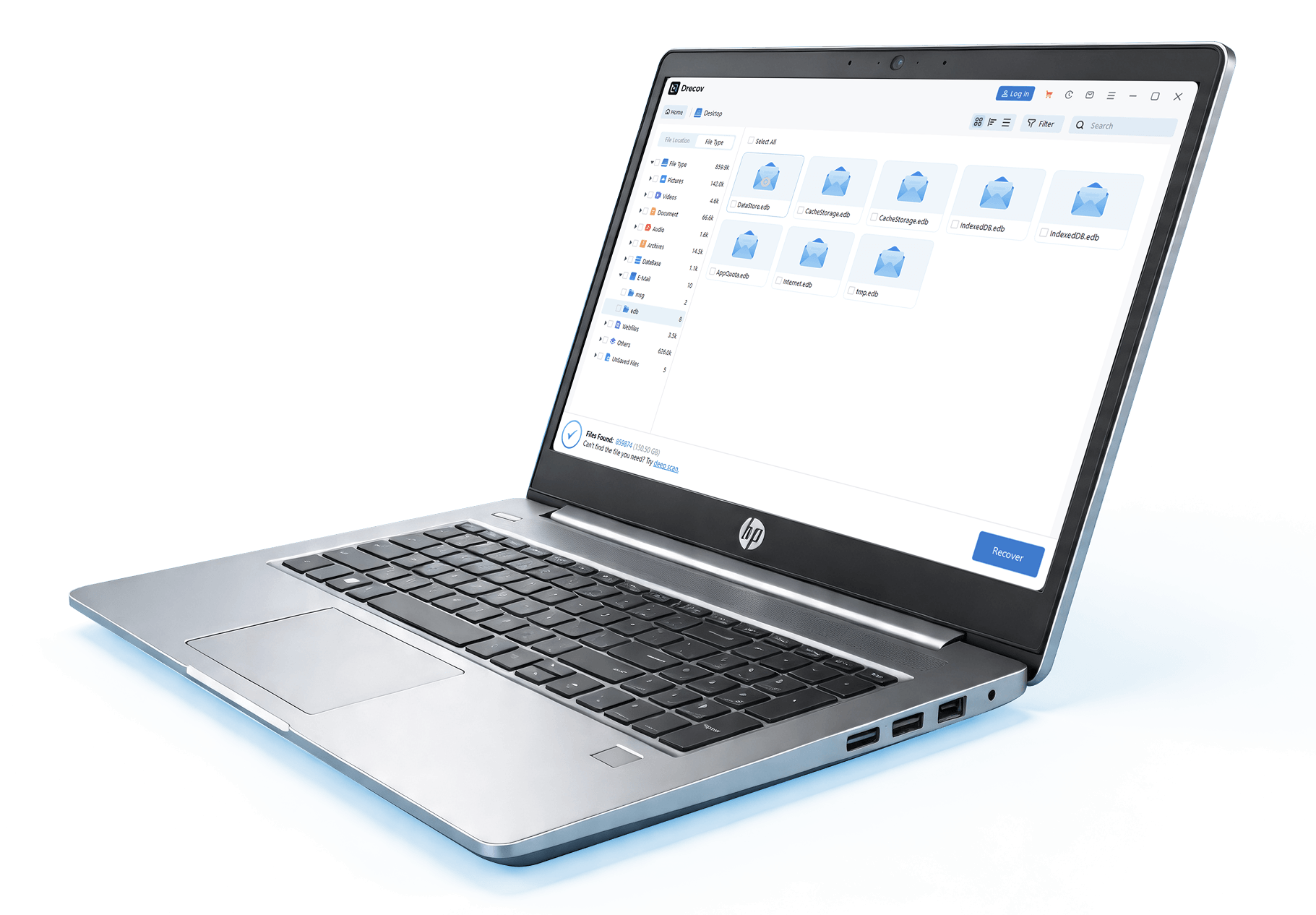
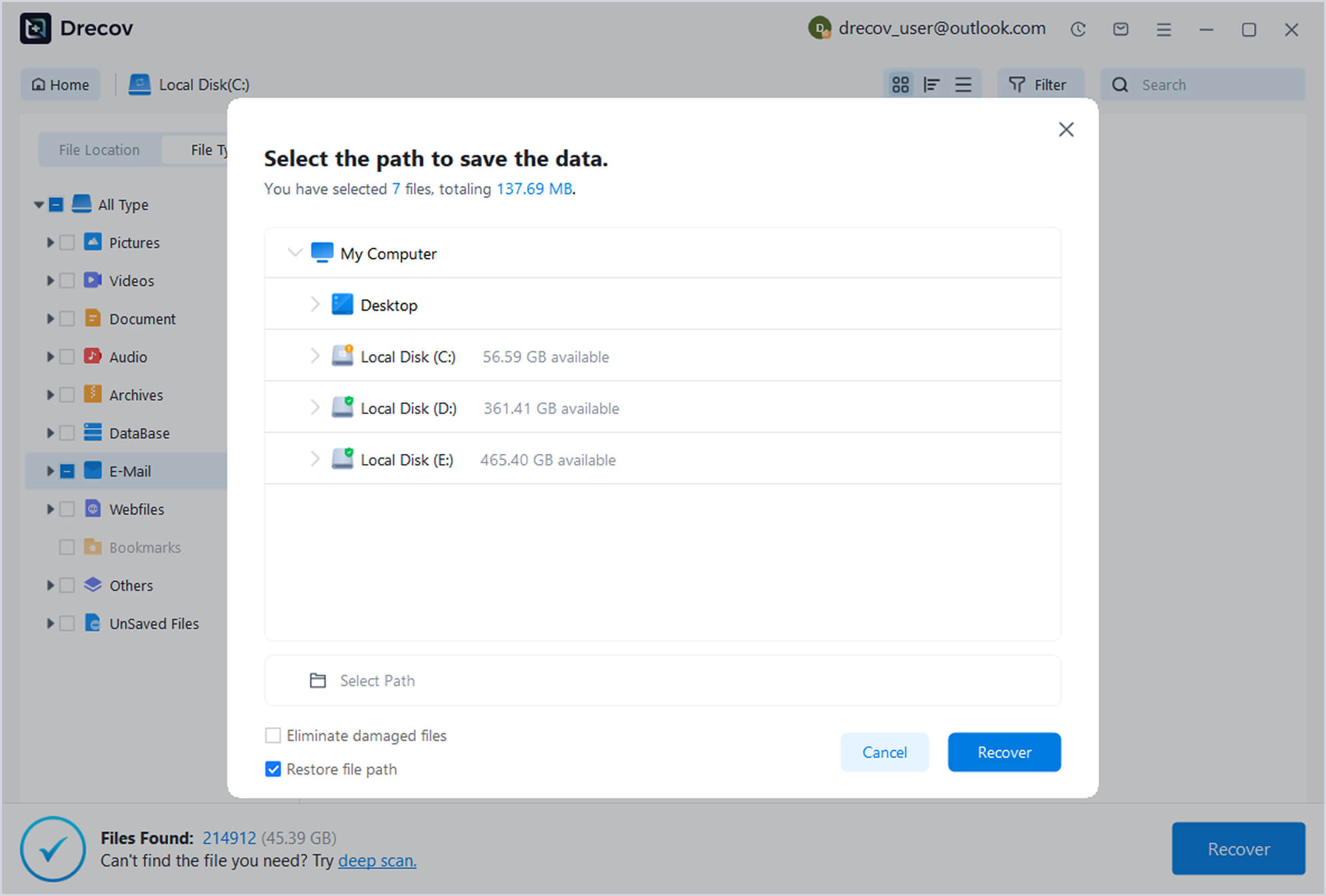
After scanning, preview the found emails, check the ones you need to recover, and click the “Recover” button to save them to a safe location.
Reviews
Customer
Reviews
See how other users retrieved their precious emails with PandaOffice Drecov
98
%
Success Rate
100K
+
Happy Users
5M
+
Emails Recovered
24
/
7
Expert Support

“I accidentally deleted an entire project email folder. Drecov recovered everything in minutes.”

John Miller
IT Technician
“After a system crash, I thought my emails were gone forever. This tool saved my work.”

Sarah Thompson
Marketing Manager
“Very easy to use and surprisingly effective. I recovered important client emails quickly.”

David Lee
Freelance Consultant
How to Recover Emails Step by Step
Simple guides to restoring lost emails using PandaOffice Drecov quickly and safely

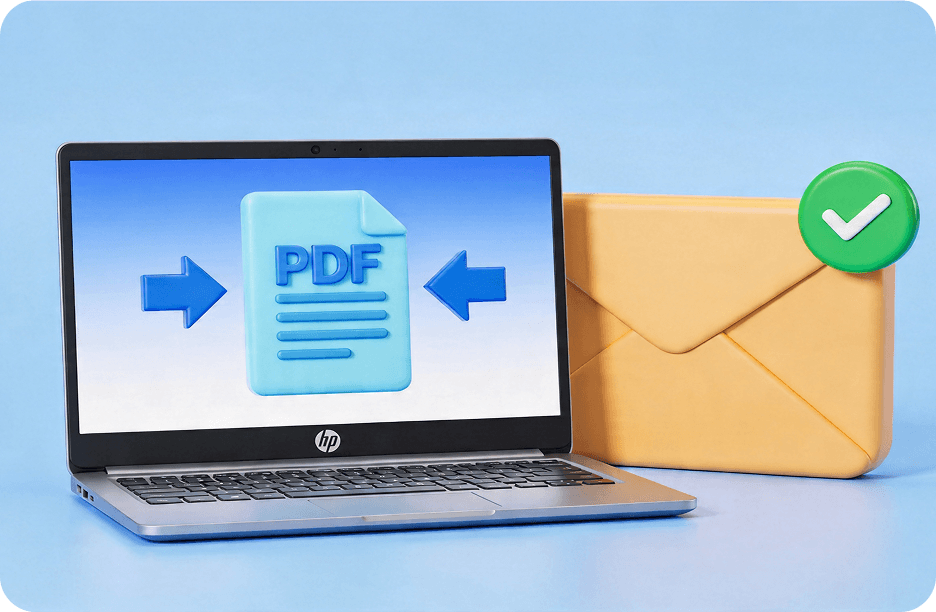
How to Fix“PDF Too Large to Email”and Compress Files Easily
This guide shows how to solve the pdf too large to email problem using compression, file splitting, and cloud tools.
Google Email Account Recovery: How to Recover Gmail
Learn how to recover google account with recovery email, troubleshoot access issues, and follow official Gmail recovery steps.
Complete Guide to Microsoft Email Recovery: Restore Deleted Outlook Emails
Learn microsoft email recovery methods to restore access, reset passwords, and manage your microsoft account.

Guide to iCloud Recovery: Restore Deleted Emails and Reset Apple ID Access
Learn how to effectively prevent data loss with a good backup strategy, safe deletion habits, and system maintenance tips.
Yahoo Email Accounts and Reset Password Recovery Guide Safely
This guide explains how to recover lost Yahoo accounts, perform yahoo email password recovery, reset passwords.
How to See Archived Email in Gmail: A 2026 Guide to Recovery
Learn to use PandaOffice Drecov for restoring local backups and follow our expert steps to convert recovered .edb files into readable.
FAQ
Frequently
Asked Questions
Answers to common questions about Email recovery
Yes, Drecov can retrieve emails even after permanent deletion if data has not been overwritten.
Yes, it fully supports PST and OST files used by Microsoft Outlook.
Yes, it performs read-only scanning and does not modify original data during recovery.
Yes, you can preview recovered emails before saving them to ensure accuracy.
No, Drecov is designed with a simple interface suitable for all users.



