







Recover RawTherapee Edits: PP3 Profiles, Cached Settings, and RAW Checks
For example, suppose a landscape still opens but its careful crop and highlight treatment have vanished. Your priority is the matching saved recipe. If the photograph itself cannot open, start with the source file and its surviving copies. A small PP3 file can preserve valuable choices, but it holds processing instructions rather than the camera’s full pixel data. Keep that distinction throughout recovery.

Recover Notepad++ Tabs: Session Backups, Saved Versions, and Encoding Checks
Start by describing the missing work precisely. Was the tab named new 3, or did it already have a complete file path? Did you close just that tab, exit normally, or lose power? Does the saved document still exist with older text? These details help you choose between recovering a buffer, finding a backup, and locating the correct file instead of performing unnecessary disk scans.
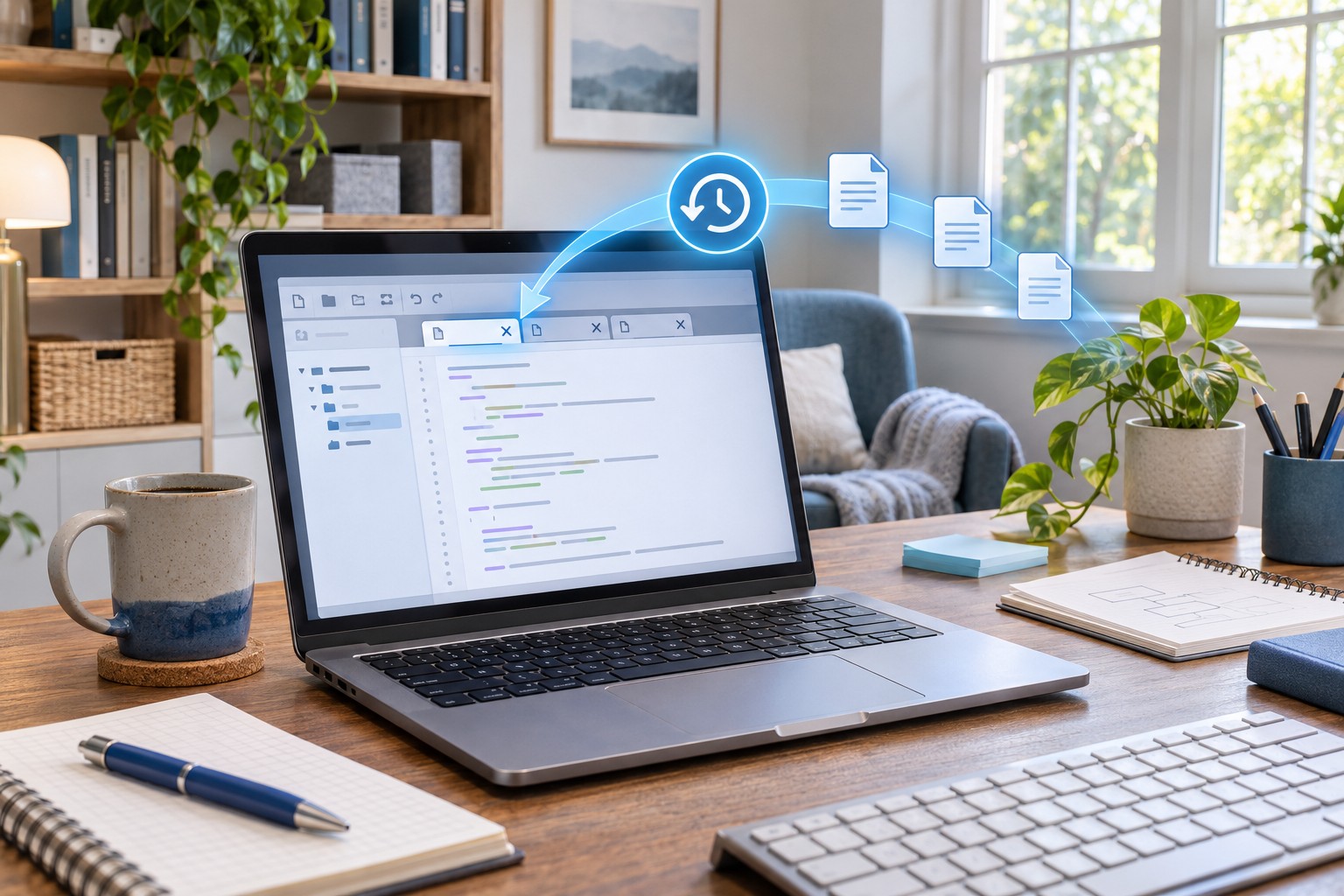
Recover Eclipse Source Files: Local History, Workspace Copies, and Project Checks
For example, an empty Package Explorer after a workspace switch can look alarming even though the project folder remains complete. By contrast, a class that opens with yesterday’s implementation may need an earlier local-history state. Record the project path, active workspace, missing filenames, and last known good edit. This gives you a specific target before you change project settings or search for deleted data.

Recover IntelliJ IDEA Code: Local History, Deleted Files, and Selective Reverts
Imagine that a method disappeared during cleanup, but several valuable fixes followed afterward. Reverting the whole project to yesterday could restore the method and remove those fixes. A better recovery target is the smallest coherent change: the method, its imports, and any necessary companion updates. This article focuses on that selective approach while also explaining what to check when an entire file is missing. Here, free recovery means using retained history or existing project copies without buying another recovery tool. You still need legitimate access to the installed IDE and any separately licensed dependencies.

Recover Unity Projects: Scenes, Meta Files, and Missing Asset References
For example, a model can survive on disk while its original metadata is gone. Unity may then assign a new identity when it imports the model, leaving existing scene references unresolved. Replacing the model with a visually identical copy may not repair those references. Preserve the project first, then look for the matching original files and their relationships rather than collecting isolated assets without context.

Recover MATLAB Work: ASV Backups, Command History, and MAT Files
Record the MATLAB release, current project folder, expected script or live script, and a distinctive calculation or variable. Also identify the last useful save. These details distinguish a path problem from lost content. A familiar plot or variable name alone does not prove that you opened the correct source revision or data milestone.

Recover OpenShot Projects: Recovery Versions, OSP Backups, and Missing Media
Record the OpenShot version, project path, expected duration, and a distinctive clip or transition. Also note whether the project disappeared, failed to open, or opened with missing files. Those symptoms require different investigations. Start from one concrete missing element rather than repeatedly replacing the project with whichever backup has the newest timestamp.

Recover Camtasia Projects: Auto-Saves, TREC Recordings, and Packaged Copies
Record the Camtasia version, project location, recording path, and a distinctive edit or spoken phrase. Also identify whether the missing component is the project, recording, or packaged copy. A project that opens with unavailable media differs from a missing recording. Those cases need different sources and verification steps.

Recover VEGAS Pro Projects: Autosave VEG Files, BAK Copies, and Source Media
Record the application version, project path, intended duration, and a distinctive event or transition. Also note the last useful save and whether the failure followed a crash, overwrite, or folder move. Those incidents lead to different candidates. Start with the exact missing component rather than treating every playback problem as deletion of the project.

Recover Scribus Layouts: Autosave, Emergency SLA Files, and Linked Images
Record the Scribus version, document path, expected page count, and a distinctive page or paragraph. Also note whether the incident followed a crash, an overwrite, or a folder move. An unavailable image, missing text, and unreadable native document require different investigations. Preserve the actual files before experimenting with recovery or conversion.






Copyright © 2025 PandaOffice. All Rights Reserved. The order process, tax issue, and invoicing to end users are conducted by PandaOffice Limited.