






Photo Recovery
This guide explains effective photo recovery methods for restoring deleted or lost images from computers, SD cards, and mobile devices, including practical steps and tips to improve recovery success.
TOP 4 Hot Articles
Top 4 hot articles will provide you reliable solutions to find crucial data with Drecov software.
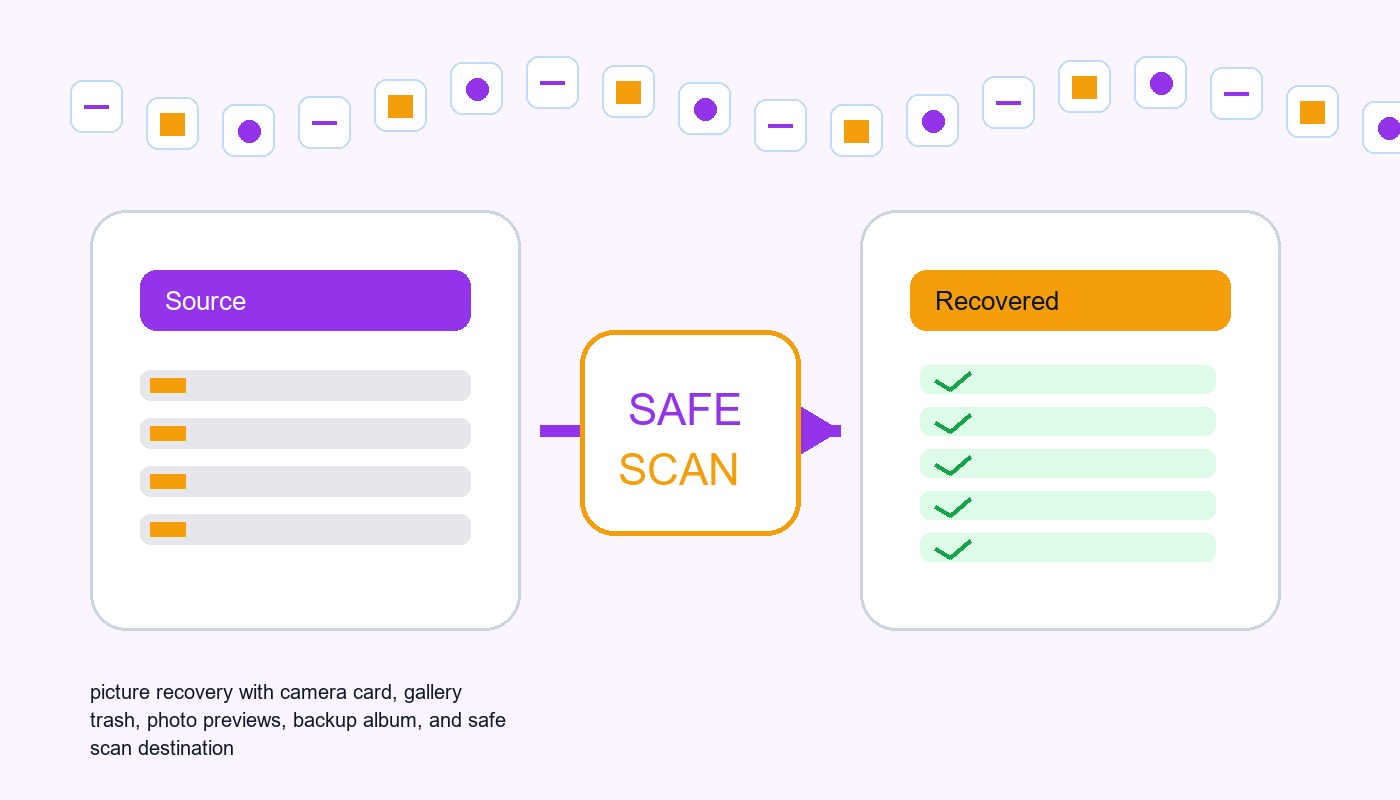

Pictures Data Recovery Software: Recover Photos Without Damaging The Source
This guide explains when pictures data recovery software can work, what built-in recovery paths to check first, and how to scan readable local storage safely.


How to Fix Corrupted Image Files Without Losing the Original
Separate viewer trouble, incomplete copies, damaged image data, and failing storage before choosing restore, recovery, or repair.


Photo Recovery Online: How to Recover Deleted Photos Online and Restore Lost Pictures
This guide explains how to recover deleted photos online, including cloud backups, deleted folders, and SD card recovery methods to restore lost pictures safely.


How to Recover Deleted Photos From Canon EOS Rebel T3i Camera
This guide explains how to recover deleted photos from Canon EOS Rebel T3i cameras. Learn about backup methods, SD card recovery, photo recovery software, and tips to protect your images.
Find a solution that suits your case
Here are file recovery guidelines for all types of files. Just choose the most suitable situation for you to retrieve your data
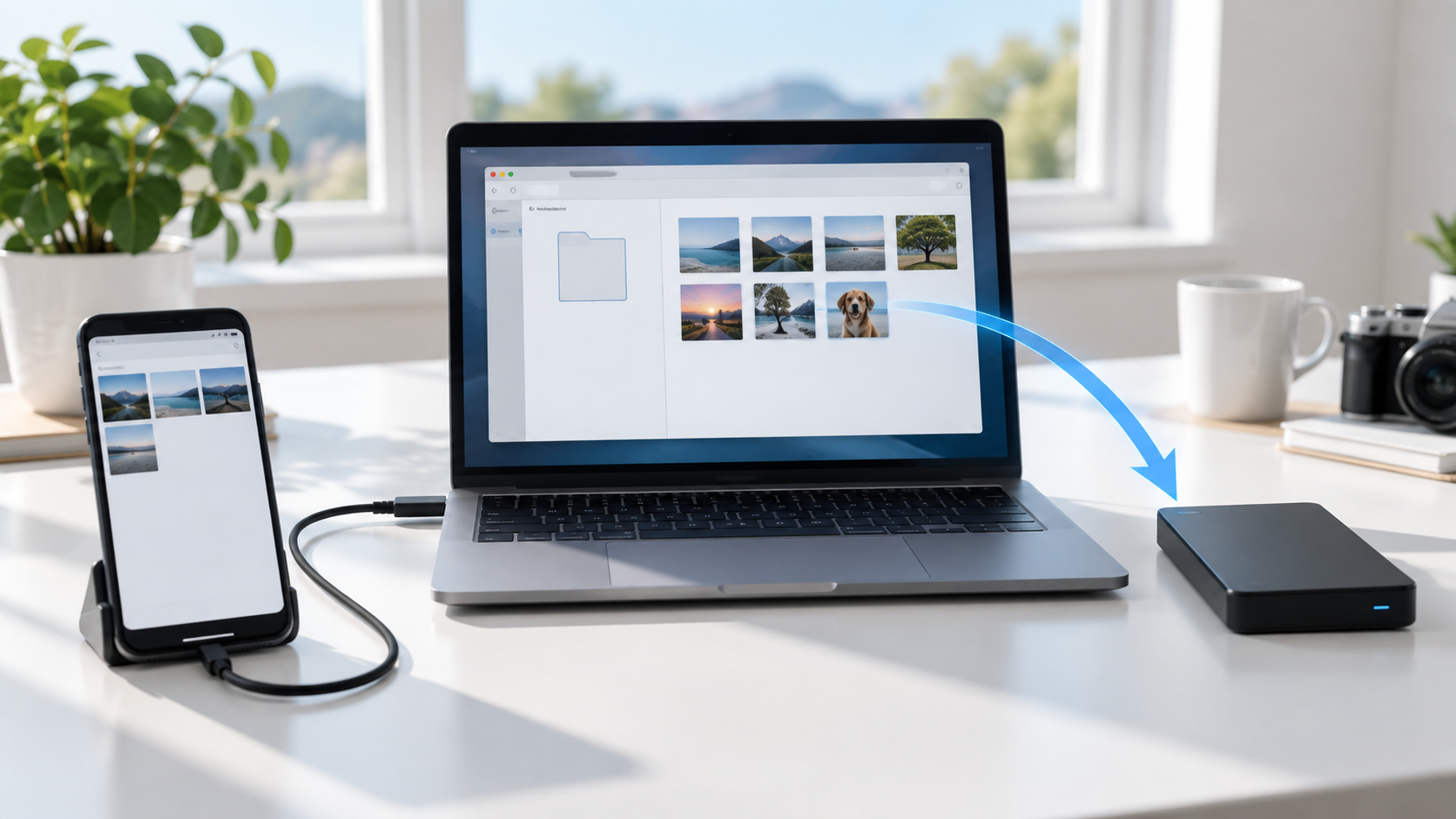

Phone Photos Missing From the DCIM Folder: Find and Recover
Read more →: Phone Photos Missing From the DCIM Folder: Find and RecoverDo not take more photos or reset the phone. Check the correct user profile, Recently Deleted, cloud photo library, Files app, hidden albums, SD card, and USB connection mode. Export recovered originals to a computer or separate drive before changing sync settings.
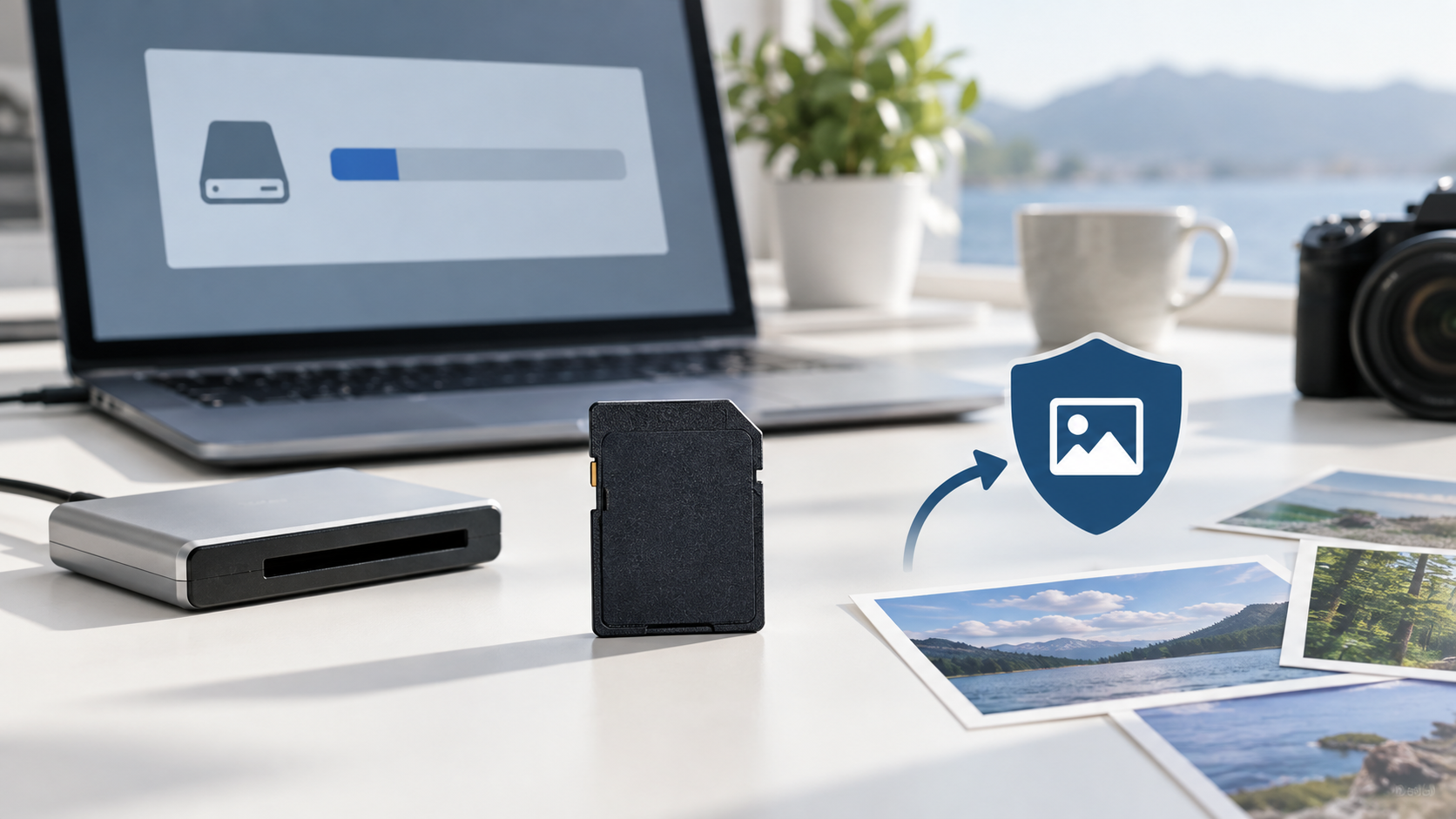
SD Card Shows the Wrong Capacity: Recover Before Repair
Read more →: SD Card Shows the Wrong Capacity: Recover Before RepairWrong capacity can come from partition damage, counterfeit media, a reader limit, or controller failure. Stop using the card, verify the physical size in another trusted reader, image the card when possible, and recover photos before repartitioning or formatting.
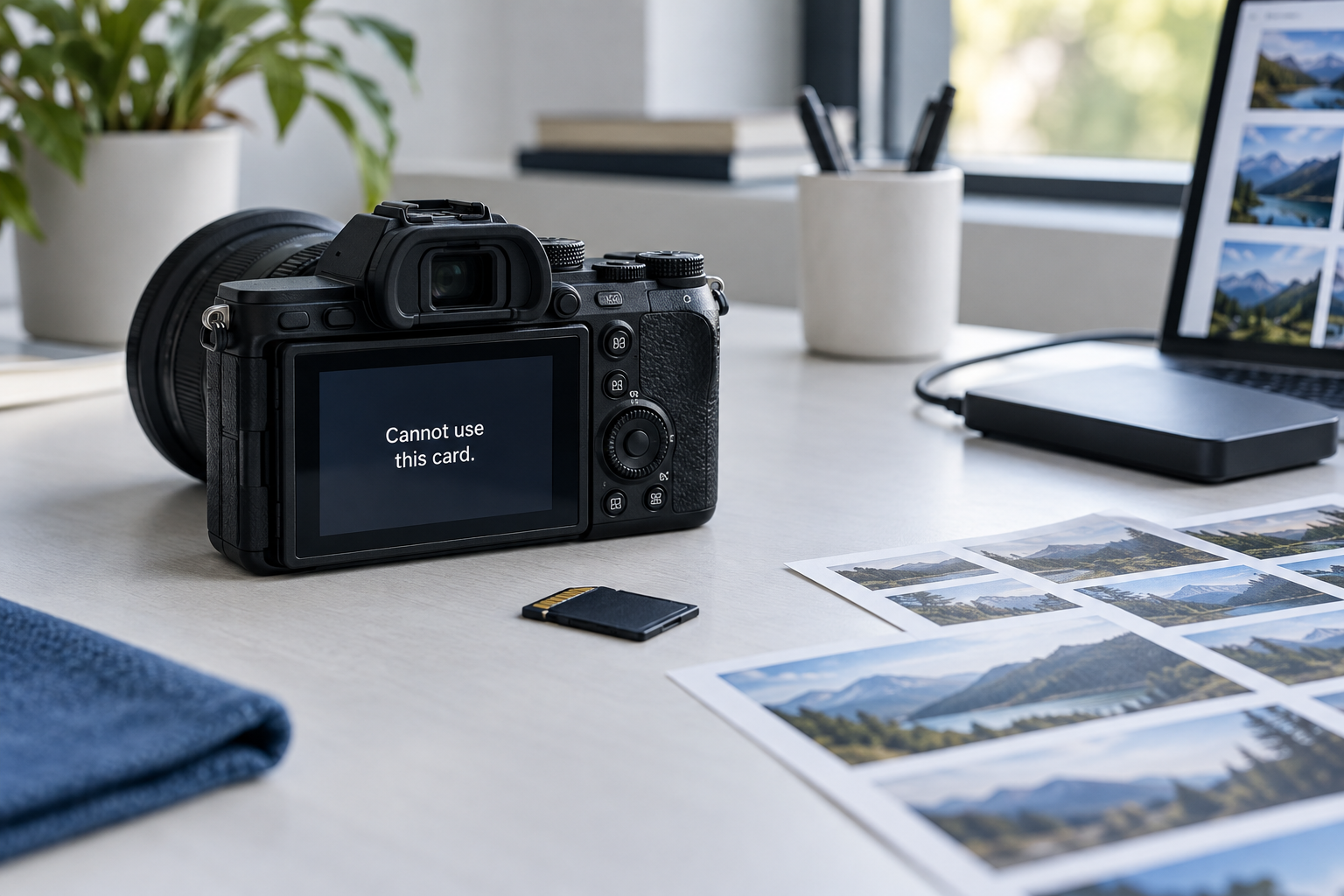

Camera Says Card Cannot Be Used: Recover Photos First
Read more →: Camera Says Card Cannot Be Used: Recover Photos FirstStop taking photos and do not let the camera format the card. Remove it safely, use a card reader, verify its capacity, and recover original photos to another disk before testing file-system repair or reformatting.
SD Card Files Have Strange Names: Recover Before Repair
Read more →: SD Card Files Have Strange Names: Recover Before RepairStrange filenames can indicate directory or file-system damage. Stop using the card, preserve a sector image when possible, and recover files by content and preview rather than renaming entries. Save results to another disk before any repair.
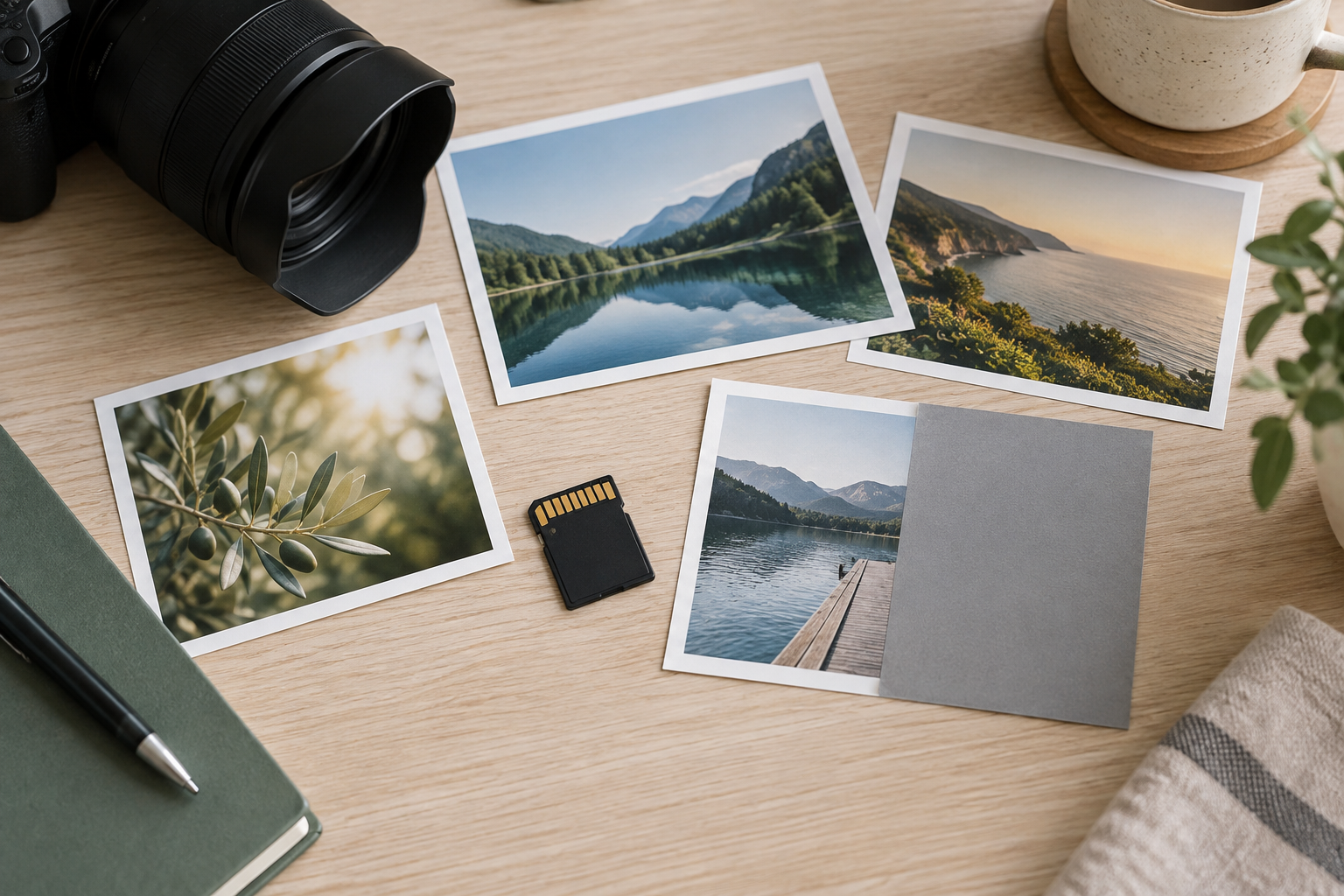
Photos Show Gray Areas or Half Image: Recover Originals Safely
Read more →: Photos Show Gray Areas or Half Image: Recover Originals SafelyGray blocks or half-rendered photos can result from incomplete copying, damaged storage, a broken preview, or corrupted image data. Preserve the originals, test copies in another viewer, recover alternate copies from the card or backup, and repair only duplicates.
SD Card Videos Wonʼt Play: Recover the Original Clips Safely
Read more →: SD Card Videos Wonʼt Play: Recover the Original Clips SafelyStop recording to the SD card and keep the original clips unchanged. Test copied files in another player and device, but do not convert or repair the only copy. Recover complete originals to another disk before attempting container or codec repair.
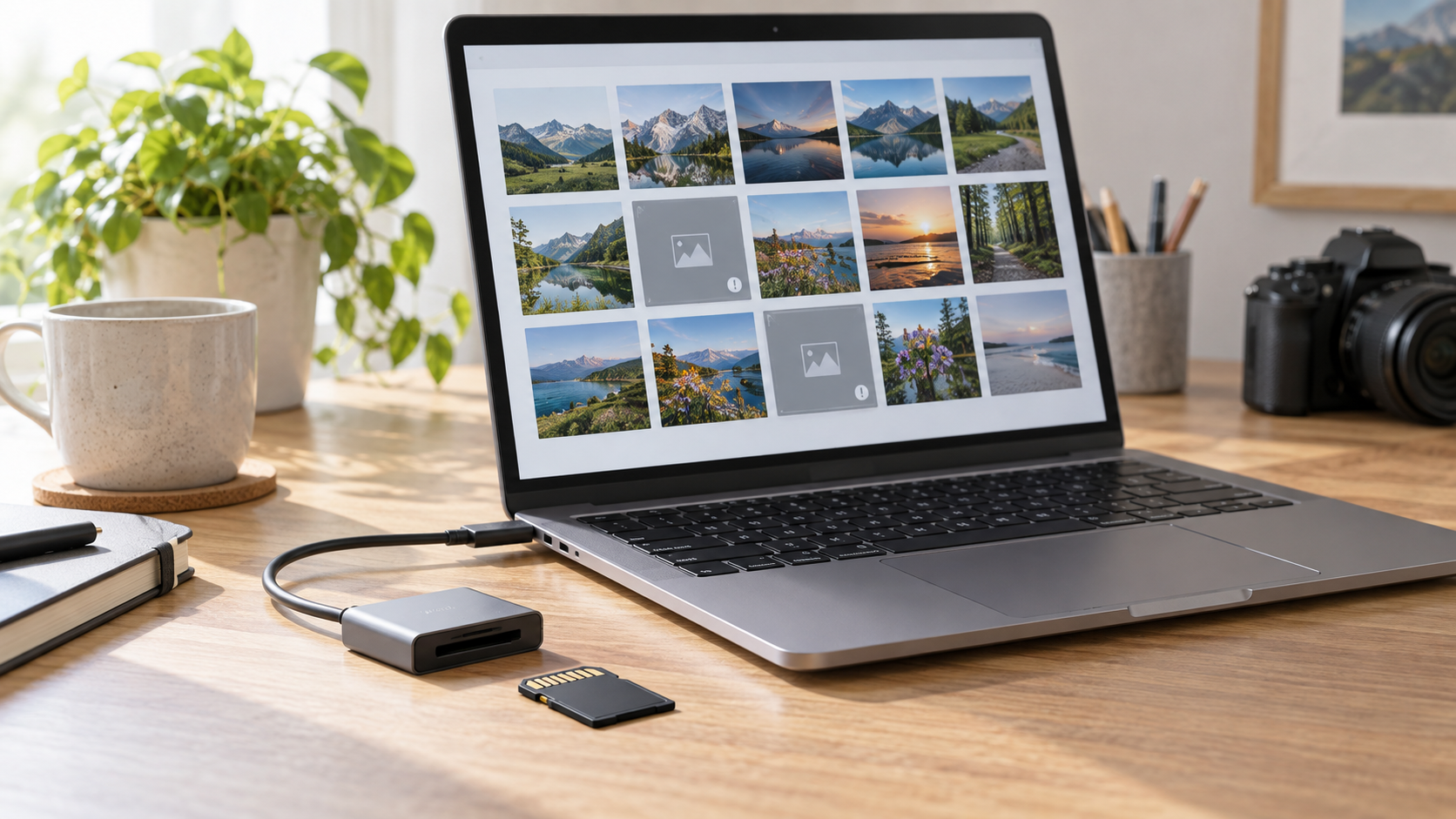
SD Card Photos Are Corrupted or Wonʼt Open: Safe Recovery
Read more →: SD Card Photos Are Corrupted or Wonʼt Open: Safe RecoveryStop using the SD card and keep the originals unchanged. Test copies of several photos in another viewer and device to distinguish file corruption from an app problem. Recover all readable originals to another disk before repair, conversion, or formatting.
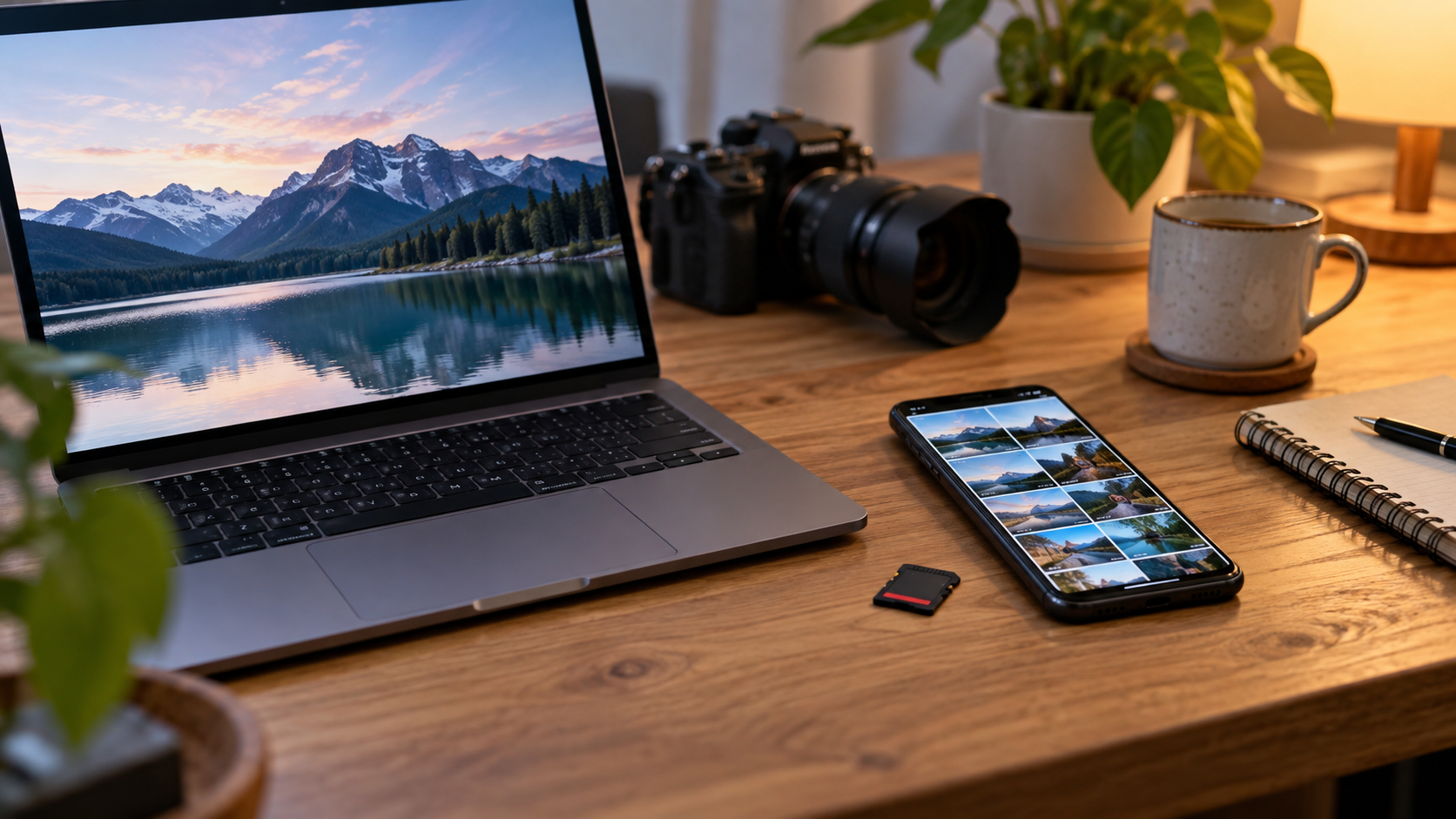
Recover Deleted Photos From a Phone SD Card Safely
Read more →: Recover Deleted Photos From a Phone SD Card SafelyStop using the phone and remove the removable SD card. Check the phone cloud and Recently Deleted folders first; if necessary scan the card through a reader and save recovered photos to a separate disk. Internal phone storage is different.
Pictures Data Recovery Software: Recover Photos Without Damaging The Source
Read more →: Pictures Data Recovery Software: Recover Photos Without Damaging The SourceThis guide explains when pictures data recovery software can work, what built-in recovery paths to check first, and how to scan readable local storage safely.
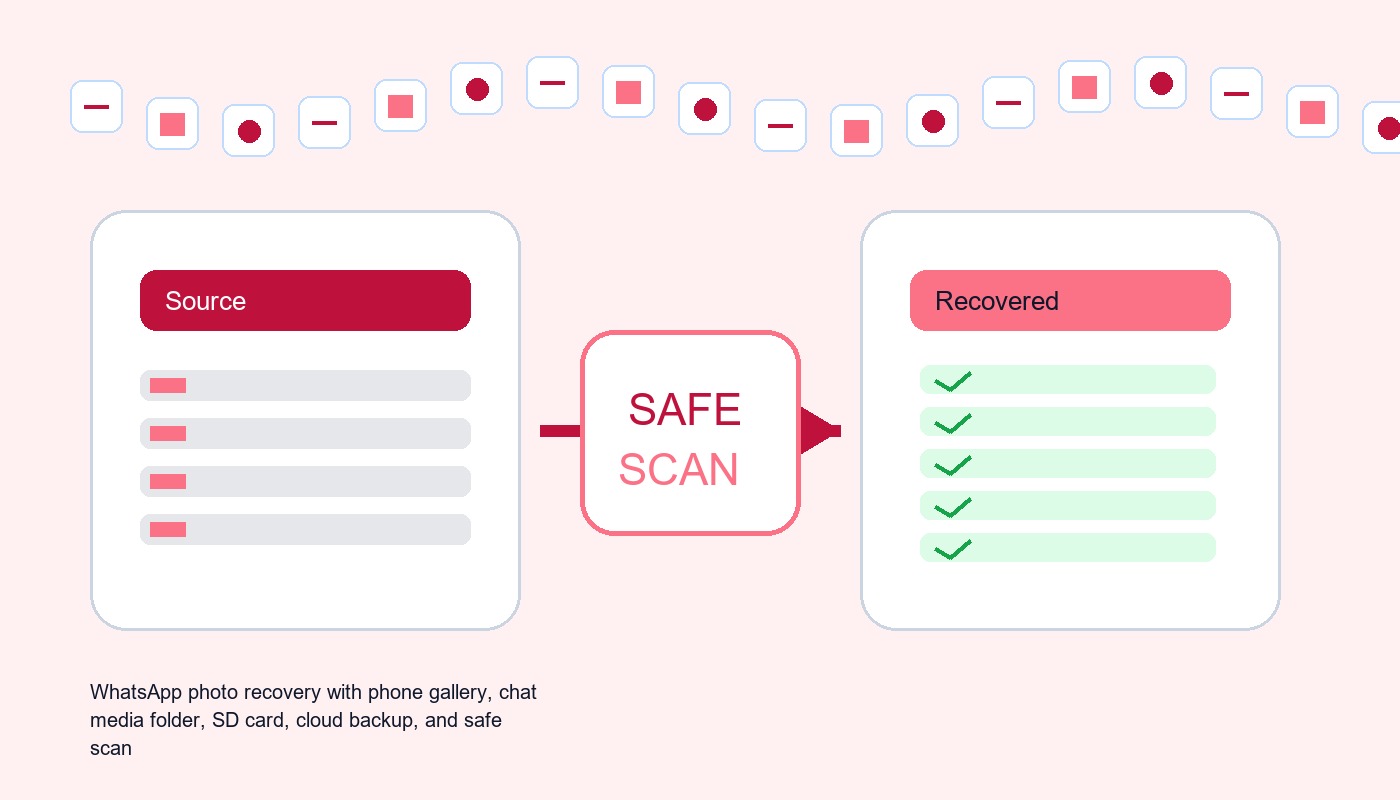
Recover Deleted Pictures From WhatsApp: Backup, Gallery, And SD Card Paths
Read more →: Recover Deleted Pictures From WhatsApp: Backup, Gallery, And SD Card PathsThis guide explains when how to recover deleted pictures from whatsapp can work, what built-in recovery paths to check first, and how to scan readable local storage safely.




Copyright © 2025 PandaOffice. All Rights Reserved. The order process, tax issue, and invoicing to end users are conducted by PandaOffice Limited.