






Photo Recovery
This guide explains effective photo recovery methods for restoring deleted or lost images from computers, SD cards, and mobile devices, including practical steps and tips to improve recovery success.
TOP 4 Hot Articles
Top 4 hot articles will provide you reliable solutions to find crucial data with Drecov software.
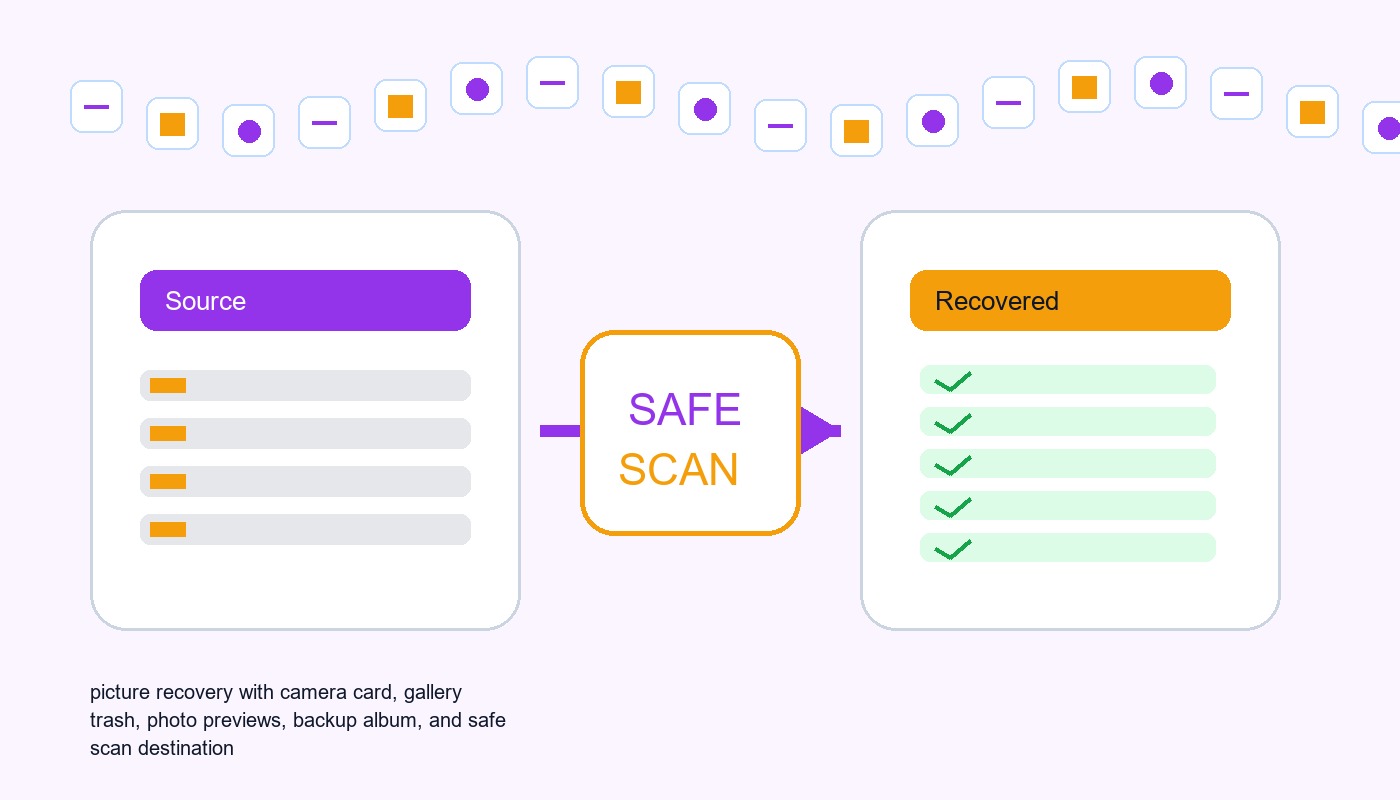

Pictures Data Recovery Software: Recover Photos Without Damaging The Source
This guide explains when pictures data recovery software can work, what built-in recovery paths to check first, and how to scan readable local storage safely.


How to Fix Corrupted Image Files Without Losing the Original
Separate viewer trouble, incomplete copies, damaged image data, and failing storage before choosing restore, recovery, or repair.


Photo Recovery Online: How to Recover Deleted Photos Online and Restore Lost Pictures
This guide explains how to recover deleted photos online, including cloud backups, deleted folders, and SD card recovery methods to restore lost pictures safely.


How to Recover Deleted Photos From Canon EOS Rebel T3i Camera
This guide explains how to recover deleted photos from Canon EOS Rebel T3i cameras. Learn about backup methods, SD card recovery, photo recovery software, and tips to protect your images.
Find a solution that suits your case
Here are file recovery guidelines for all types of files. Just choose the most suitable situation for you to retrieve your data
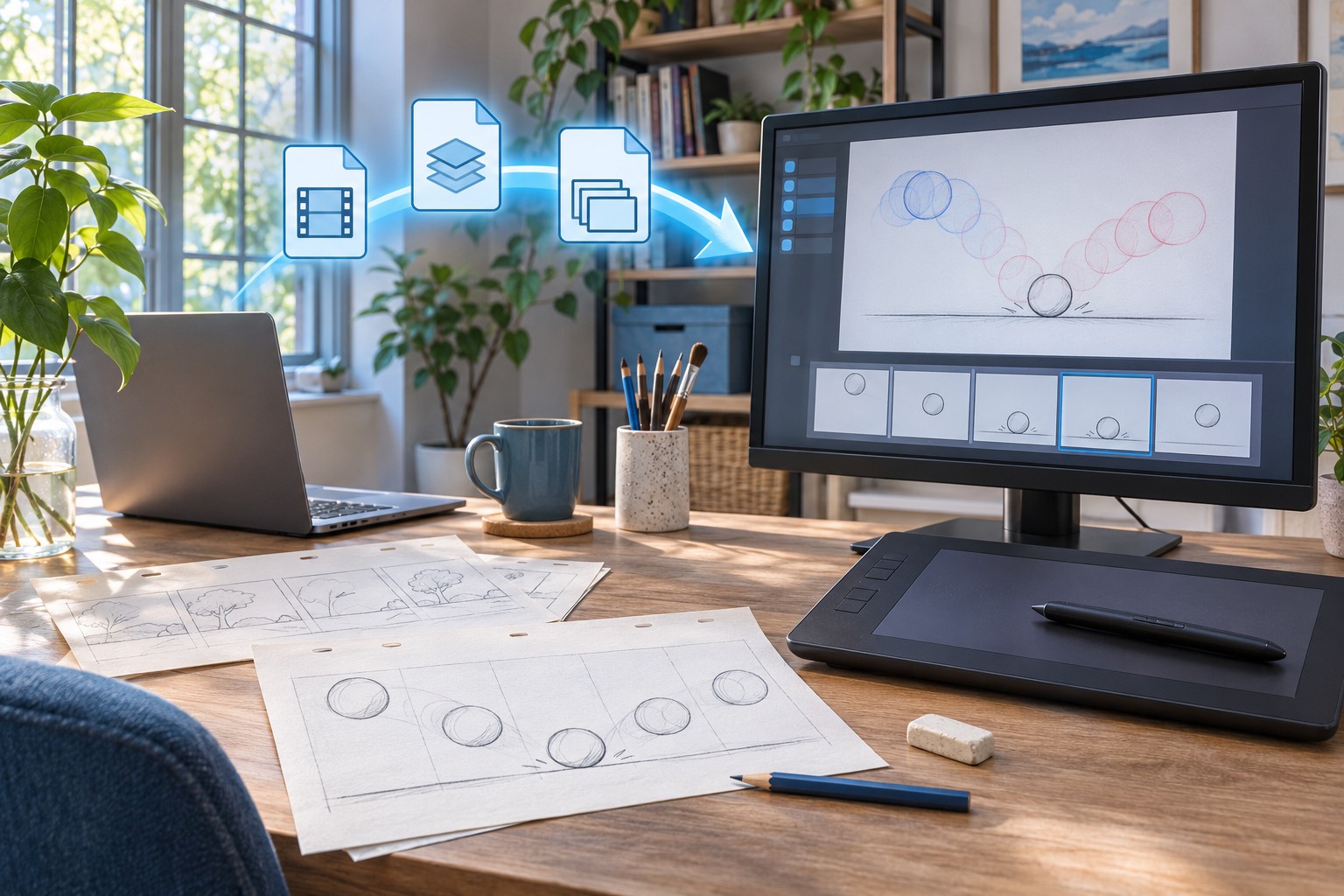

Recover Pencil2D Animations: PCLX Contents, Temporary Projects, and Frame Checks
Read more →: Recover Pencil2D Animations: PCLX Contents, Temporary Projects, and Frame ChecksStart by recording the Pencil2D version, the project format, and the event that caused the loss. A crash, an interrupted save, and a deliberate file move can leave different evidence. Keep the affected file unchanged and make a working copy before trying recovery. Your first goal is preserving the existing drawings and project structure, even…

Recover Clip Studio Paint Artwork: Recovery Data, Backup Copies, and Layer Checks
Read more →: Recover Clip Studio Paint Artwork: Recovery Data, Backup Copies, and Layer ChecksFor example, a drawing that opens without yesterday’s painted layer may need an older backup comparison or a surviving recovered session. A file listed in Clip Studio but missing from its actual path requires a different search. Preserve the accessible artwork and related backup evidence before reinstalling, cleaning application data, or overwriting the damaged file.…
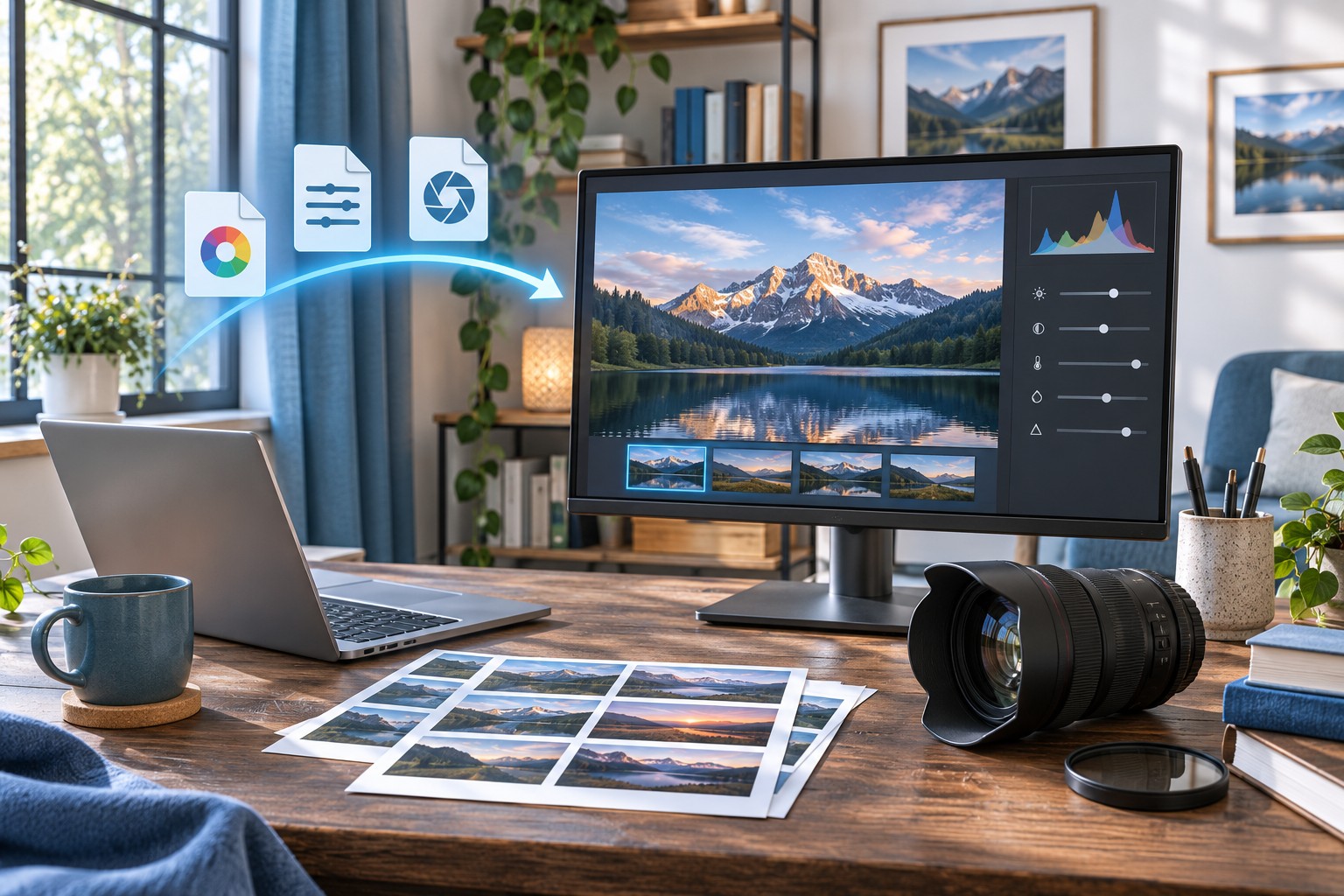
Recover RawTherapee Edits: PP3 Profiles, Cached Settings, and RAW Checks
Read more →: Recover RawTherapee Edits: PP3 Profiles, Cached Settings, and RAW ChecksFor example, suppose a landscape still opens but its careful crop and highlight treatment have vanished. Your priority is the matching saved recipe. If the photograph itself cannot open, start with the source file and its surviving copies. A small PP3 file can preserve valuable choices, but it holds processing instructions rather than the camera’s…

Recover Aseprite Sprites: Session Recovery, Closed Files, and Animation Checks
Read more →: Recover Aseprite Sprites: Session Recovery, Closed Files, and Animation ChecksRecord the sprite name, expected canvas dimensions, a distinctive frame, and the last layer or animation change. Also identify whether Aseprite crashed, you closed the file accidentally, or the saved native document disappeared. Those incidents lead to different recovery sources. A retained closed document and a session recovery candidate should not be treated as the…


Online Photo Repair for Severely Damaged JPG Images: What Is Safe?
Read more →: Online Photo Repair for Severely Damaged JPG Images: What Is Safe?Work from a copy of the JPG, test trusted local viewers, and examine an online site’s data-handling terms before uploading. The article separates a damaged file from a missing original and explains when recovery is relevant.
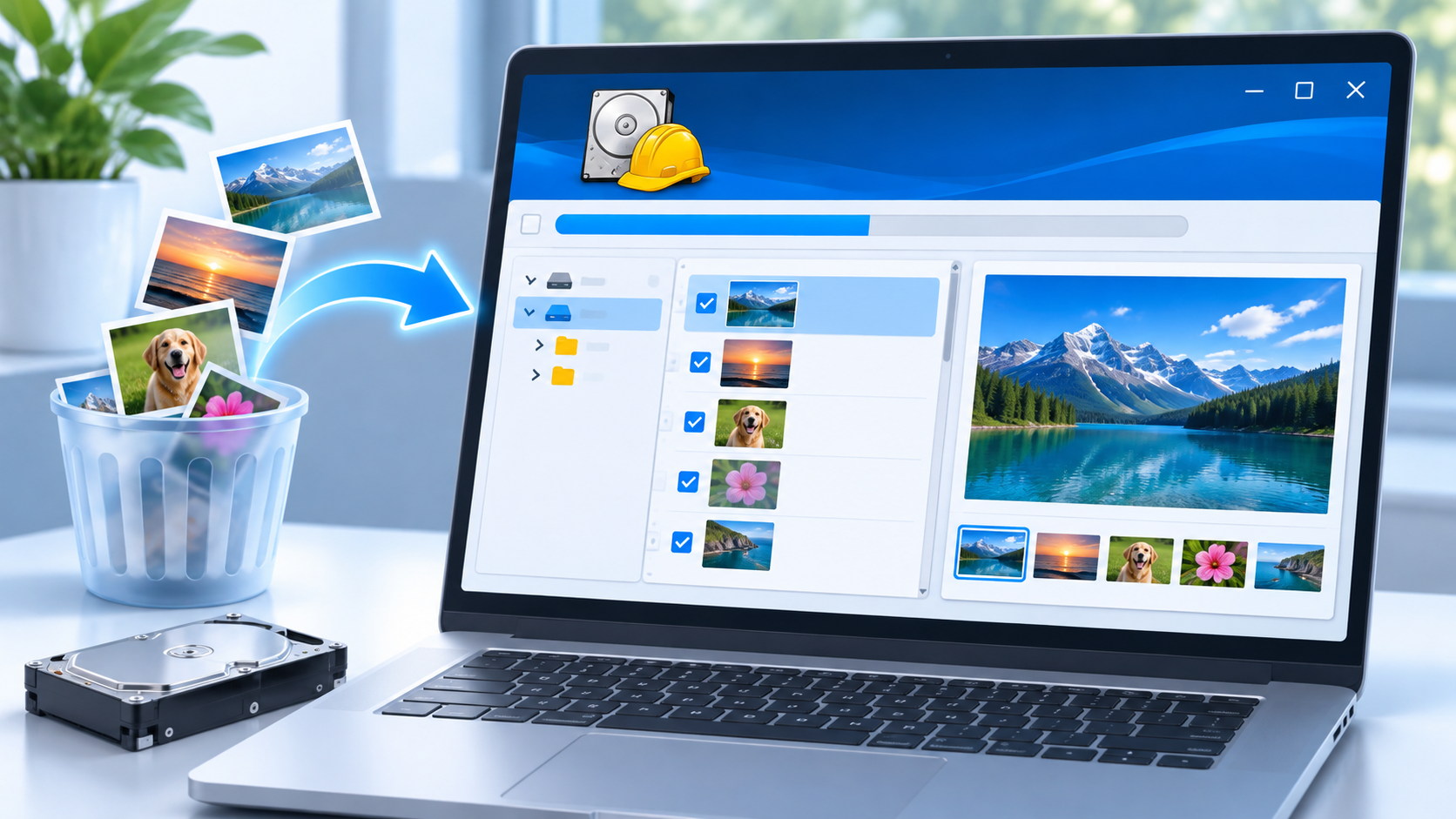
Recuva Photo Recovery Software: Judge the Files It Finds
Read more →: Recuva Photo Recovery Software: Judge the Files It FindsThis documentation-based analysis explains how to read Recuva picture results, why a thumbnail is not proof of a complete original, and how to protect the source while testing recovered files or another Windows recovery route.
Recover Capture One Edits: Catalog Backups, Sessions, and Offline Originals
Read more →: Recover Capture One Edits: Catalog Backups, Sessions, and Offline OriginalsRecord the document type, Capture One version, original image location, and a photograph with a distinctive adjustment. Also identify whether originals were managed inside the catalog structure or referenced from another folder. These details determine what a complete recovery needs. A visible preview alone does not establish that the full-resolution source is available for export.

Image Recovery Software: Find Originals, Not Just Thumbnails
Read more →: Image Recovery Software: Find Originals, Not Just ThumbnailsThis article helps you identify where an original picture disappeared, check easier restore options, and judge recovery software by the actual files it finds. A preview is useful, but opening a recovered original is the real test.

Recover Affinity Photo Documents: Snapshots, Saved History, and Layers
Read more →: Recover Affinity Photo Documents: Snapshots, Saved History, and LayersThis guide focuses on the documented Affinity Photo 2 workflow. Menu placement and licensing can differ in other releases, so inspect your actual version. Built-in features can avoid buying an additional recovery utility when you already have appropriate access. They do not establish that every installation has a traditional interval-based archive of all previous document…
Recover digiKam Albums and Tags: Collection Paths, Databases, and XMP
Read more →: Recover digiKam Albums and Tags: Collection Paths, Databases, and XMPThe database can preserve catalog relationships, while embedded metadata and XMP sidecars can preserve selected information according to prior settings. Neither source necessarily contains everything. Start with a known photo, one distinctive tag, and the actual collection path. Those examples help you compare candidates and show what the recovery really supplies.




Copyright © 2025 PandaOffice. All Rights Reserved. The order process, tax issue, and invoicing to end users are conducted by PandaOffice Limited.