






File Recovery
Pandaoffice Drecov is the best files recovery software to restore deleted, formatted, or corrupted data from HDDs, SSDs, USB drives, and SD cards with deep scanning, preview support, and secure recovery performance.
TOP 4 Hot Articles
Top 4 hot articles will provide you reliable solutions to find crucial data with Drecov software.
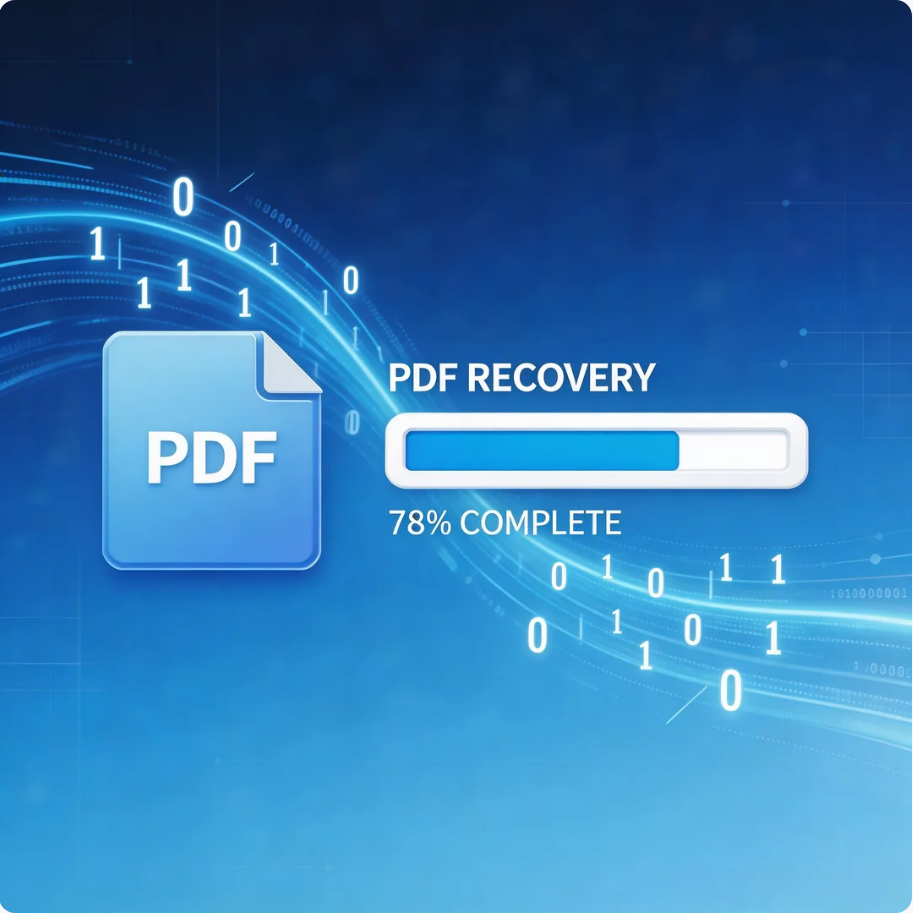

Comprehensive Guide to PDF File Recovery
This guide explains PDF file recovery methods for Windows PC, including built-in tools, backups, cloud storage, and professional software like Pandaoffice Drecov to safely restore lost or corrupted PDF files.
Find a solution that suits your case
Here are file recovery guidelines for all types of files. Just choose the most suitable situation for you to retrieve your data


Recover KeePass Databases: Entry History, KDBX Copies, and Safe Merging
Read more →: Recover KeePass Databases: Entry History, KDBX Copies, and Safe MergingRecord the database path, KeePass version, approximate incident time, and a nonsecret identifier for the affected entry. Do not put actual passwords into a recovery checklist or search request. Keep the investigation local and use the legitimate credentials you already control. A damaged file, a wrong key factor, and an older database copy require different…

Recover LyX Documents: Backup Files, Emergency Saves, and LaTeX Sources
Read more →: Recover LyX Documents: Backup Files, Emergency Saves, and LaTeX SourcesRecord the document path, LyX version, a distinctive paragraph, and the expected included files. Also note whether the application crashed or a saved document was replaced. Those situations lead to different candidates. Keep the original native file, backup files, and surrounding project directory before trying conversions or changing the document’s location.

Recover Synfig Animations: Automatic Backups, SIF Files, and Linked Assets
Read more →: Recover Synfig Animations: Automatic Backups, SIF Files, and Linked AssetsRecord the project name, Synfig version, expected canvas size, time range, and a distinctive animated pose. Also note the last useful layer or waypoint change. A project that opens with a missing image differs from a project whose animation source disappeared. Start with the actual symptom instead of treating every blank preview as a deleted…

Recover LMMS Songs: Autosave Projects, BAK Copies, and Missing Samples
Read more →: Recover LMMS Songs: Autosave Projects, BAK Copies, and Missing SamplesRecord the song name, LMMS version, expected project folder, and a distinctive musical passage. Also note whether the song was saved as .mmp or compressed .mmpz. Preserve the current project, nearby backup files, and referenced samples before opening repeated sessions. This gives you several candidates without letting a new save replace a useful earlier state.
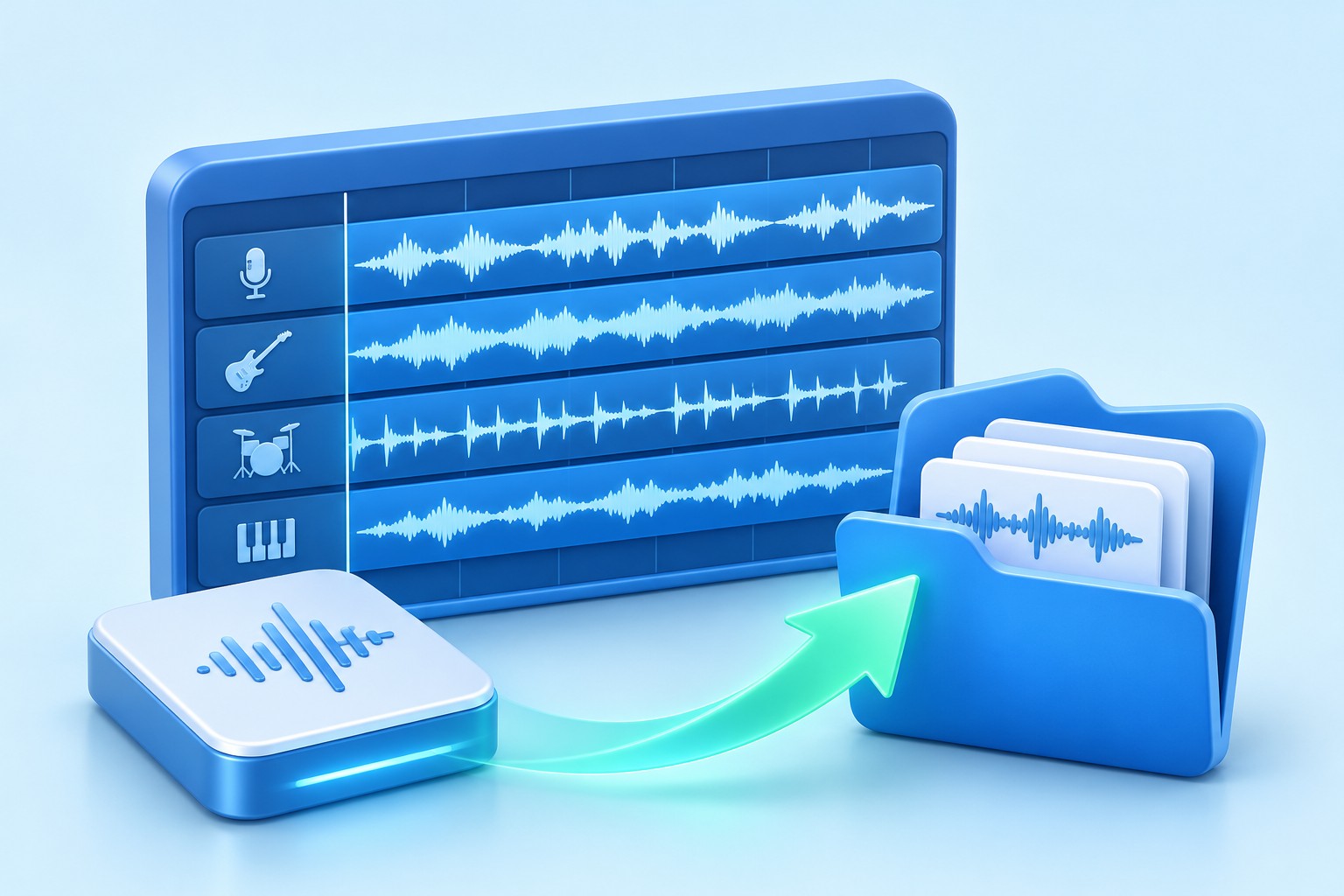
Recover Ardour Sessions: Snapshots, Pending Saves, and Missing Recordings
Read more →: Recover Ardour Sessions: Snapshots, Pending Saves, and Missing RecordingsRecord the session folder, Ardour version, audio sample rate, and a distinctive region or mix change. Also note the last successful recording and save. A newly recorded take may exist even if the latest arrangement state did not save. Conversely, an intact arrangement can point to a missing source. These cases need separate checks and…

Recover Sweet Home 3D Plans: Recovery Files, SH3D Copies, and Model Checks
Read more →: Recover Sweet Home 3D Plans: Recovery Files, SH3D Copies, and Model ChecksRecord the document name, application edition and version, expected levels, and one distinctive measurement. Also note whether the home had ever been saved. A crash during an unsaved session and accidental replacement of an existing document have different candidate sources. Preserve the actual files before changing preferences or creating a new home with the same…
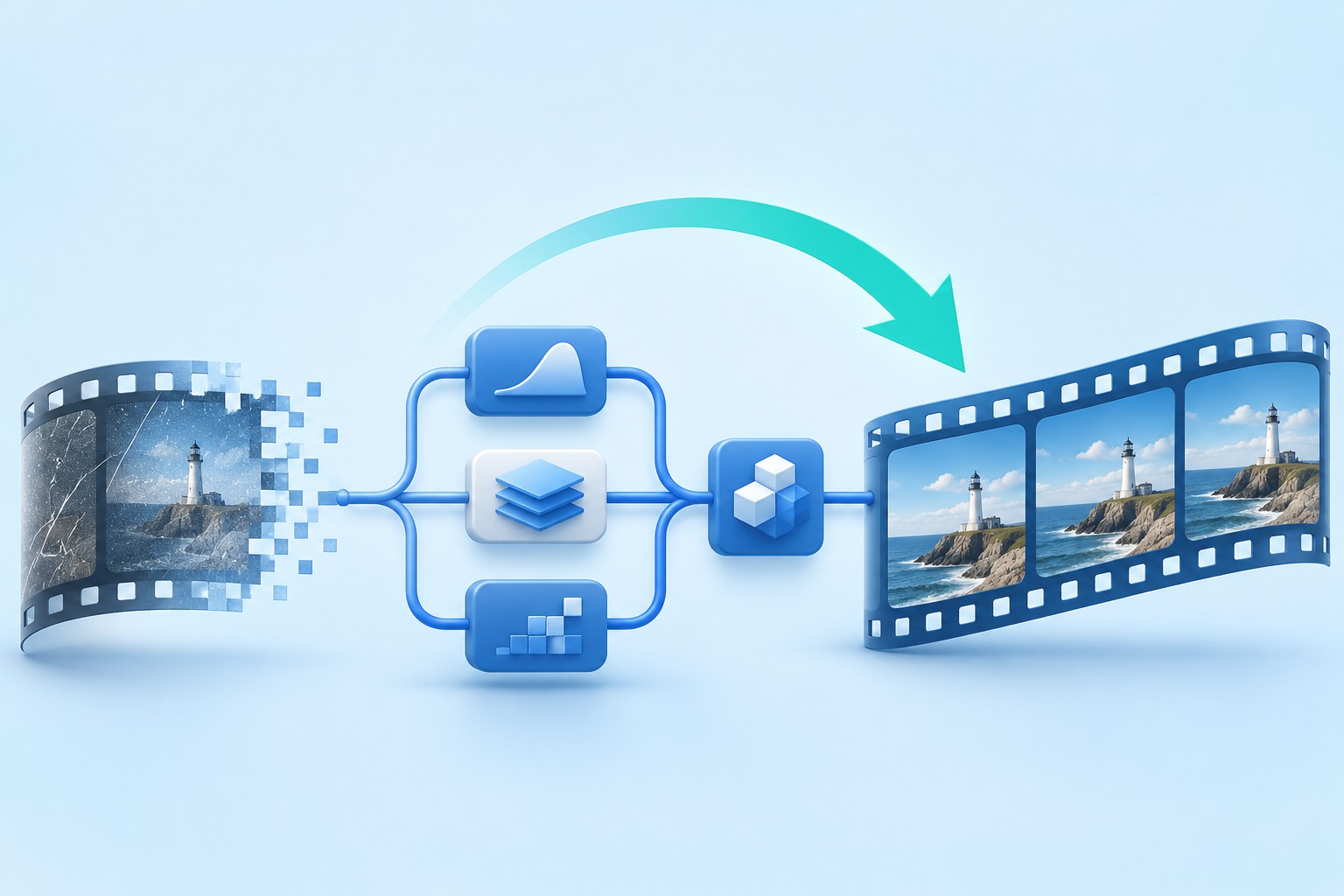
Recover Natron Composites: Autosave Projects, Read Nodes, and Image Sequences
Read more →: Recover Natron Composites: Autosave Projects, Read Nodes, and Image SequencesRecord the Natron version, project location, frame range, frame rate, format, and a distinctive processed frame. Also note the last node or parameter change before the incident. A project that opens with black output may have a missing input, an out-of-range frame, or an interrupted graph connection rather than a deleted composition.


Recently Deleted Videos on Windows: Check These Places First
Read more →: Recently Deleted Videos on Windows: Check These Places FirstFor a video deleted from a Windows PC, the safest first actions are to stop writing, identify its original folder, check the Recycle Bin and backups, and verify a restored copy. Scanning comes later if those routes fail.

Recover Freeplane Mind Maps: Autosave Copies, Backup Maps, and Linked Files
Read more →: Recover Freeplane Mind Maps: Autosave Copies, Backup Maps, and Linked FilesRecord the map’s filename, expected central node, a distinctive branch, and the location where you last saved it. Also note whether the map was new and unsaved or an existing document with later edits. Those cases have different candidate sources. A previously saved map can have backups that an entirely new map never acquired.

Recover Godot Projects: Scenes, Git History, Resources, and Missing Scripts
Read more →: Recover Godot Projects: Scenes, Git History, Resources, and Missing ScriptsRecord the engine version, expected main scene, a distinctive node, and the last working revision. Also preserve the exact error message. A missing project in the Project Manager, a scene parse error, and an unavailable texture require different investigations. Starting from a concrete symptom helps you choose a useful recovery path without making broad changes…




Copyright © 2025 PandaOffice. All Rights Reserved. The order process, tax issue, and invoicing to end users are conducted by PandaOffice Limited.