






File Recovery
Pandaoffice Drecov is the best files recovery software to restore deleted, formatted, or corrupted data from HDDs, SSDs, USB drives, and SD cards with deep scanning, preview support, and secure recovery performance.
TOP 4 Hot Articles
Top 4 hot articles will provide you reliable solutions to find crucial data with Drecov software.

Comprehensive Guide to PDF File Recovery
This guide explains PDF file recovery methods for Windows PC, including built-in tools, backups, cloud storage, and professional software like Pandaoffice Drecov to safely restore lost or corrupted PDF files.
Find a solution that suits your case
Here are file recovery guidelines for all types of files. Just choose the most suitable situation for you to retrieve your data


Videouse File Problems and Safe Video Recovery Steps
Read more →: Videouse File Problems and Safe Video Recovery StepsRecover missing Videouse related video files, exports, and project assets with Drecov.


Download Video From Website Safely and Recover Missing Files
Read more →: Download Video From Website Safely and Recover Missing FilesDownload permitted website videos safely and recover missing local files with Drecov.


View Hidden Files On Android And Recover Hidden Pictures
Read more →: View Hidden Files On Android And Recover Hidden PicturesLearn how to view hidden files on Android, find private pictures, fix photos that will not delete, and recover missing SD card data before cleanup or formatting.


What Is a TIFF File? A Complete Guide to TIFF File Format, Uses, and Recovery
Read more →: What Is a TIFF File? A Complete Guide to TIFF File Format, Uses, and RecoveryThis guide explains TIFF files, including their features, professional uses, differences from JPEG and PNG, opening methods, and solutions for recovering deleted TIFF images.


Understanding DivX Codec Mac and Installation Basics on macOS
Read more →: Understanding DivX Codec Mac and Installation Basics on macOSThis guide explains how to use DivX codec on Mac OS X, fix common playback issues, try alternative players, and convert DivX files for better compatibility and performance.


Understanding FBX File Format and Core Concepts
Read more →: Understanding FBX File Format and Core ConceptsThis guide explains FBX file format, common issues, and methods to open and use FBX files in Maya, Blender, Unity, and other tools, plus troubleshooting tips and recovery options.


Understanding FLAC File Format and How FLAC Audio Works
Read more →: Understanding FLAC File Format and How FLAC Audio WorksThis guide explains FLAC file format, how FLAC files work, how to open and convert FLAC audio file to MP3, and troubleshooting tips for playback and compatibility issues.


What is ACCDB File and How to Understand & Access It
Read more →: What is ACCDB File and How to Understand & Access ItThis guide explains the ACCDB file format, its uses in Microsoft Access, how to open and manage .accdb files, and common troubleshooting and recovery methods for data safety.


How to Restore a Previous Version of a Word Document Quickly
Read more →: How to Restore a Previous Version of a Word Document QuicklyThis guide explains how to restore a previous version of a word document using native AutoRecover tools, Windows settings, and professional PandaOffice Drecov data recovery software.
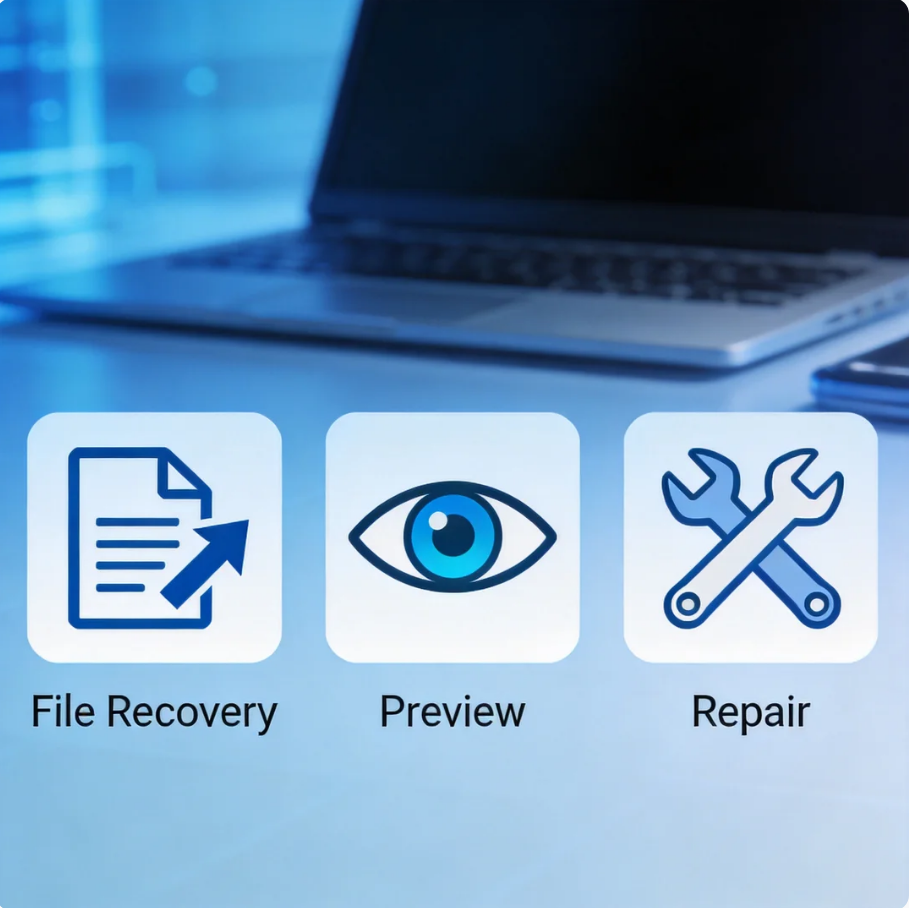

File Recovery vs Preview vs Repair: What Data Recovery Software Results Really Mean
Read more →: File Recovery vs Preview vs Repair: What Data Recovery Software Results Really MeanUnderstand the difference between file recovery, file preview, and file repair so you can judge Drecov scan results more accurately.




Copyright © 2025 PandaOffice. All Rights Reserved. The order process, tax issue, and invoicing to end users are conducted by PandaOffice Limited.