






Drecov Knowledge
Drecov Knowledge provides practical solutions for common data recovery issues, including deleted files, lost photos, damaged drives, and software usage guides to help users recover important data.
TOP 4 Hot Articles
Top 4 hot articles will provide you reliable solutions to find crucial data with Drecov software.


“There Isn’t Enough Memory to Complete This Action” in Excel?
Protect unsaved work, distinguish a workbook-specific limit from add-ins or system pressure, simplify the failing operation, and recover missing workbook copies safely only when genuinely necessary.
Find a solution that suits your case
Here are file recovery guidelines for all types of files. Just choose the most suitable situation for you to retrieve your data


Can You Move Program Files to Another Drive? What Actually Works
Read more →: Can You Move Program Files to Another Drive? What Actually WorksDistinguish movable Windows apps from desktop programs that need reinstallation. Protect project files and licenses, test the new installation, and recover local data only if it was actually lost.
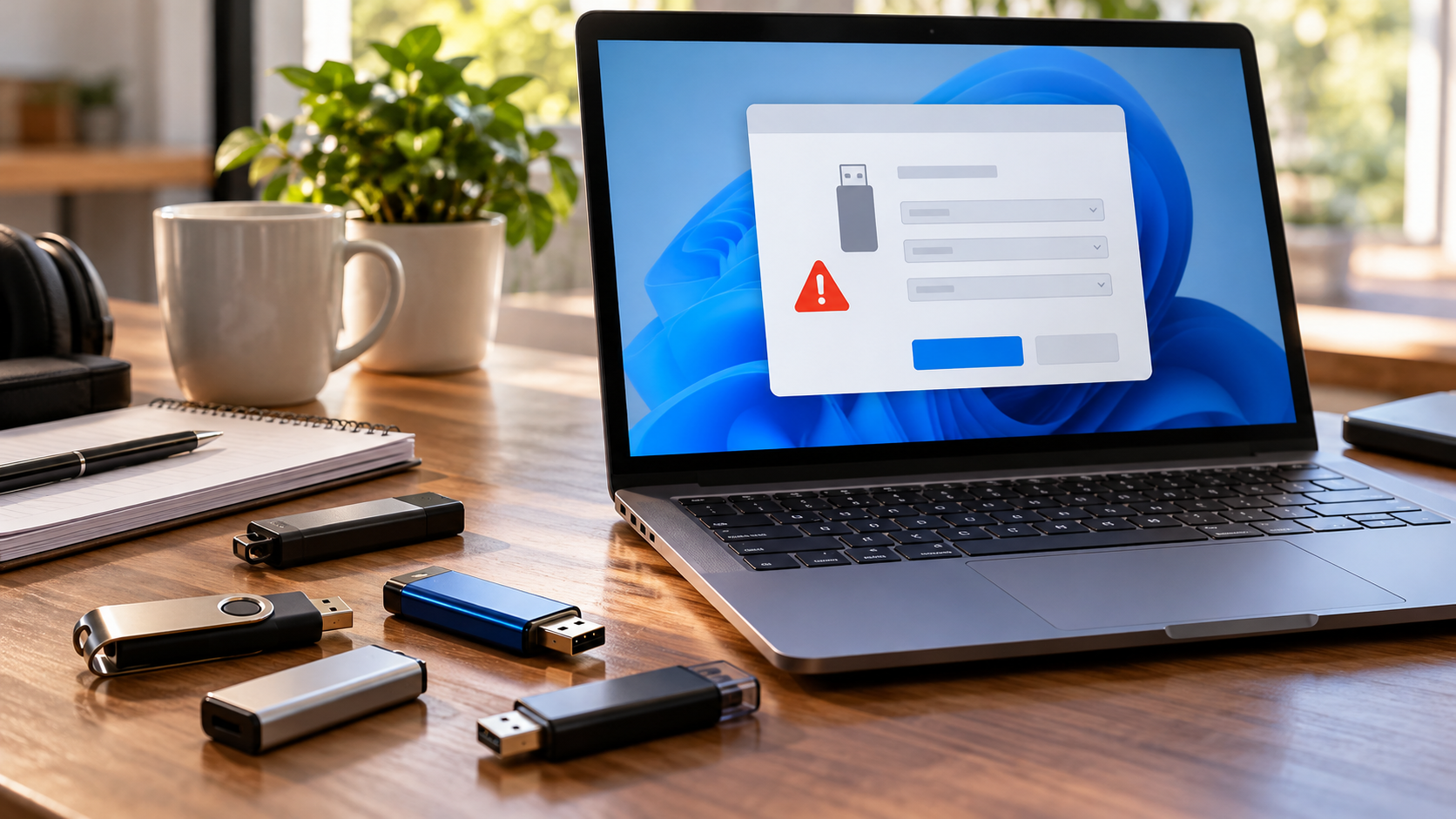
HP USB Disk Storage Format Tool: Check the Drive First
Read more →: HP USB Disk Storage Format Tool: Check the Drive FirstThis article explains the HP USB formatting utility, how to check its source and target, and why file recovery or backup verification must come before formatting a drive with needed data.
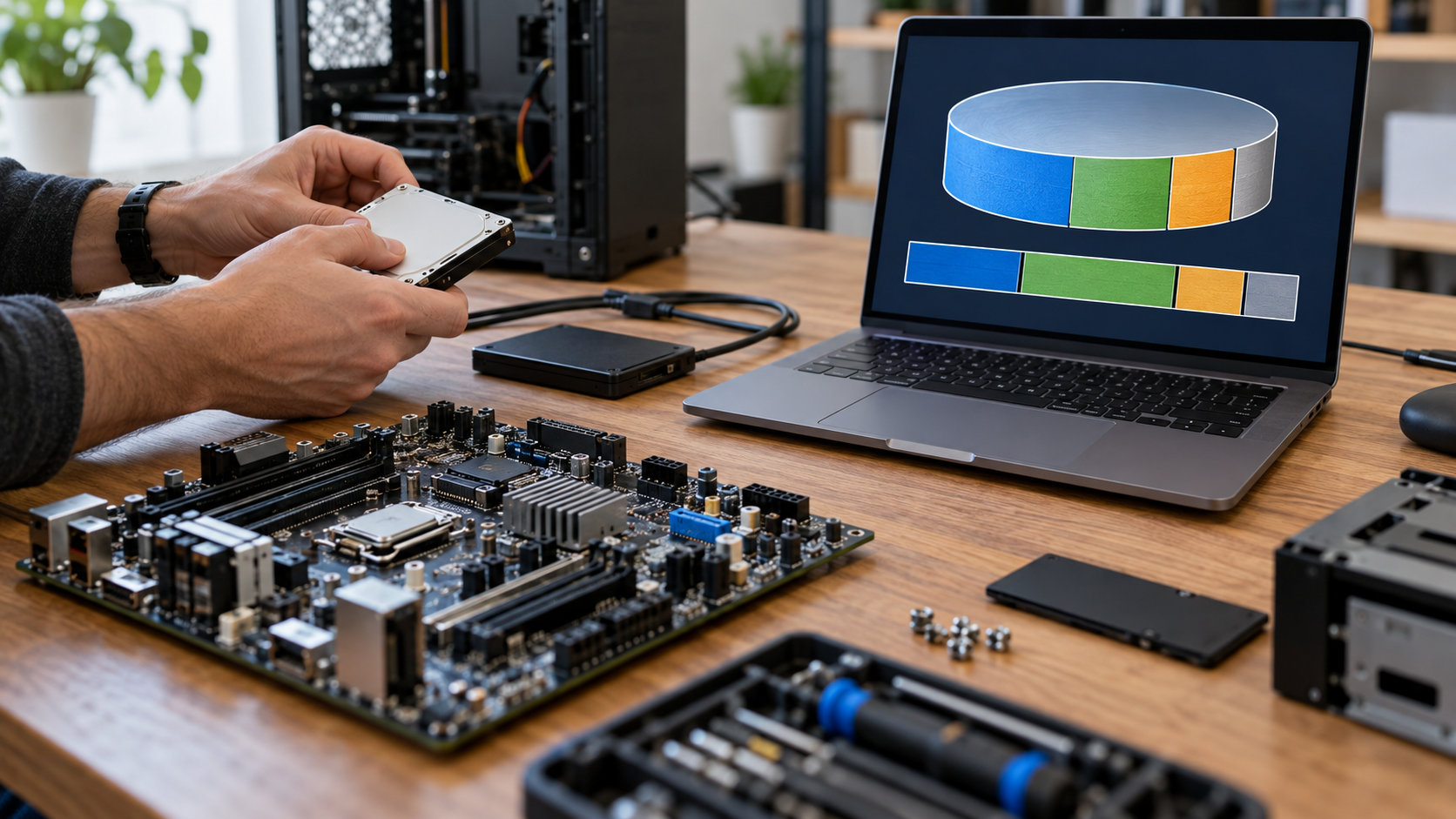
Volume Boot Record: What It Does and When It Matters
Read more →: Volume Boot Record: What It Does and When It MattersThis article explains the VBR’s role in a volume and in older boot paths. It helps readers distinguish boot failure from missing files, protect data, and choose a repair only after identifying the system layout.
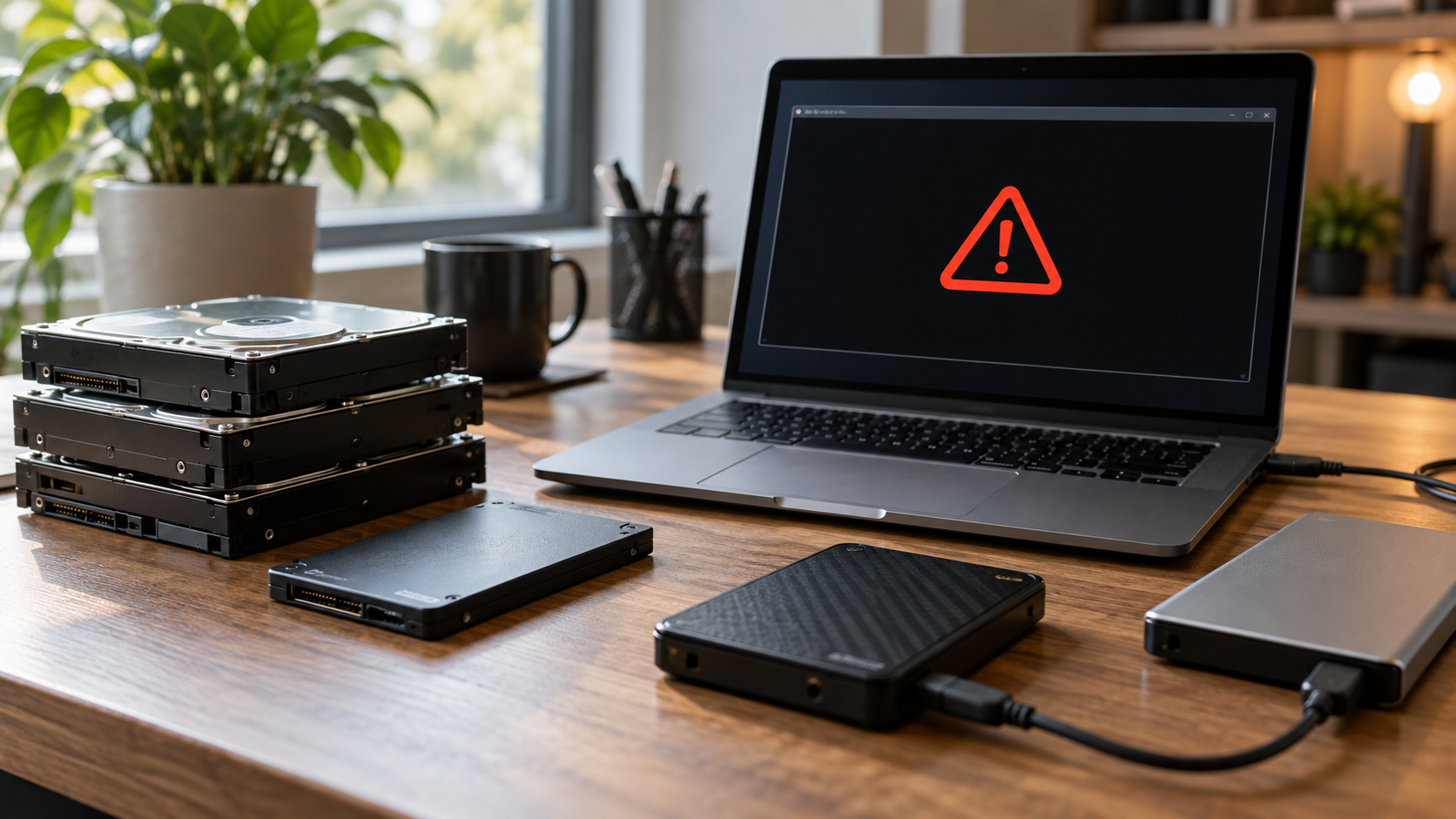
DiskPart Clean All: What It Erases Before You Press Enter
Read more →: DiskPart Clean All: What It Erases Before You Press EnterThis article explains how clean all differs from clean, why it is not a first repair step, and what to verify before intentionally wiping a disk. It also separates pre-wipe recovery from post-wipe backup options.
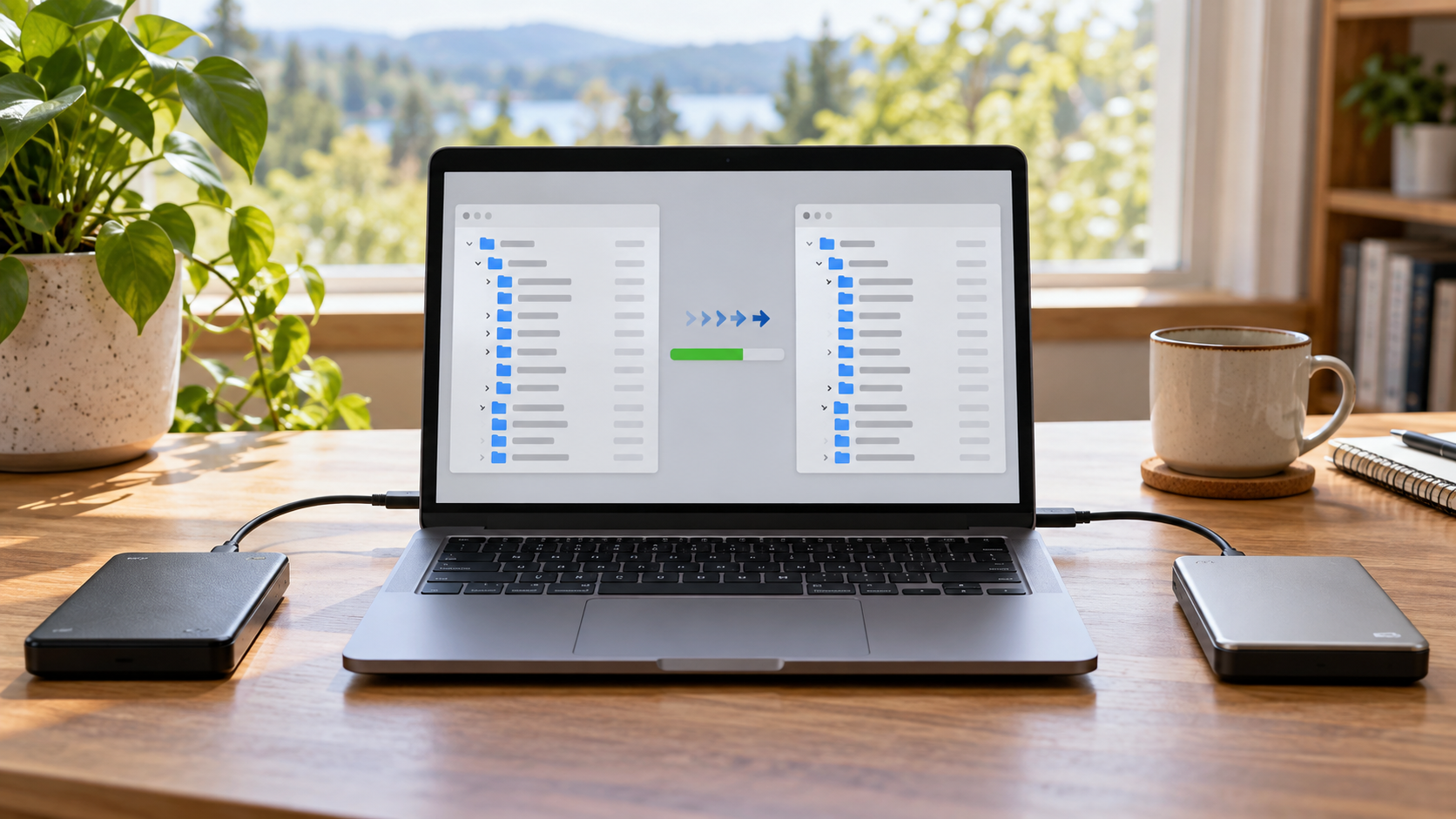
Free File Sync (FreeFileSync): Avoid Mirroring Mistakes
Read more →: Free File Sync (FreeFileSync): Avoid Mirroring MistakesThis article explains FreeFileSync’s Two Way, Mirror, and Update modes in plain language. It walks through a small test, versioning and backup checks, and what to do if a sync has already removed files.
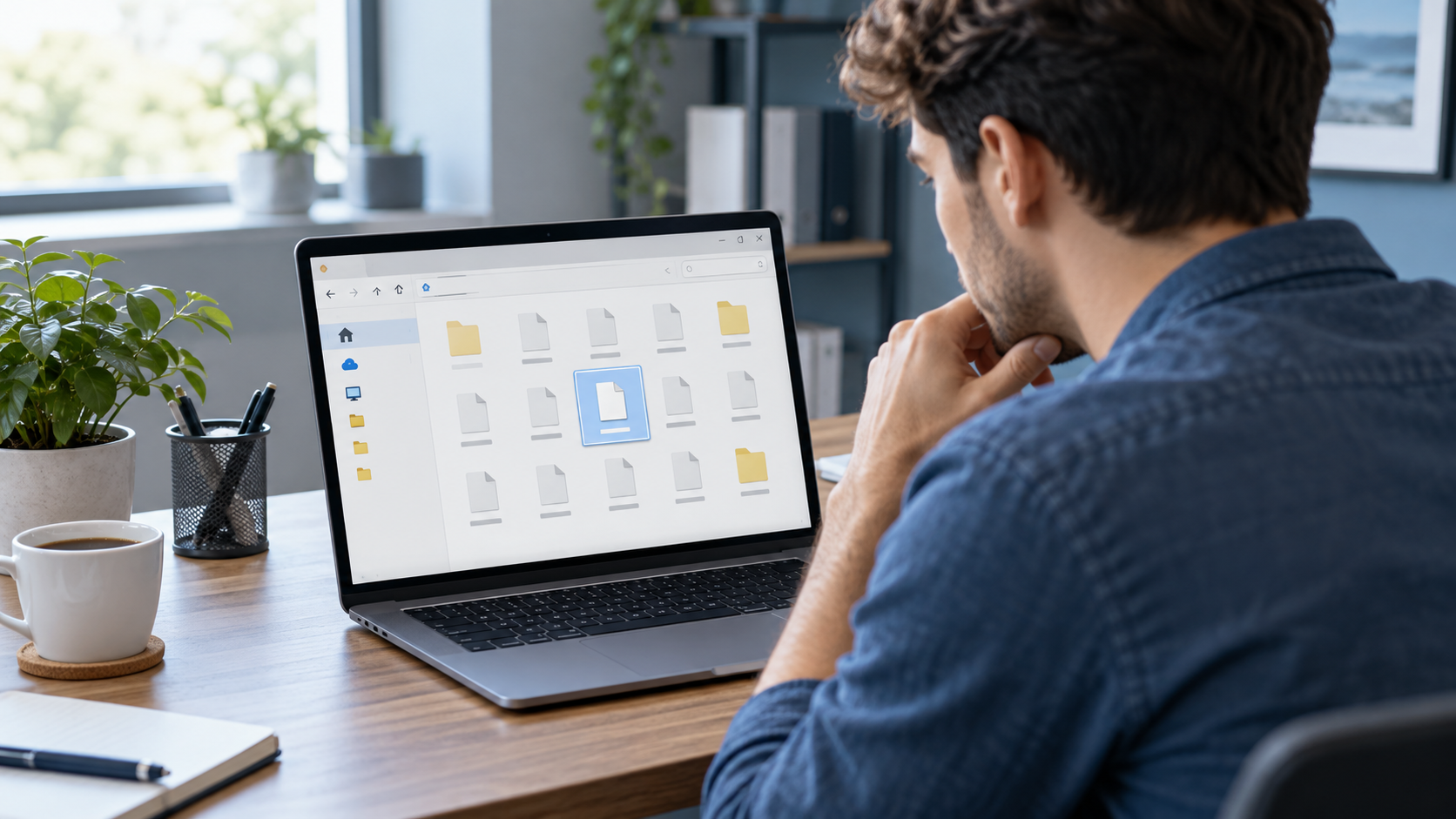
How to Open a TMP File Without Losing the Original
Read more →: How to Open a TMP File Without Losing the OriginalA TMP extension does not reveal the file’s format. Learn how to identify the creating app, inspect a duplicate, recognize unusable temporary data, and recover an earlier source file when it is truly lost.
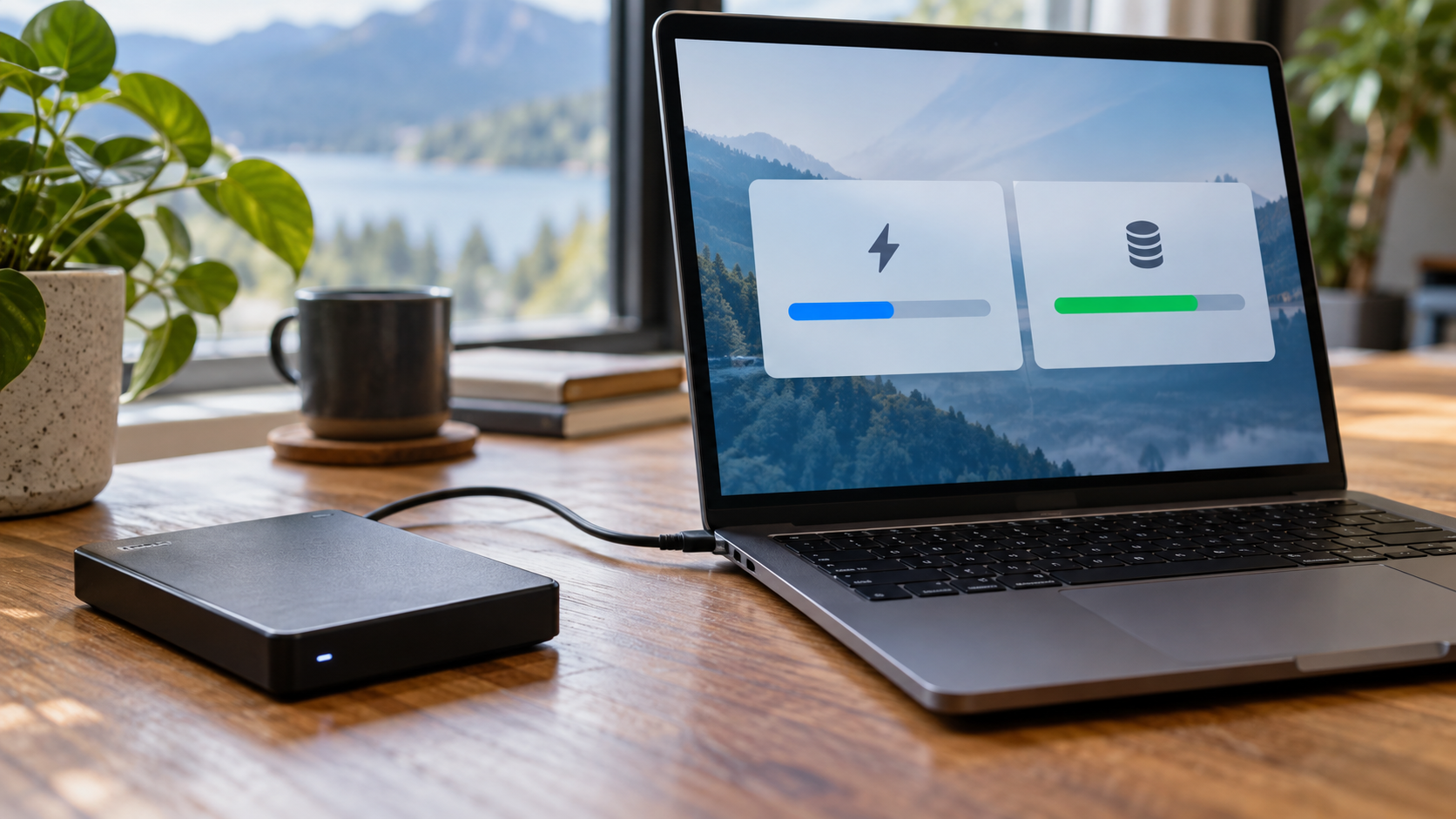
Quick Format vs Full Format: Choose Without Losing Files
Read more →: Quick Format vs Full Format: Choose Without Losing FilesThis article compares Windows quick and full formatting, explains why neither is a safe first fix for missing files, and gives a practical path for checking a drive and recovering data before reuse.
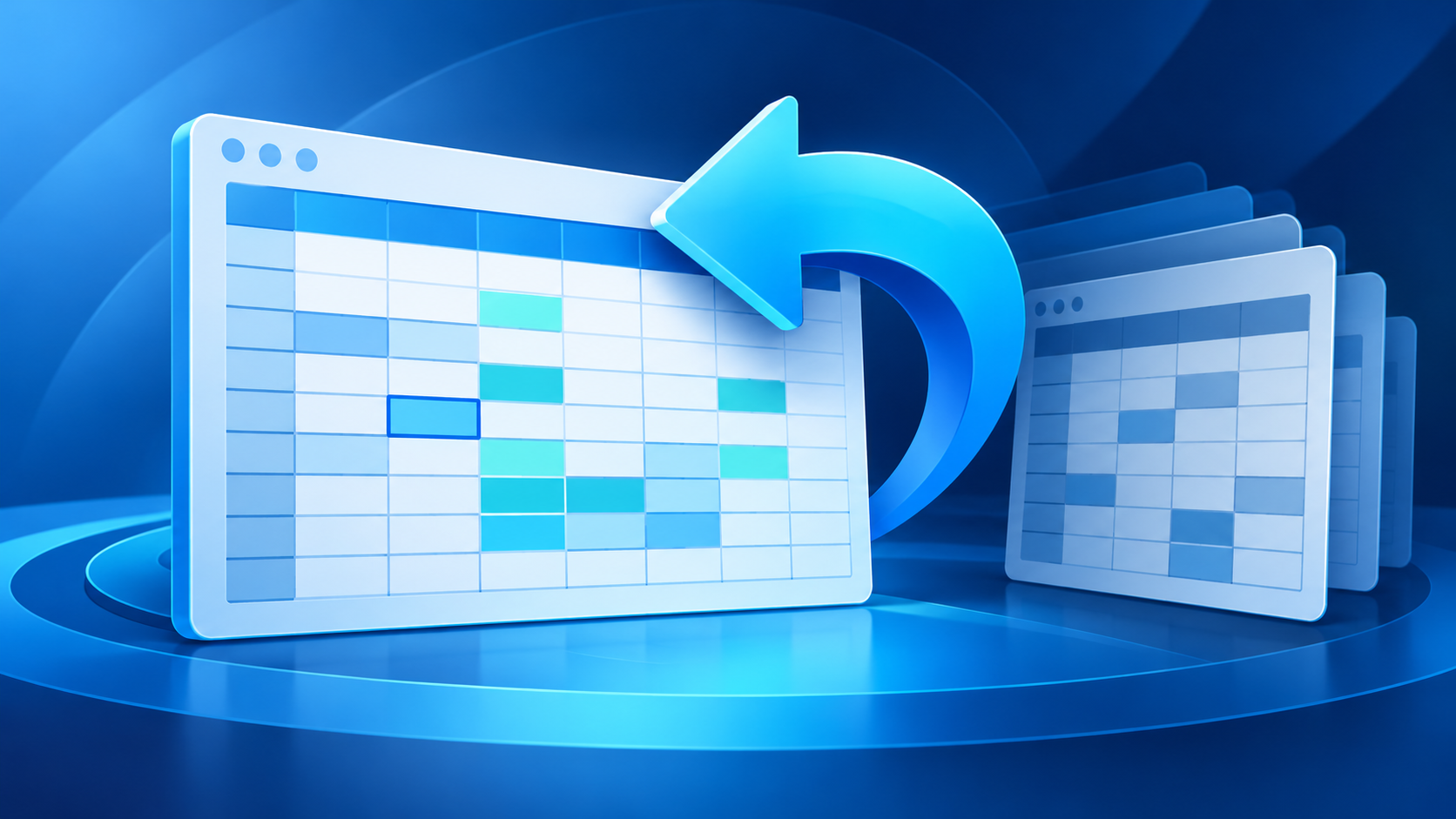
How to Undo on a Spreadsheet After a Mistake or Save
Read more →: How to Undo on a Spreadsheet After a Mistake or SaveUndo is fastest while the document remains open. For saved changes, inspect version history or a backup; for a deleted local workbook, protect its source and consider file recovery. This guide keeps those distinct problems from being confused.
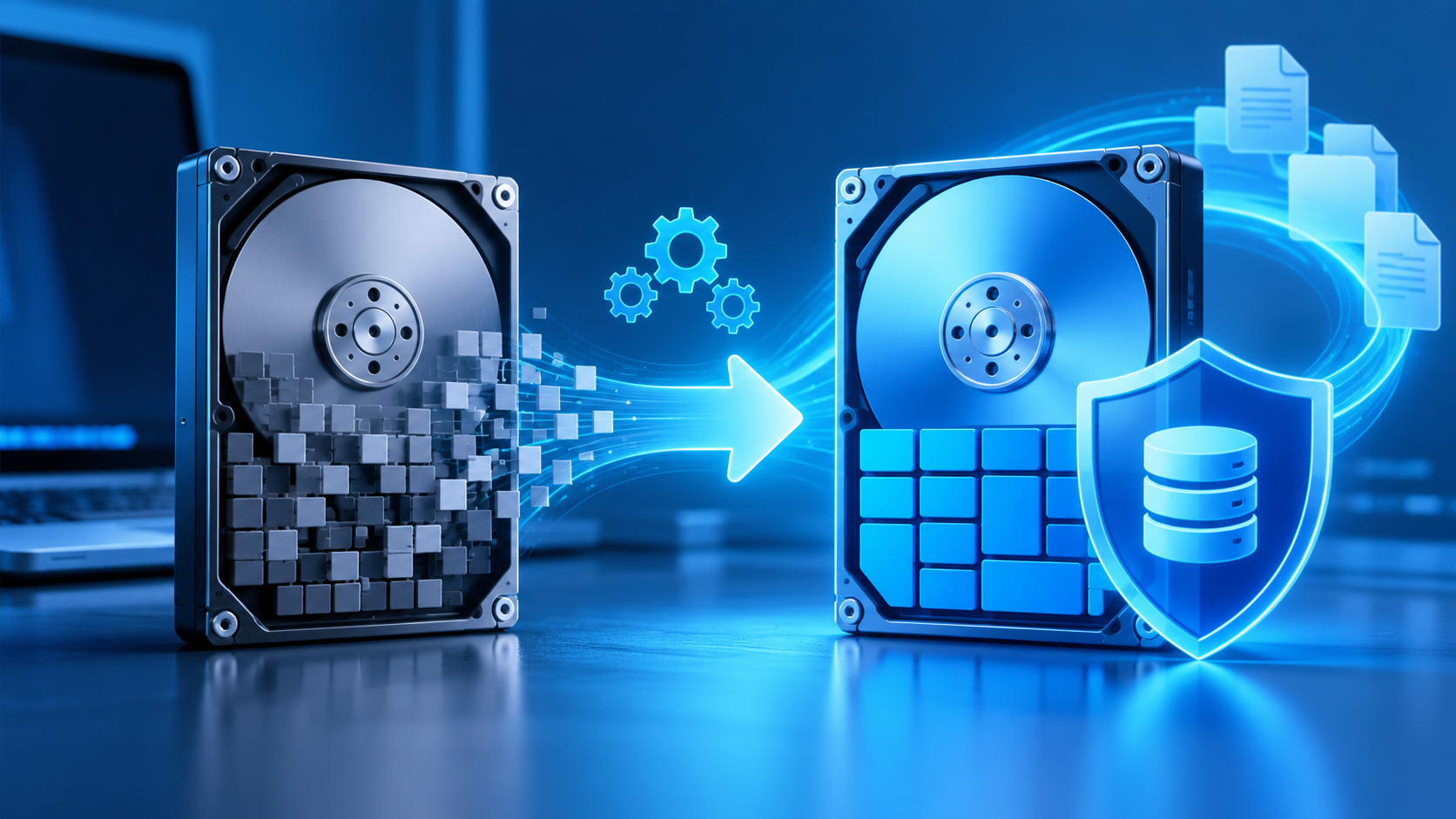
How to Reformat to NTFS Without Losing Files You Still Need
Read more →: How to Reformat to NTFS Without Losing Files You Still NeedFormatting replaces a volume’s file system and can remove access to its files. This guide checks whether NTFS fits the device, walks through a protected Windows format, and explains when recovery or a different conversion path is appropriate.
How to Undo in Excel When Ctrl+Z Is No Longer Enough
Read more →: How to Undo in Excel When Ctrl+Z Is No Longer EnoughThis article separates a recent edit from a saved or closed workbook. It explains Undo, version history, unsaved copies, and local file recovery, with checks that help prevent a second loss.




Copyright © 2025 PandaOffice. All Rights Reserved. The order process, tax issue, and invoicing to end users are conducted by PandaOffice Limited.