






Drecov Knowledge
Drecov Knowledge provides practical solutions for common data recovery issues, including deleted files, lost photos, damaged drives, and software usage guides to help users recover important data.
TOP 4 Hot Articles
Top 4 hot articles will provide you reliable solutions to find crucial data with Drecov software.


“There Isn’t Enough Memory to Complete This Action” in Excel?
Protect unsaved work, distinguish a workbook-specific limit from add-ins or system pressure, simplify the failing operation, and recover missing workbook copies safely only when genuinely necessary.
Find a solution that suits your case
Here are file recovery guidelines for all types of files. Just choose the most suitable situation for you to retrieve your data


Toshiba Recovery Disc: Find the Right Media Before Resetting
Read more →: Toshiba Recovery Disc: Find the Right Media Before ResettingToshiba recovery media is model-specific and may erase the internal drive. This guide helps you identify the right disc or USB option, save important files first, and verify the restored system afterward.

What Is an Unsupported Video? Find the Real Playback Problem
Read more →: What Is an Unsupported Video? Find the Real Playback ProblemAn unsupported-video warning can indicate a player mismatch, an incompatible codec, an incomplete transfer, or damaged data. This guide uses simple tests to identify the cause, protect the original, and decide when a missing previous copy needs recovery.

Cloning M.2 SSDs Without Erasing the Wrong Drive
Read more →: Cloning M.2 SSDs Without Erasing the Wrong DriveIdentify an M.2 source and target, protect the target from accidental overwrite, and verify the new drive after cloning. This article separates migration errors from lost-file recovery and explains when to stop using an unstable SSD.

How to Recover Music on iTunes When Songs Disappear
Read more →: How to Recover Music on iTunes When Songs DisappearMissing songs may be hidden by an account, a disconnected library, or deleted local files. This guide checks those possibilities in order and reserves drive recovery for music that is genuinely absent from Windows storage.

Formatting a Drive From BIOS? Know What Firmware Can Do
Read more →: Formatting a Drive From BIOS? Know What Firmware Can DoBIOS normally cannot format a drive. This article separates firmware settings from Windows Setup, shows how to identify a safe target, and explains how to recover needed files before any destructive step.

Delete System Restore Points Without Losing Your Only Rollback
Read more →: Delete System Restore Points Without Losing Your Only RollbackThis walkthrough explains the difference between restore points and personal-file backups, then shows where to review storage and remove points. It also covers verification and what to do if files—not rollback snapshots—are actually missing.

Why Is My Excel So Slow? Find the Workbook Bottleneck
Read more →: Why Is My Excel So Slow? Find the Workbook BottleneckSlow Excel may trace to one workbook, every workbook, a network location, formulas, or add-ins. This guide shows how to isolate the delay, test changes on a copy, and protect a workbook that becomes lost during troubleshooting.

Repair an MKV File Without Damaging the Only Copy
Read more →: Repair an MKV File Without Damaging the Only CopyAn MKV may fail because of the player, a damaged container, an incomplete transfer, or lost video data. The article shows how to separate those cases, test a copy, and look for an intact earlier file.

What Is a PSB File? Open and Protect Large Photoshop Work
Read more →: What Is a PSB File? Open and Protect Large Photoshop WorkPSB is Photoshop’s Large Document Format. Learn when it is used, how it differs from a PSD or exported image, how to open it, and how to protect a missing original.
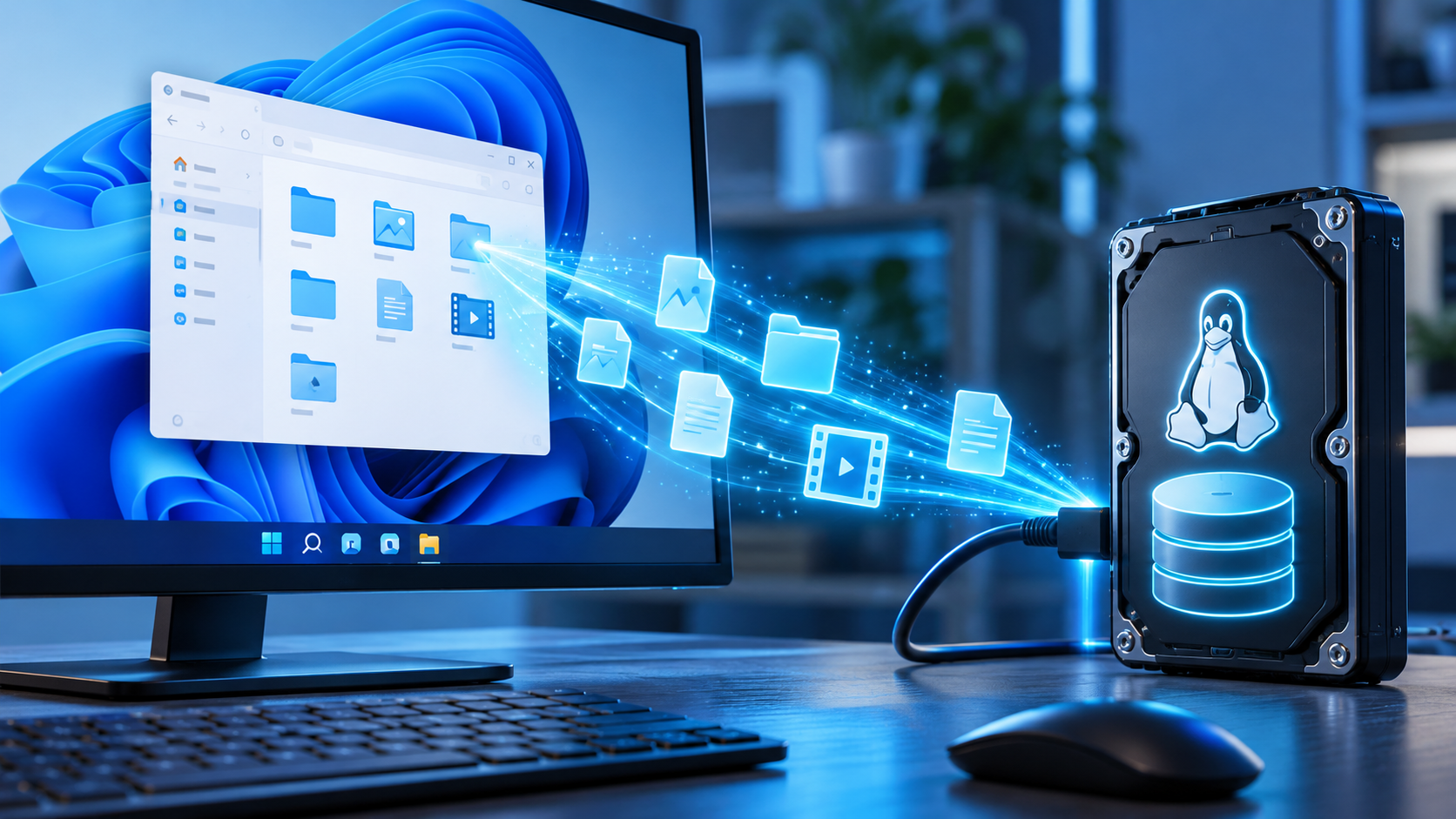
ext4 on Windows: Read the Drive Without Formatting
Read more →: ext4 on Windows: Read the Drive Without FormattingWindows does not mount an ext4 drive like NTFS. Check whether the disk is healthy, use a suitable Linux access route, and copy needed files before changing formats. Recovery software has a separate, limited role.




Copyright © 2025 PandaOffice. All Rights Reserved. The order process, tax issue, and invoicing to end users are conducted by PandaOffice Limited.