






File Recovery
Pandaoffice Drecov is the best files recovery software to restore deleted, formatted, or corrupted data from HDDs, SSDs, USB drives, and SD cards with deep scanning, preview support, and secure recovery performance.
TOP 4 Hot Articles
Top 4 hot articles will provide you reliable solutions to find crucial data with Drecov software.
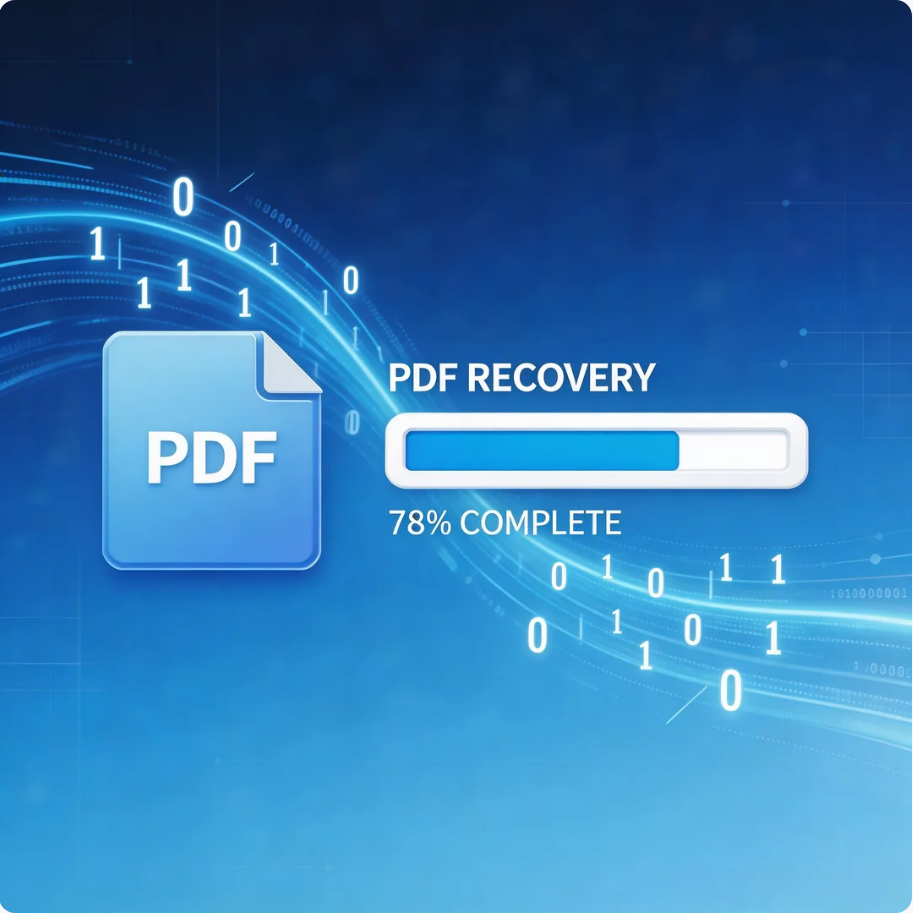

Comprehensive Guide to PDF File Recovery
This guide explains PDF file recovery methods for Windows PC, including built-in tools, backups, cloud storage, and professional software like Pandaoffice Drecov to safely restore lost or corrupted PDF files.
Find a solution that suits your case
Here are file recovery guidelines for all types of files. Just choose the most suitable situation for you to retrieve your data
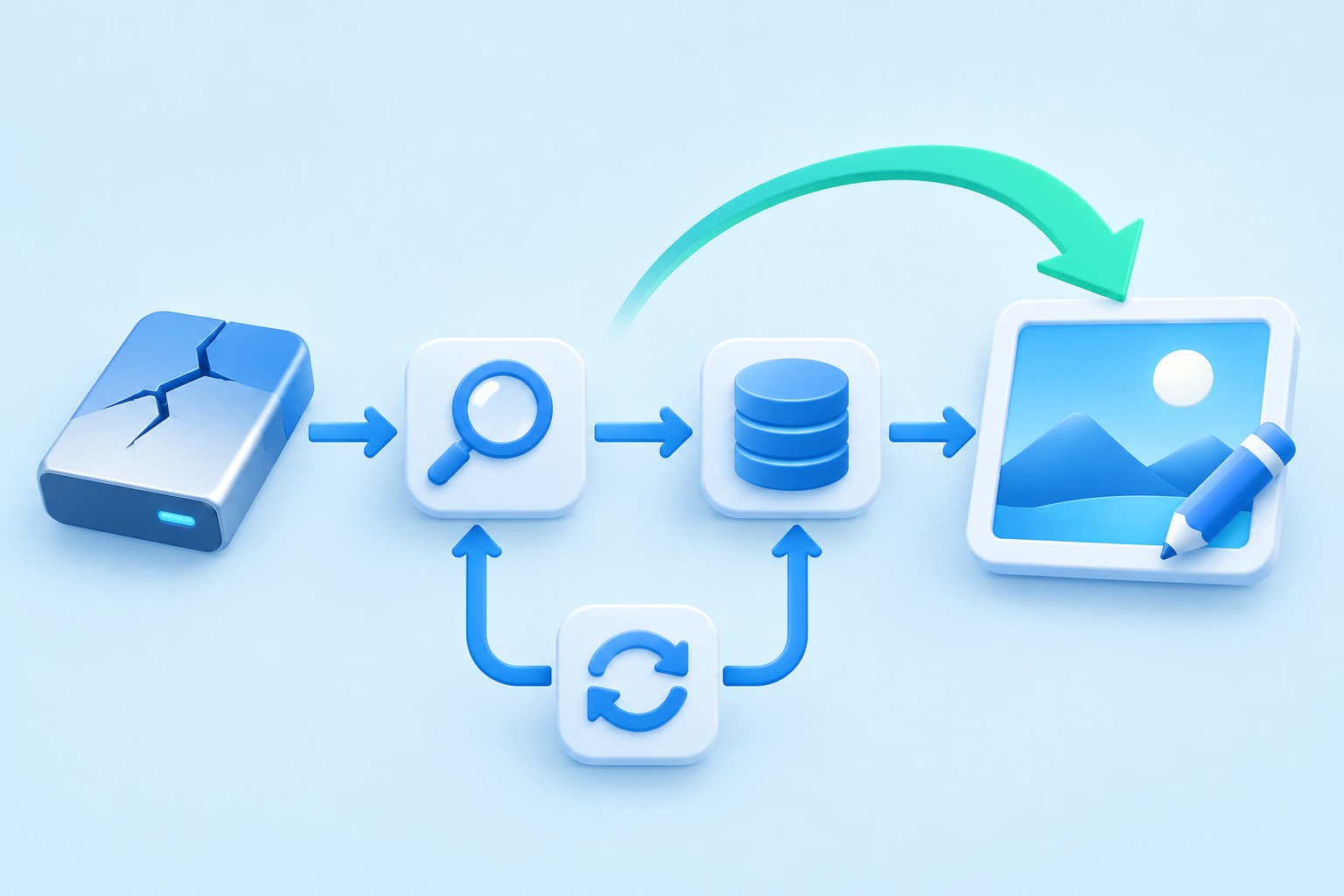

Recover draw.io Diagrams: Browser Copies, Editable Images, and XML Files
Read more →: Recover draw.io Diagrams: Browser Copies, Editable Images, and XML FilesRecord the diagram title, storage choice, browser profile, and a distinctive label or connection. Also check whether the original editing tab remains open. If useful content is still visible, preserve it immediately through a separate save or export. A browser refresh or cache cleanup can remove your easiest route to content that has not reached…
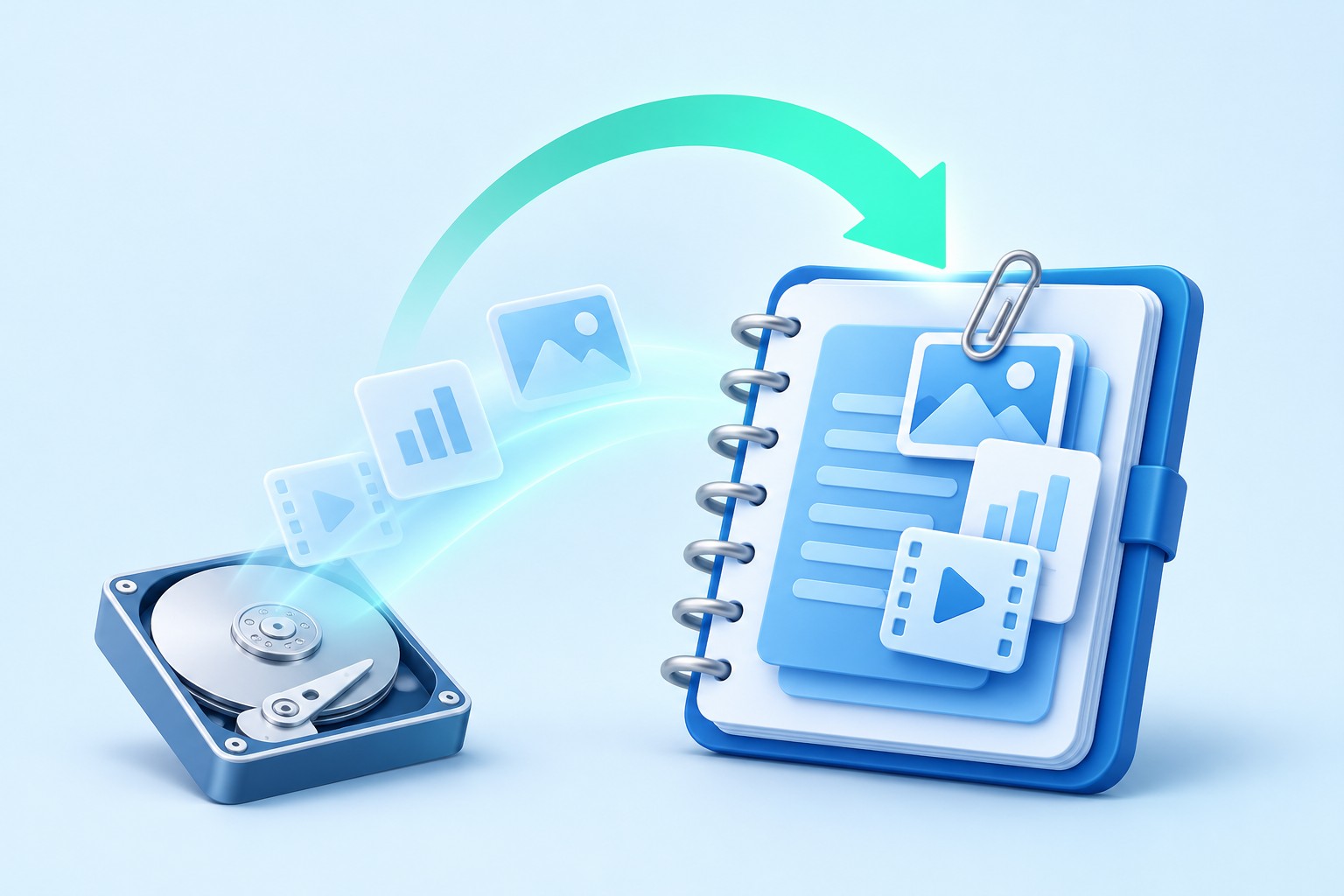
Recover Joplin Notes: Revisions, JEX Archives, and Missing Attachments
Read more →: Recover Joplin Notes: Revisions, JEX Archives, and Missing AttachmentsStart with a concrete example: a note title, distinctive sentence, notebook name, and expected attachment. Also record which device last displayed the correct content. This turns a vague complaint about missing notes into checks you can repeat. A successful import message alone cannot establish that the version you need actually returned.

Recover Anki Decks: Collection Backups, Review History, and Missing Media
Read more →: Recover Anki Decks: Collection Backups, Review History, and Missing MediaBegin with a distinctive card example and the expected deck name. Also record the profile and device where you last saw the correct information. A deck list that looks empty may reflect the wrong profile or a different account. Therefore, establish the current context before restoring an entire collection and replacing useful recent reviews.

Recover FL Studio Projects: Backup FLP Files and Missing Samples
Read more →: Recover FL Studio Projects: Backup FLP Files and Missing SamplesFL Studio is commercial software. The native routes below can avoid buying an additional recovery utility for someone who already has an appropriate installation and license. They do not make the application or paid plugins free. Also check the limitations of the edition you are using; an available backup is useful only if your installation…
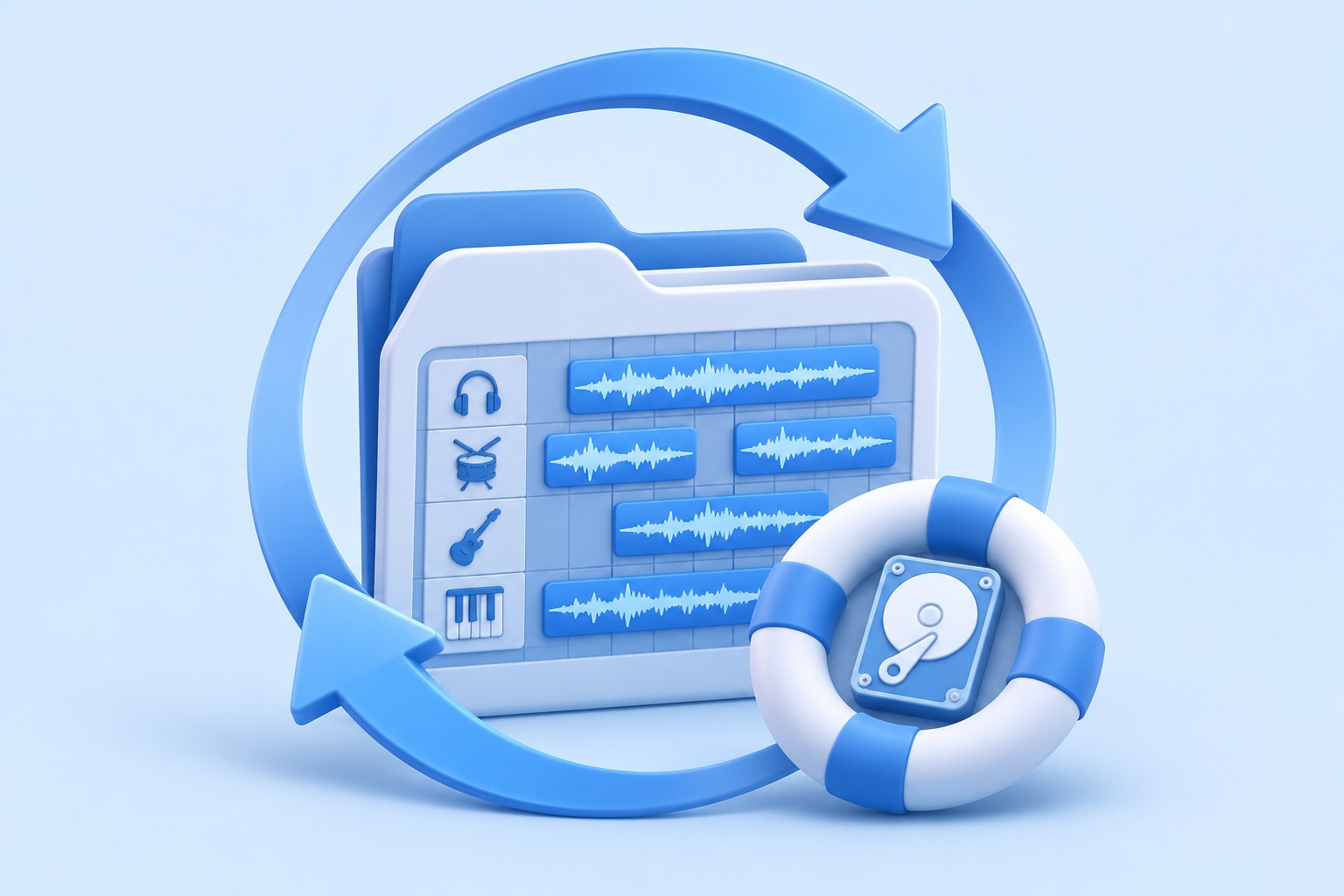
Recover Ableton Live Sets: Crash Recovery, Backup ALS Files, and Media
Read more →: Recover Ableton Live Sets: Crash Recovery, Backup ALS Files, and MediaAbleton Live is commercial software. Its built-in recovery and backup features can help an existing eligible user without buying a separate recovery utility. They do not make Live or third-party devices free. Also use the version appropriate to the saved material, especially for crash recovery, where the version that produced the recovery state matters.
Recover MuseScore Scores: Crash Sessions, Hidden Backups, and MusicXML
Read more →: Recover MuseScore Scores: Crash Sessions, Hidden Backups, and MusicXMLA missing score in the recent list does not prove that the file was deleted. First inspect its original folder and any existing cloud copy you own. Also record the MuseScore version, because backup naming and storage behavior differ between releases. Instructions for an older release should not become an assumed path for every current…
Recover a Corrupt SQLite Database: Safe Copies, WAL Files, and Native Salvage
Read more →: Recover a Corrupt SQLite Database: Safe Copies, WAL Files, and Native SalvageSQLite’s native tools can extract useful data, but a recovered database still needs structural and application checks. A file that opens can contain missing, duplicated, or altered records. Therefore, separate successful extraction from acceptance of the result. This guide focuses on working copies, existing backups, preserved WAL state, and native salvage rather than promising a…

Recover Lost RStudio Scripts: Open Editors, Command History, and Git
Read more →: Recover Lost RStudio Scripts: Open Editors, Command History, and GitA source file can disappear while useful commands remain in the History pane. Conversely, unexecuted comments and prose may exist only in a surviving editor buffer or saved file version. This guide combines those distinct native sources with existing version control and reconstruction references. It also explains how to verify recovered code without blindly executing…
Recover REAPER Projects: RPP Backups, Recorded Takes, and Missing Media
Read more →: Recover REAPER Projects: RPP Backups, Recorded Takes, and Missing MediaREAPER is commercial software. Its native backup and recovery routes can help an existing eligible user without buying an additional recovery utility. They do not make REAPER or paid plugins free. Also inspect the backup settings that existed before the loss, since an option enabled afterward cannot create historical project versions retrospectively.

Recover Adobe Audition Sessions: SESX Backups and Original Recordings
Read more →: Recover Adobe Audition Sessions: SESX Backups and Original RecordingsAudition is commercial software. The native routes below can help an existing eligible user without buying a separate recovery utility. They do not make the application or third-party effects free. Also inspect the actual Auto Save settings and existing files, because recovery data and multitrack session backups serve different purposes and depend on prior configuration.




Copyright © 2025 PandaOffice. All Rights Reserved. The order process, tax issue, and invoicing to end users are conducted by PandaOffice Limited.