






Drecov Knowledge
Drecov Knowledge provides practical solutions for common data recovery issues, including deleted files, lost photos, damaged drives, and software usage guides to help users recover important data.
TOP 4 Hot Articles
Top 4 hot articles will provide you reliable solutions to find crucial data with Drecov software.


“There Isn’t Enough Memory to Complete This Action” in Excel?
Protect unsaved work, distinguish a workbook-specific limit from add-ins or system pressure, simplify the failing operation, and recover missing workbook copies safely only when genuinely necessary.
Find a solution that suits your case
Here are file recovery guidelines for all types of files. Just choose the most suitable situation for you to retrieve your data


Where Are Excel Temp Files? Check the Right Recovery Place
Read more →: Where Are Excel Temp Files? Check the Right Recovery PlaceExcel uses several different temporary and recovery locations. Start in Excel’s own recovery menus, then check the configured AutoRecover folder and the original file location without overwriting a usable copy.

What Is a Recovery Disc, and What Can It Actually Restore?
Read more →: What Is a Recovery Disc, and What Can It Actually Restore?Understand what Windows recovery media boots, which repair tools it provides, what it cannot restore, and how to choose safer media for startup repair or reinstallation.

How to Undo a Cut and Paste Without Overwriting the File
Read more →: How to Undo a Cut and Paste Without Overwriting the FileA practical recovery how-to path that separates likely causes, protects local data before risky work, applies the smallest relevant fix, and verifies the outcome without unsupported promises.

How to Back Up Steam Games, Saves and Mods Separately
Read more →: How to Back Up Steam Games, Saves and Mods SeparatelyA practical backup how-to path that separates likely causes, protects local data before risky work, applies the smallest relevant fix, and verifies the outcome without unsupported promises.
How to Read a DAT File Without Guessing Its Format
Read more →: How to Read a DAT File Without Guessing Its FormatDAT is a generic extension, not one format. Identify where the file came from, inspect a copy safely, and use the originating application before conversion. The article also defines safe stopping points and a practical verification test.

How Do I Open a Pages File on Windows Without Losing Layout?
Read more →: How Do I Open a Pages File on Windows Without Losing Layout?A .pages document belongs to Apple Pages. Use iCloud Pages or a sender-provided Word or PDF export first, then check fonts and layout on a protected copy. The article also defines safe stopping points and a practical verification test.

How Much Space Does Windows 11 Take Beyond the Minimum?
Read more →: How Much Space Does Windows 11 Take Beyond the Minimum?Windows 11 needs more than its published minimum because updates, recovery files, paging, hibernation, apps and personal data expand the working footprint. The article also defines safe stopping points and a practical verification test.

Back Up Chrome Bookmarks So Sync Is Not Your Only Copy
Read more →: Back Up Chrome Bookmarks So Sync Is Not Your Only CopyExport bookmarks from the intended Chrome profile, open the HTML backup to verify it, and store it outside the profile. Treat Sync as convenience, not the only copy. The article also defines safe stopping points and a practical verification test.

How to Know Your RAM Memory in Windows Without Guessing
Read more →: How to Know Your RAM Memory in Windows Without GuessingWindows offers quick totals and deeper module information, but each screen answers a different question. Use Settings, Task Manager, System Information, PowerShell, firmware, and model documentation in the right order.
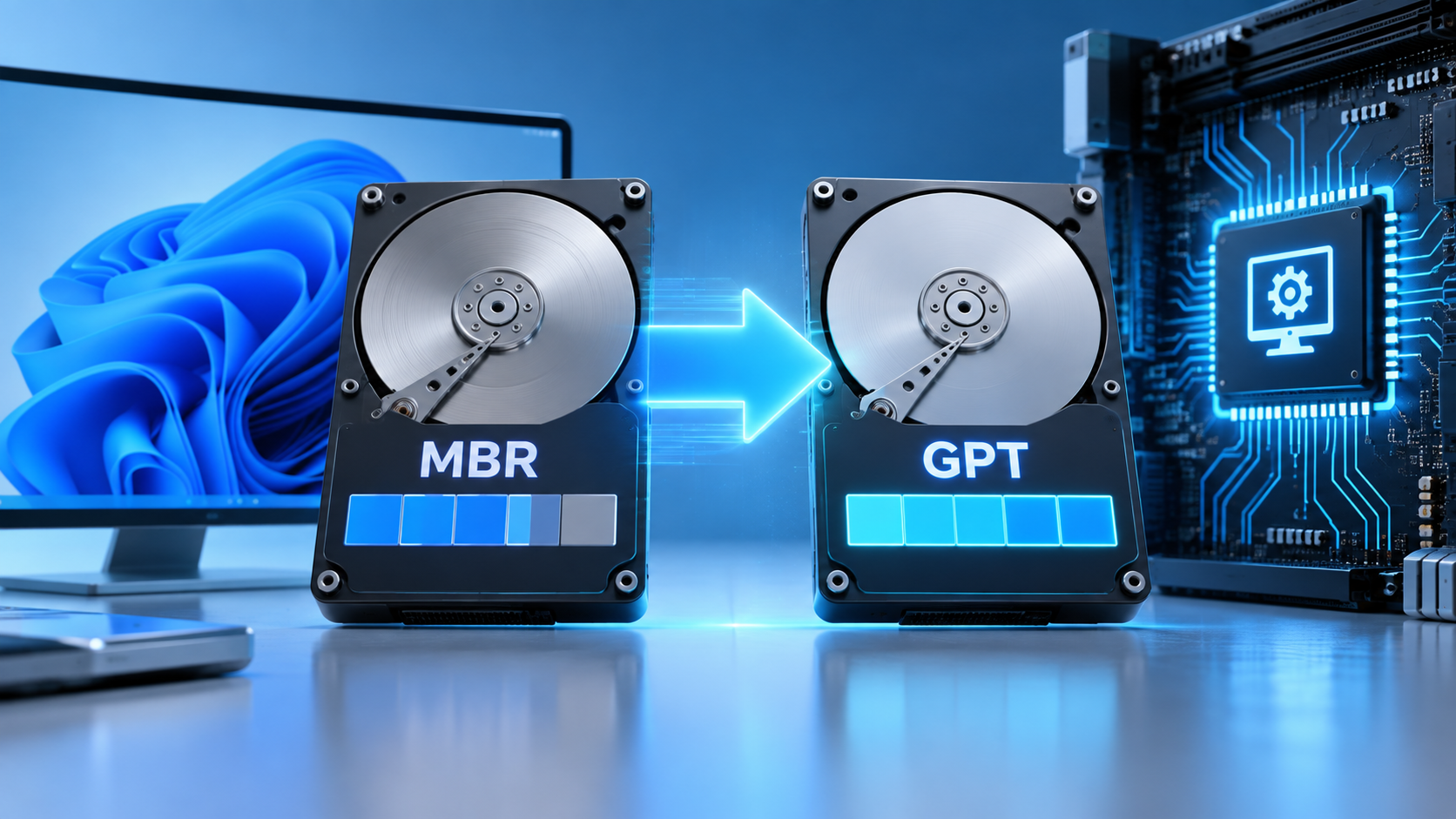
MBR2GPT.exe: Protect Data Before Converting the Boot Disk
Read more →: MBR2GPT.exe: Protect Data Before Converting the Boot DiskMBR2GPT.exe changes a supported Windows system disk from MBR to GPT without deleting its data by design, but it still rewrites boot and partition metadata. Put backups, recovery, validation, log review, UEFI preparation, and post-conversion checks in the correct order.




Copyright © 2025 PandaOffice. All Rights Reserved. The order process, tax issue, and invoicing to end users are conducted by PandaOffice Limited.