






Drecov Knowledge
Drecov Knowledge provides practical solutions for common data recovery issues, including deleted files, lost photos, damaged drives, and software usage guides to help users recover important data.
TOP 4 Hot Articles
Top 4 hot articles will provide you reliable solutions to find crucial data with Drecov software.


“There Isn’t Enough Memory to Complete This Action” in Excel?
Protect unsaved work, distinguish a workbook-specific limit from add-ins or system pressure, simplify the failing operation, and recover missing workbook copies safely only when genuinely necessary.
Find a solution that suits your case
Here are file recovery guidelines for all types of files. Just choose the most suitable situation for you to retrieve your data


How to Check If a File Is Corrupted Without Harming It
Read more →: How to Check If a File Is Corrupted Without Harming ItTest a duplicate through alternate readers, structural checks, hashes, and earlier versions before deciding whether the original is damaged or merely unsupported. The method separates damaged bytes from application, codec, path, and storage problems.

JPEG Repair Toolkit: Choose a Method for the Actual Damage
Read more →: JPEG Repair Toolkit: Choose a Method for the Actual DamageDiagnose whether the JPEG is missing, mislabeled, partially decoded, or structurally damaged before choosing recovery, repair, backup, or professional help. The comparison explains when recovery is more useful than rebuilding damaged image data.

ASV File After a Crash? Identify the App Before Opening It
Read more →: ASV File After a Crash? Identify the App Before Opening ItUse location, timestamps, nearby project files, and the creating application to identify an ASV AutoSave file before opening or renaming a duplicate. Timestamps, project context, and dependency checks reveal the most useful recovery point.

CHK File Found? Identify the Fragment Before Renaming It
Read more →: CHK File Found? Identify the Fragment Before Renaming ItTreat CHK files as fragments, preserve FOUND.000, identify signatures on copies, and prefer recovery of intact originals over blind extension changes. Signature checks and full-content validation prevent blind extension changes from hiding damage.
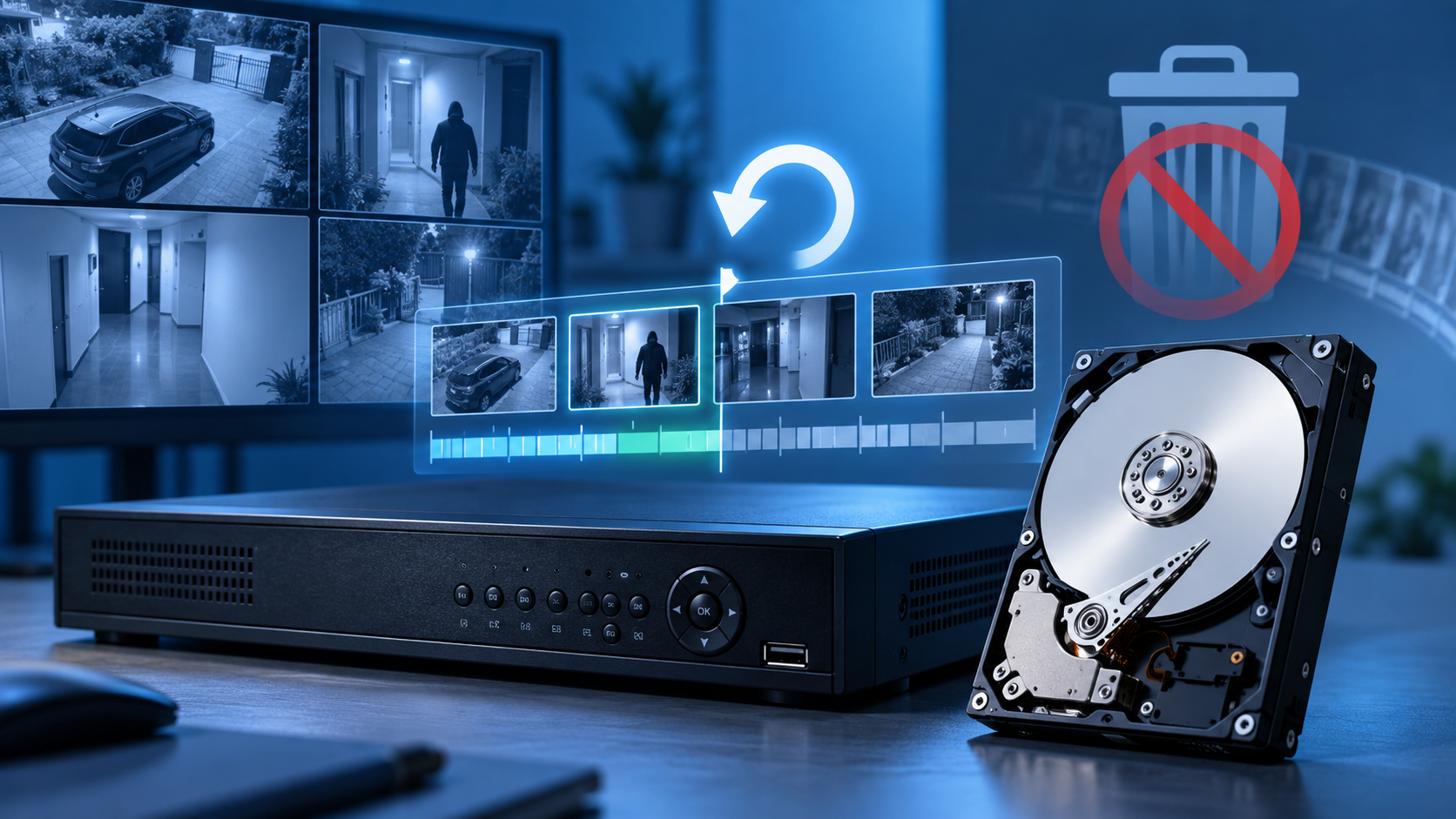
DVR Recovery Software: Choose by Recorder and Overwrite Risk
Read more →: DVR Recovery Software: Choose by Recorder and Overwrite RiskMatch recovery software to exported files, removable media, or proprietary recorder storage while preserving evidence and avoiding continued recording or initialization. Recorder compatibility and evidence validation matter more than an unsupported universal ranking.


Where Are BG3 Saves Stored? Find the Active Profile Folder
Read more →: Where Are BG3 Saves Stored? Find the Active Profile FolderLocate the active Baldur’s Gate 3 save folder, identify the correct profile, compare local and cloud copies, preserve complete campaigns, and recover deleted saves without overwriting the source.
Where Are Palworld Saves Stored? Protect the Correct World
Read more →: Where Are Palworld Saves Stored? Protect the Correct WorldLocate the Palworld save used by Steam, Xbox, or a dedicated server. Identify the active world by timestamps, protect built-in backups, and recover deleted local data without overwriting it.

How to Safely Eject a USB Drive When Windows Says It Is Busy
Read more →: How to Safely Eject a USB Drive When Windows Says It Is BusyFinish transfers, close previews and applications, use Windows’ eject control, identify remaining file handles, and recover data only if an unsafe removal caused actual loss.

Drecov’s Editorial Principles for Data Recovery Content
Read more →: Drecov’s Editorial Principles for Data Recovery ContentDrecov explains its safety-first editorial standards for data recovery content, including sourcing, testing transparency, human accountability, corrections, and commercial disclosure.
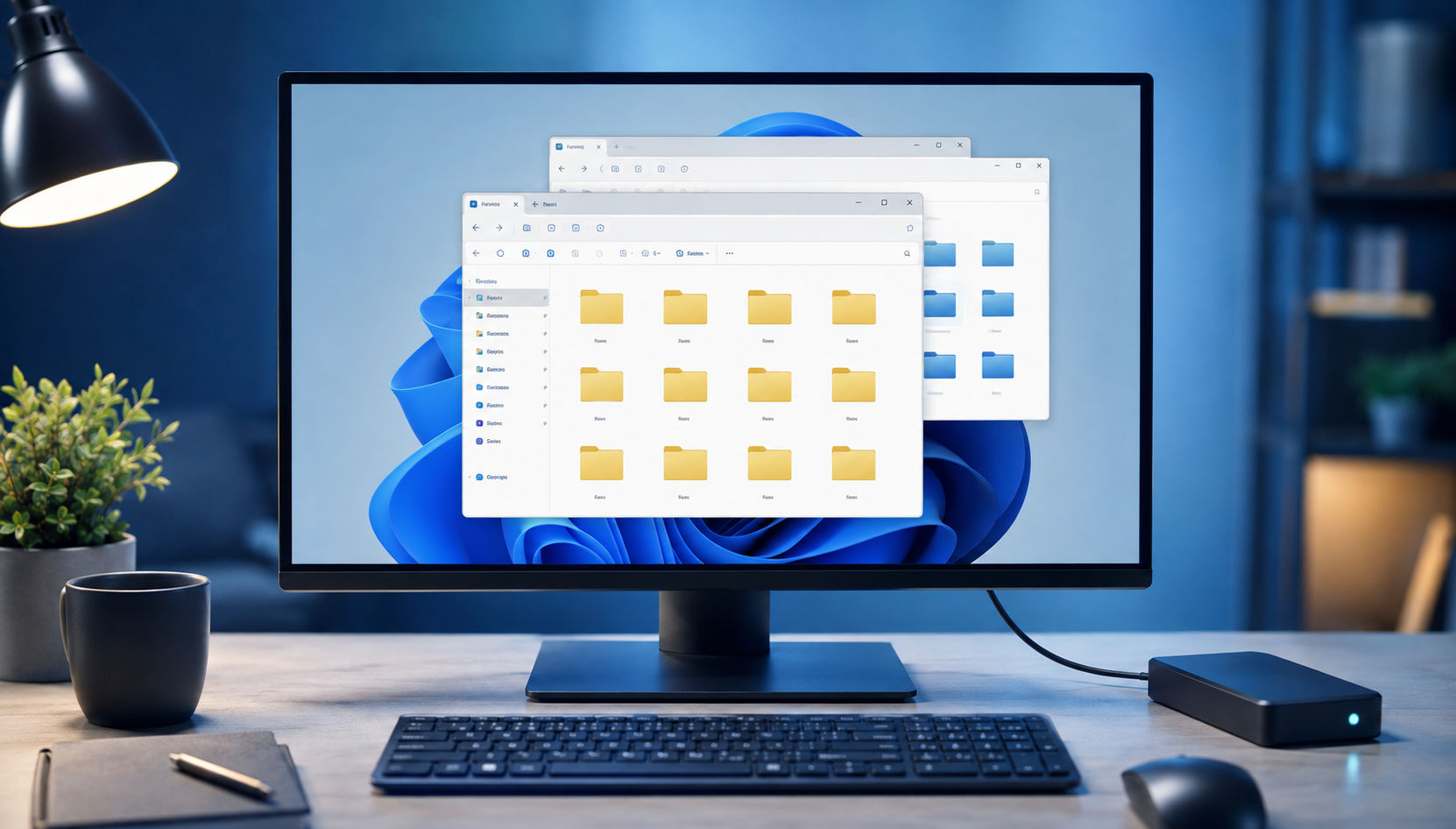

What Is a Windows.old Folder, and When Should You Copy It?
Read more →: What Is a Windows.old Folder, and When Should You Copy It?Windows.old temporarily stores parts of a previous installation after some upgrades. Copy personal files promptly, verify every old account, and understand its important recovery limits.




Copyright © 2025 PandaOffice. All Rights Reserved. The order process, tax issue, and invoicing to end users are conducted by PandaOffice Limited.