






Drecov Knowledge
Drecov Knowledge provides practical solutions for common data recovery issues, including deleted files, lost photos, damaged drives, and software usage guides to help users recover important data.
TOP 4 Hot Articles
Top 4 hot articles will provide you reliable solutions to find crucial data with Drecov software.


“There Isn’t Enough Memory to Complete This Action” in Excel?
Protect unsaved work, distinguish a workbook-specific limit from add-ins or system pressure, simplify the failing operation, and recover missing workbook copies safely only when genuinely necessary.
Find a solution that suits your case
Here are file recovery guidelines for all types of files. Just choose the most suitable situation for you to retrieve your data


Wondershare Video Repair Review: Repair the File or Recover the Source?
Read more →: Wondershare Video Repair Review: Repair the File or Recover the Source?Determine whether a video is damaged, incomplete, deleted, or merely unplayable before choosing Repairit, a protected working-copy workflow, or recovery of the complete original source file.
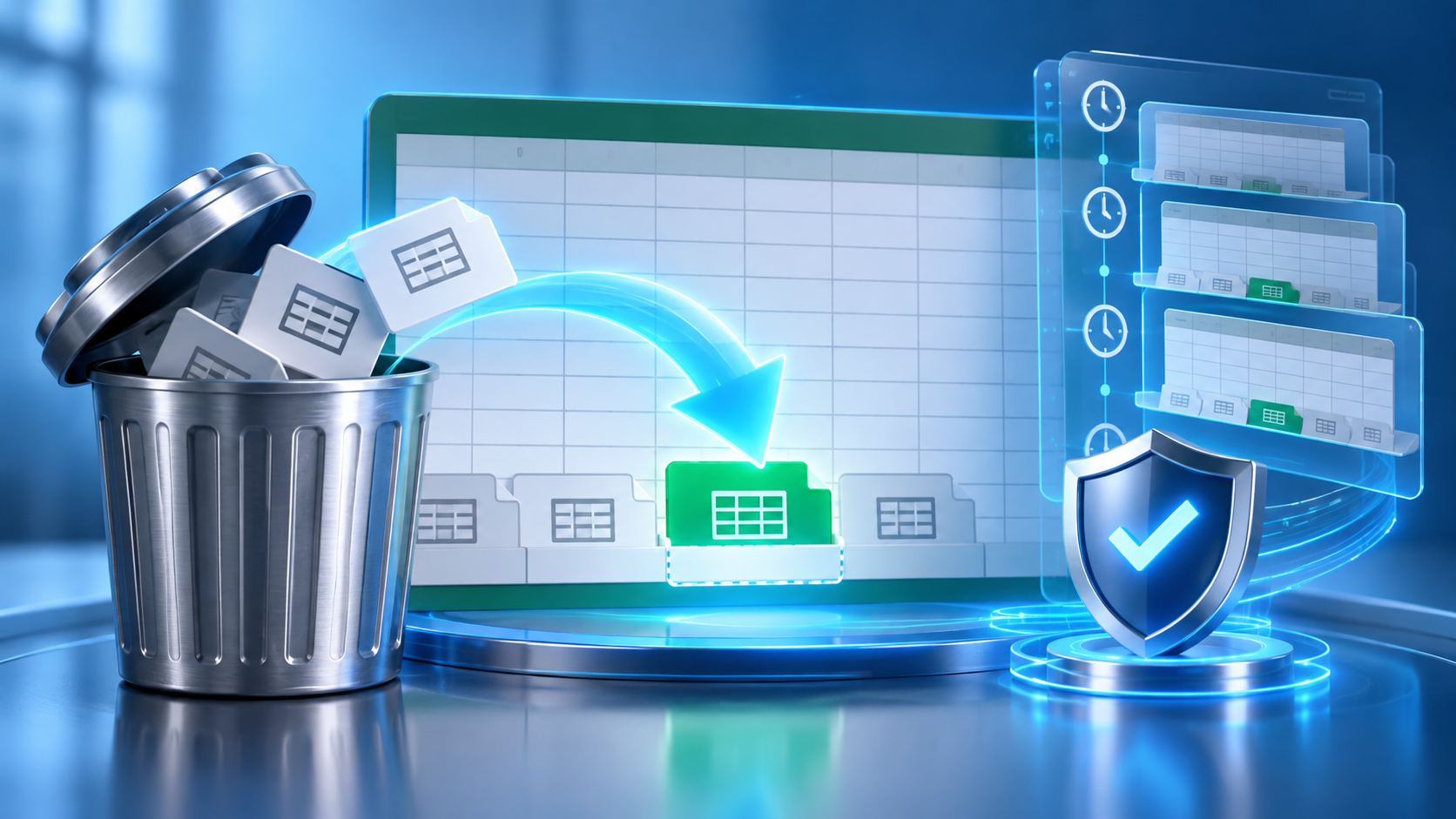
Recover Deleted Sheets in Excel Before Closing the Workbook
Read more →: Recover Deleted Sheets in Excel Before Closing the WorkbookRestore a deleted worksheet from the current session or an earlier workbook version, then copy it into a separate file so newer edits remain protected.

PST Repair Utility: Choose the Right Tool for the Damage
Read more →: PST Repair Utility: Choose the Right Tool for the DamageThis guide separates PST corruption from missing files, profile trouble, and server synchronization. It explains safe SCANPST use, recovery when the archive is lost, and verification before replacing the original.

Repair Video With VLC: What It Can and Cannot Fix
Read more →: Repair Video With VLC: What It Can and Cannot FixVLC can rebuild an AVI index, change playback settings, or transcode readable streams. It cannot recreate missing footage. Test copies, preserve originals, and verify every output.

What Is a DPC Watchdog Violation? Read the Crash Evidence
Read more →: What Is a DPC Watchdog Violation? Read the Crash EvidenceStop code 0x133 points to delayed kernel work, not one guaranteed culprit. Use timing, dump, driver, and storage evidence to choose a safe test and protect inaccessible files first.
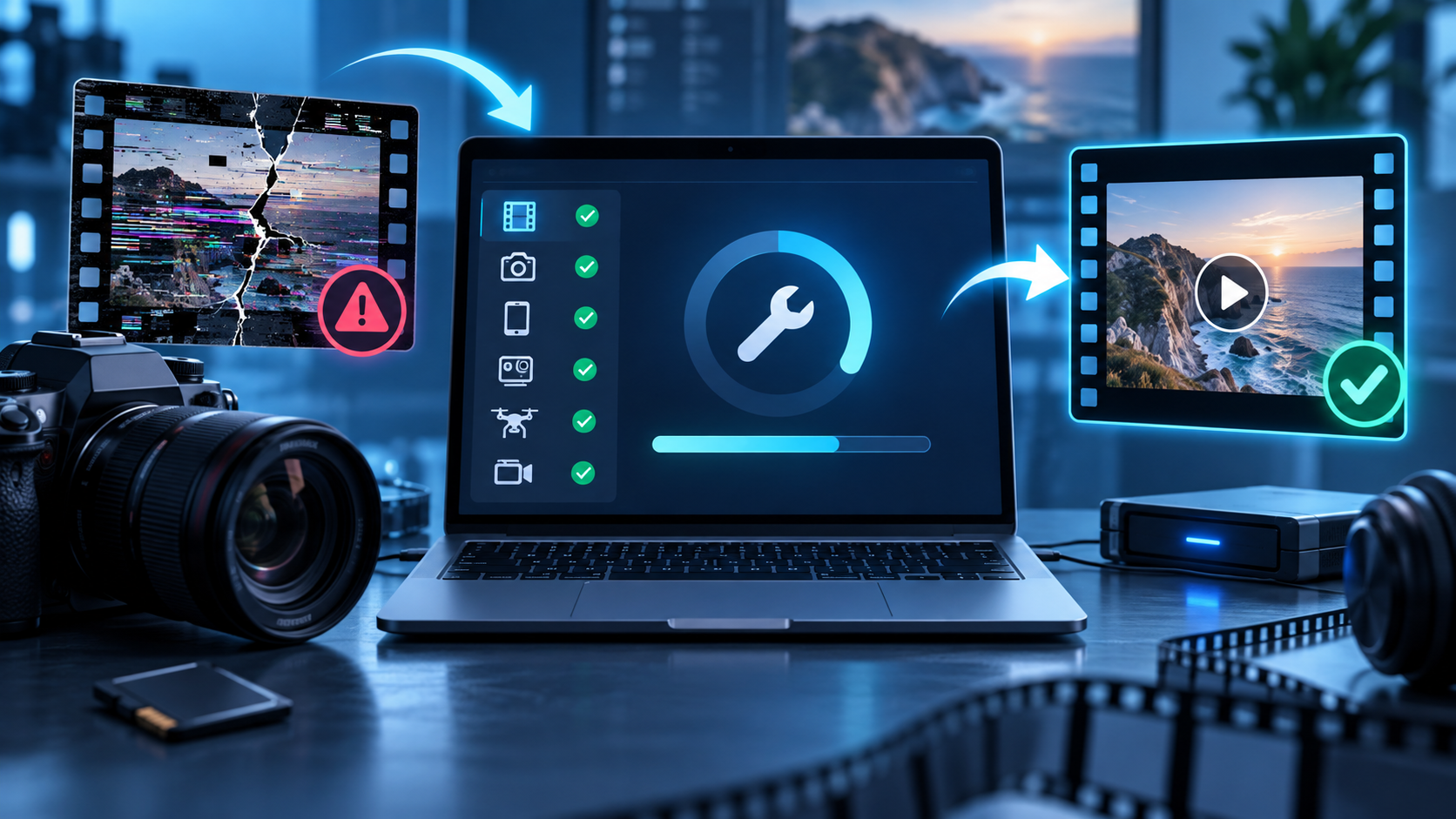
Yodot MOV Repair Review: Check the Fit Before You Buy
Read more →: Yodot MOV Repair Review: Check the Fit Before You BuyThis documentation-based review shows where Yodot MOV Repair fits, what to prepare, how to judge its output, and when a missing source requires recovery instead.
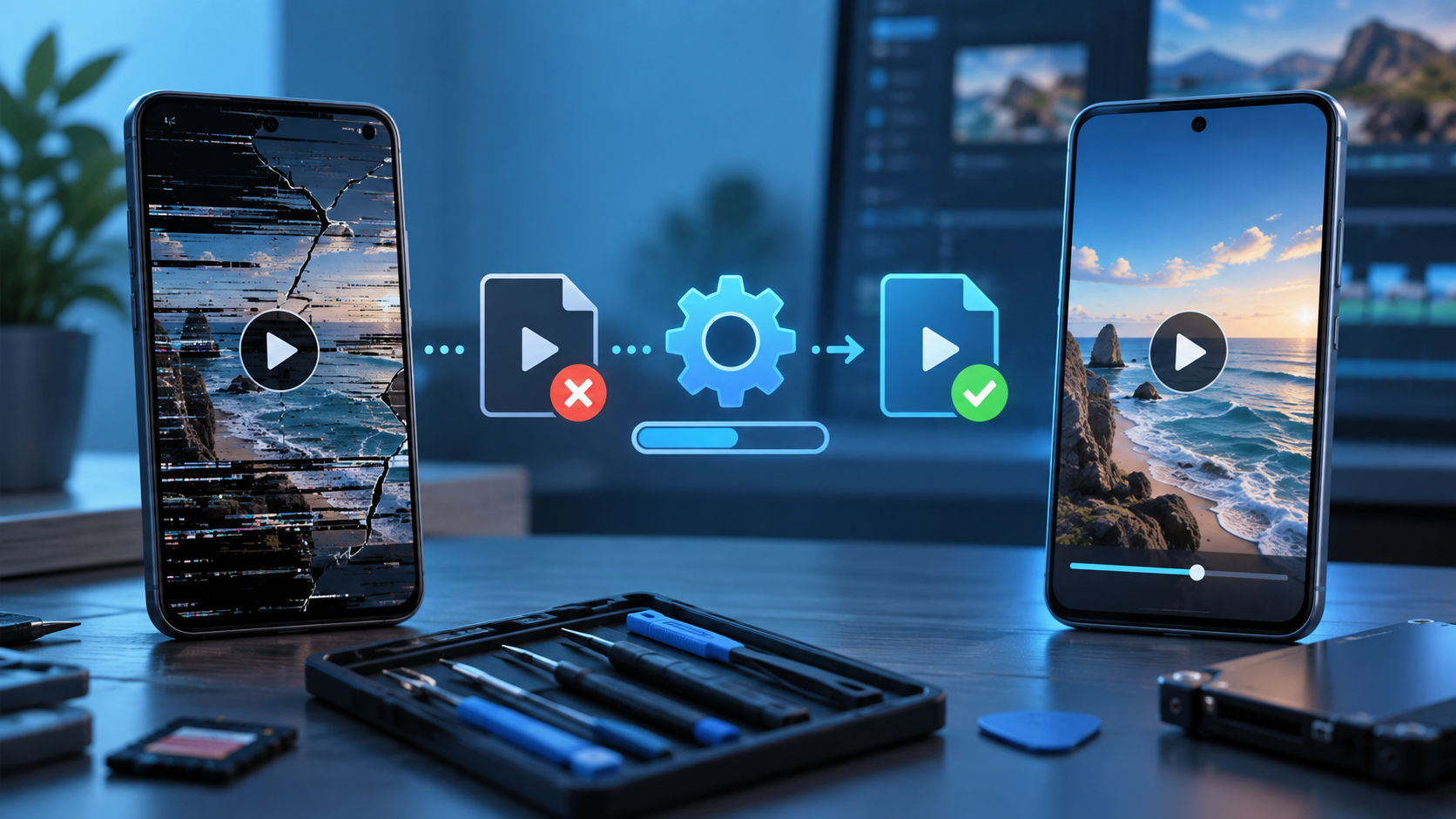
MP4Fix Review: Can It Rescue a Broken Android Recording?
Read more →: MP4Fix Review: Can It Rescue a Broken Android Recording?Learn when MP4Fix fits an interrupted Android recording, how to choose a matching reference clip, how to verify privacy and playback, and when missing footage requires recovery first.

PNG Fixer Choices: Diagnose the Damage Before Repairing
Read more →: PNG Fixer Choices: Diagnose the Damage Before RepairingThis practical decision guide separates extension, decoder, chunk, transparency, truncation, and storage failures so you can preserve the original and choose a safe PNG repair or recovery path.
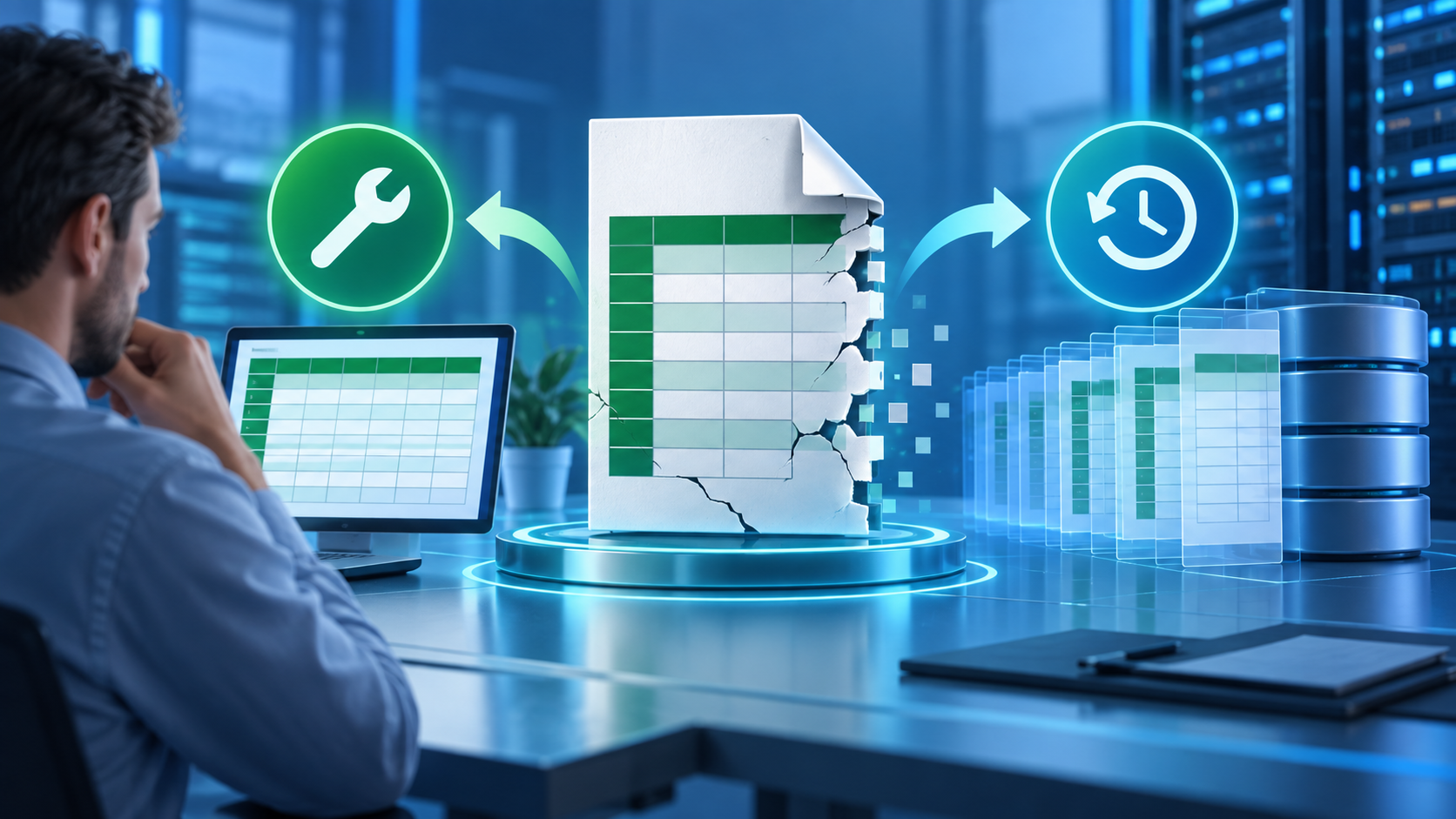
Recovery Toolbox for Excel: Repair or Recover the File First?
Read more →: Recovery Toolbox for Excel: Repair or Recover the File First?Decide whether the workbook is damaged, missing, or merely blocked before using Recovery Toolbox for Excel, Excel repair, version history, or Drecov. Workbook checks cover formulas, macros, charts, privacy, and deleted-file alternatives.

What Is WebM File Format? Codecs, Playback, and Recovery
Read more →: What Is WebM File Format? Codecs, Playback, and RecoveryUnderstand WebM as a web-focused media container, identify its codecs, test playback safely, and recover an original only when the file is genuinely missing. Codec inspection and delivery testing explain playback differences without needless conversion.




Copyright © 2025 PandaOffice. All Rights Reserved. The order process, tax issue, and invoicing to end users are conducted by PandaOffice Limited.