






Drecov Knowledge
Drecov Knowledge provides practical solutions for common data recovery issues, including deleted files, lost photos, damaged drives, and software usage guides to help users recover important data.
TOP 4 Hot Articles
Top 4 hot articles will provide you reliable solutions to find crucial data with Drecov software.


“There Isn’t Enough Memory to Complete This Action” in Excel?
Protect unsaved work, distinguish a workbook-specific limit from add-ins or system pressure, simplify the failing operation, and recover missing workbook copies safely only when genuinely necessary.
Find a solution that suits your case
Here are file recovery guidelines for all types of files. Just choose the most suitable situation for you to retrieve your data
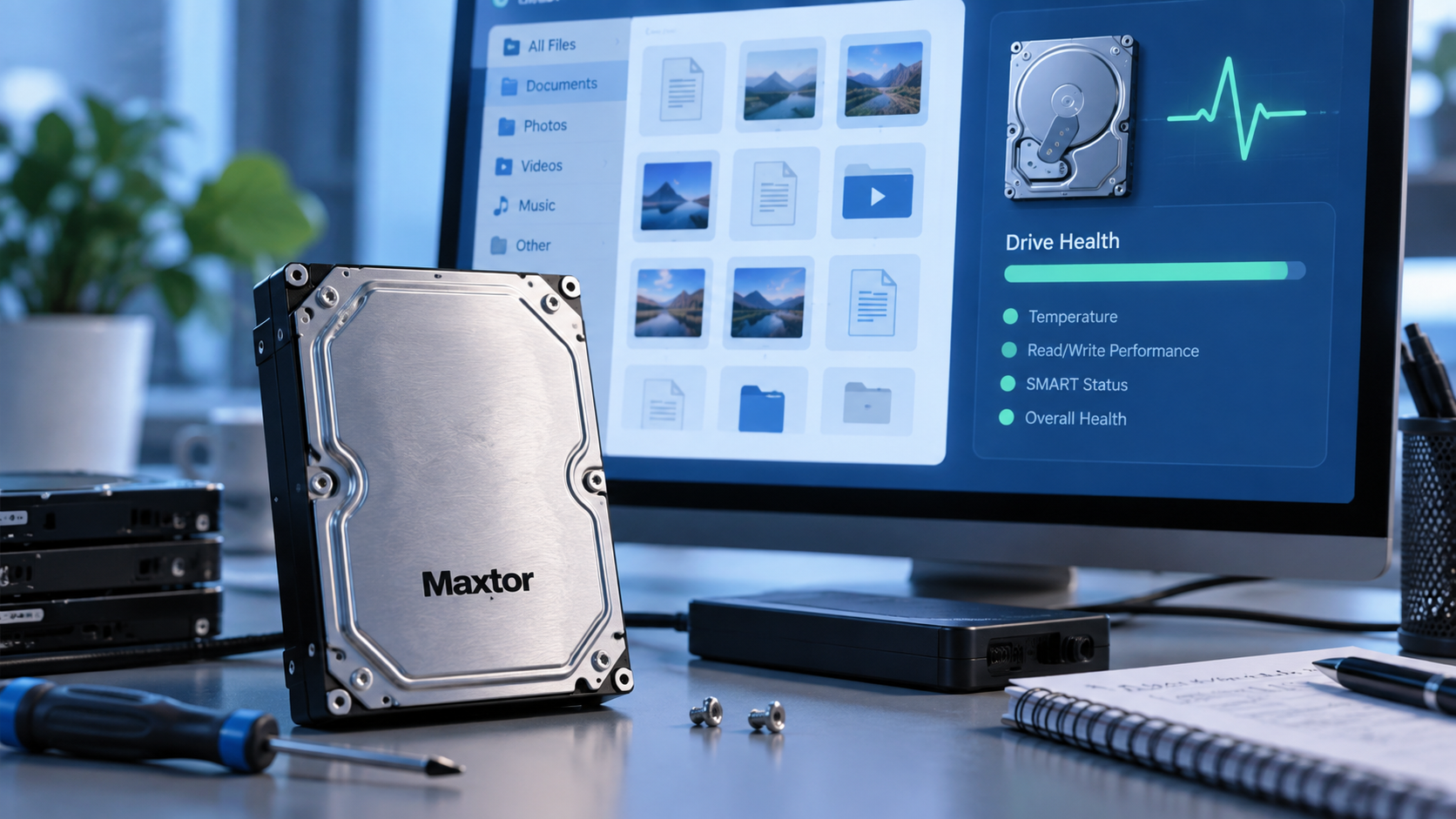

Maxtor Data Recovery Starts With the Drive State
Read more →: Maxtor Data Recovery Starts With the Drive StateAn old Maxtor drive can lose files through deletion, connection trouble, or hardware failure. This article separates those cases, explains the limits of software, and gives a recovery path only for a stable, readable drive.
Data Recovery Software for Windows 7: Choose by Loss Type
Read more →: Data Recovery Software for Windows 7: Choose by Loss TypeWindows 7 recovery depends on whether files were deleted, a partition vanished, or hardware is failing. This selection guide compares documented tool approaches, explains legacy-system risks, and gives a safe Drecov workflow for stable storage.

How Much Does Data Recovery Cost? Choose the Right Route
Read more →: How Much Does Data Recovery Cost? Choose the Right RouteThere is no trustworthy single recovery price. This article separates no-cost backup options, software-led recovery on stable drives, and professional work for failing hardware. It also gives questions to ask before accepting a quote or risking a DIY scan.
Open Source Disk Recovery Software: Pick the Right Task
Read more →: Open Source Disk Recovery Software: Pick the Right TaskTestDisk and PhotoRec are real open-source tools, but they solve different recovery problems. This article maps missing partitions, deleted files, and unstable hardware to safer options, then explains when Drecov’s graphical Windows workflow may be easier to review.
Recoverit Data Recovery or Drecov: Choose by the Loss
Read more →: Recoverit Data Recovery or Drecov: Choose by the LossRecoverit and Drecov both offer guided file recovery on suitable devices. This document-based comparison explains the questions that matter before using either product, where their published workflows differ, and when neither is appropriate because the source is physically unstable.

Remote Data Recovery: What Can Be Done Without the Drive?
Read more →: Remote Data Recovery: What Can Be Done Without the Drive?A technician can guide a local recovery session remotely, but the storage still has to be safely accessible. This article separates a user’s PC from cloud and server data, explains consent and privacy precautions, and shows when a physical failure rules out remote scanning.

Vibosoft Data Recovery: Check the Software Before Use
Read more →: Vibosoft Data Recovery: Check the Software Before UseVibosoft’s official page describes read-only scanning and preview, yet its published Windows compatibility details appear dated. This review separates those documented claims from unverified current behavior and explains when a stable Windows file-loss case may instead suit Drecov.

How Long Does Data Recovery Take? Read the Right Signals
Read more →: How Long Does Data Recovery Take? Read the Right SignalsRecovery has several stages, so one scan-time estimate cannot predict when usable files will be ready. This article explains the factors, offers a safe way to reassess progress, and distinguishes ordinary slowness from signs of a failing device.

Wondershare Video Repair Review: Repair the File or Recover the Source?
Read more →: Wondershare Video Repair Review: Repair the File or Recover the Source?Determine whether a video is damaged, incomplete, deleted, or merely unplayable before choosing Repairit, a protected working-copy workflow, or recovery of the complete original source file.

What Does Resetting BIOS Do? Settings, Boot Changes, and Data Safety
Read more →: What Does Resetting BIOS Do? Settings, Boot Changes, and Data SafetyA BIOS reset restores firmware defaults, not personal files. Record boot, storage, security, and virtualization settings first so Windows, encrypted disks, and required hardware features remain accessible afterward.




Copyright © 2025 PandaOffice. All Rights Reserved. The order process, tax issue, and invoicing to end users are conducted by PandaOffice Limited.