






Drecov Knowledge
Drecov Knowledge provides practical solutions for common data recovery issues, including deleted files, lost photos, damaged drives, and software usage guides to help users recover important data.
TOP 4 Hot Articles
Top 4 hot articles will provide you reliable solutions to find crucial data with Drecov software.


“There Isn’t Enough Memory to Complete This Action” in Excel?
Protect unsaved work, distinguish a workbook-specific limit from add-ins or system pressure, simplify the failing operation, and recover missing workbook copies safely only when genuinely necessary.
Find a solution that suits your case
Here are file recovery guidelines for all types of files. Just choose the most suitable situation for you to retrieve your data


Recover a File Deleted From a Shared Drive Before Retention Expires
Read more →: Recover a File Deleted From a Shared Drive Before Retention ExpiresIdentify the sharing platform and file owner, restore from its Trash or administrator controls, then examine local synced storage only when the cloud copy is gone.
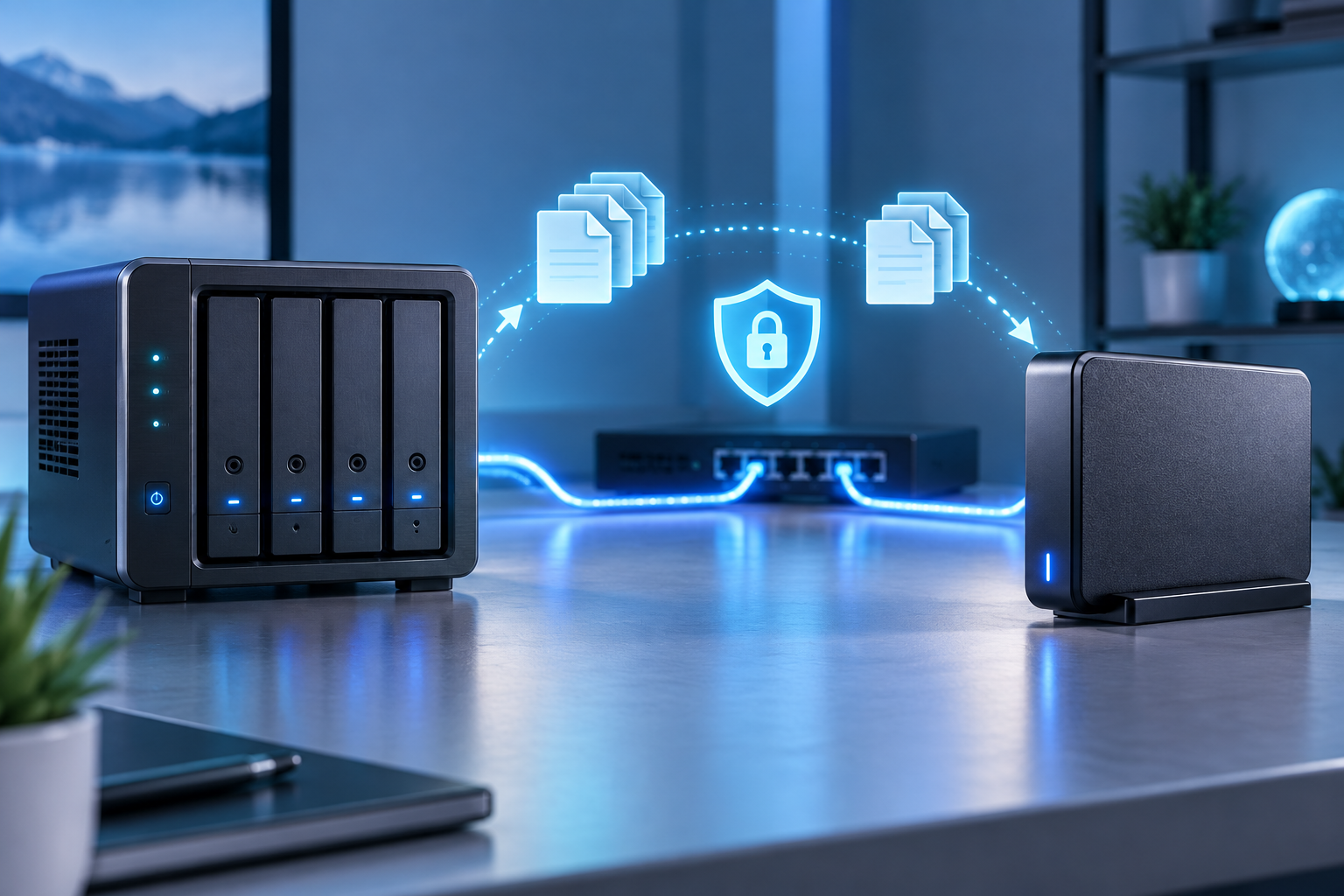

Buffalo LinkStation Backup Software: Choose the Right Direction
Read more →: Buffalo LinkStation Backup Software: Choose the Right DirectionSeparate PC backups from LinkStation backup jobs, confirm the correct destination, and rehearse restoration. If a local original disappeared before backup, recover that Windows copy without treating the NAS share as a directly scannable disk.

CleverFiles Video Repair: Is Your Clip the Right Candidate?
Read more →: CleverFiles Video Repair: Is Your Clip the Right Candidate?Learn when an existing broken clip suits online repair, what to preserve before uploading, and how to judge the result. A separate workflow covers finding a deleted local original before attempting repairs.

DiskGenius: Recover Files Before Changing the Disk
Read more →: DiskGenius: Recover Files Before Changing the DiskDiskGenius combines recovery and disk-management functions, making operation choice important. This review explains which tasks read or modify storage, how to assess recovered files, and when a separate Drecov workflow fits stable Windows media.

Ontrack Easy Recovery: Which Features Do You Actually Need?
Read more →: Ontrack Easy Recovery: Which Features Do You Actually Need?EasyRecovery capabilities vary by edition. Match the software to deleted files, missing volumes or existing corrupt media, then assess recoverable results. A separate Windows recovery workflow explains how Drecov scans stable storage and saves verified files elsewhere.

Photoshop Recovery Toolbox: Will Your Layers Survive?
Read more →: Photoshop Recovery Toolbox: Will Your Layers Survive?A repaired PSD must preserve the parts you need to edit, not merely display a picture. This review explains documented repair limits, safer saved copies, local file recovery, and checks for the resulting Photoshop project.

USB Flash Backup: Build a Copy You Can Actually Restore
Read more →: USB Flash Backup: Build a Copy You Can Actually RestoreSelect file copy, image, or versioned backup according to the USB’s role, then verify the destination instead of assuming a completed progress bar is enough.

USB Flash Memory Speed Test: Read Results Correctly
Read more →: USB Flash Memory Speed Test: Read Results CorrectlyLearn how to benchmark a USB drive without mistaking cache bursts for sustained speed, then use repeatable checks to isolate the port, workload, or device.
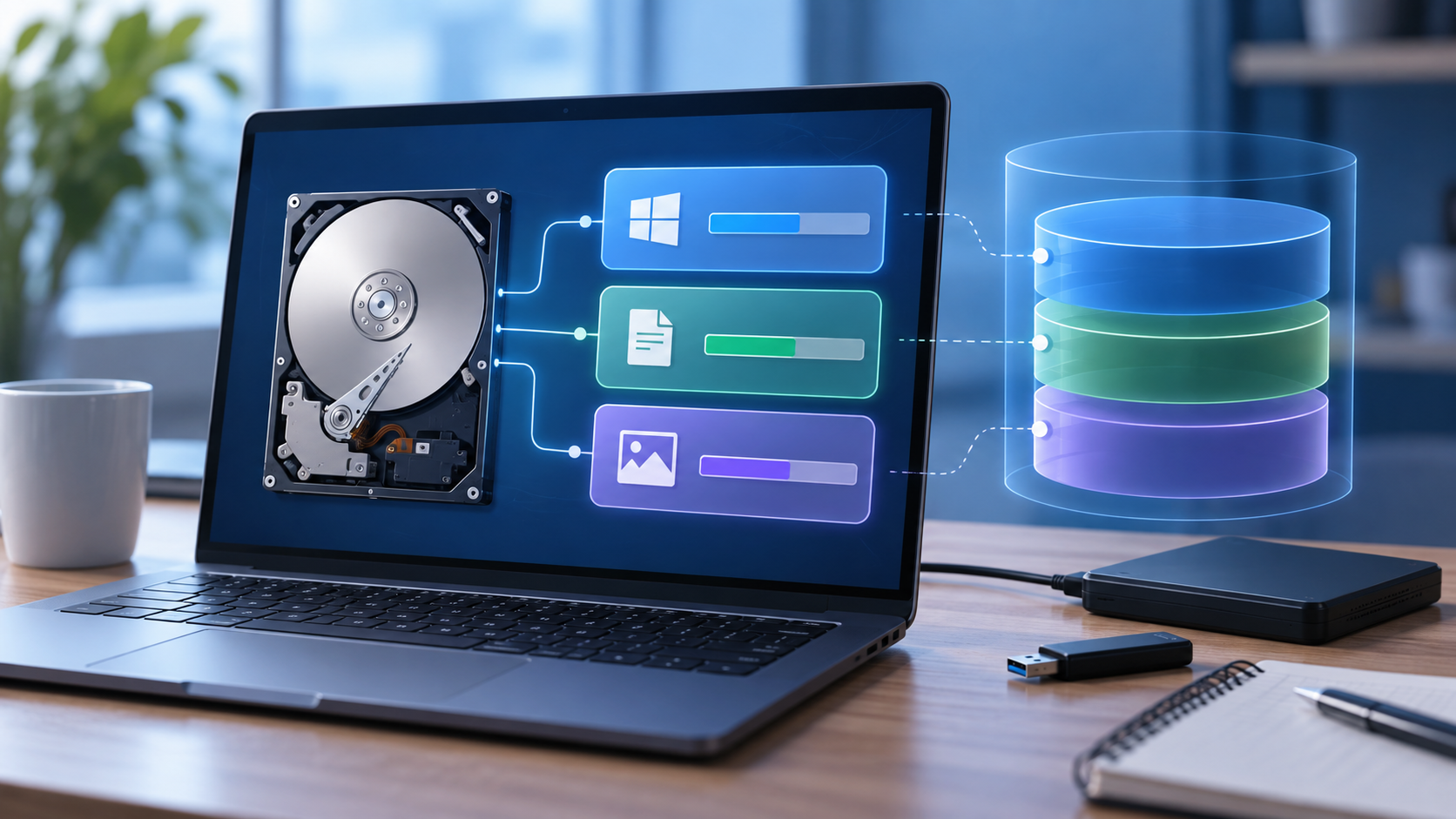
What Term Describes a Logical Drive? Volume vs. Partition
Read more →: What Term Describes a Logical Drive? Volume vs. PartitionA logical drive is often described as a volume, but MBR terminology is more specific. Learn to distinguish storage layers, read a disk layout safely, and recognize when missing files require recovery rather than repartitioning.
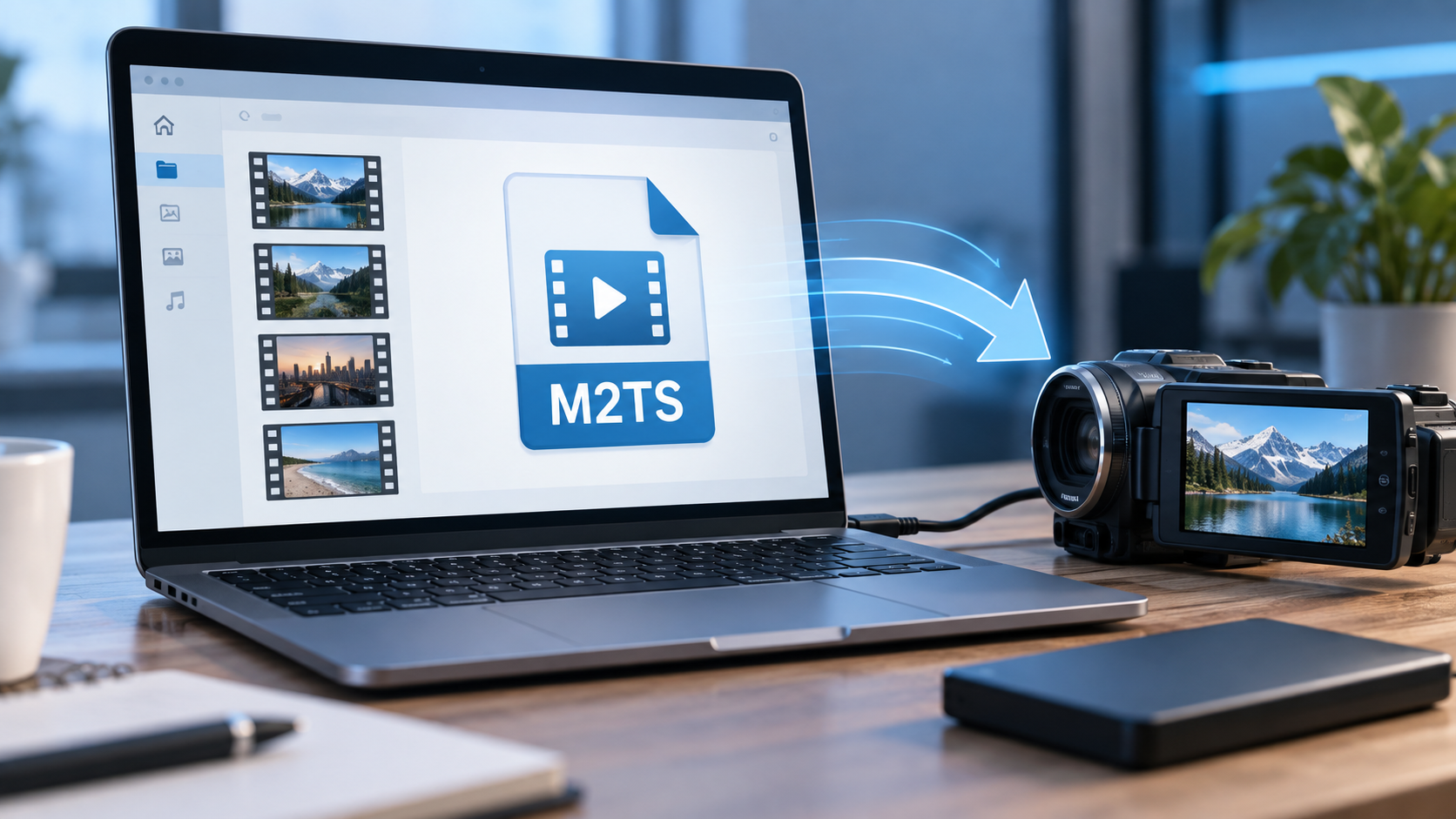
What Is a M2TS File? Open the Video Without Losing Its Context
Read more →: What Is a M2TS File? Open the Video Without Losing Its ContextUnderstand M2TS as a video container, preserve the camera’s folder structure, and distinguish playback trouble from deletion. Learn how to check a copied or converted clip and handle genuinely missing footage safely.




Copyright © 2025 PandaOffice. All Rights Reserved. The order process, tax issue, and invoicing to end users are conducted by PandaOffice Limited.