






Troubleshooting
This guide explains the meaning of troubleshooting and walks you through practical steps to identify, diagnose, and resolve common technical problems with ease.
TOP 4 Hot Articles
Top 4 hot articles will provide you reliable solutions to find crucial data with Drecov software.


Windows Stuck on Welcome? Diagnose the Sign-In Stage First
Separate a slow sign-in from a frozen profile, service, update, or storage fault. Use controlled account tests and protect local files before reset or reinstall.
Find a solution that suits your case
Here are file recovery guidelines for all types of files. Just choose the most suitable situation for you to retrieve your data
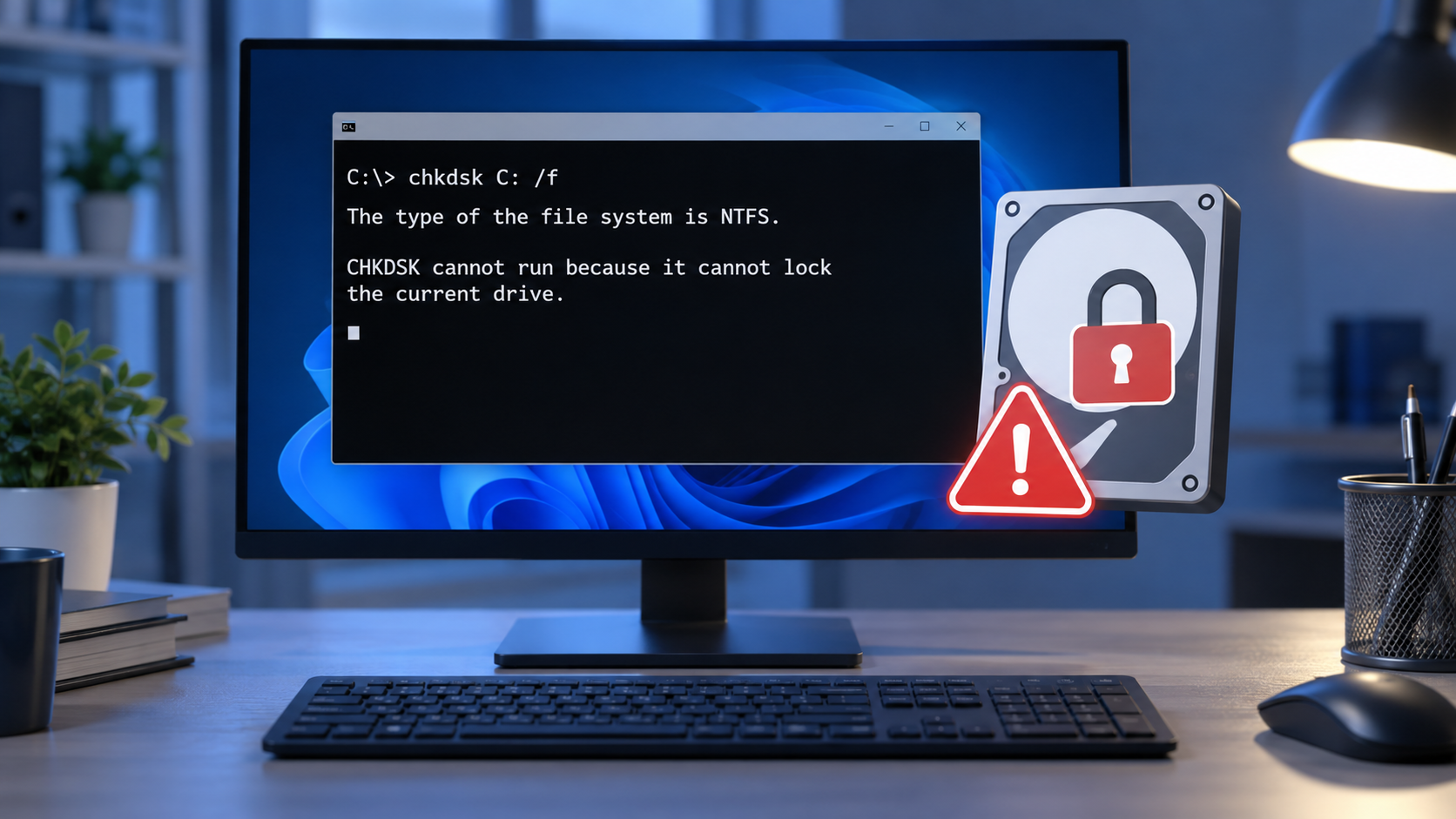

CHKDSK Cannot Lock Current Drive? Decide Before Rebooting
Read more →: CHKDSK Cannot Lock Current Drive? Decide Before RebootingAn in-use volume and a failing disk can both derail a CHKDSK attempt, but require different responses. This guide explains the lock message, protects important files before repair, and shows when a scheduled check is appropriate.
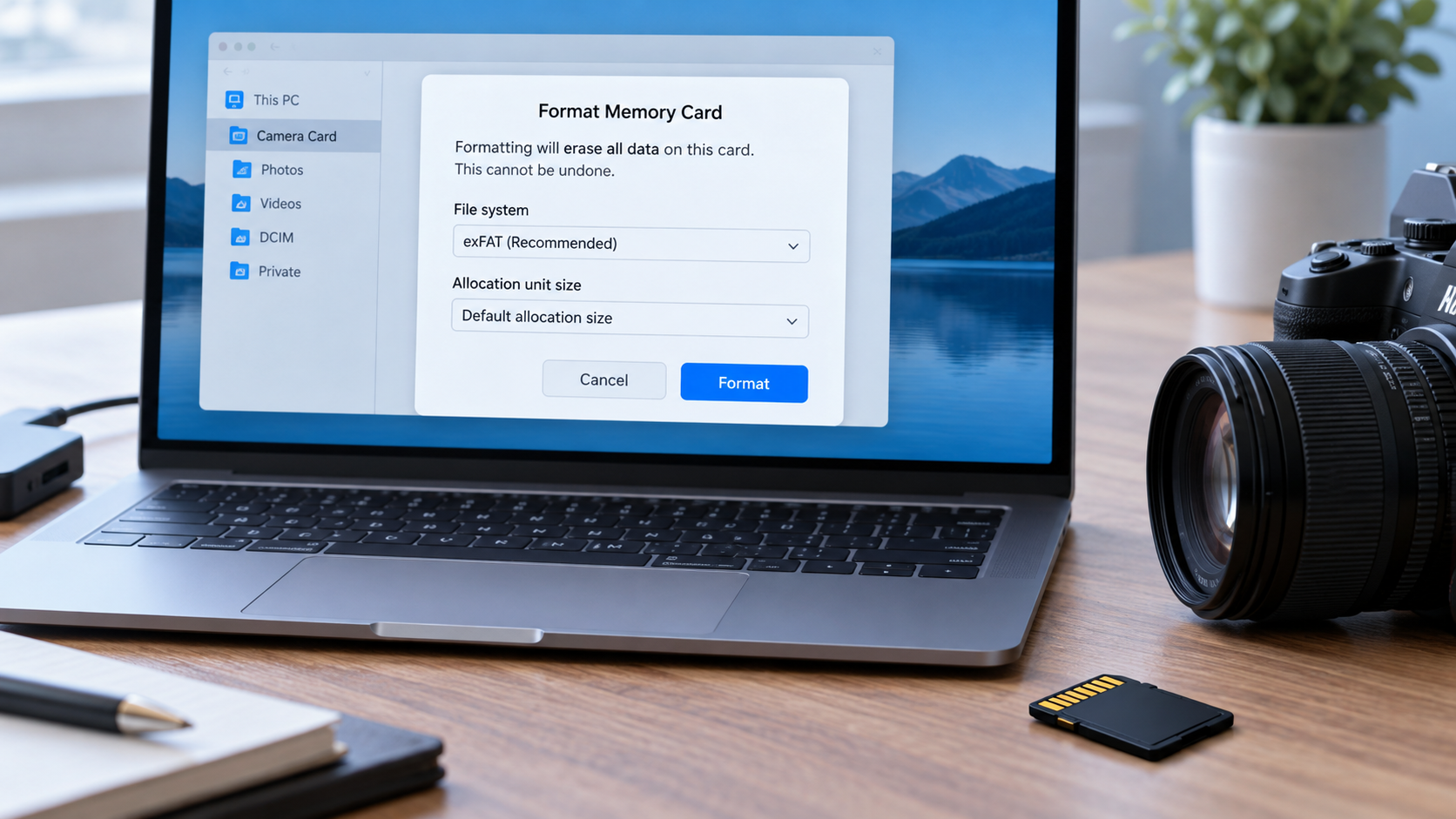
How to Format a Camera Card Without Losing Your Photos
Read more →: How to Format a Camera Card Without Losing Your PhotosFormatting prepares a card for new camera use but removes access to its current files. This guide verifies backups, separates a healthy card from one with errors, explains model-specific in-camera formatting, and handles missing photos first.

BitLocker Could Not Be Enabled? Check the Requirement First
Read more →: BitLocker Could Not Be Enabled? Check the Requirement FirstUse the exact BitLocker error to identify the missing prerequisite. Back up files and confirm recovery-key handling before changing firmware, startup policy, or disk partitions.

Clipchamp Black Screen? Protect Project Media Before Resetting
Read more →: Clipchamp Black Screen? Protect Project Media Before ResettingCompare source files, timeline preview, and export output to locate a Clipchamp black screen. Preserve original media before browser or app resets, then recover only genuinely missing files.
Error 0x800703EE: Protect the Source Before Retrying
Read more →: Error 0x800703EE: Protect the Source Before RetryingLocate the operation and volume behind 0x800703EE, preserve the original file, run controlled copy tests, and recover data only if the original source file becomes inaccessible.

Video Is Choppy? Test Playback Before Repairing the File
Read more →: Video Is Choppy? Test Playback Before Repairing the FileDetermine whether choppy video comes from playback performance, the display, capture frame rate, an incomplete transfer, or damaged source media. Preserve the original and verify a corrected copy.

Your PC Couldn’t Start Properly? Choose the Safest Recovery Path
Read more →: Your PC Couldn’t Start Properly? Choose the Safest Recovery PathUse the error screen and disk condition to choose between a simple restart, Safe Mode, update rollback, Startup Repair, data recovery, or a later reset.
Windows 10 Blank Window: Find the Cause Before Resetting the App
Read more →: Windows 10 Blank Window: Find the Cause Before Resetting the AppUse four controlled tests to identify why a Windows 10 app opens blank, protect local work before resets, and recover genuinely missing files only when necessary.

Word Cannot Open Document: User Does Not Have Access Privileges
Read more →: Word Cannot Open Document: User Does Not Have Access PrivilegesIdentify whether Word is blocked by Windows permissions, cloud sharing, IRM, a downloaded-file flag, synchronization, or document damage before changing or repairing the only available copy.

Video in PPT Not Playing? Diagnose the File, Link, or Slide Show
Read more →: Video in PPT Not Playing? Diagnose the File, Link, or Slide ShowTest the source video, identify whether it is linked or embedded, correct compatibility and playback settings, recover missing media when necessary, and rehearse the final deck on the actual presentation computer.




Copyright © 2025 PandaOffice. All Rights Reserved. The order process, tax issue, and invoicing to end users are conducted by PandaOffice Limited.