






Troubleshooting
This guide explains the meaning of troubleshooting and walks you through practical steps to identify, diagnose, and resolve common technical problems with ease.
TOP 4 Hot Articles
Top 4 hot articles will provide you reliable solutions to find crucial data with Drecov software.


Windows Stuck on Welcome? Diagnose the Sign-In Stage First
Separate a slow sign-in from a frozen profile, service, update, or storage fault. Use controlled account tests and protect local files before reset or reinstall.
Find a solution that suits your case
Here are file recovery guidelines for all types of files. Just choose the most suitable situation for you to retrieve your data


Operating System Not Found: Check the Disk Before Repair
Read more →: Operating System Not Found: Check the Disk Before RepairUse firmware detection and disk stability to decide whether the error comes from boot order, boot files, partition layout, encryption, or a failing system drive.
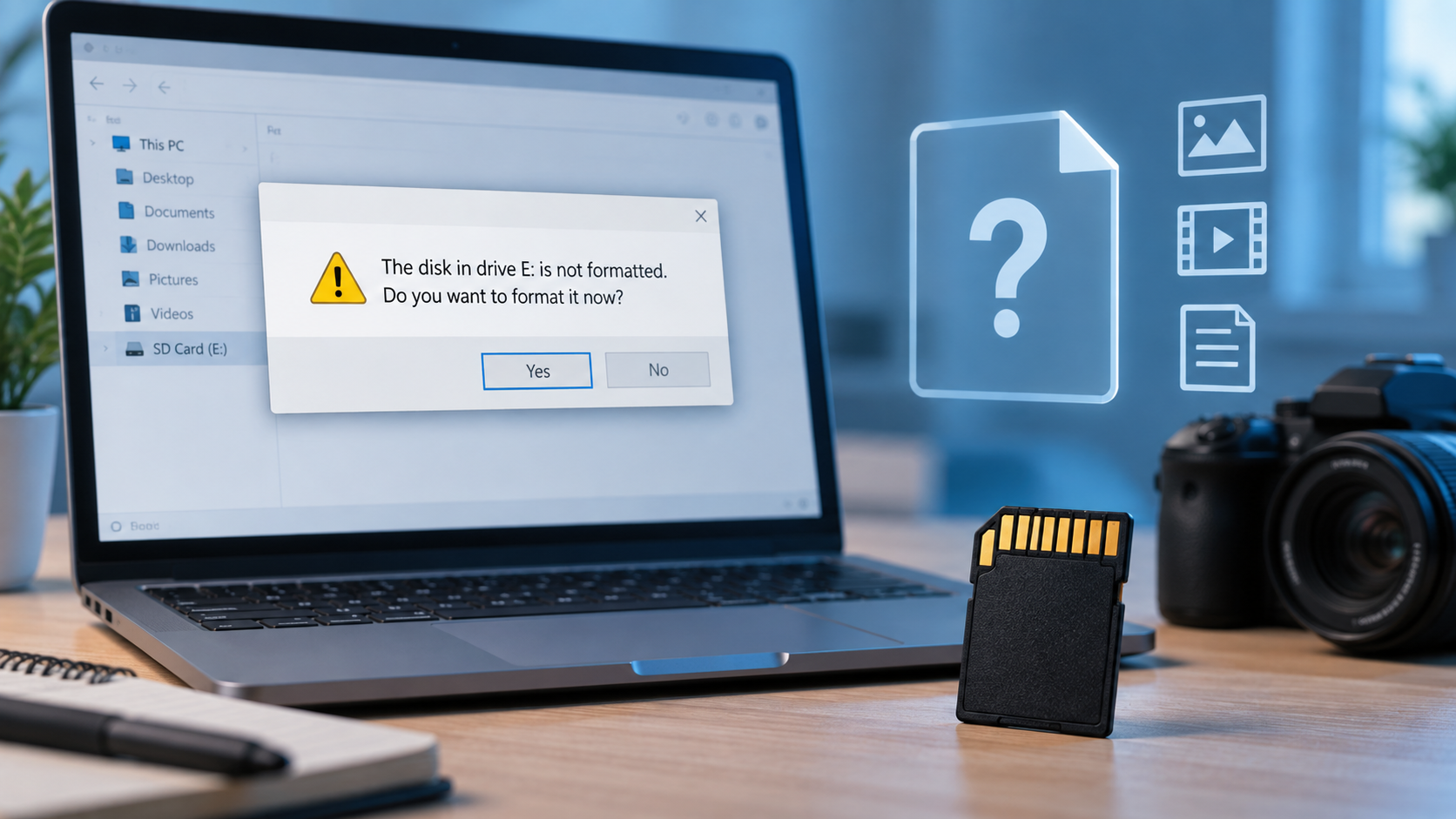
“Card Is Not Formatted” Meaning: Recover Before You Format
Read more →: “Card Is Not Formatted” Meaning: Recover Before You FormatA format prompt can follow reader incompatibility, an unsupported file system, corruption, or failing media. Cancel it, check stable detection, recover valuable files elsewhere, and format only after verification.
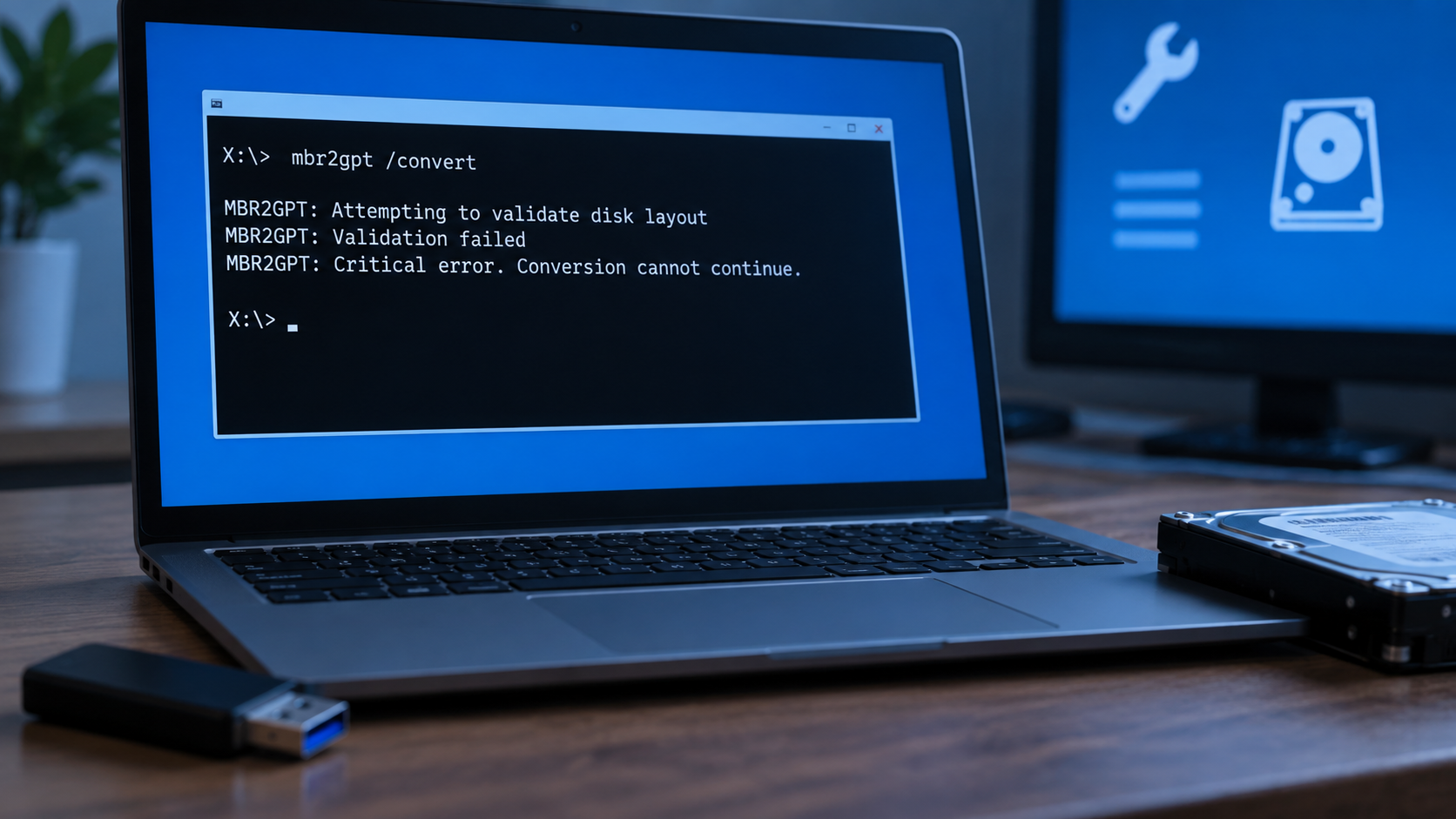
MBR2GPT Can Only Run From Windows PE? Use the Right Mode
Read more →: MBR2GPT Can Only Run From Windows PE? Use the Right ModeThe Windows PE message usually means MBR2GPT was launched in full Windows without /allowFullOS. Confirm the system disk, back up or recover files, validate the layout, then convert only on supported hardware.
The Drive Where Windows Is Installed Is Locked: Diagnose First
Read more →: The Drive Where Windows Is Installed Is Locked: Diagnose FirstA locked-drive message in Windows Recovery Environment does not identify one cause. Check detection, encryption, volume letters, and data access first, then choose recovery or boot repair without risking important files.

What Happens When You Format a Filesystem on a Partition?
Read more →: What Happens When You Format a Filesystem on a Partition?Formatting creates a new file-system structure on an existing partition. The article separates quick and full format behavior, explains why old files may or may not remain recoverable, and gives a safe response when the format was accidental.

External Drive Access Denied: Fix Permissions Without Data Loss
Read more →: External Drive Access Denied: Fix Permissions Without Data LossAccess denied can result from NTFS permissions, encryption, or a failing file system. Check the drive on its original computer and verify the owner; do not repeatedly change permissions or format. Back up readable files before any ownership changes.
Drive Is Read-Only: Causes, Safe Fixes, and Recovery
Read more →: Drive Is Read-Only: Causes, Safe Fixes, and RecoveryCheck the physical lock switch, free space, file permissions, and disk health. A drive that becomes read-only can be protecting itself from failure. Copy readable files first; do not force write access or run destructive DiskPart commands before backup.
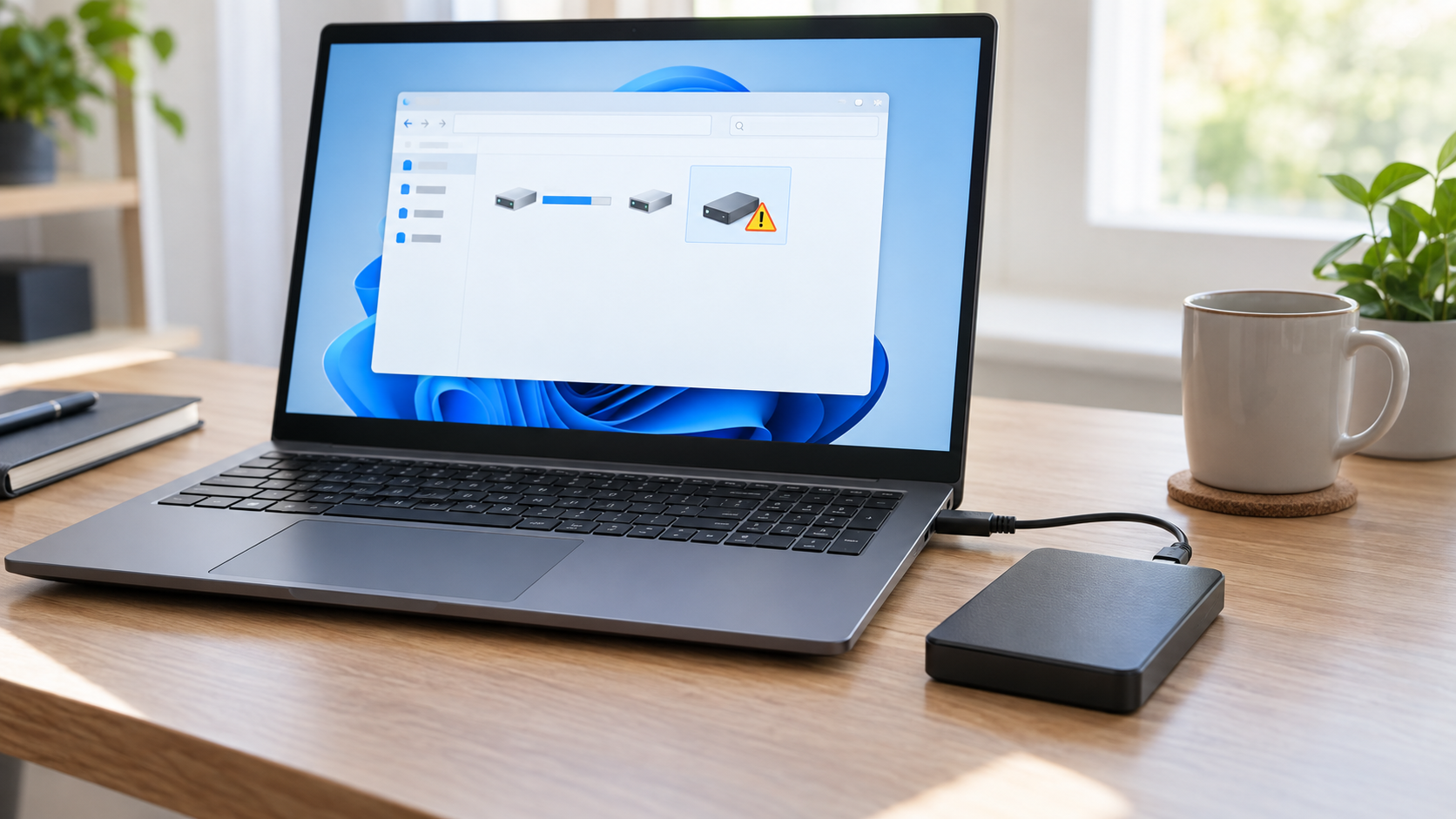
The Parameter Is Incorrect on External Hard Drive: Safe Fixes
Read more →: The Parameter Is Incorrect on External Hard Drive: Safe FixesCancel repair and format prompts. The incorrect-parameter message can come from a damaged file system, unstable connection, failing sectors, or an enclosure problem. Test one known-good cable and direct port, then copy or recover readable files to another physical disk before CHKDSK or formatting.
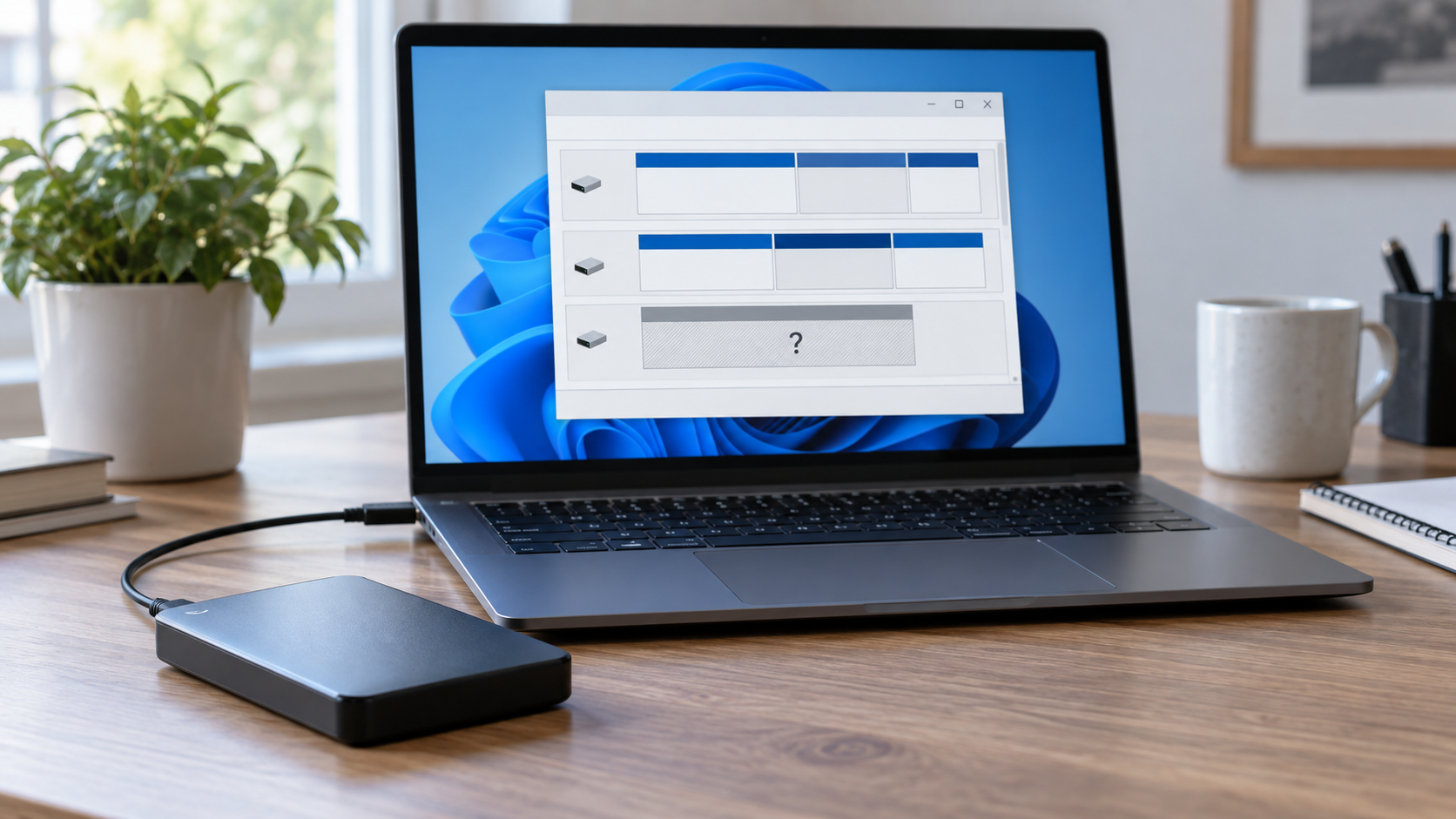
Drive Letter Missing in Windows: Restore Access Safely
Read more →: Drive Letter Missing in Windows: Restore Access SafelyFirst confirm the correct disk by model and capacity in Disk Management. If the healthy volume is visible and simply lacks a letter, assign an unused letter without formatting. If the partition is RAW, unallocated, missing, or the drive is unstable, recover files before changing the partition layout.
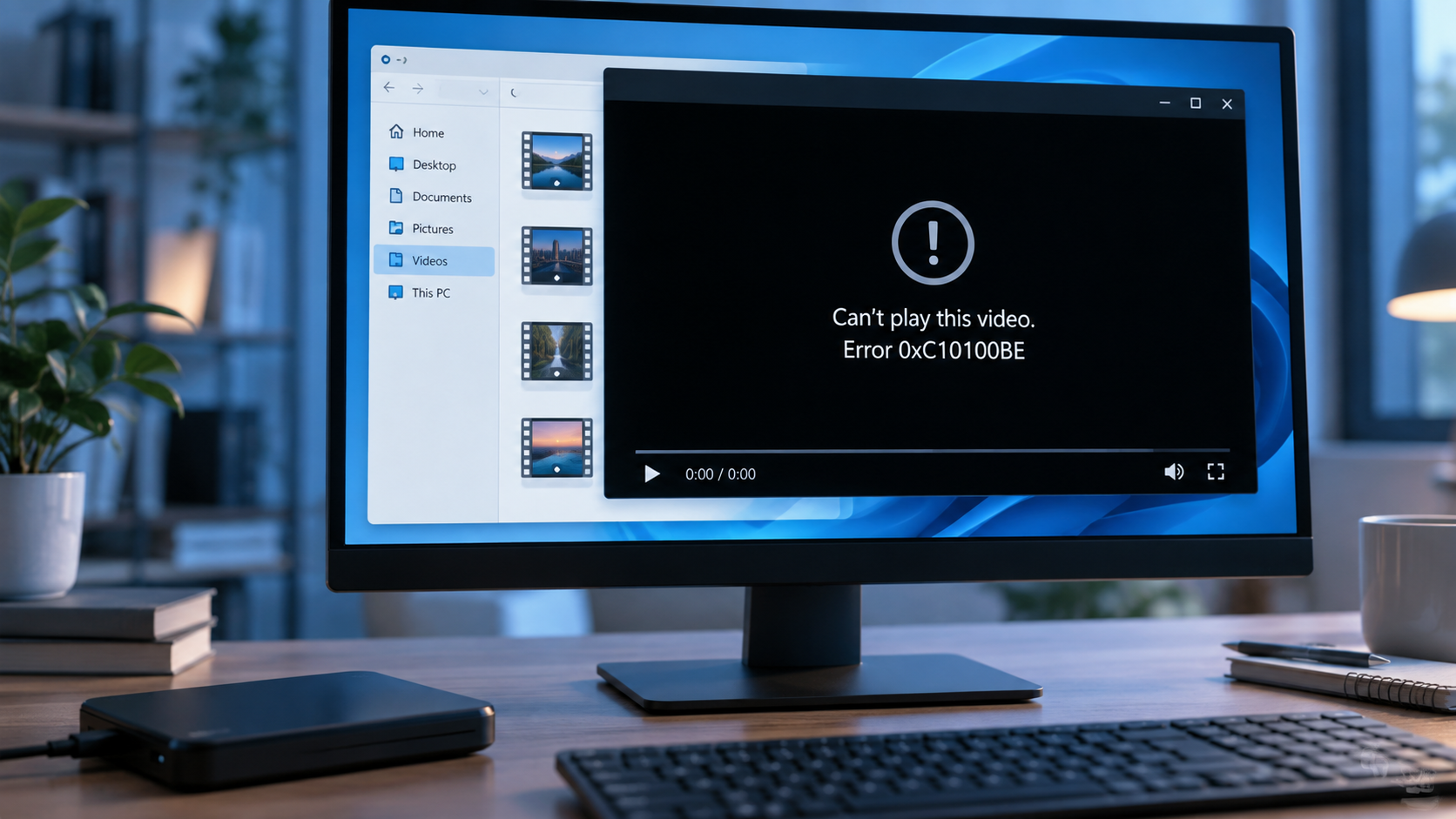
Video Error 0xC10100BE: Test the File Before Repair
Read more →: Video Error 0xC10100BE: Test the File Before RepairOne playback code does not prove a video is corrupt. This guide compares other players and known-good copies, checks download and storage history, and uses recovery software only if an original local video was deleted.




Copyright © 2025 PandaOffice. All Rights Reserved. The order process, tax issue, and invoicing to end users are conducted by PandaOffice Limited.