






Troubleshooting
This guide explains the meaning of troubleshooting and walks you through practical steps to identify, diagnose, and resolve common technical problems with ease.
TOP 4 Hot Articles
Top 4 hot articles will provide you reliable solutions to find crucial data with Drecov software.


Windows Stuck on Welcome? Diagnose the Sign-In Stage First
Separate a slow sign-in from a frozen profile, service, update, or storage fault. Use controlled account tests and protect local files before reset or reinstall.


How to Fix Steam Disk Write/Read Error: Complete Troubleshooting Guide
Learn how to fix the Steam disk write/read error using effective solutions like clearing cache, verifying game files, repairing drives, updating drivers, and recovering corrupted Steam data safely.


How to Fix Discord Stuck on Starting Screen in Windows 11
Learn how to fix Discord stuck on starting issues in Windows 11. This guide covers cache cleanup, DNS settings, reinstall methods, firewall checks, startup fixes, and solutions for Discord loading screen errors.
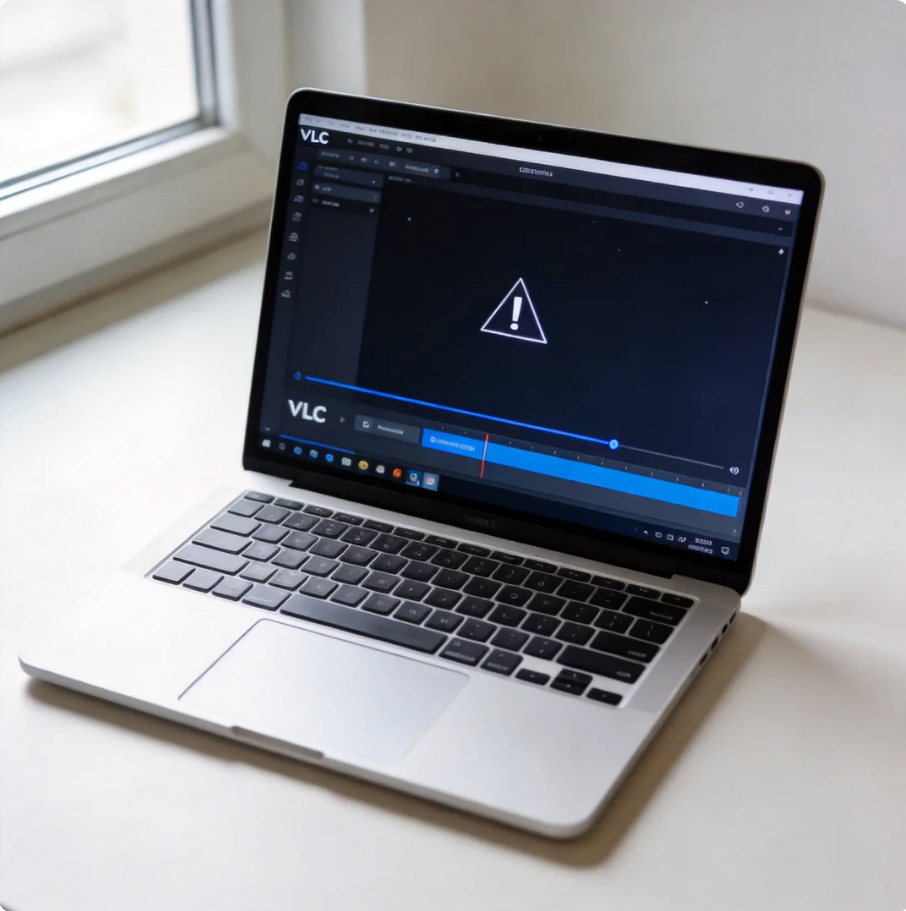

How to Create Video Clips Using VLC Media Player: Complete Guide
This guide explains how to create video clips using VLC media player. It covers recording methods, export options, troubleshooting tips, and limitations of VLC media player download, helping users easily create clips from video for basic editing needs.
Find a solution that suits your case
Here are file recovery guidelines for all types of files. Just choose the most suitable situation for you to retrieve your data


Computer Shut Off and Won’t Turn Back On? Identify the Dead Stage
Read more →: Computer Shut Off and Won’t Turn Back On? Identify the Dead StageUse lights, fans, display response, and firmware detection to identify the failed startup stage. Follow safe power checks and recover files only when storage access is stable.

D Drive Disappeared in Windows 11? Check Its Disk State First
Read more →: D Drive Disappeared in Windows 11? Check Its Disk State FirstIdentify whether a missing D drive has lost its letter, partition, connection, or file-system access. The article protects important files before matching a repair to the disk state.

Excel Found a Problem With Formula References? Trace the Broken Link
Read more →: Excel Found a Problem With Formula References? Trace the Broken LinkPreserve a working copy, identify the affected reference type, repair names, sheets, tables, or external links, and verify recalculated results before replacing the original workbook.

How to Fix a Memory Leak: Prove What Keeps Growing First
Read more →: How to Fix a Memory Leak: Prove What Keeps Growing FirstMeasure memory through a repeatable workload, distinguish caching from a leak, isolate the responsible application, browser, service, or driver, and verify a stable plateau after correction.
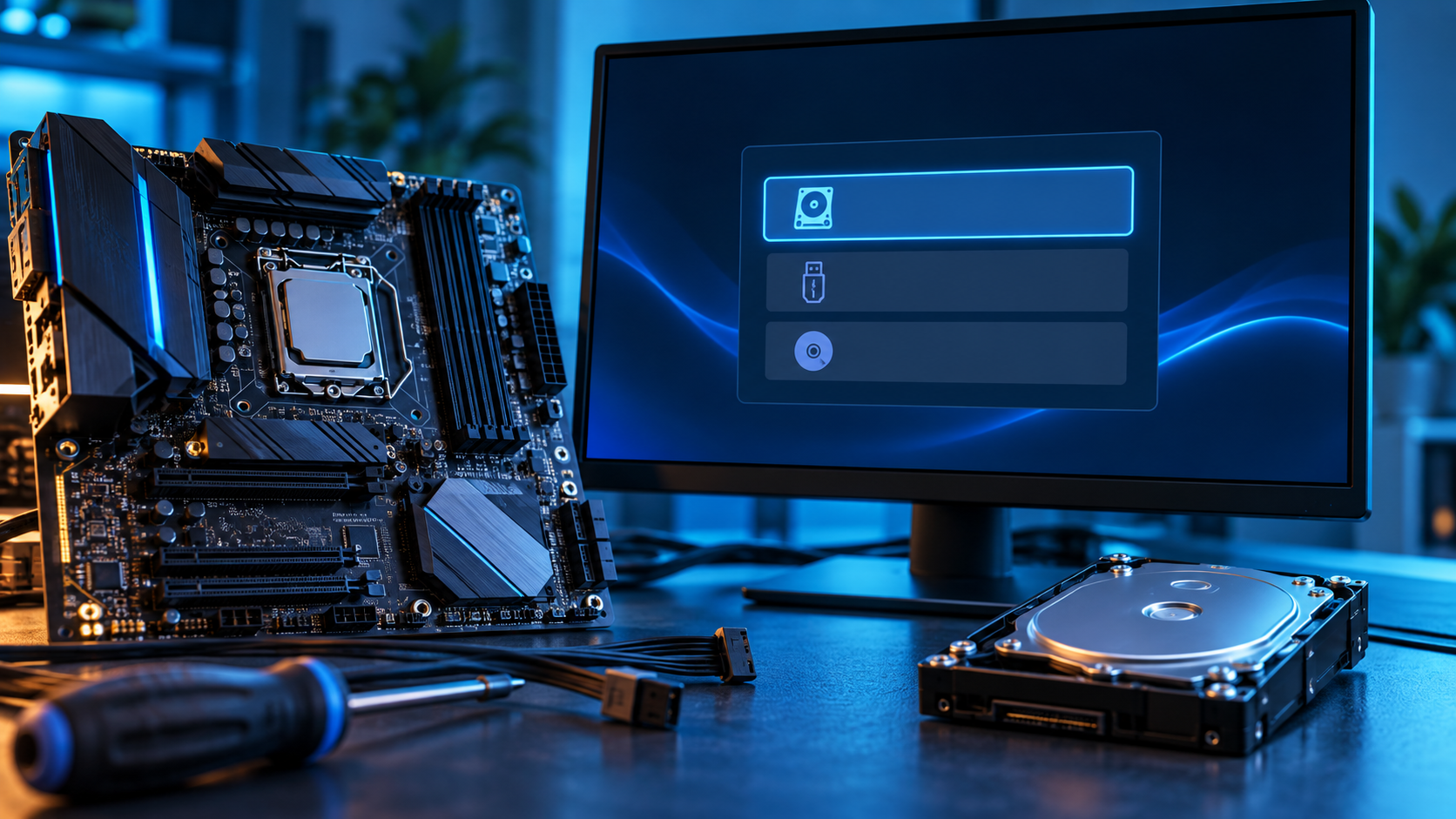
PC Stuck in BIOS? Find the Missing Boot Path Before Resetting Anything
Read more →: PC Stuck in BIOS? Find the Missing Boot Path Before Resetting AnythingTrace the boot path from firmware detection to Windows Boot Manager. The article explains safe BIOS checks, stop conditions, data access, recovery, and repair verification.

Microsoft Excel Cannot Paste the Data? Match the Range First
Read more →: Microsoft Excel Cannot Paste the Data? Match the Range FirstA practical excel troubleshooting path that separates likely causes, protects local data before risky work, applies the smallest relevant fix, and verifies the outcome without unsupported promises.

NDIS.sys Failed in Windows 11? Trace the Network Stack
Read more →: NDIS.sys Failed in Windows 11? Trace the Network StackA practical network troubleshooting path that separates likely causes, protects local data before risky work, applies the smallest relevant fix, and verifies the outcome without unsupported promises.
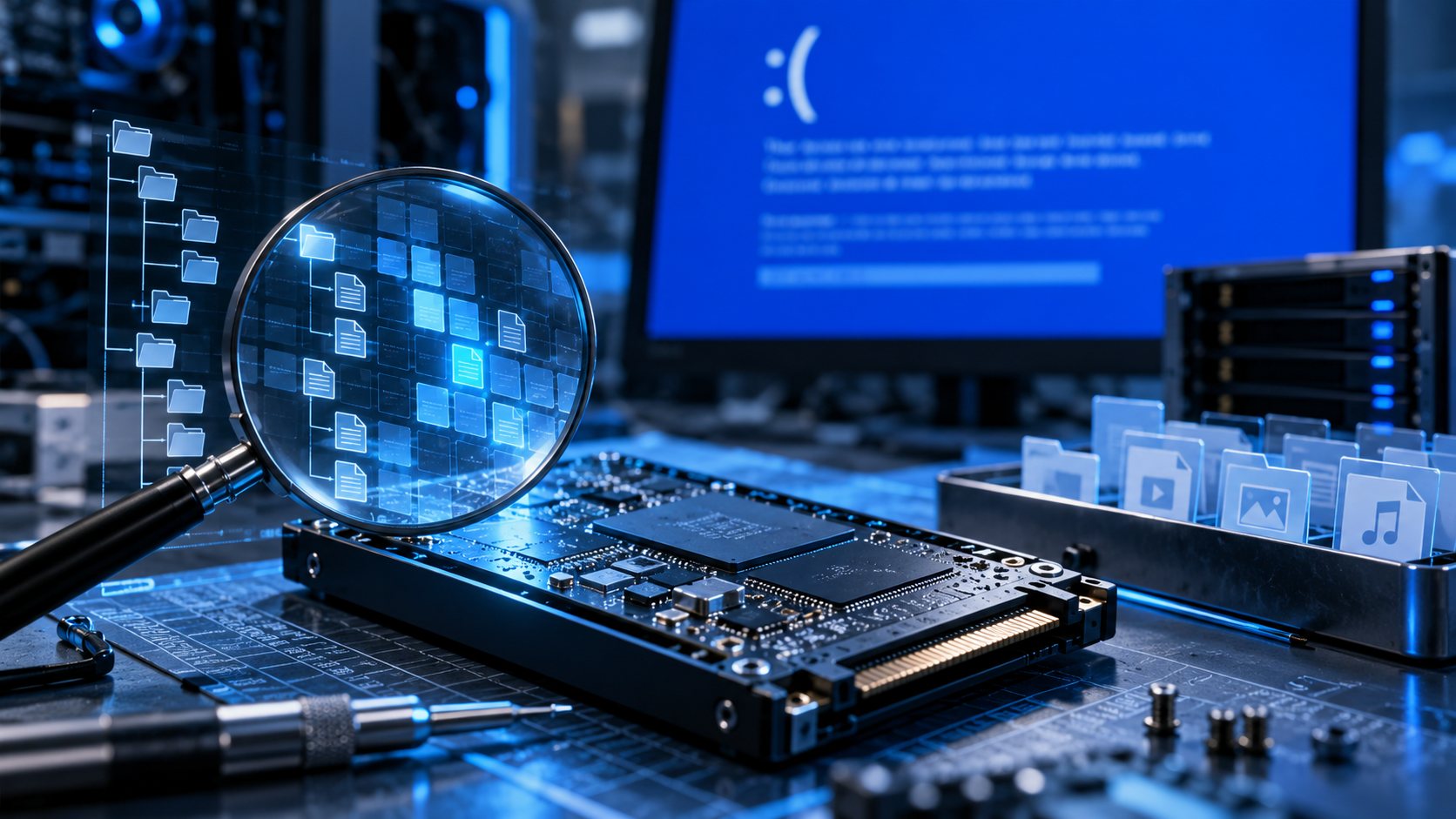
NTFS.sys Failed? Separate File-System Damage From Hardware
Read more →: NTFS.sys Failed? Separate File-System Damage From HardwareA practical storage troubleshooting path that separates likely causes, protects local data before risky work, applies the smallest relevant fix, and verifies the outcome without unsupported promises.

VIDEO DXGKRNL FATAL ERROR: Test Driver, GPU, and Power
Read more →: VIDEO DXGKRNL FATAL ERROR: Test Driver, GPU, and PowerA practical graphics troubleshooting path that separates likely causes, protects local data before risky work, applies the smallest relevant fix, and verifies the outcome without unsupported promises.

Time Machine Backup Disk Not Recognized: Protect Backups
Read more →: Time Machine Backup Disk Not Recognized: Protect BackupsDo not erase or reformat an unrecognized Time Machine disk. Check one known-good cable and direct port, confirm whether Disk Utility sees the physical device, mount it read-only when possible, copy critical backups or create an image, and run First Aid only after the backup is protected.




Copyright © 2025 PandaOffice. All Rights Reserved. The order process, tax issue, and invoicing to end users are conducted by PandaOffice Limited.