






Troubleshooting
This guide explains the meaning of troubleshooting and walks you through practical steps to identify, diagnose, and resolve common technical problems with ease.
TOP 4 Hot Articles
Top 4 hot articles will provide you reliable solutions to find crucial data with Drecov software.


Windows Stuck on Welcome? Diagnose the Sign-In Stage First
Separate a slow sign-in from a frozen profile, service, update, or storage fault. Use controlled account tests and protect local files before reset or reinstall.
Find a solution that suits your case
Here are file recovery guidelines for all types of files. Just choose the most suitable situation for you to retrieve your data


Stop Error 0x0000007B: Protect Files Before Boot Repairs
Read more →: Stop Error 0x0000007B: Protect Files Before Boot RepairsUse the failure stage, firmware detection, controller changes, and disk stability to separate a boot configuration problem from storage failure before repairing Windows. The decision path separates reversible boot configuration from an unstable storage device.
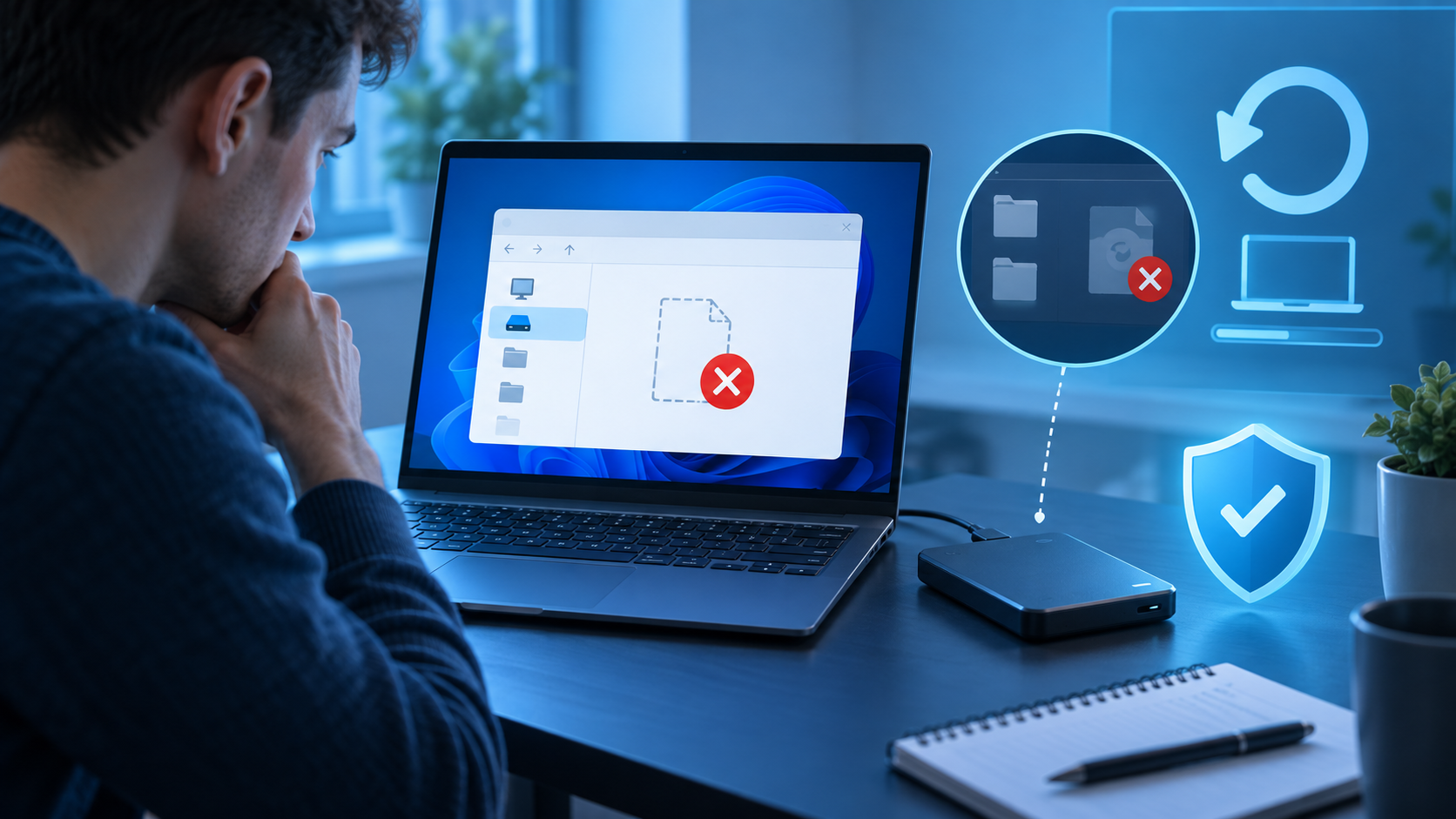
Windows Re-Image Not Found? Verify the Backup Before Reset
Read more →: Windows Re-Image Not Found? Verify the Backup Before ResetConfirm that WinRE can see the backup disk and WindowsImageBackup structure, distinguish a system image from ordinary files, and protect current data first. The workflow verifies WinRE paths and backup media before risky partition changes.
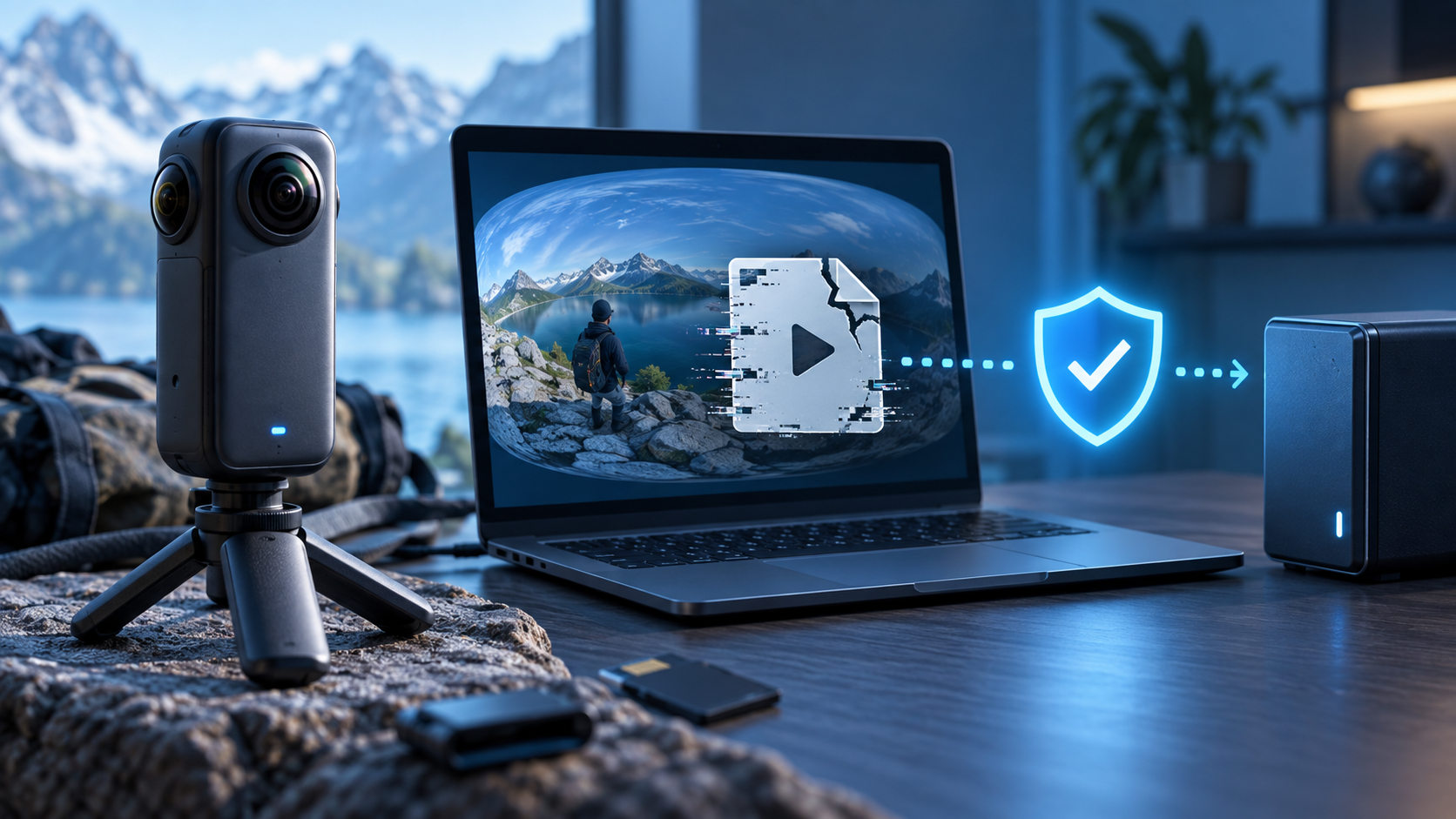
Insta360 File Repair: Preserve the Recording Session First
Read more →: Insta360 File Repair: Preserve the Recording Session FirstPreserve all files from the recording session, identify paired camera streams and low-resolution companions, then repair copies or recover a missing original. Companion streams, copy stability, and full-timeline tests define a trustworthy result.

MOOV Atom Not Found? Preserve the Video Before Repair
Read more →: MOOV Atom Not Found? Preserve the Video Before RepairUnderstand why interrupted recording or transfer can leave MP4 metadata incomplete, then repair a duplicate with appropriate reference evidence or recover another source. Container evidence shows whether indexing can be rebuilt or source media is missing.

You Don’t Have Permission to Access This Folder: Safe Fixes
Read more →: You Don’t Have Permission to Access This Folder: Safe FixesIdentify whether the block comes from account rights, inherited permissions, EFS, BitLocker, another Windows installation, or storage trouble before resetting access controls. It distinguishes ordinary permissions from encryption, network policy, and genuine file loss.

I Don’t Have a Documents Folder: Find Its Real Location
Read more →: I Don’t Have a Documents Folder: Find Its Real LocationFind which Documents path Windows currently uses, inspect OneDrive and other profiles, and recover the original folder only when location checks confirm deletion. The checks separate path redirection, profile changes, cloud placement, and deletion.
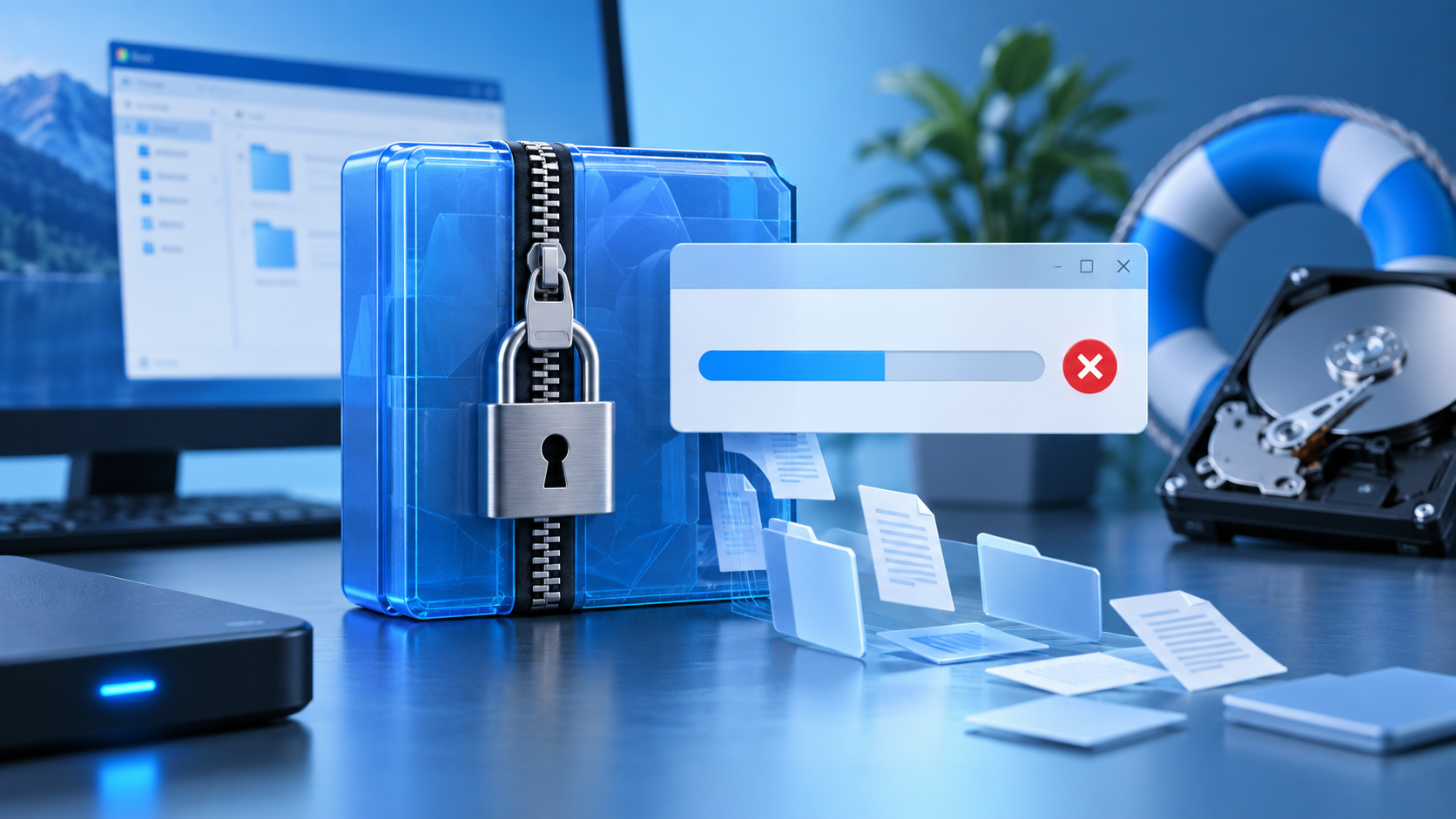
Extraction Operation Was Not Completed? Preserve the Archive
Read more →: Extraction Operation Was Not Completed? Preserve the ArchivePreserve the source archive, identify whether Windows blocked it or extraction actually failed, and test path, permissions, space, and integrity safely. Protection history and archive tests identify the safe next action without disabling security.
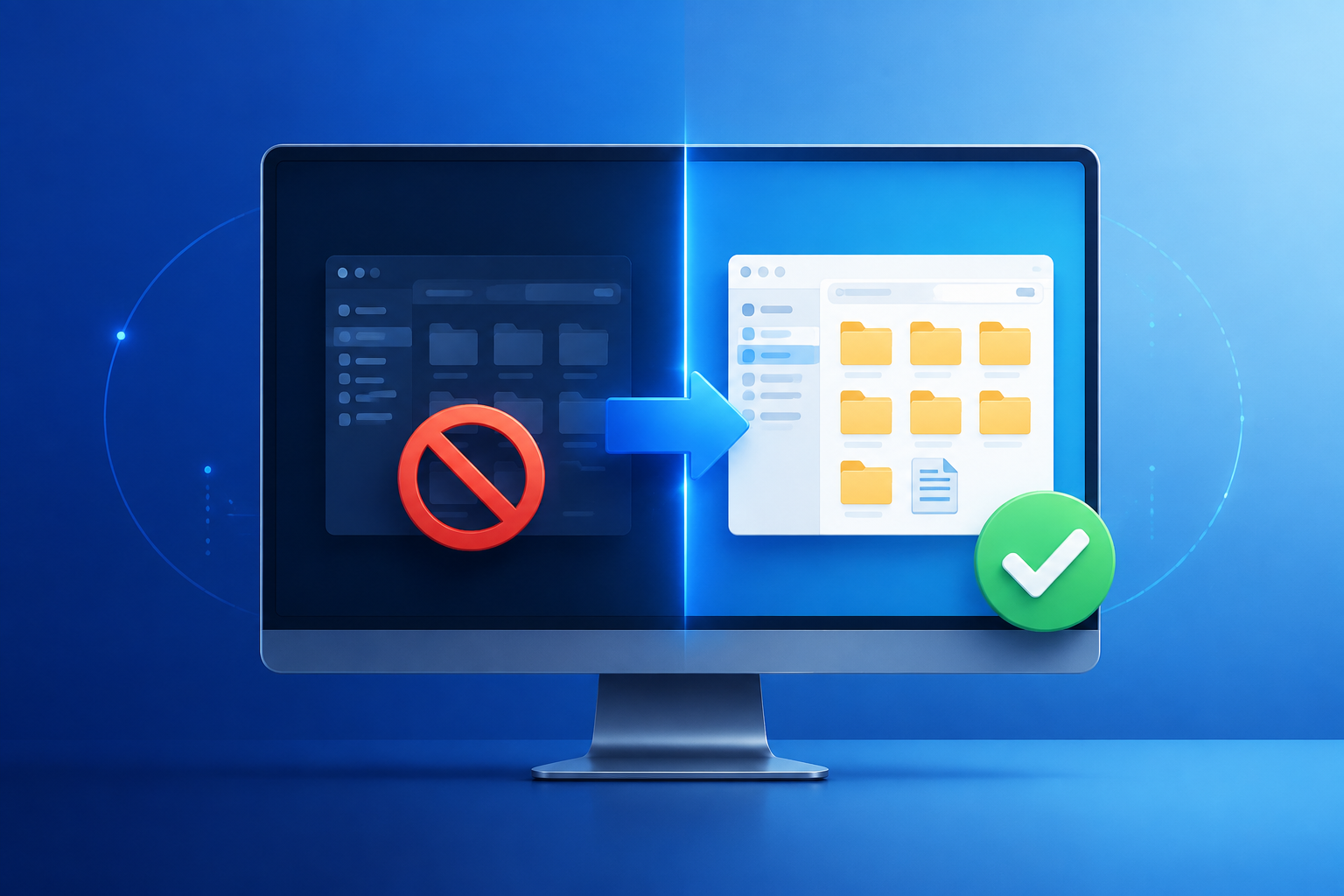
File Explorer Won’t Open? Restore Access Before Resetting
Read more →: File Explorer Won’t Open? Restore Access Before ResettingDetermine whether File Explorer, your Windows profile, a shell extension, or the storage device is failing. Regain access safely and recover important files before resets or disk repairs.

How to Repair Windows 11 Without Losing Data Safely
Read more →: How to Repair Windows 11 Without Losing Data SafelyProtect personal files, identify whether Windows starts, and progress from reversible checks to Startup Repair or an in-place reinstall without choosing destructive reset options by mistake.
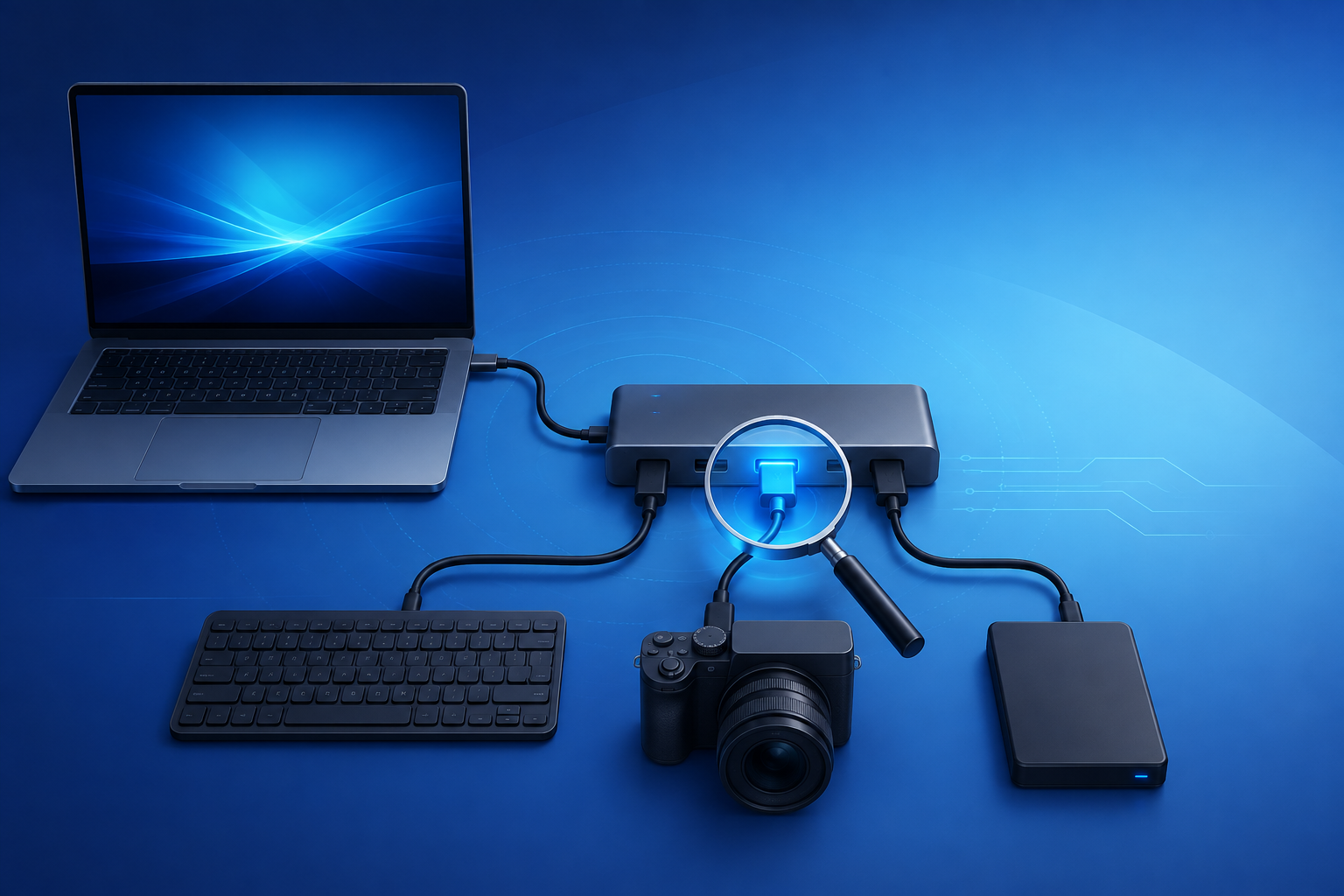
USB Composite Device Driver Error: Find the Failed Function
Read more →: USB Composite Device Driver Error: Find the Failed FunctionIdentify which interface of a multifunction USB device failed, compare connections and Device Manager states, reinstall only relevant drivers, and recover data only from stable storage.




Copyright © 2025 PandaOffice. All Rights Reserved. The order process, tax issue, and invoicing to end users are conducted by PandaOffice Limited.