






File Recovery
Pandaoffice Drecov is the best files recovery software to restore deleted, formatted, or corrupted data from HDDs, SSDs, USB drives, and SD cards with deep scanning, preview support, and secure recovery performance.
TOP 4 Hot Articles
Top 4 hot articles will provide you reliable solutions to find crucial data with Drecov software.
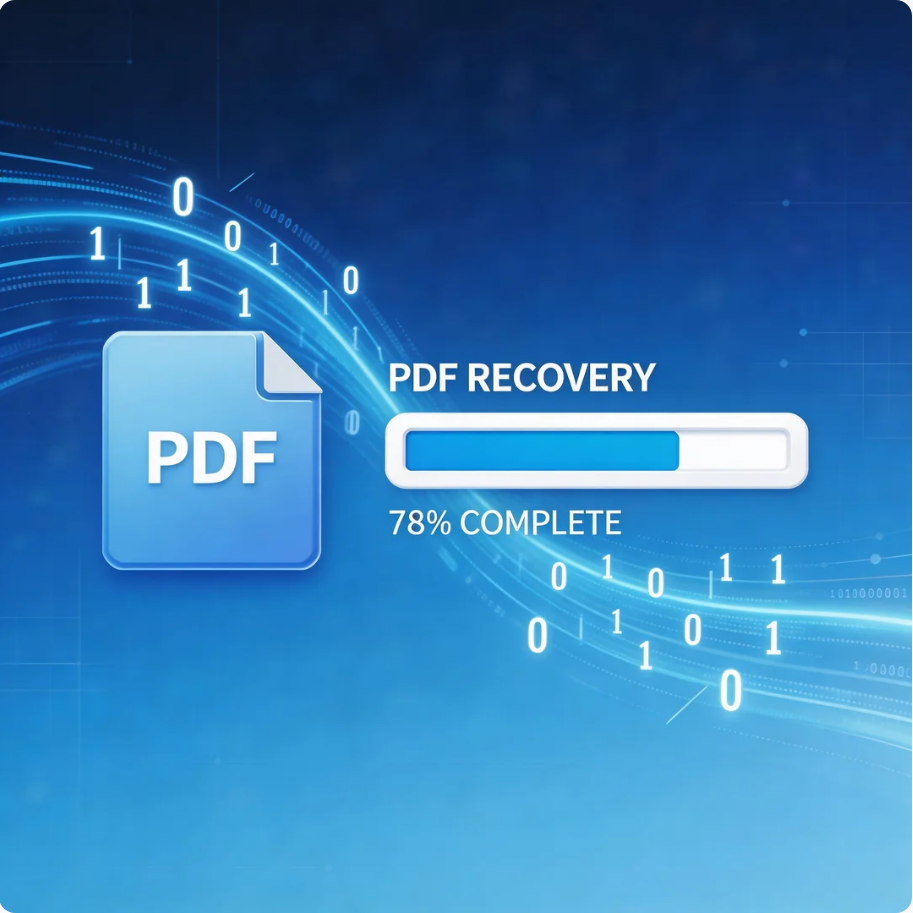

Comprehensive Guide to PDF File Recovery
This guide explains PDF file recovery methods for Windows PC, including built-in tools, backups, cloud storage, and professional software like Pandaoffice Drecov to safely restore lost or corrupted PDF files.
Find a solution that suits your case
Here are file recovery guidelines for all types of files. Just choose the most suitable situation for you to retrieve your data
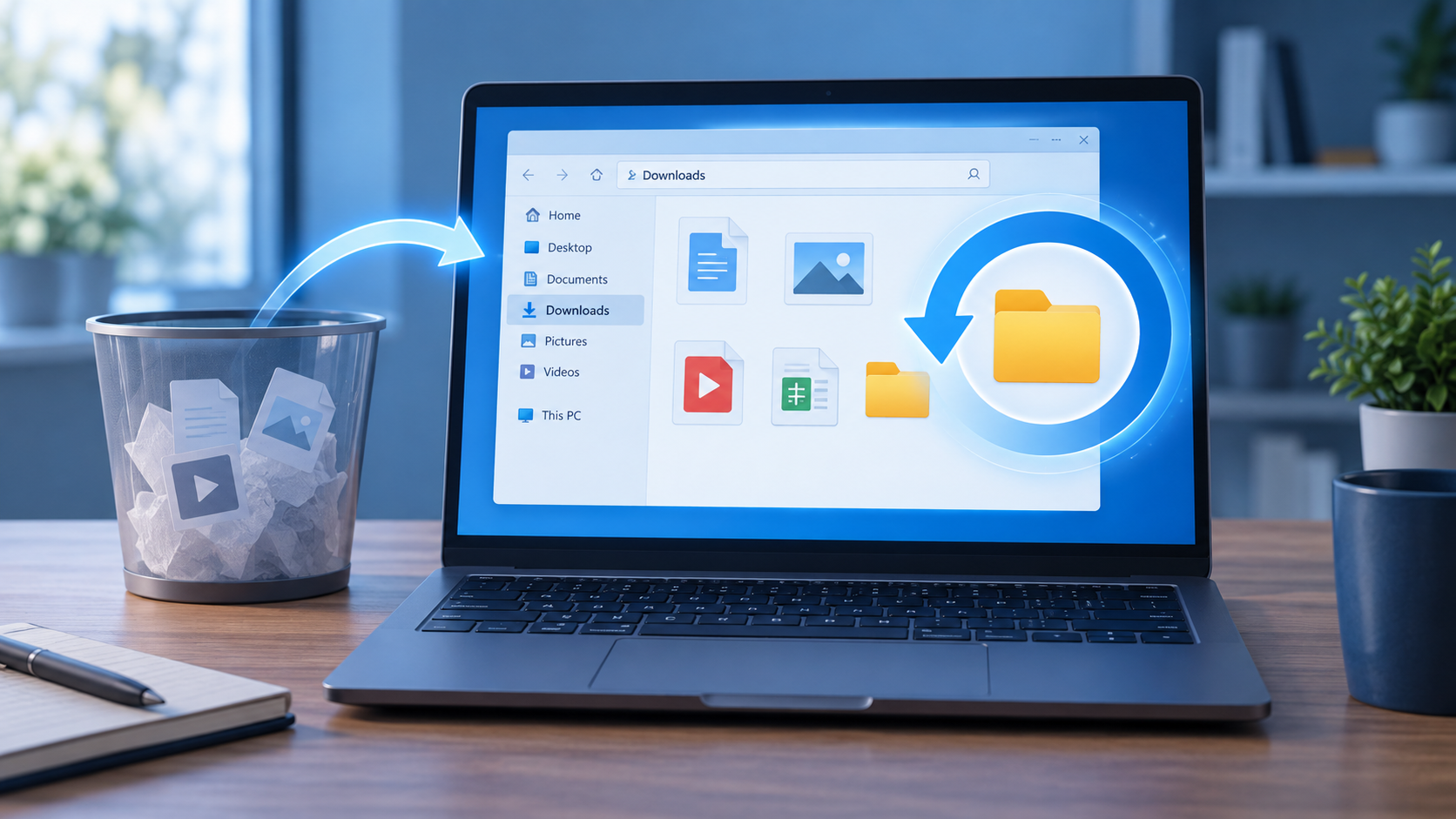

How to Recover Deleted Downloads Without Guessing the Path
Read more →: How to Recover Deleted Downloads Without Guessing the PathA missing download may be in another folder, available from its source, or actually deleted from local storage. This guide checks those possibilities in order and gives a complete recovery workflow only for the last case.

How to Recover Deleted Slides in PPT Without Losing New Edits
Read more →: How to Recover Deleted Slides in PPT Without Losing New EditsAn individual deleted slide is usually restored from the open session or an earlier presentation version. This guide preserves newer edits, explains slide transfer from an older deck, and reserves file-recovery software for a deleted PPTX file.
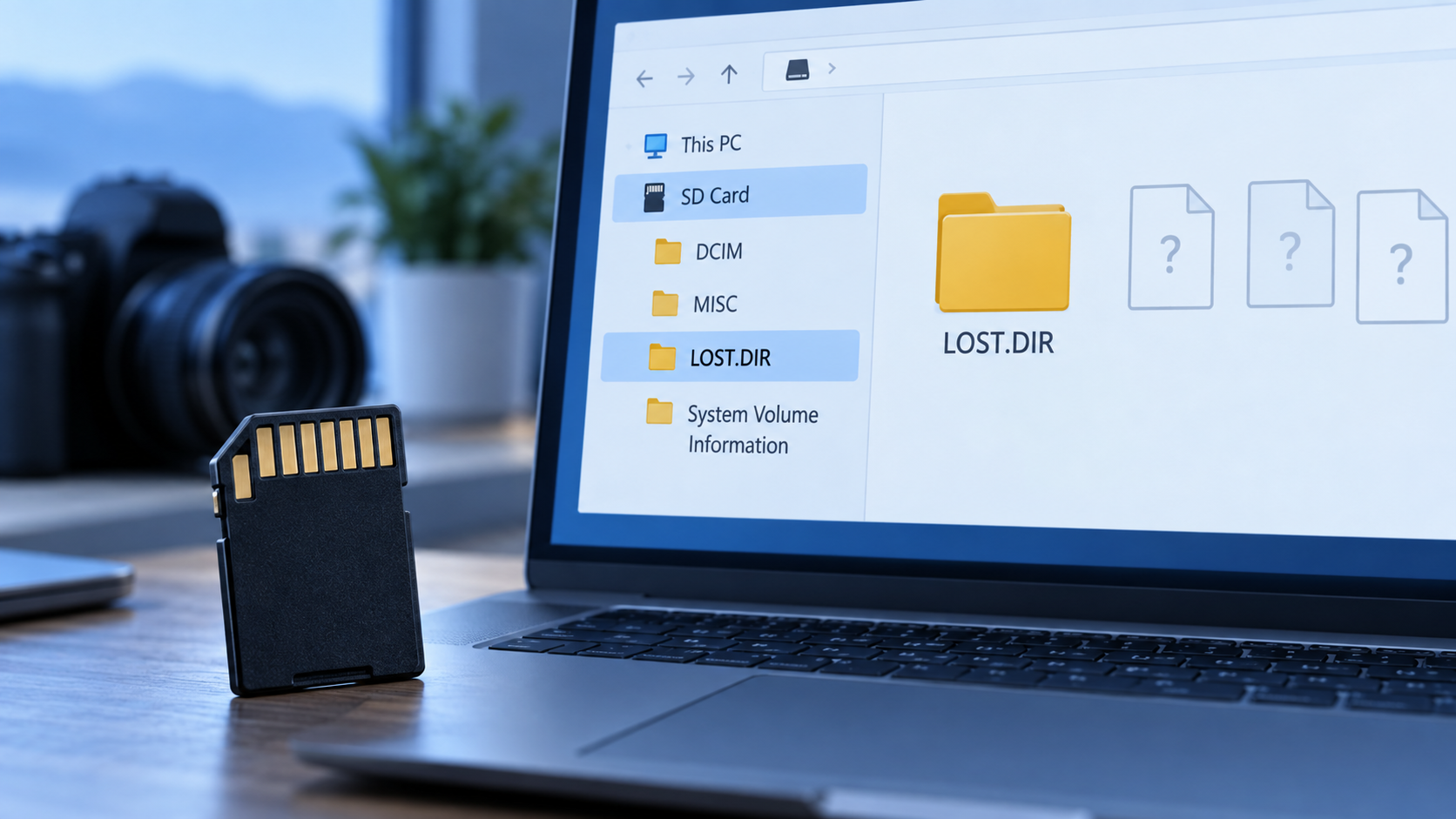
What LOST.DIR Means on an Android SD Card
Read more →: What LOST.DIR Means on an Android SD CardLOST.DIR can hold file-system fragments after an SD-card problem, but its presence alone does not prove data loss. Learn how to copy and identify candidates, when to stop using the card, and how to search for missing originals.
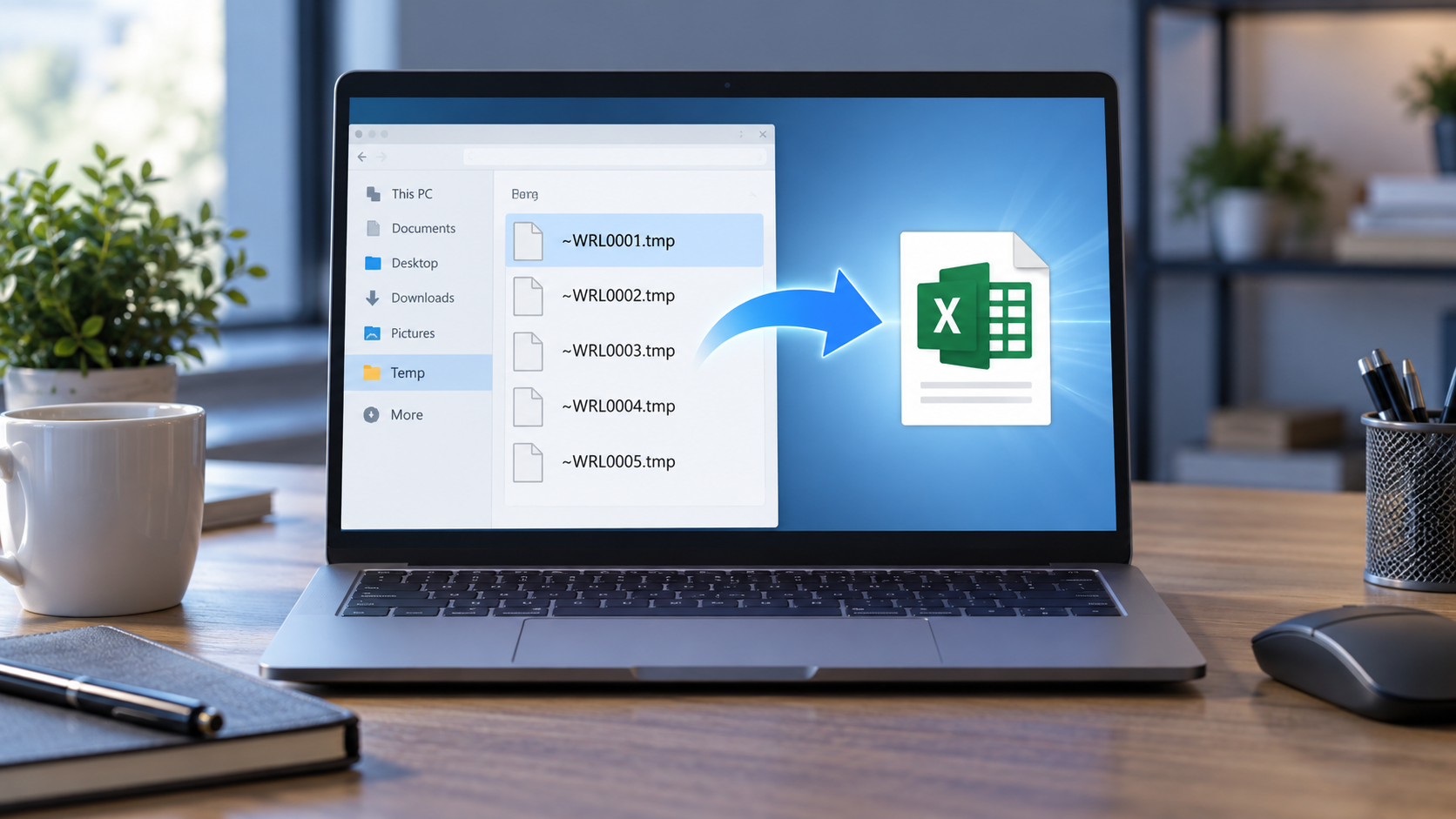
Excel TMP File: Identify a Real Workbook Before Renaming
Read more →: Excel TMP File: Identify a Real Workbook Before RenamingNot every temporary file is a recoverable workbook. This guide explains Excel’s save sequence, how to test a promising file without altering the original, and when a deleted workbook requires a separate recovery scan.

BitLocker Data Recovery Starts With a Valid Key
Read more →: BitLocker Data Recovery Starts With a Valid KeyThis guide separates a missing BitLocker key, a damaged drive, and deleted files on an unlocked volume. It explains which recovery methods fit each state and why Drecov cannot bypass encryption.
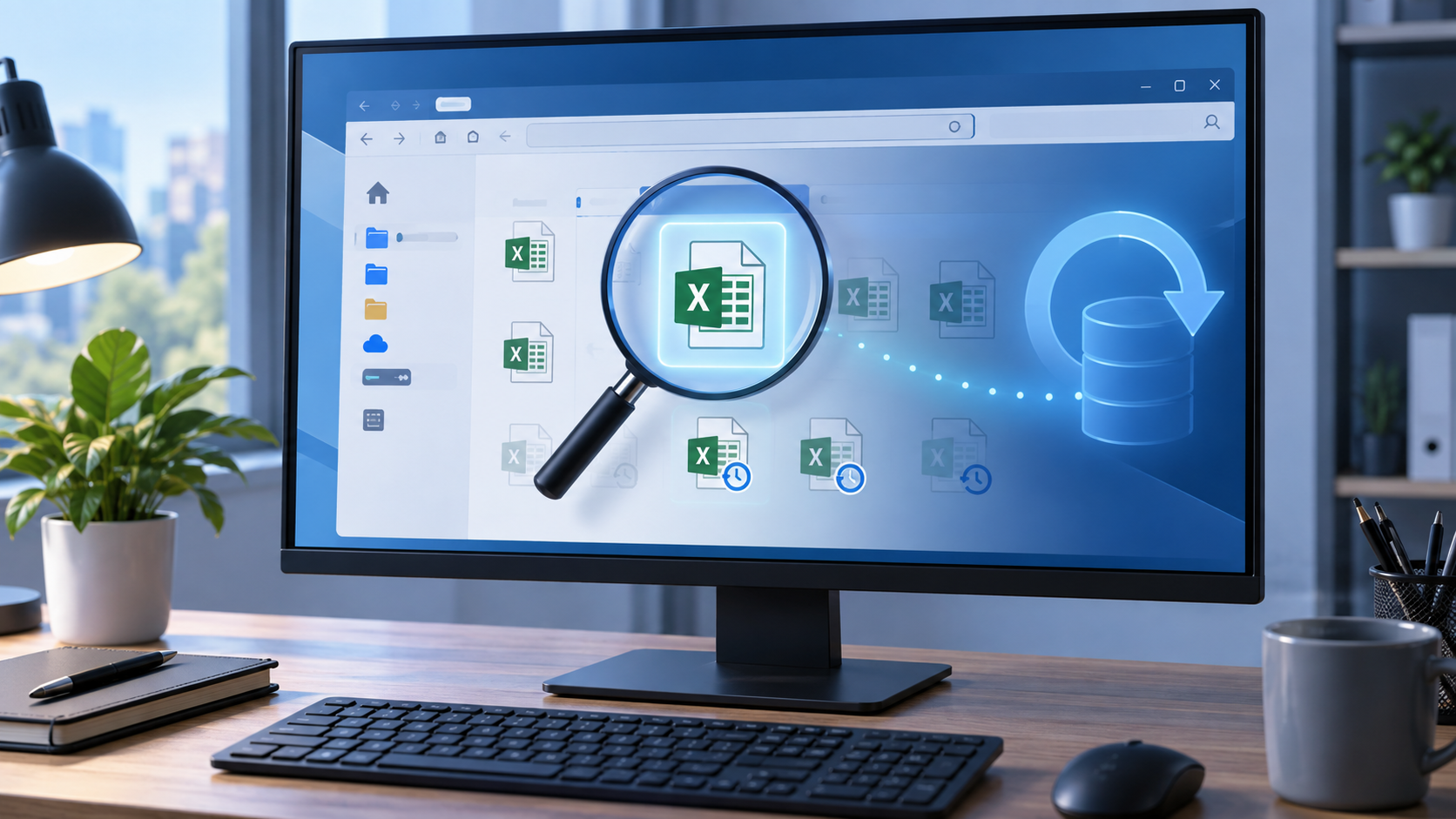
Excel AutoRecover File Location: Find the Right Copy
Read more →: Excel AutoRecover File Location: Find the Right CopyThis article shows where Excel displays its AutoRecover folder, how to use Recover Unsaved Workbooks, and how to distinguish a temporary recovery copy from an older saved version. It also covers the separate case of a deleted local file.

Will a Restore Point Recover Deleted Files? Know the Limit
Read more →: Will a Restore Point Recover Deleted Files? Know the LimitSystem Restore generally rolls back system components, not your deleted document. This guide separates that feature from File History and other Windows recovery options, then gives a safer plan for a genuinely deleted local file.

InDesign Recovery File Location: Find the Crash Copy First
Read more →: InDesign Recovery File Location: Find the Crash Copy FirstAfter an InDesign crash, reopen the application and inspect any recovered document before searching its temporary recovery folder. The article explains how to find that folder in Preferences and what changes if the original project file was deleted.

Deleted a Windows 10 User Account? Recover the Profile Files First
Read more →: Deleted a Windows 10 User Account? Recover the Profile Files FirstSeparate account recreation from file recovery, inspect profile and backup locations carefully, reduce writes, and recover missing Desktop, Documents, and project files to another drive.

Fix RAR Archive Errors Without Losing the Only Copy
Read more →: Fix RAR Archive Errors Without Losing the Only CopyIdentify whether a RAR fails because of a missing part, incomplete download, password, CRC error, or storage damage. Test and repair copies before attempting file recovery.




Copyright © 2025 PandaOffice. All Rights Reserved. The order process, tax issue, and invoicing to end users are conducted by PandaOffice Limited.