






File Recovery
Pandaoffice Drecov is the best files recovery software to restore deleted, formatted, or corrupted data from HDDs, SSDs, USB drives, and SD cards with deep scanning, preview support, and secure recovery performance.
TOP 4 Hot Articles
Top 4 hot articles will provide you reliable solutions to find crucial data with Drecov software.
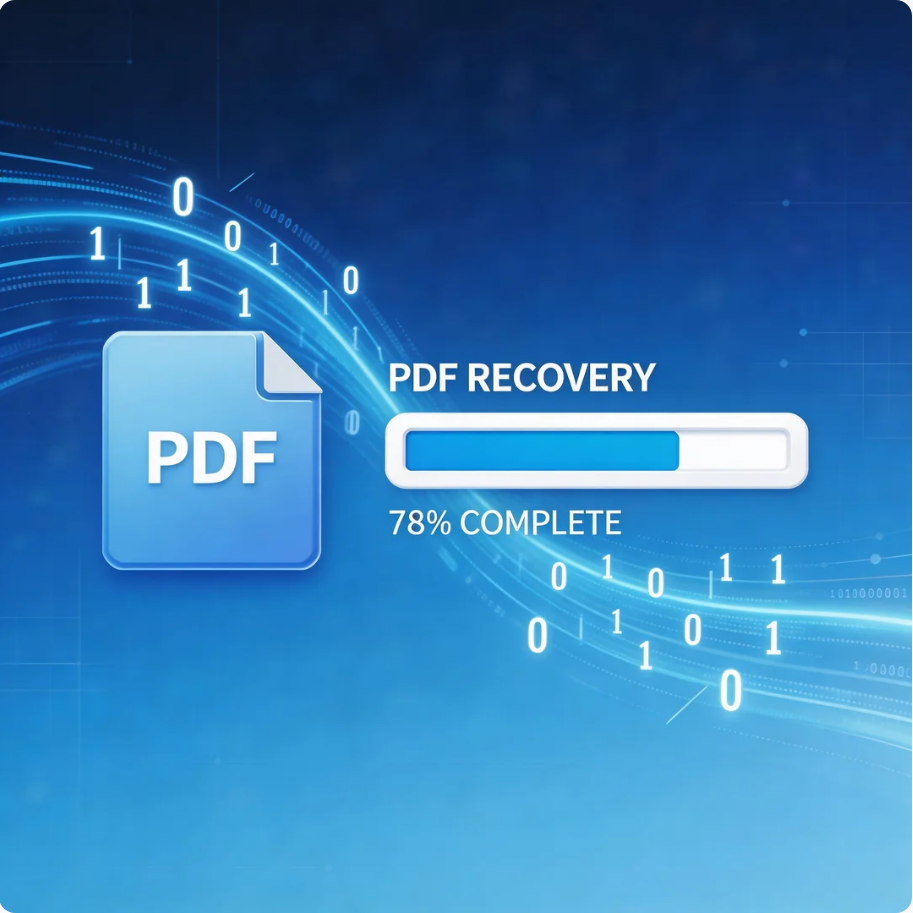

Comprehensive Guide to PDF File Recovery
This guide explains PDF file recovery methods for Windows PC, including built-in tools, backups, cloud storage, and professional software like Pandaoffice Drecov to safely restore lost or corrupted PDF files.
Find a solution that suits your case
Here are file recovery guidelines for all types of files. Just choose the most suitable situation for you to retrieve your data
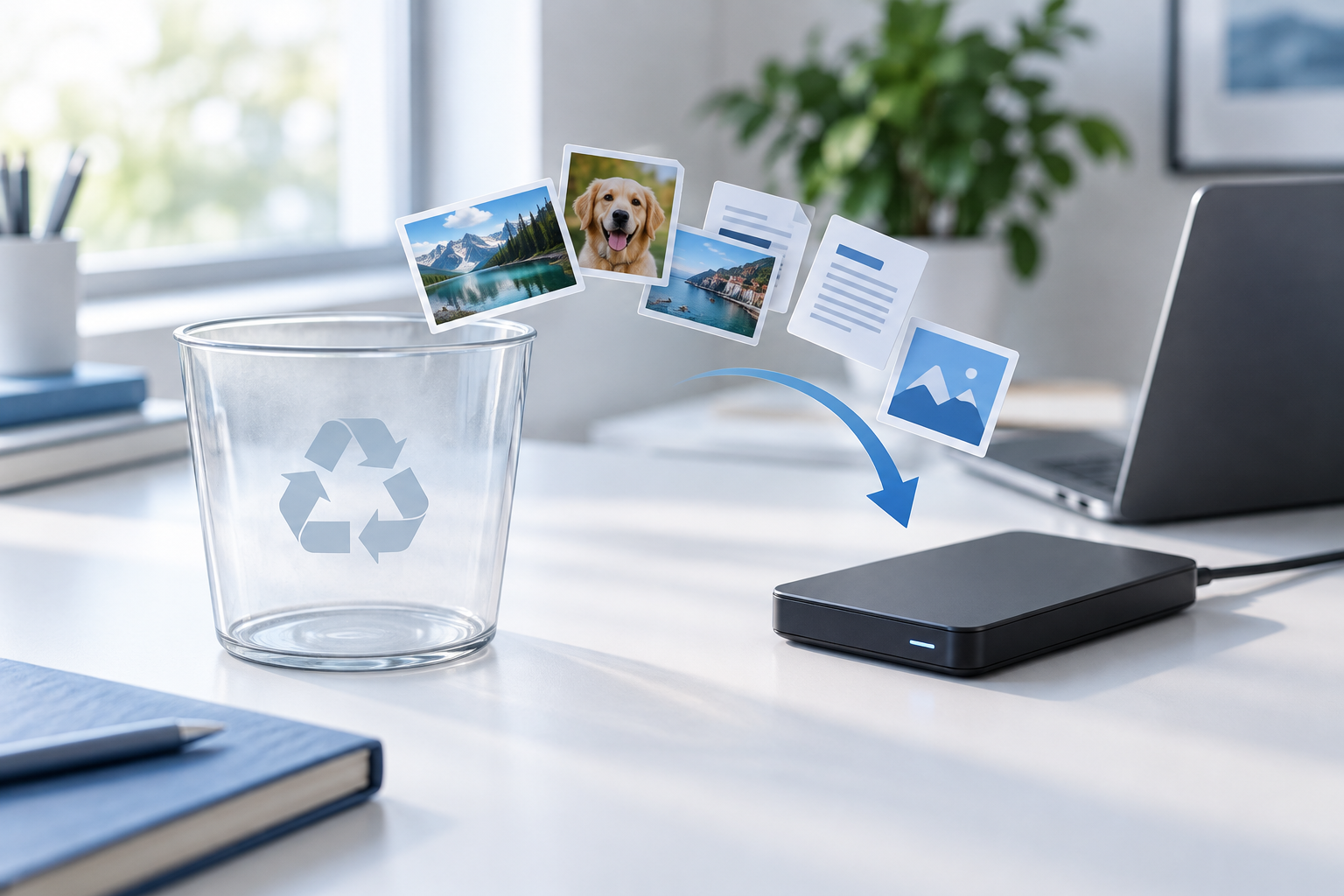

Recover Files After Emptying Recycle Bin: Safe Options
Read more →: Recover Files After Emptying Recycle Bin: Safe OptionsStop writing new files to the source volume after emptying Recycle Bin. Check File History, Previous Versions, Windows Backup, OneDrive Recycle Bin, or another known backup first. If no backup exists, scan the source read-only and recover to another disk.
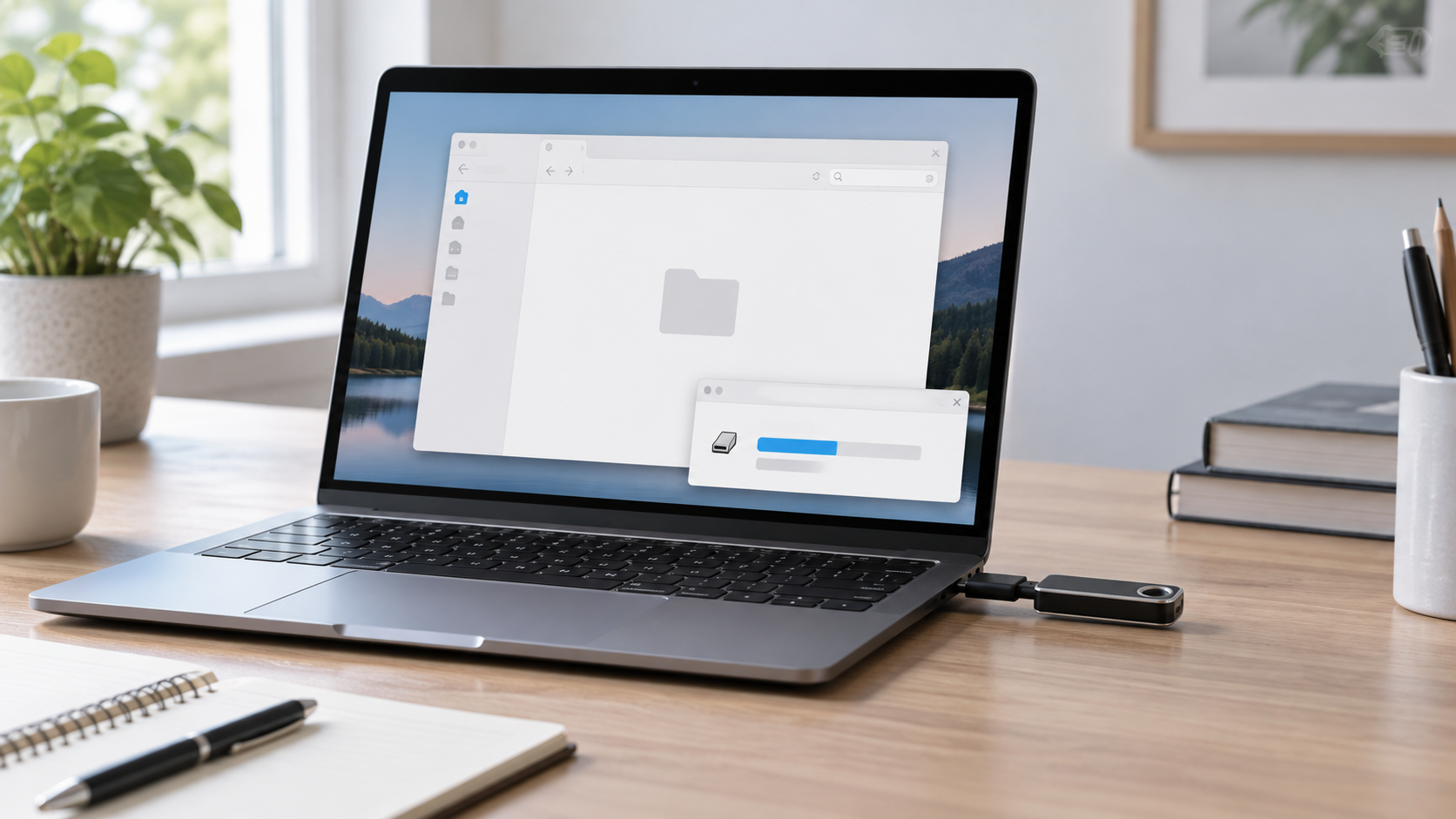

Folder Appears Empty but Uses Space: Find and Recover Files
Read more →: Folder Appears Empty but Uses Space: Find and Recover FilesUsed space with an empty-looking folder can result from hidden or system attributes, permissions, file-system damage, malware, or a changed view. Do not add new files. Show hidden items, check access permissions, scan the computer safely, and recover missing data to another disk.
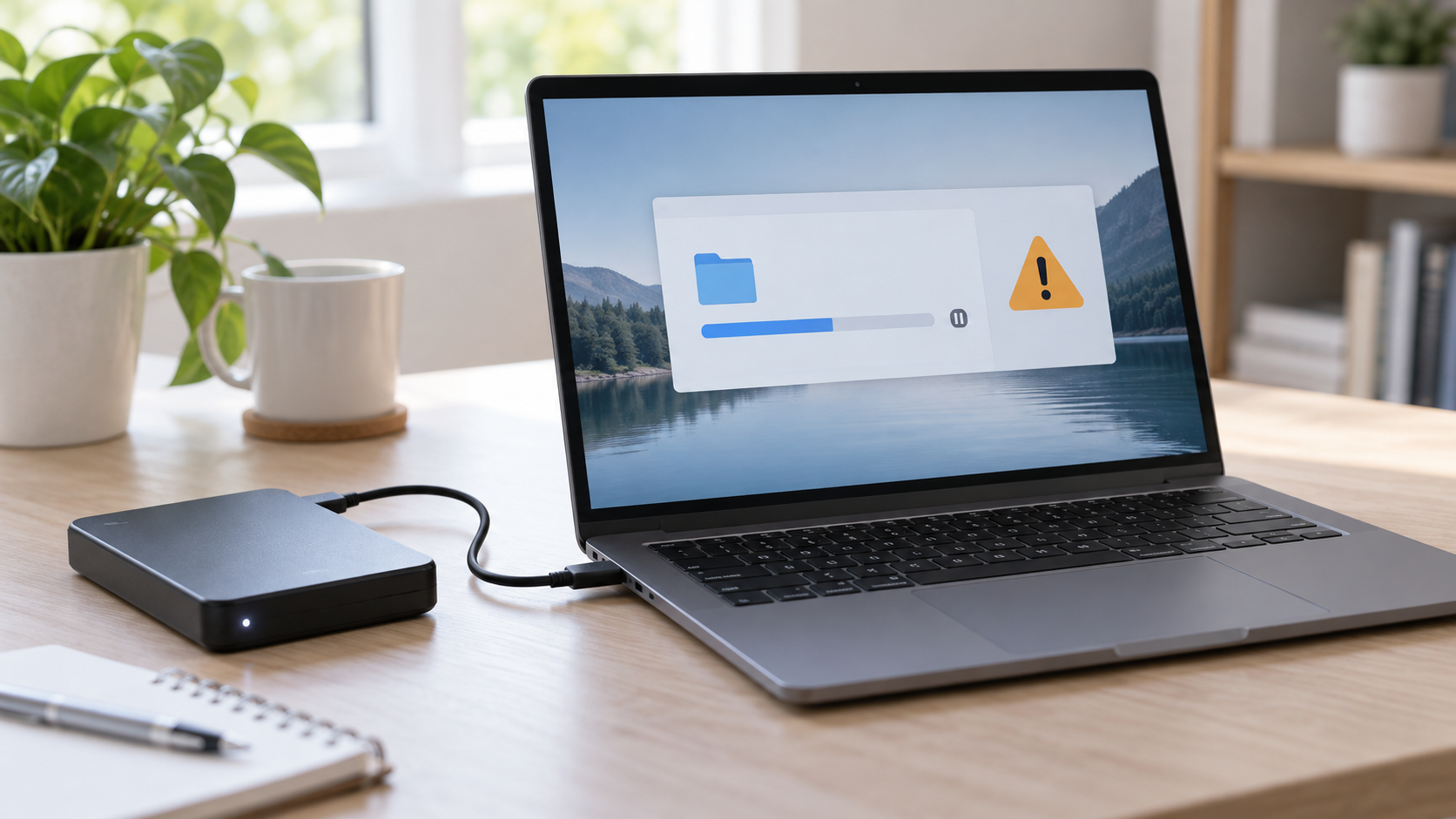
CRC Error When Copying Files: Protect the Source First
Read more →: CRC Error When Copying Files: Protect the Source FirstA CRC error means the read data failed an integrity check. Do not keep retrying the same large copy or run CHKDSK first. Copy smaller priority files that remain readable, monitor drive health, and use a read-only recovery scan or sector image when the source is stable.

Canon Photo Recovery: Save the Card Before More Shots
Read more →: Canon Photo Recovery: Save the Card Before More ShotsProtect the camera card, check backups and transfer folders, then scan a stable card for recoverable Canon photos without saving results to the source device.
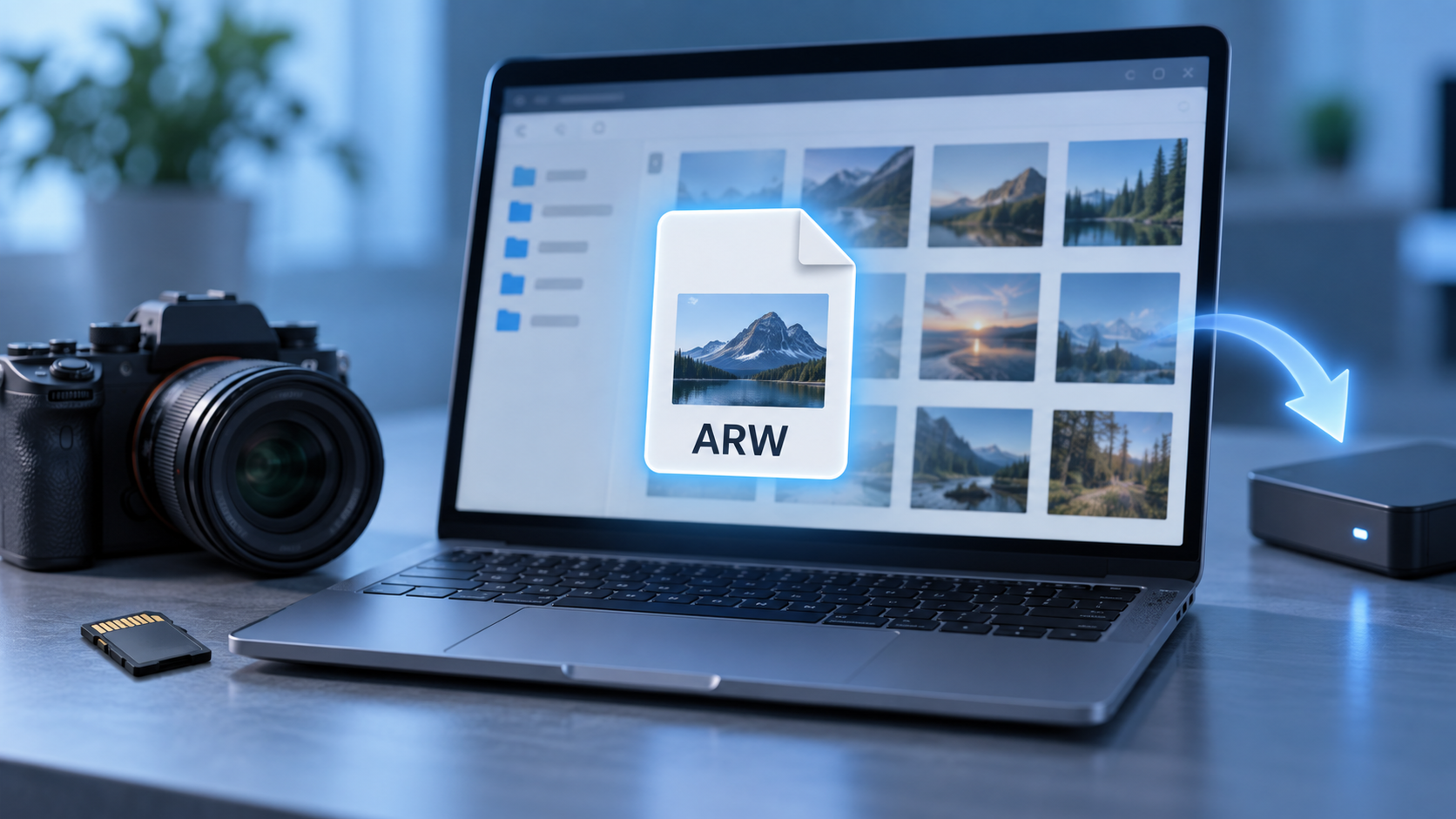
What Is an ARW File? Open and Protect Sony RAW Photos
Read more →: What Is an ARW File? Open and Protect Sony RAW PhotosARW is Sony’s RAW still-image format. Keep the original, use a compatible viewer or developer, preserve companion files, and recover deleted copies from stable cards before shooting more photos.

DVD Disk Recovery: Copy Readable Data Before the Disc Gets Worse
Read more →: DVD Disk Recovery: Copy Readable Data Before the Disc Gets WorseDVD recovery depends on disc type, finalization, drive compatibility, and physical condition. Copy or image stable media first, stop on severe damage, and recover files from the image rather than stressing the original.
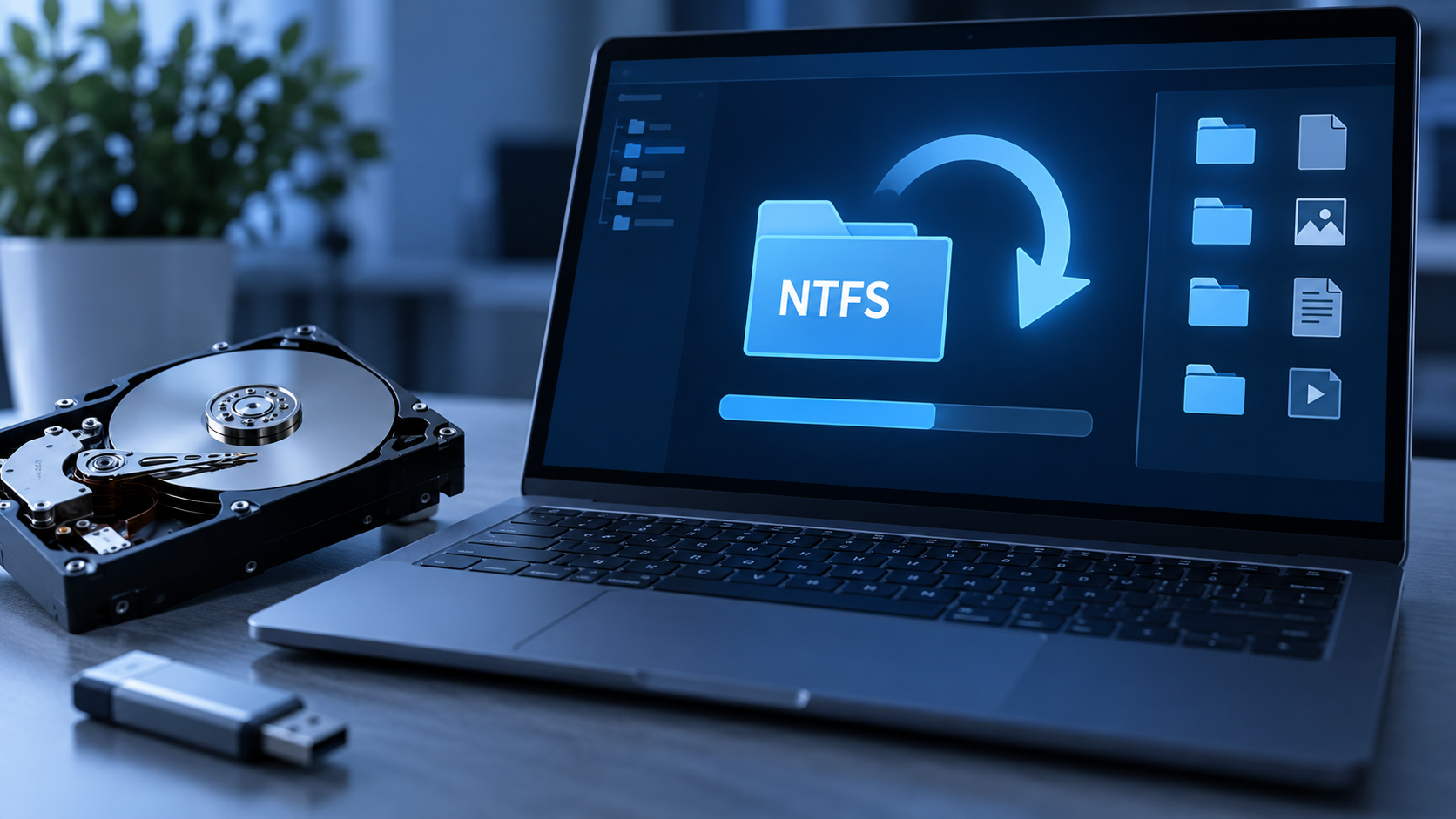
NTFS Data Recovery: What Deletion Leaves Behind
Read more →: NTFS Data Recovery: What Deletion Leaves BehindThis article connects NTFS file records to practical recovery choices. It distinguishes a deleted file, a damaged file system, a missing partition, and an unstable disk, then gives a safe scan and verification path for recoverable local files.

Screen Record Didn’t Save? Trace the File Before Scanning
Read more →: Screen Record Didn’t Save? Trace the File Before ScanningA missing screen recording may be saved elsewhere, left as an incomplete container, or never written at all. This guide follows the recorder’s path, protects temporary files, and scans local storage only when a real file was deleted.

Steam Backup: Protect Game Files and Saves Separately
Read more →: Steam Backup: Protect Game Files and Saves SeparatelyGame installation files, Steam Cloud copies, and local save data are different assets. This article helps players identify each one, make a tested backup, handle cloud conflicts, and recover deleted local saves only when the storage is stable.
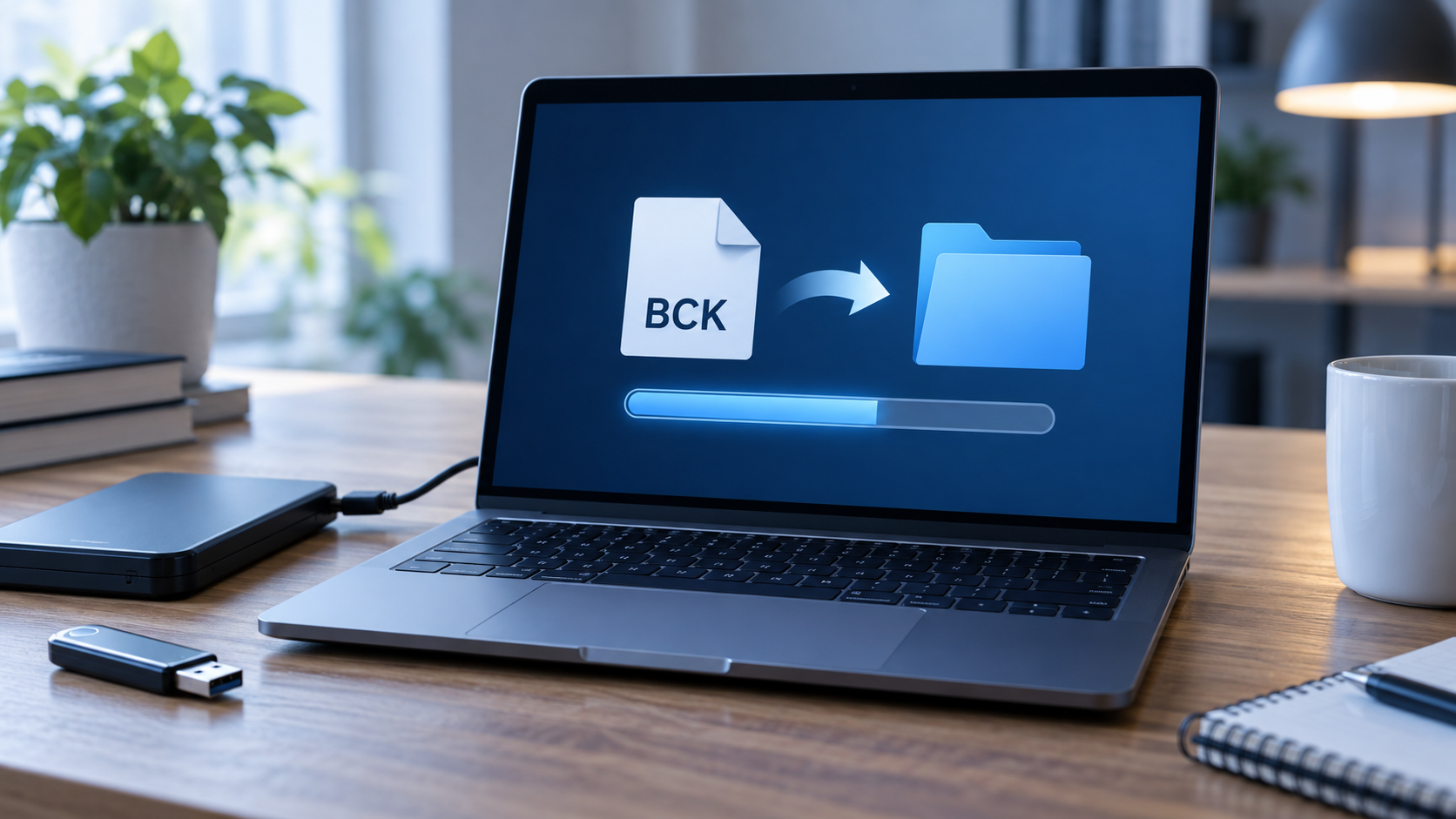
BCK File Restore: Identify the Backup Before You Open It
Read more →: BCK File Restore: Identify the Backup Before You Open ItBCK is an ambiguous backup extension, not one universal format. Identify its source application, test a duplicate, preserve companion files, and use Drecov only when the backup itself was deleted or lost.




Copyright © 2025 PandaOffice. All Rights Reserved. The order process, tax issue, and invoicing to end users are conducted by PandaOffice Limited.