






Troubleshooting
This guide explains the meaning of troubleshooting and walks you through practical steps to identify, diagnose, and resolve common technical problems with ease.
TOP 4 Hot Articles
Top 4 hot articles will provide you reliable solutions to find crucial data with Drecov software.


Windows Stuck on Welcome? Diagnose the Sign-In Stage First
Separate a slow sign-in from a frozen profile, service, update, or storage fault. Use controlled account tests and protect local files before reset or reinstall.
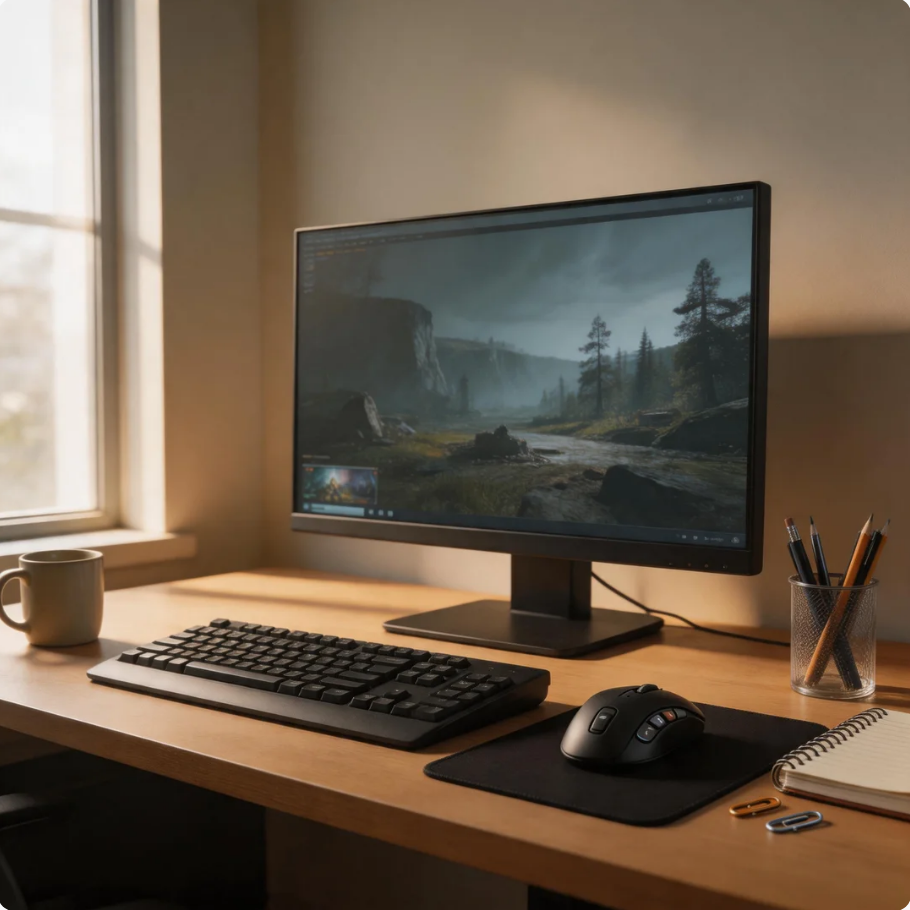

How to Fix Steam Disk Write/Read Error: Complete Troubleshooting Guide
Learn how to fix the Steam disk write/read error using effective solutions like clearing cache, verifying game files, repairing drives, updating drivers, and recovering corrupted Steam data safely.


How to Fix Discord Stuck on Starting Screen in Windows 11
Learn how to fix Discord stuck on starting issues in Windows 11. This guide covers cache cleanup, DNS settings, reinstall methods, firewall checks, startup fixes, and solutions for Discord loading screen errors.
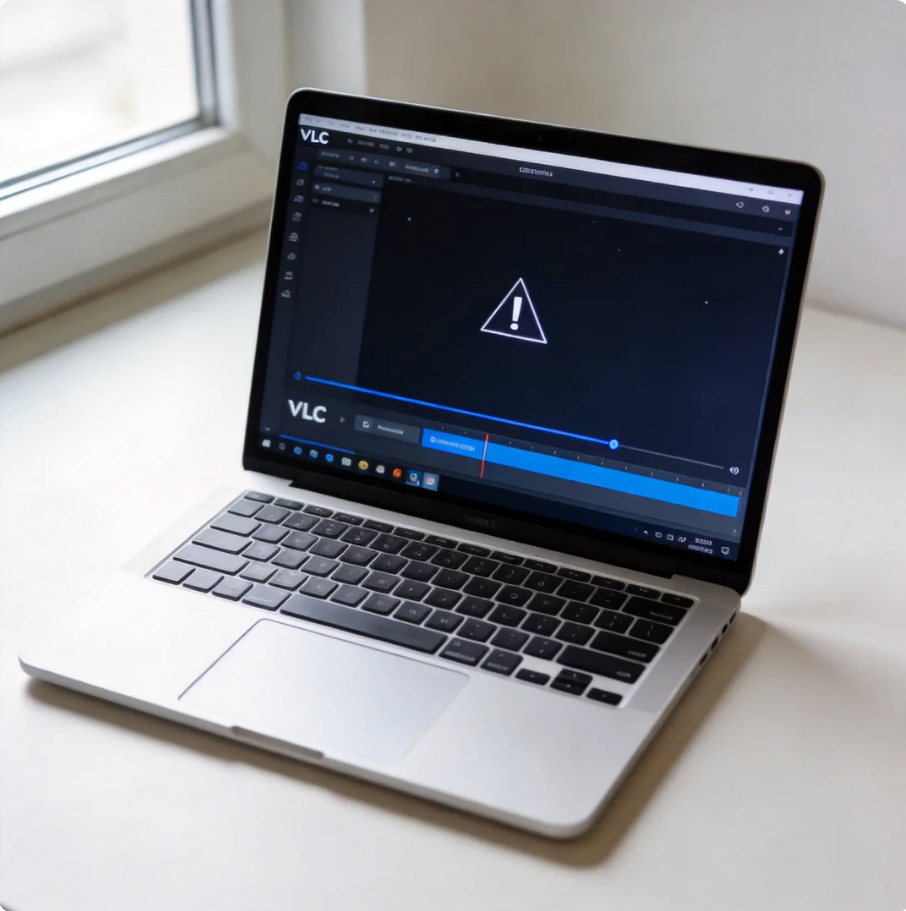

How to Create Video Clips Using VLC Media Player: Complete Guide
This guide explains how to create video clips using VLC media player. It covers recording methods, export options, troubleshooting tips, and limitations of VLC media player download, helping users easily create clips from video for basic editing needs.
Find a solution that suits your case
Here are file recovery guidelines for all types of files. Just choose the most suitable situation for you to retrieve your data


Steam Stuck on Reserving Space? Check the Library Drive
Read more →: Steam Stuck on Reserving Space? Check the Library DriveA stalled reservation can reflect limited space, a slow library drive, or a client problem. This guide separates those causes, protects local saves, and explains when file recovery is relevant.

Why Does My Computer Freeze When I Play Games?
Read more →: Why Does My Computer Freeze When I Play Games?A game-only freeze, a full Windows lockup, and a sudden shutdown point to different causes. Use simple checks to narrow the trigger, back up saves, and recover lost local files only when needed.
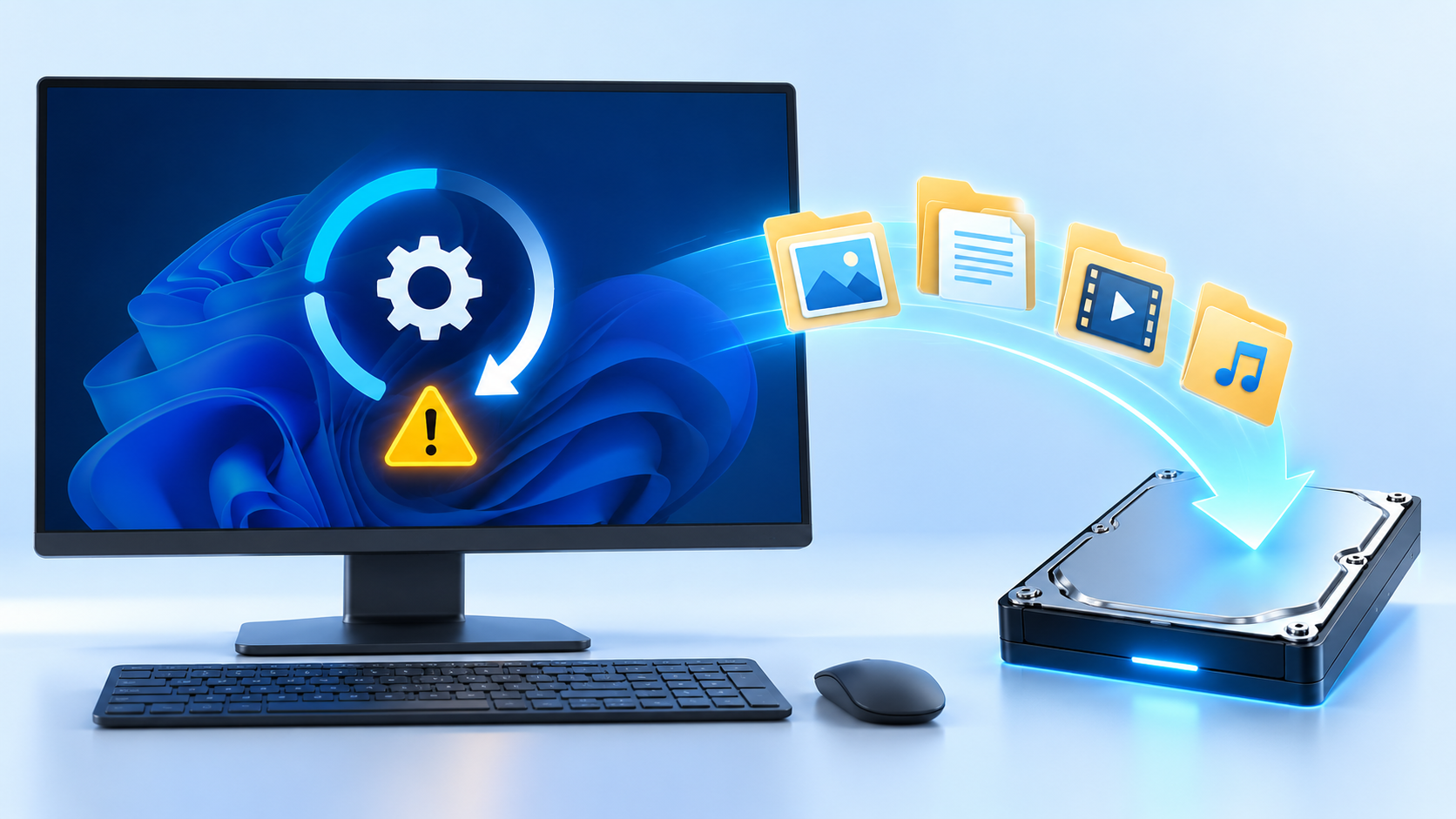
Windows Stuck in Automatic Repair: Recover Files Before Reset
Read more →: Windows Stuck in Automatic Repair: Recover Files Before ResetWindows stuck in Automatic Repair recover files: Before changing the disk, determine whether it contains irreplaceable files, whether the hardware is stable, and which devices must read it. Formatting is the final configuration step, not the first response to an error. Quick Answer For the native checks used in this diagnosis, consult the official technical…
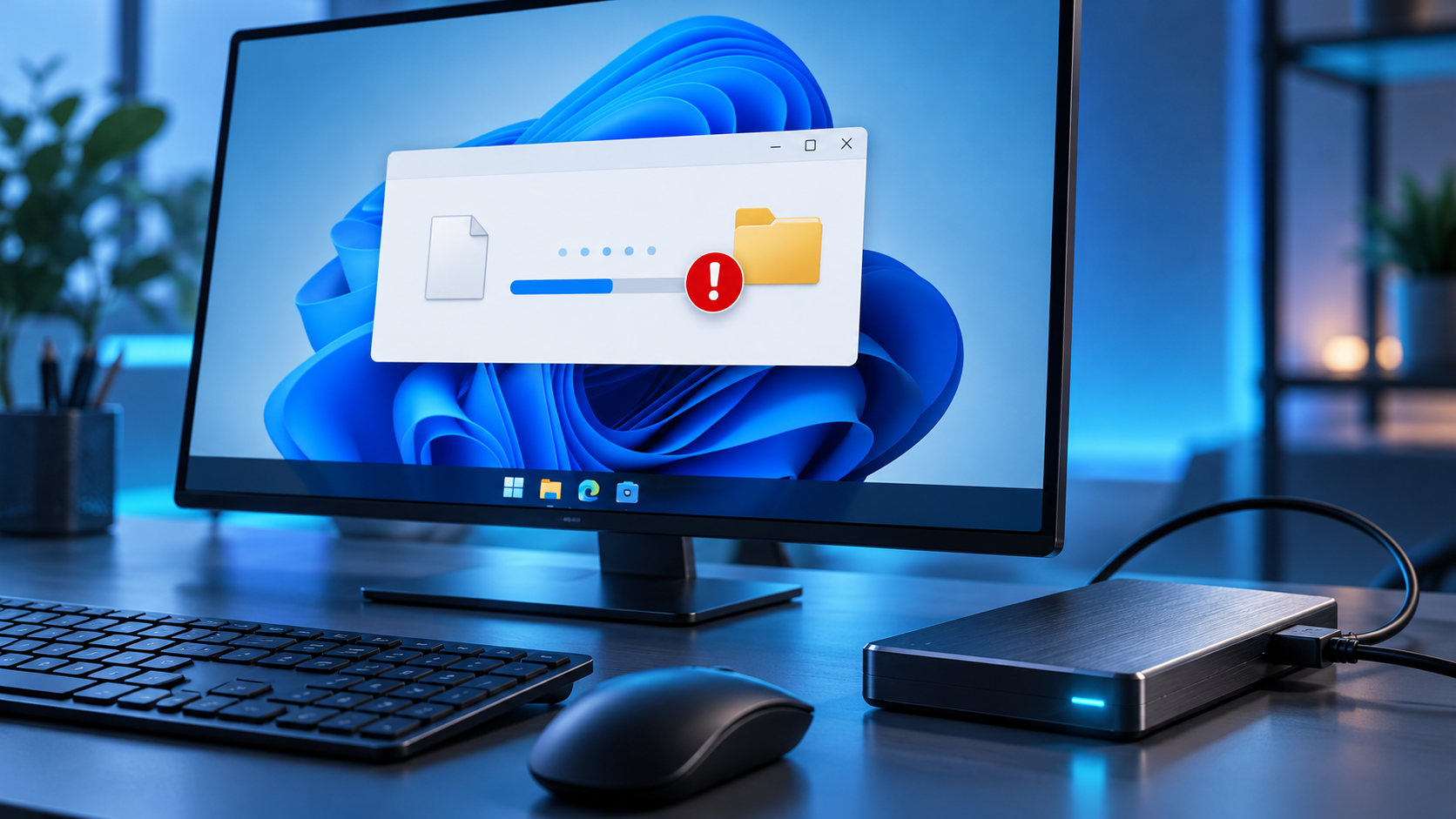
Can’t Read From the Source File or Disk? Save What Opens
Read more →: Can’t Read From the Source File or Disk? Save What OpensA copy error may come from one unreadable file, the source drive, a path issue, or a connection. Test a small file, preserve accessible folders, and recover from stable media before repair.
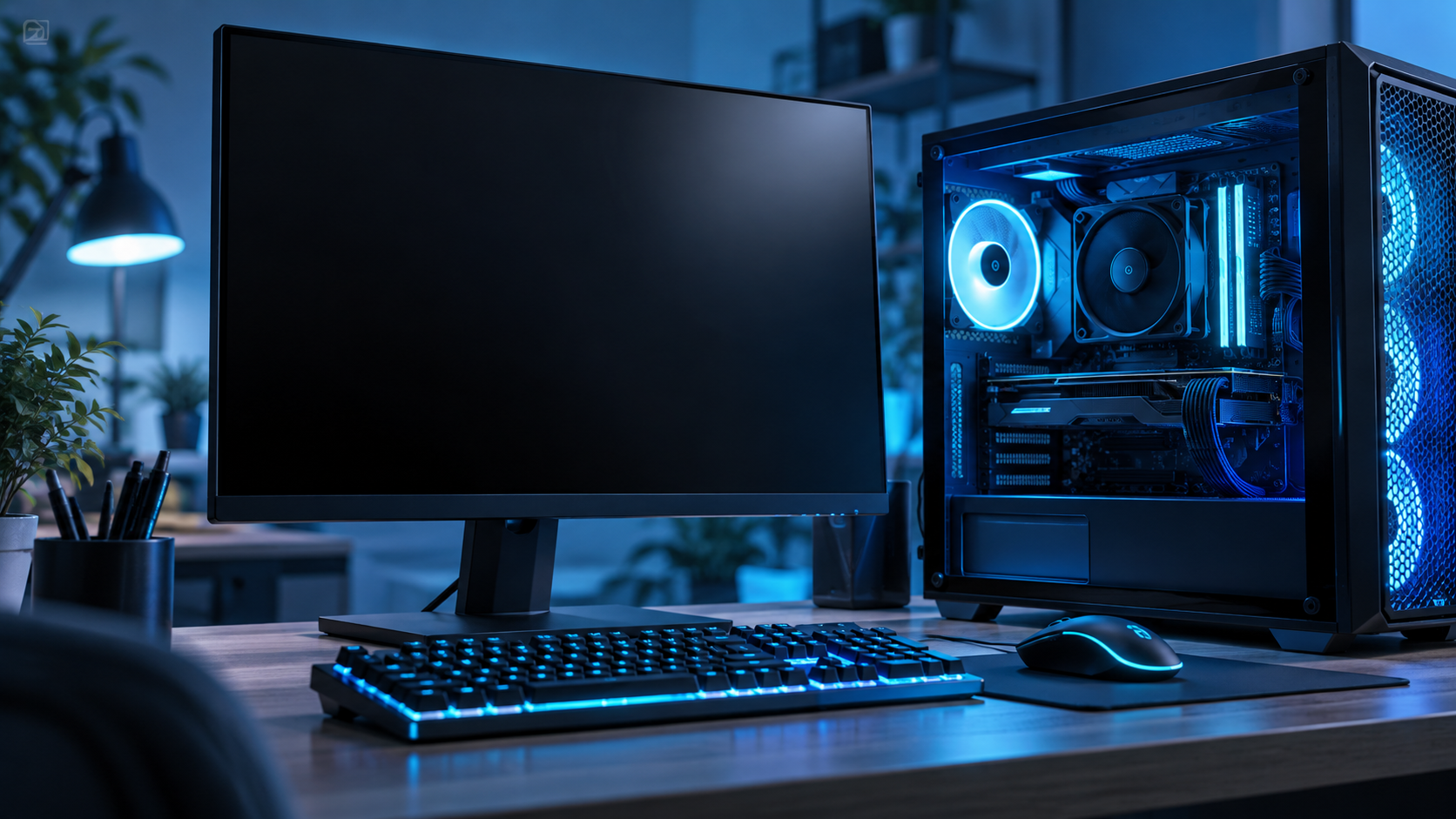
PC Won’t Boot to BIOS? Find the First Failure
Read more →: PC Won’t Boot to BIOS? Find the First FailureA missing BIOS screen can result from power, display, keyboard, or firmware trouble. Observe where startup stops, try the correct entry method, and protect the drive before invasive repair.
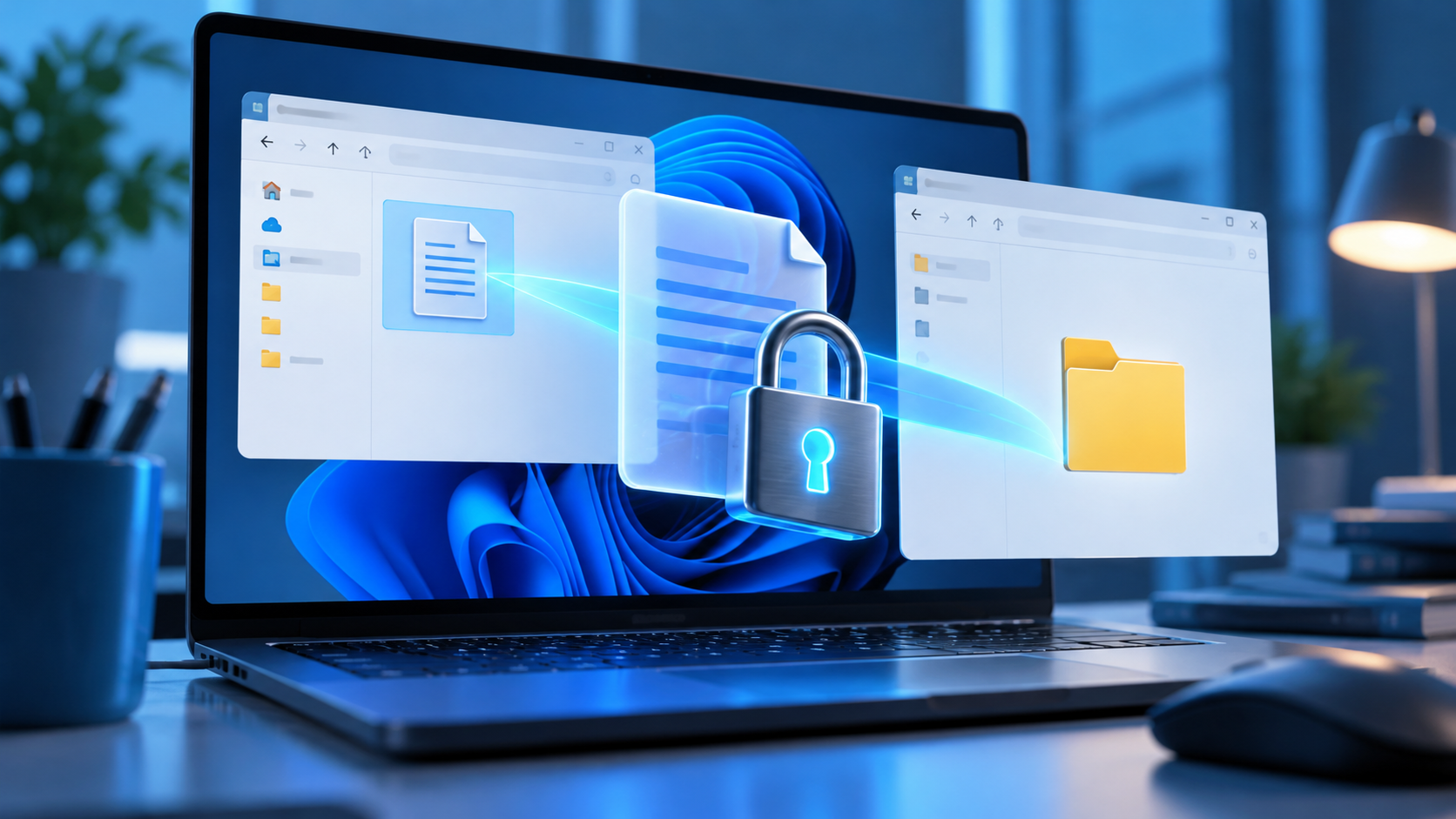
The Requested Resource Is in Use: Find What Holds It
Read more →: The Requested Resource Is in Use: Find What Holds ItFind out whether an app, background task, phone connection, or unstable drive is blocking your action. Close only the responsible process, preserve unsaved work, and recover files if access has turned into actual data loss.
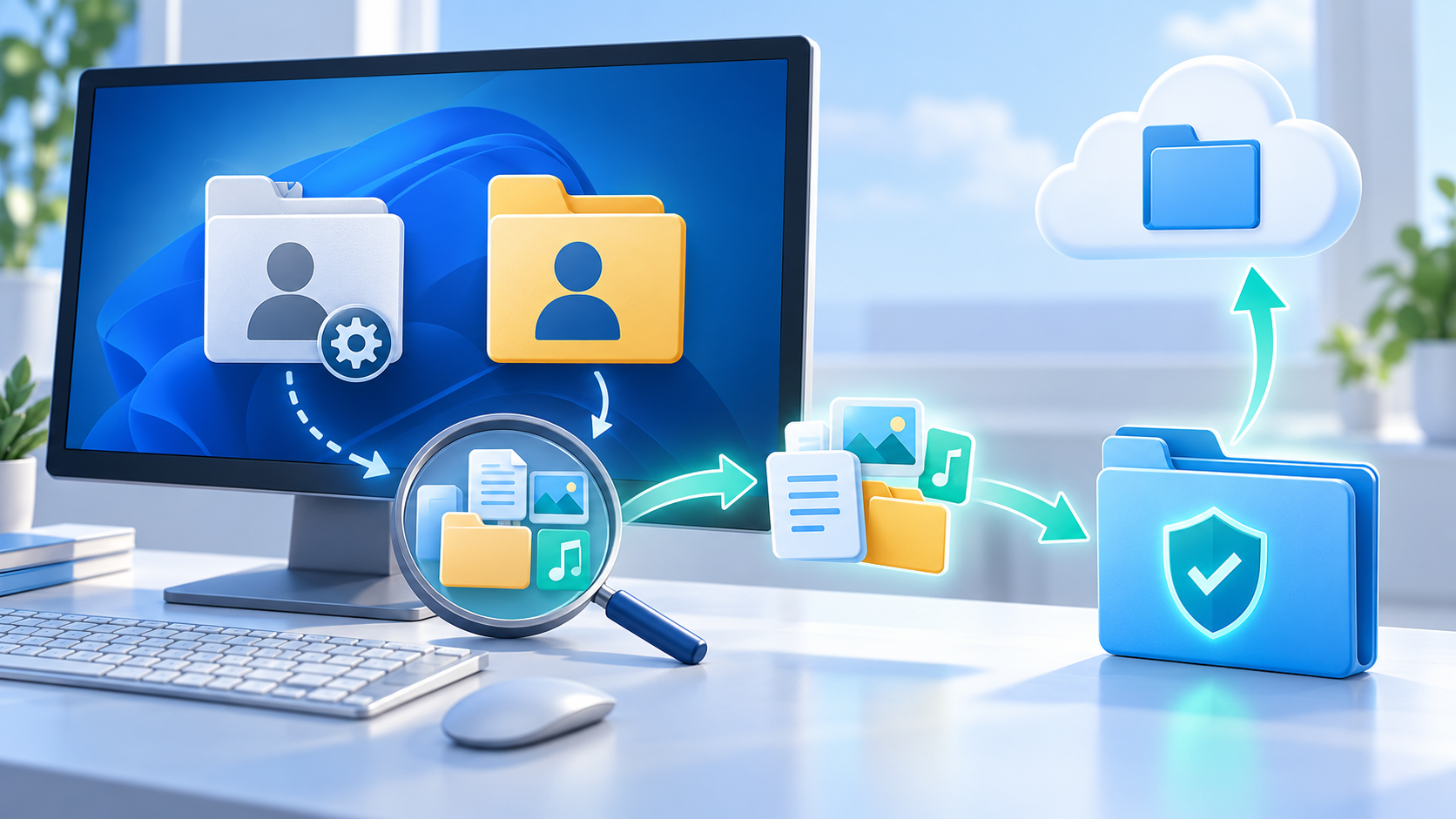
Files Missing After Windows User Profile Repair
Read more →: Files Missing After Windows User Profile RepairSign out of the temporary or repaired profile before copying data. Check C:\\Users for the previous profile, Public, Desktop and cloud folders, compare the profile SID in Registry only after a backup, copy files instead of moving them, and recover deleted items to another drive.

BitLocker Drive Asks for a Recovery Key After Update
Read more →: BitLocker Drive Asks for a Recovery Key After UpdateDo not format, initialize, disable TPM or clear security settings to bypass BitLocker. Find the 48-digit recovery key in the Microsoft account, organization portal, printed copy or saved file, verify the key identifier, unlock the drive, and immediately copy important data to another encrypted location.

SanDisk Card Repair Starts With One Question: Is the Card Stable?
Read more →: SanDisk Card Repair Starts With One Question: Is the Card Stable?Separate reader, lock, compatibility, file-system, and physical card faults. Preserve recoverable files first, then format or replace the card only when the evidence supports it.

Why Are My Videos Not Playing? Run One Comparison Before Installing Codecs
Read more →: Why Are My Videos Not Playing? Run One Comparison Before Installing CodecsUse controlled playback comparisons to separate one damaged local file from player, codec, browser, streaming, graphics, or storage problems, then apply and verify the appropriate correction.




Copyright © 2025 PandaOffice. All Rights Reserved. The order process, tax issue, and invoicing to end users are conducted by PandaOffice Limited.