






File Recovery
Pandaoffice Drecov is the best files recovery software to restore deleted, formatted, or corrupted data from HDDs, SSDs, USB drives, and SD cards with deep scanning, preview support, and secure recovery performance.
TOP 4 Hot Articles
Top 4 hot articles will provide you reliable solutions to find crucial data with Drecov software.

Comprehensive Guide to PDF File Recovery
This guide explains PDF file recovery methods for Windows PC, including built-in tools, backups, cloud storage, and professional software like Pandaoffice Drecov to safely restore lost or corrupted PDF files.
Find a solution that suits your case
Here are file recovery guidelines for all types of files. Just choose the most suitable situation for you to retrieve your data

Unsaved File Recovery Word: Best Recovery Options And Safe Steps
Read more →: Unsaved File Recovery Word: Best Recovery Options And Safe StepsThis guide explains when unsaved file recovery word can work, what built-in recovery paths to check first, and how to scan readable local storage safely.


Cyberpunk Save Location on Windows: Find, Back Up, and Restore Saves
Read more →: Cyberpunk Save Location on Windows: Find, Back Up, and Restore SavesA practical, safety-first explanation of cyberpunk save location, with checks, decisions, and a recovery path when files are at risk.


Do You Lose Anything When You Zip a File? Usually No
Read more →: Do You Lose Anything When You Zip a File? Usually NoLearn what ZIP preserves, what metadata can change, why some files barely shrink, and how to verify an archive before deleting originals.


What Are the Temporary Files? Know Before You Delete
Read more →: What Are the Temporary Files? Know Before You DeleteUnderstand the jobs temporary files perform, which cleanup paths are safer, and when a temp-backed document may still matter.


Elden Ring Save File Location: Back Up the Right Account
Read more →: Elden Ring Save File Location: Back Up the Right AccountLocate the correct Elden Ring save for the active Steam account, back it up safely, and recover a deleted local copy when needed.


How to Recover Deleted Dropbox Files Without Scanning First
Read more →: How to Recover Deleted Dropbox Files Without Scanning FirstRestore deleted Dropbox files from the cloud first, then use local recovery only when a synced copy is genuinely missing.


PDF Not Working? Test the Viewer, File, and Storage
Read more →: PDF Not Working? Test the Viewer, File, and StorageSeparate viewer trouble from an incomplete, blocked, corrupted, or missing PDF and recover an intact copy before modifying evidence.
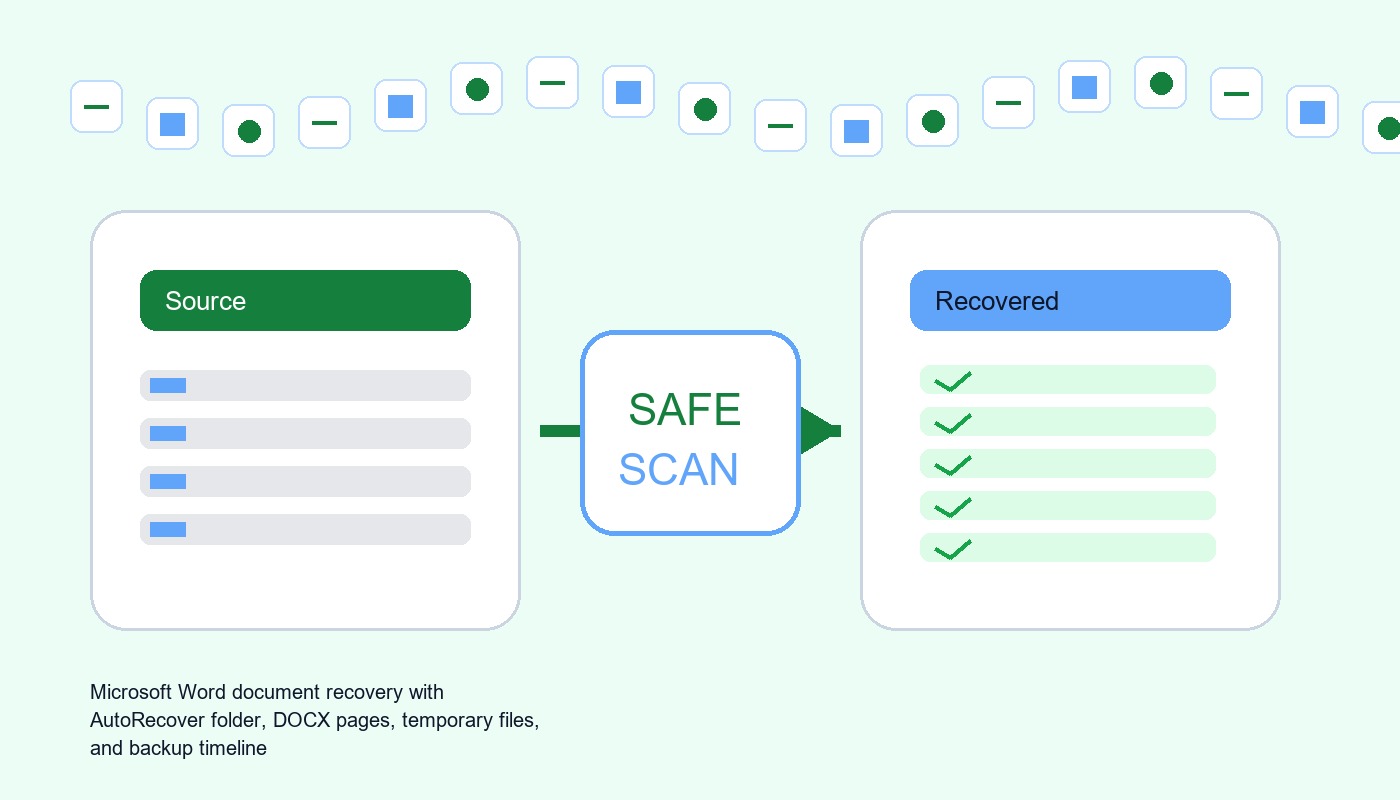

Microsoft Word File Recovery Software: Restore DOCX, Temporary, And Unsaved Files
Read more →: Microsoft Word File Recovery Software: Restore DOCX, Temporary, And Unsaved FilesThis guide explains when microsoft word file recovery software can work, what built-in recovery paths to check first, and how to scan readable local storage safely.


How to Change Read Only Files by Finding the Real Lock
Read more →: How to Change Read Only Files by Finding the Real LockIdentify whether a file attribute, NTFS permission, Office protection, cloud state, ownership, or storage device is blocking edits.


An M3U File Stores Paths, Not Music
Read more →: An M3U File Stores Paths, Not MusicInspect an M3U as text, repair relative or absolute paths, handle M3U8 encoding, locate missing media, and recover deleted playlists safely.




Copyright © 2025 PandaOffice. All Rights Reserved. The order process, tax issue, and invoicing to end users are conducted by PandaOffice Limited.