






File Recovery
Pandaoffice Drecov is the best files recovery software to restore deleted, formatted, or corrupted data from HDDs, SSDs, USB drives, and SD cards with deep scanning, preview support, and secure recovery performance.
TOP 4 Hot Articles
Top 4 hot articles will provide you reliable solutions to find crucial data with Drecov software.
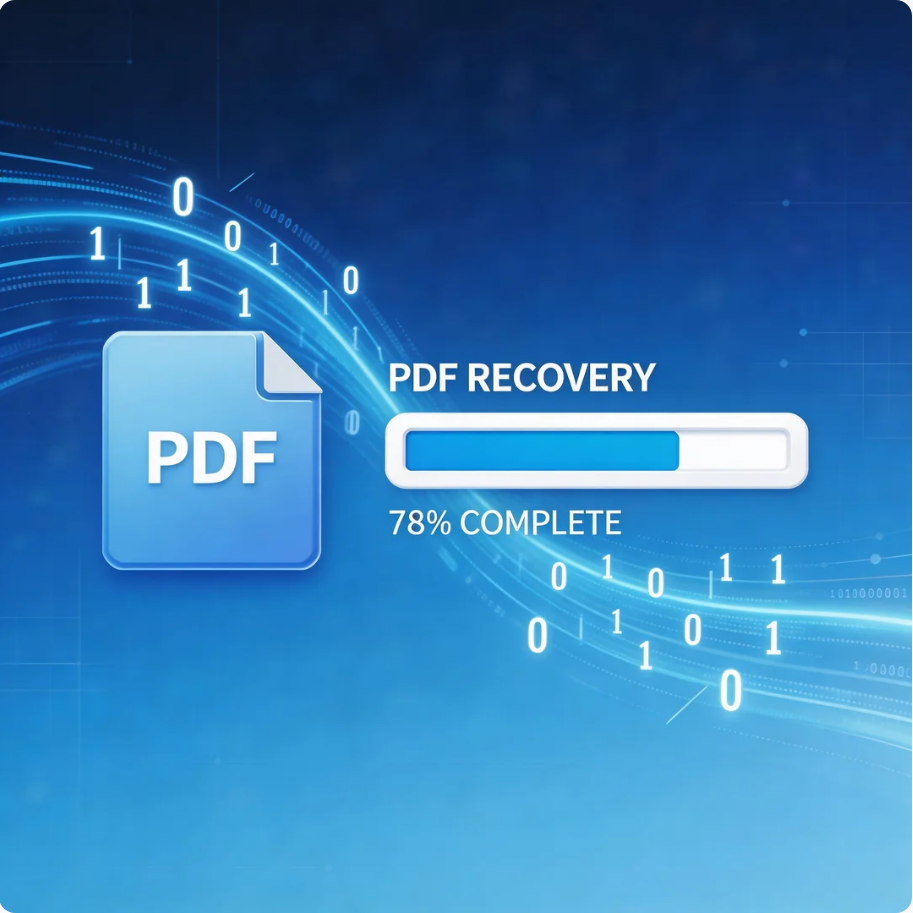

Comprehensive Guide to PDF File Recovery
This guide explains PDF file recovery methods for Windows PC, including built-in tools, backups, cloud storage, and professional software like Pandaoffice Drecov to safely restore lost or corrupted PDF files.
Find a solution that suits your case
Here are file recovery guidelines for all types of files. Just choose the most suitable situation for you to retrieve your data
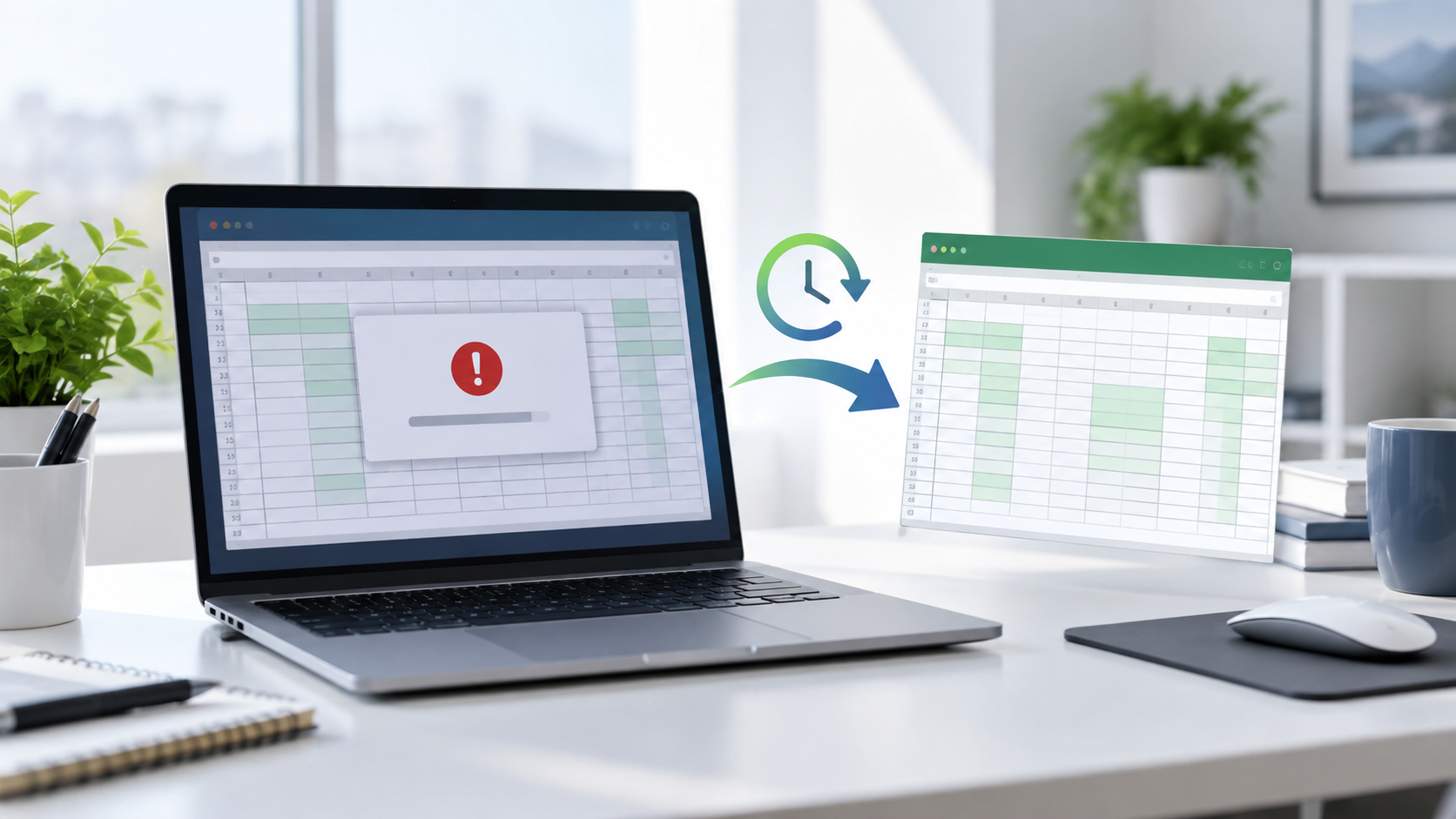

Recover an Unsaved Excel File After a Crash: Safe Steps
Read more →: Recover an Unsaved Excel File After a Crash: Safe StepsAfter a spreadsheet crash, reopen the application once and check Document Recovery, Recover Unsaved Workbooks, AutoRecover, temporary folders, Previous Versions, cloud version history, and email attachments. Save any recovered copy under a new name before editing it.

Stellar Online Video Repair: What the Workflow Can Prove
Read more →: Stellar Online Video Repair: What the Workflow Can ProveEvaluate Stellar’s documented repair workflow without invented tests, prices, or success rates, and protect the original video before uploading or modifying it. The article includes practical verification and stopping points.

Recover an Overwritten File: Find an Earlier Healthy Version
Read more →: Recover an Overwritten File: Find an Earlier Healthy VersionAn overwritten file is rarely recovered from the same sectors, especially on SSDs. Stop editing the file and search version history, Previous Versions, File History, cloud history, email attachments, temporary copies, and backups for an earlier healthy version.

Why Can’t I Delete a File? Identify the Lock Before Force
Read more →: Why Can’t I Delete a File? Identify the Lock Before ForceA file may be open, protected, syncing, permission-restricted, malformed, or stored on unhealthy media. Preserve valuable content before force-delete methods. The article also defines verification and safe stopping points.

Disk Not Readable by This Computer? Protect It Before Erase
Read more →: Disk Not Readable by This Computer? Protect It Before EraseUse Disk Utility and connection evidence to separate unsupported format, damaged file system, adapter trouble, and failing hardware while preserving recoverable data. The article includes practical verification and stopping points.
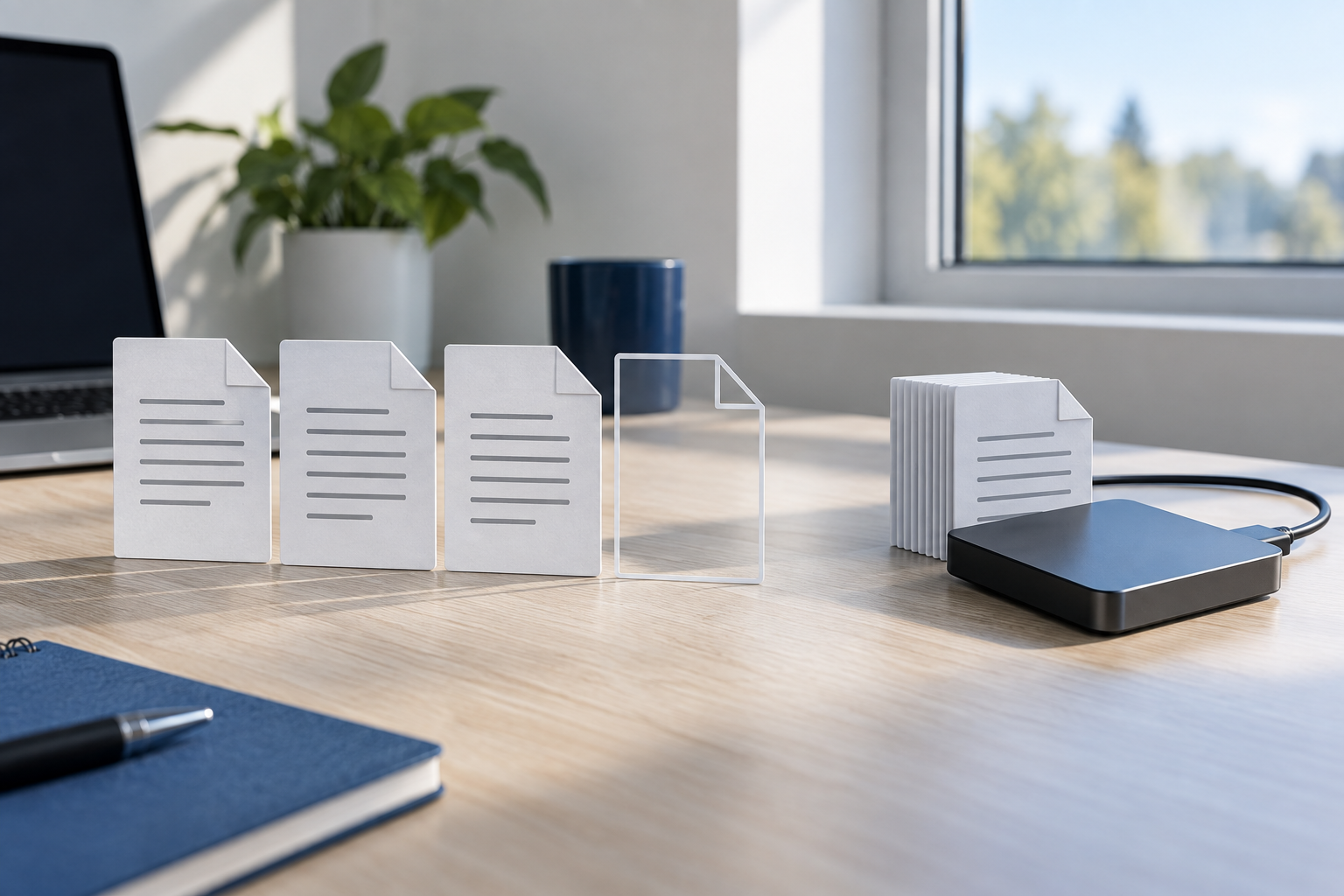

Documents Became 0 KB: Find a Healthy Copy
Read more →: Documents Became 0 KB: Find a Healthy CopyA 0 KB document contains no usable payload in that copy. Keep it as evidence, then search AutoRecover, temporary folders, Previous Versions, File History, cloud version history, email attachments, and another device for a healthy earlier copy.
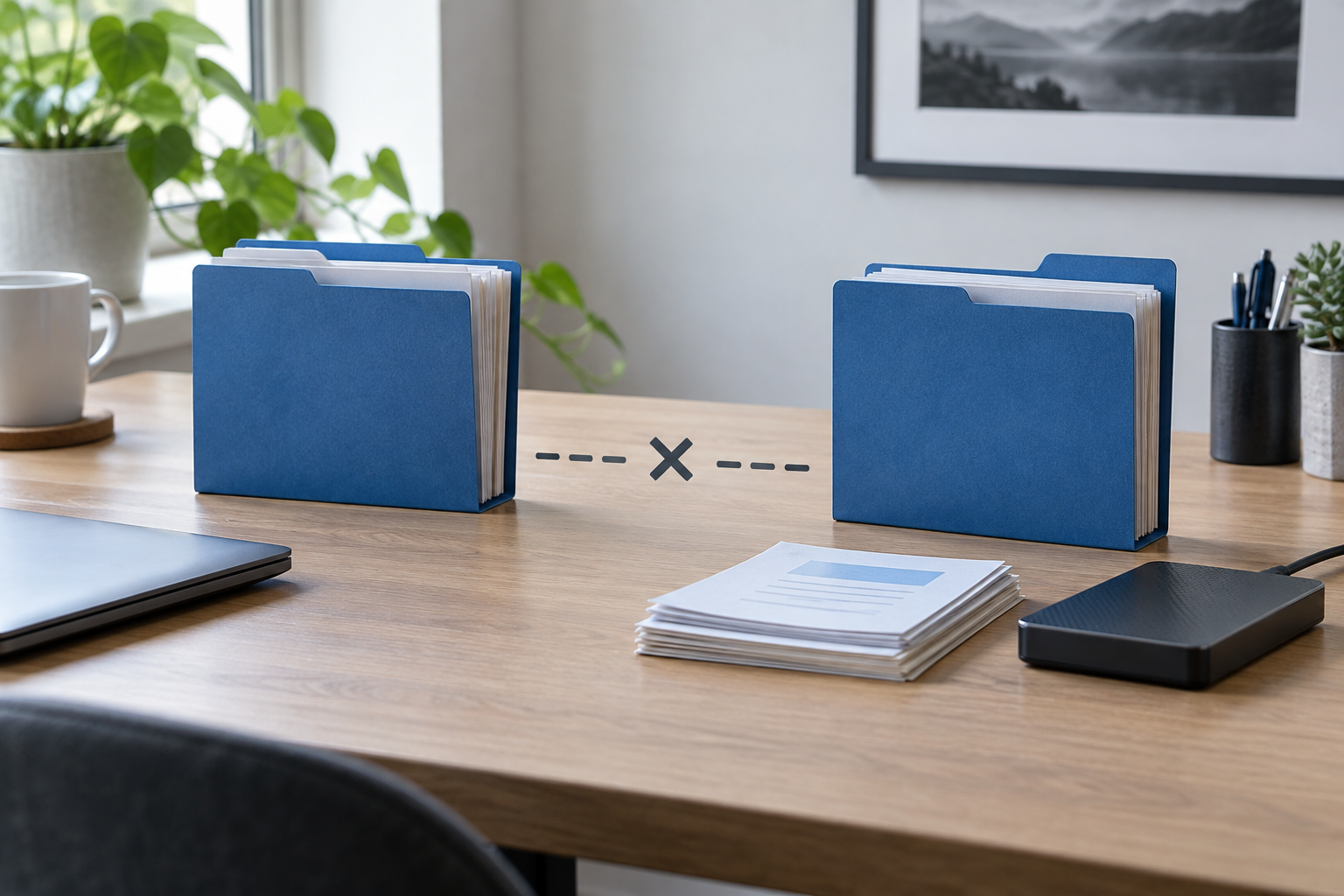
Files Missing After Cut and Paste: Find and Recover Safely
Read more →: Files Missing After Cut and Paste: Find and Recover SafelyDo not repeat cut and paste or clean temporary folders. Search both source and destination, check Recycle Bin and cloud activity, enable hidden items, and use Previous Versions or File History. If needed, scan the original source read-only and recover elsewhere.

How Do You Unlock a Document in Word? Identify the Lock First
Read more →: How Do You Unlock a Document in Word? Identify the Lock FirstWord uses several kinds of locks. Match the message to Protected View, read-only state, editing restrictions, ownership, or corruption before changing the file. The article also defines verification and safe stopping points.
The User Profile Service Failed the Sign-In: Save the Profile First
Read more →: The User Profile Service Failed the Sign-In: Save the Profile FirstIdentify whether Windows has a temporary, damaged, or misdirected profile; preserve its files; then repair the account without replacing the only usable copy. The article also defines verification and safe stopping points.

Desktop Files Disappeared After Windows Update: Recover Safely
Read more →: Desktop Files Disappeared After Windows Update: Recover SafelyDo not reset Windows or save new files to the missing Desktop location. Check the signed-in profile, OneDrive Desktop, Windows.old, File History, and Previous Versions, then recover missing files to another disk.




Copyright © 2025 PandaOffice. All Rights Reserved. The order process, tax issue, and invoicing to end users are conducted by PandaOffice Limited.