






Data Recovery
Welcome to our Data Recovery section: your trusted guide to recovering lost files from any device, whether lost to deletion, formatting, virus attacks or system errors.
TOP 4 Hot Articles
Top 4 hot articles will provide you reliable solutions to find crucial data with Drecov software.


Best Data Recovery Software for Windows: Complete Guide
Understanding Data Recovery on Windows Systems Why Data Recovery Is Important for Windows Users Modern computers store enormous amounts of data, from personal documents and photos to business files and system information. However, data loss can occur unexpectedly due to accidental deletion, hardware failure, formatting errors, malware attacks, or system crashes. When this happens, reliable…
Find a solution that suits your case
Here are file recovery guidelines for all types of files. Just choose the most suitable situation for you to retrieve your data

External Drive After Power Loss: Recover Before Repair
Read more →: External Drive After Power Loss: Recover Before RepairAfter a power cut, do not run CHKDSK or accept a format prompt immediately. Reconnect through a reliable port, check for clicking or unstable detection, then copy or recover files to a second disk before file-system repair.
Recover Deleted Photos From a Phone SD Card Safely
Read more →: Recover Deleted Photos From a Phone SD Card SafelyStop using the phone and remove the removable SD card. Check the phone cloud and Recently Deleted folders first; if necessary scan the card through a reader and save recovered photos to a separate disk. Internal phone storage is different.
External Drive Access Denied: Fix Permissions Without Data Loss
Read more →: External Drive Access Denied: Fix Permissions Without Data LossAccess denied can result from NTFS permissions, encryption, or a failing file system. Check the drive on its original computer and verify the owner; do not repeatedly change permissions or format. Back up readable files before any ownership changes.
Lost Partition on an External Drive: Recover Before Rebuilding
Read more →: Lost Partition on an External Drive: Recover Before RebuildingIf a used external disk suddenly becomes unallocated, do not create a new partition. Confirm the physical model, stop writing, and recover files or make a sector image on another disk. Rebuild partitions only after opening and verifying the recovered files.
Drive Is Read-Only: Causes, Safe Fixes, and Recovery
Read more →: Drive Is Read-Only: Causes, Safe Fixes, and RecoveryCheck the physical lock switch, free space, file permissions, and disk health. A drive that becomes read-only can be protecting itself from failure. Copy readable files first; do not force write access or run destructive DiskPart commands before backup.
External Hard Drive Not Showing Up: Safe Checks and Recovery
Read more →: External Hard Drive Not Showing Up: Safe Checks and RecoveryTry a second cable, port, and computer; check Disk Management for the physical model and capacity. Do not initialize or format a previously used drive. If it appears stable, copy or recover files to another disk before repairs.
SD Card Not Detected: Recover Photos Before Formatting
Read more →: SD Card Not Detected: Recover Photos Before FormattingStop taking photos and remove the SD card. Test a different reader without formatting. If the card is detected with the expected capacity, recover photos to a separate disk; a physically invisible card needs hardware diagnosis.

BitLocker Drive Recovery: Find the Key Before Repair
Read more →: BitLocker Drive Recovery: Find the Key Before RepairFind the 48-digit BitLocker recovery key in the Microsoft account, organizational account, printout, or backup before changing the volume. Recovery software cannot decrypt BitLocker without a valid key. Avoid formatting or clearing TPM settings.
Check Hard Drive Health Without Risking Your Files
Read more →: Check Hard Drive Health Without Risking Your FilesRead SMART status and note reallocated, pending, and uncorrectable sectors, but a healthy indicator does not guarantee safety. If the drive clicks, disconnects, or slows sharply, stop repeated scans and make a backup or seek a specialist.
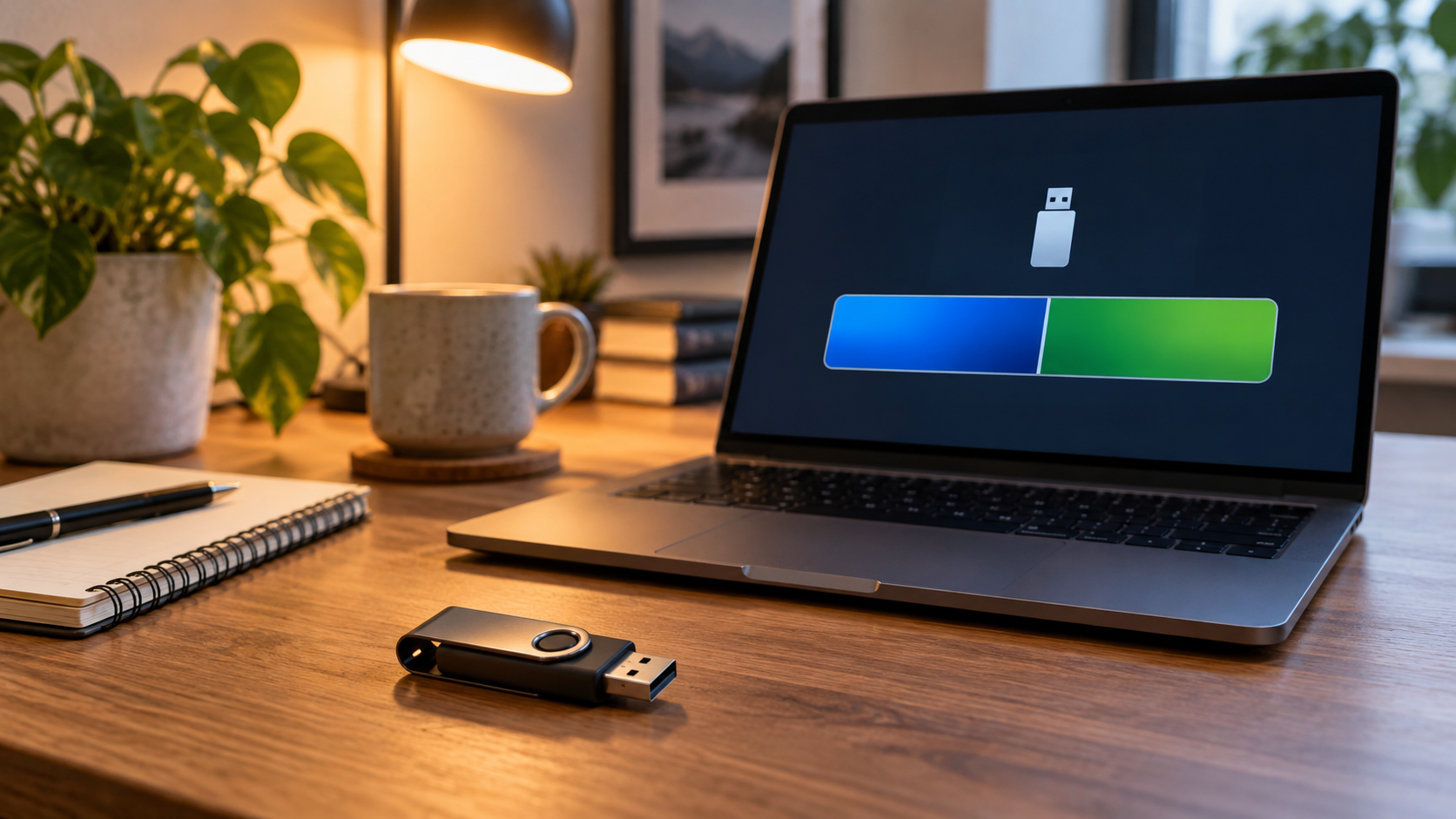
USB Drive Shows Two Partitions: Recover and Rebuild Safely
Read more →: USB Drive Shows Two Partitions: Recover and Rebuild SafelyTwo partitions can be normal after making a bootable USB. First identify the physical device and copy or recover any needed files. Only then delete partitions and create a single new volume with the built-in disk tool; this erases existing contents.




Copyright © 2025 PandaOffice. All Rights Reserved. The order process, tax issue, and invoicing to end users are conducted by PandaOffice Limited.