






Data Recovery
Welcome to our Data Recovery section: your trusted guide to recovering lost files from any device, whether lost to deletion, formatting, virus attacks or system errors.
TOP 4 Hot Articles
Top 4 hot articles will provide you reliable solutions to find crucial data with Drecov software.


Best Data Recovery Software for Windows: Complete Guide
Understanding Data Recovery on Windows Systems Why Data Recovery Is Important for Windows Users Modern computers store enormous amounts of data, from personal documents and photos to business files and system information. However, data loss can occur unexpectedly due to accidental deletion, hardware failure, formatting errors, malware attacks, or system crashes. When this happens, reliable…
Find a solution that suits your case
Here are file recovery guidelines for all types of files. Just choose the most suitable situation for you to retrieve your data
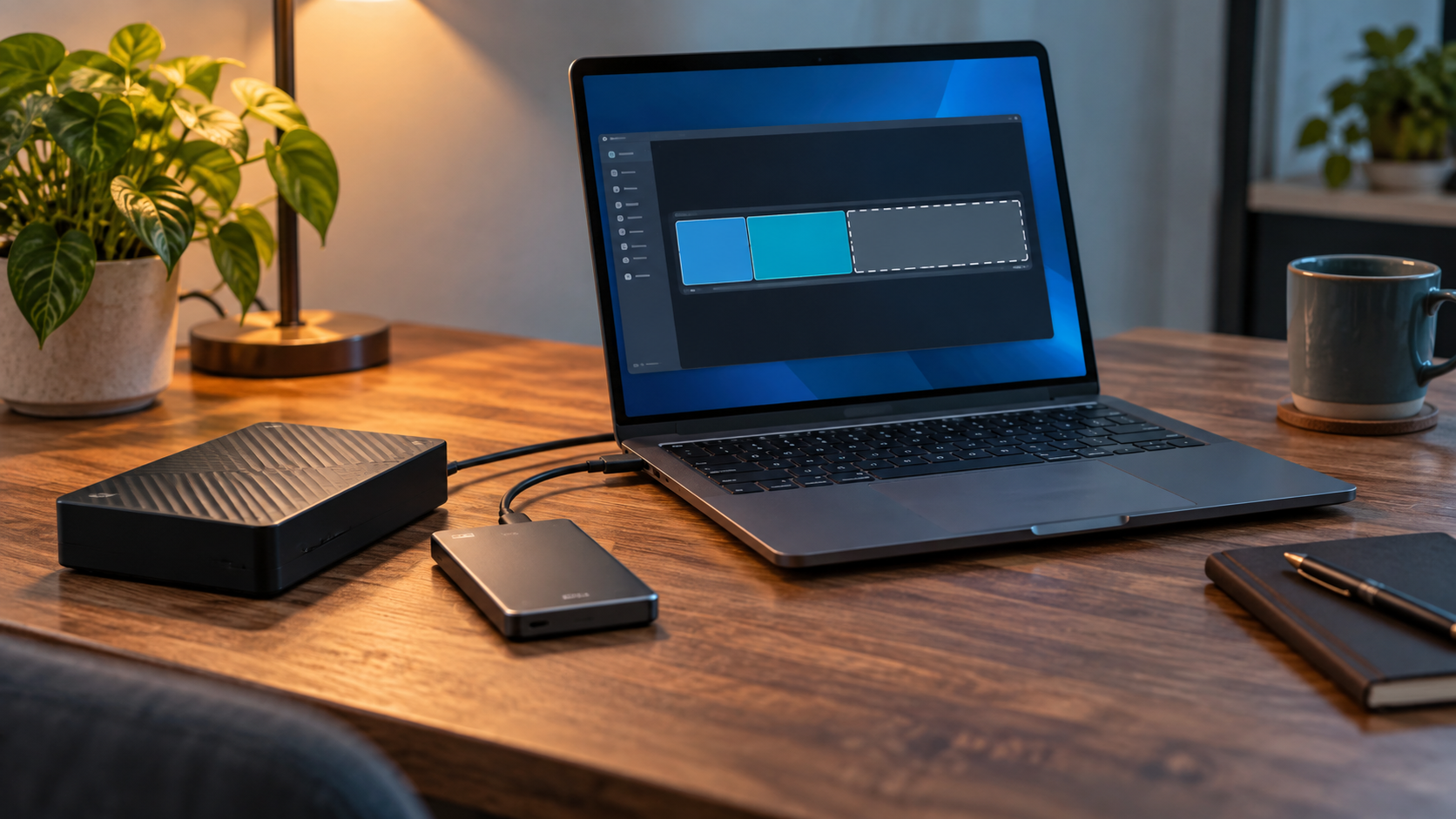

Disk Shows Unallocated Space: Recover Before Formatting
Read more →: Disk Shows Unallocated Space: Recover Before FormattingIf a previously used disk suddenly shows Unallocated, do not create a new volume or format it. Those actions write new partition and file-system metadata. Verify the physical disk, stop writes, recover or image it to another drive, then rebuild storage only after files are safe.

Format a Bootable USB Drive Back to Normal Safely
Read more →: Format a Bootable USB Drive Back to Normal SafelyTo return a bootable USB to ordinary storage, first copy anything needed. Remove the boot partitions with a trusted disk utility only after verifying the physical USB, create one new volume, and format it as exFAT, FAT32, or NTFS according to the devices that will use it.
Format an External Drive for PlayStation Safely
Read more →: Format an External Drive for PlayStation SafelyA console formats extended-storage drives for its own use and may erase existing files. Copy personal data first, confirm the model and capacity, connect it directly with a suitable cable, and let the console perform the final format. Do not expect console game storage to remain normal PC storage.

Format an External Drive for Xbox Safely
Read more →: Format an External Drive for Xbox SafelyAn Xbox-formatted game drive is dedicated to console storage and existing files may be erased. Back up personal files first, verify capacity and connection requirements, then use the console storage settings. Reformat on a computer only when intentionally returning the drive to normal use.
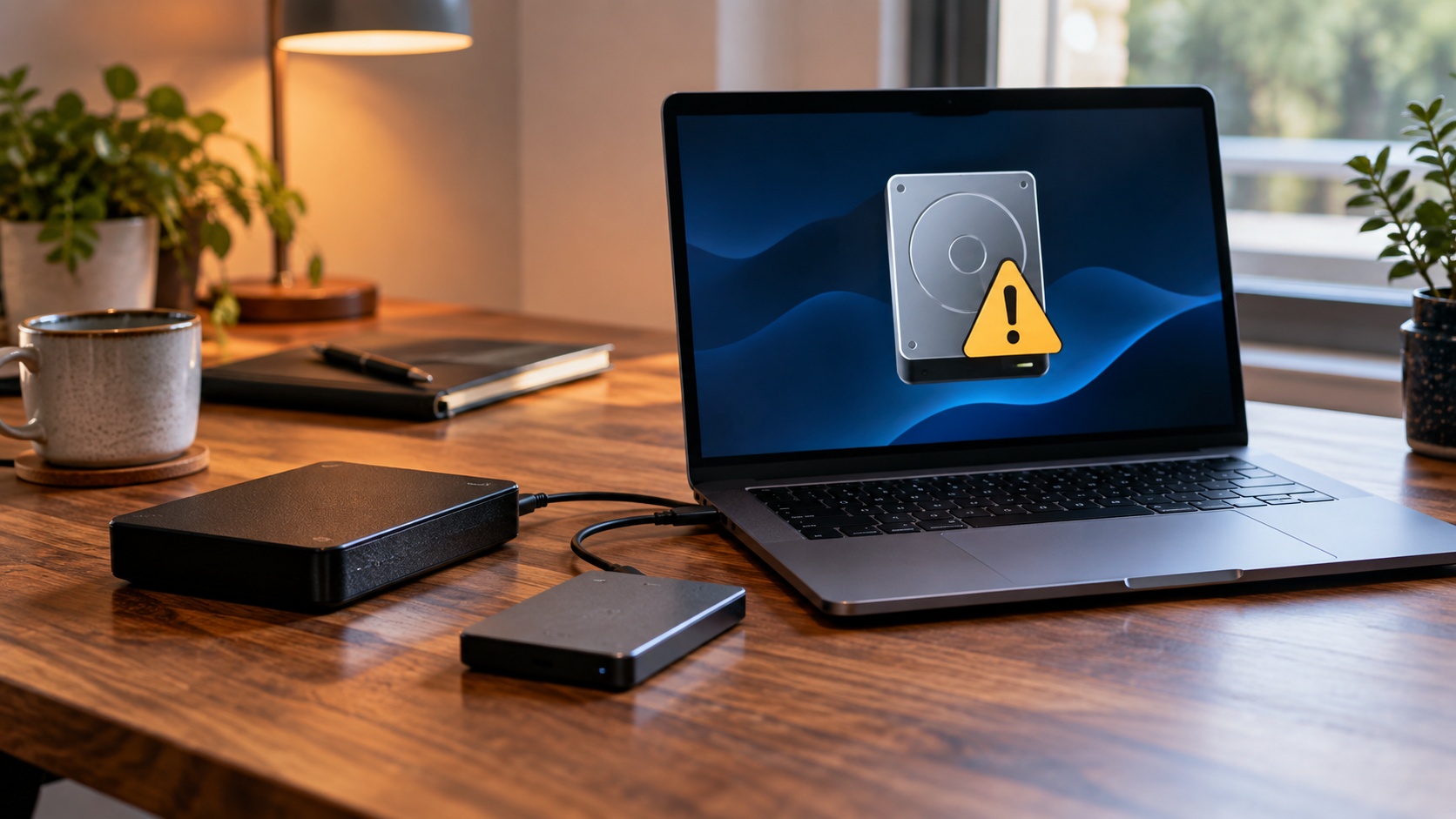
Drive Says It Needs to Be Formatted: Recover Files First
Read more →: Drive Says It Needs to Be Formatted: Recover Files FirstWhen Windows says a drive must be formatted, click Cancel if files matter. The message usually means the file system cannot be mounted, not that formatting is the first repair. Stop writes, test the connection, recover files to another disk, and format only after verification.
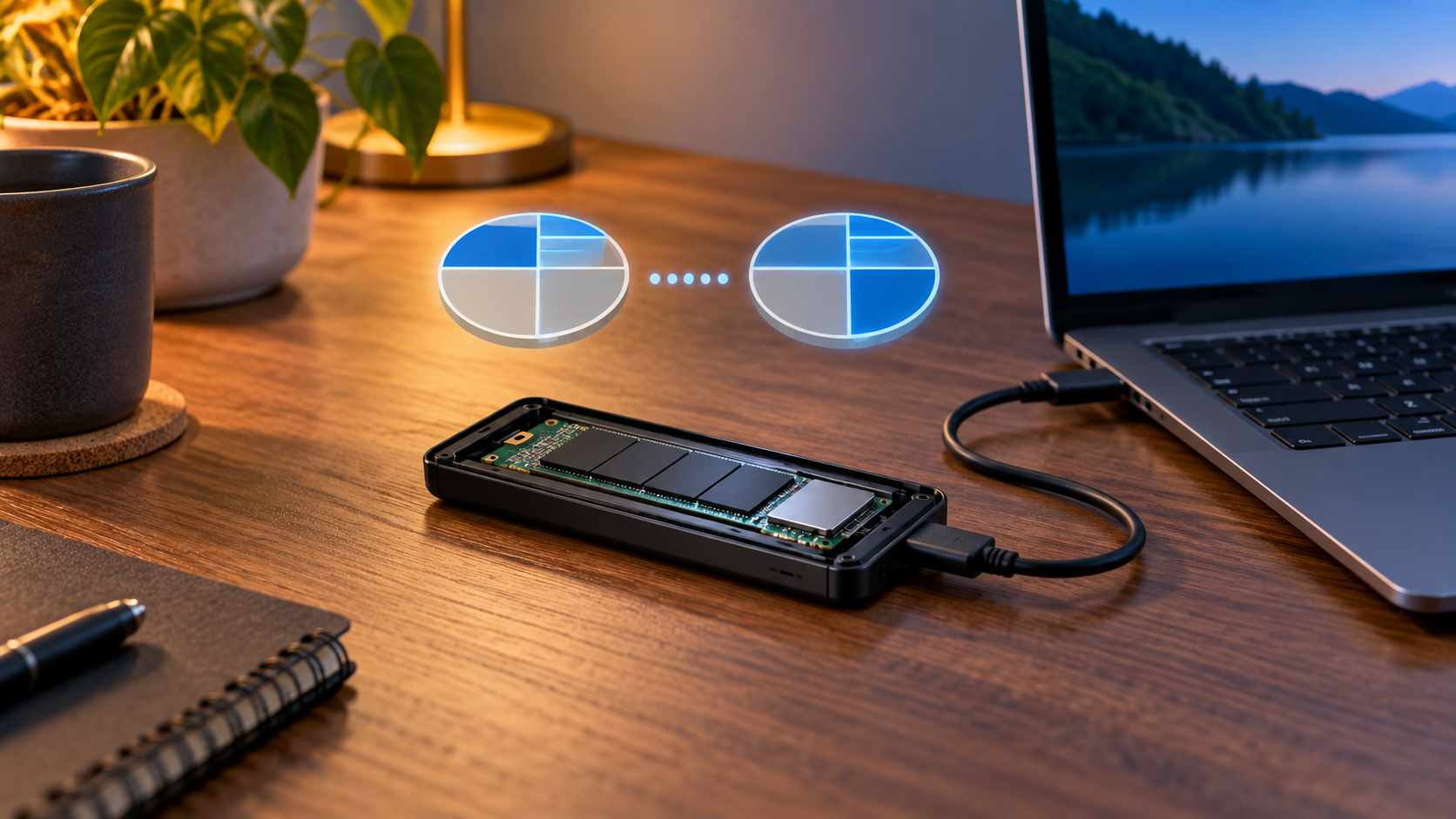
Convert MBR to GPT Without Data Loss: Safe Guide
Read more →: Convert MBR to GPT Without Data Loss: Safe GuideBack up before any MBR-to-GPT conversion. For a supported Windows system disk, validate with MBR2GPT and confirm UEFI boot support; for a data disk, use a verified non-destructive method or rebuild from backup. Do not use DiskPart clean on a disk containing needed files.
Format a USB Drive to exFAT Safely
Read more →: Format a USB Drive to exFAT SafelyUse exFAT when a removable USB drive must store files larger than 4 GB and remain writable on current Windows and Mac computers. Copy or recover files first, verify the exact device, then quick-format it as exFAT and test it on every intended device.
Format an External Hard Drive to NTFS Safely
Read more →: Format an External Hard Drive to NTFS SafelyNTFS is appropriate for an external drive used mainly with Windows, especially when permissions, compression, or very large files matter. Back up or recover files before formatting; Mac write access is limited without extra software.
APFS vs Mac OS Extended: Which Format Should You Choose?
Read more →: APFS vs Mac OS Extended: Which Format Should You Choose?Choose APFS for modern Mac-only SSDs and current macOS features. Choose Mac OS Extended only for an older Mac, older software, or a documented compatibility requirement. Neither is ideal for normal Windows sharing; recover or copy files before erasing.
Allocation Unit Size When Formatting: What to Choose
Read more →: Allocation Unit Size When Formatting: What to ChooseFor most users, leave allocation unit size at Default so the operating system selects a suitable cluster size. Change it only for a measured workload with documented requirements; a poor choice can waste space or reduce efficiency, and changing it requires formatting.




Copyright © 2025 PandaOffice. All Rights Reserved. The order process, tax issue, and invoicing to end users are conducted by PandaOffice Limited.