






Data Recovery
Welcome to our Data Recovery section: your trusted guide to recovering lost files from any device, whether lost to deletion, formatting, virus attacks or system errors.
TOP 4 Hot Articles
Top 4 hot articles will provide you reliable solutions to find crucial data with Drecov software.


Best Data Recovery Software for Windows: Complete Guide
Understanding Data Recovery on Windows Systems Why Data Recovery Is Important for Windows Users Modern computers store enormous amounts of data, from personal documents and photos to business files and system information. However, data loss can occur unexpectedly due to accidental deletion, hardware failure, formatting errors, malware attacks, or system crashes. When this happens, reliable…


How to Create a Windows 10 Recovery Disk: Complete Step-by-Step Guide
This guide explains how to create and use a Windows 10 recovery disk, including built-in tools, installation media, troubleshooting methods, and data recovery tips to repair boot failures safely.
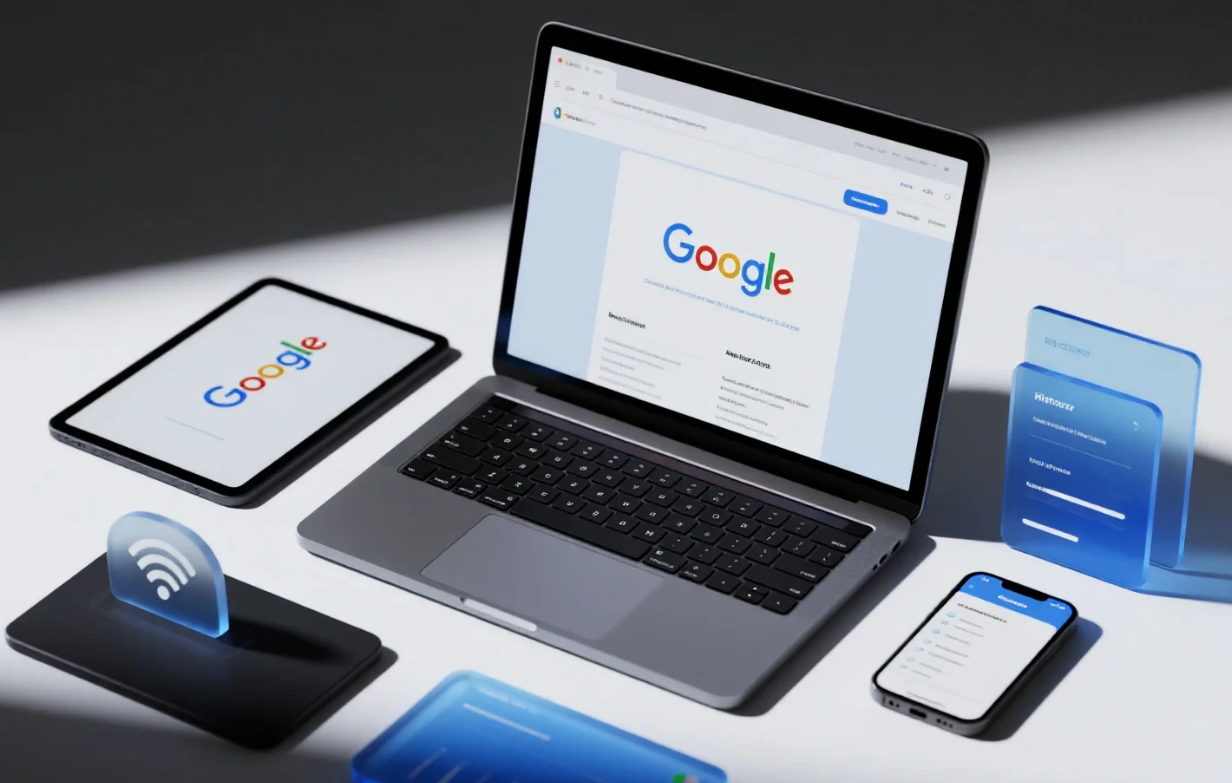

A Complete Chrome Bookmark Recovery Guide
This article provides a complete, step-by-step Chrome bookmark recovery guide, explaining how to restore lost or deleted bookmarks using undo actions, backup files, sync isolation, and advanced recovery tools, while also sharing practical tips to prevent future bookmark loss.


Your Definitive Guide on How to Recover Video Files
Facing the panic of suddenly losing priceless footage? This essential guide solves the stressful problem of How to Recover Video Files that have been accidentally deleted, corrupted, or wiped clean.
Find a solution that suits your case
Here are file recovery guidelines for all types of files. Just choose the most suitable situation for you to retrieve your data


External Drive After Power Loss: Recover Before Repair
Read more →: External Drive After Power Loss: Recover Before RepairAfter a power cut, do not run CHKDSK or accept a format prompt immediately. Reconnect through a reliable port, check for clicking or unstable detection, then copy or recover files to a second disk before file-system repair.

Recover Deleted Photos From a Phone SD Card Safely
Read more →: Recover Deleted Photos From a Phone SD Card SafelyStop using the phone and remove the removable SD card. Check the phone cloud and Recently Deleted folders first; if necessary scan the card through a reader and save recovered photos to a separate disk. Internal phone storage is different.
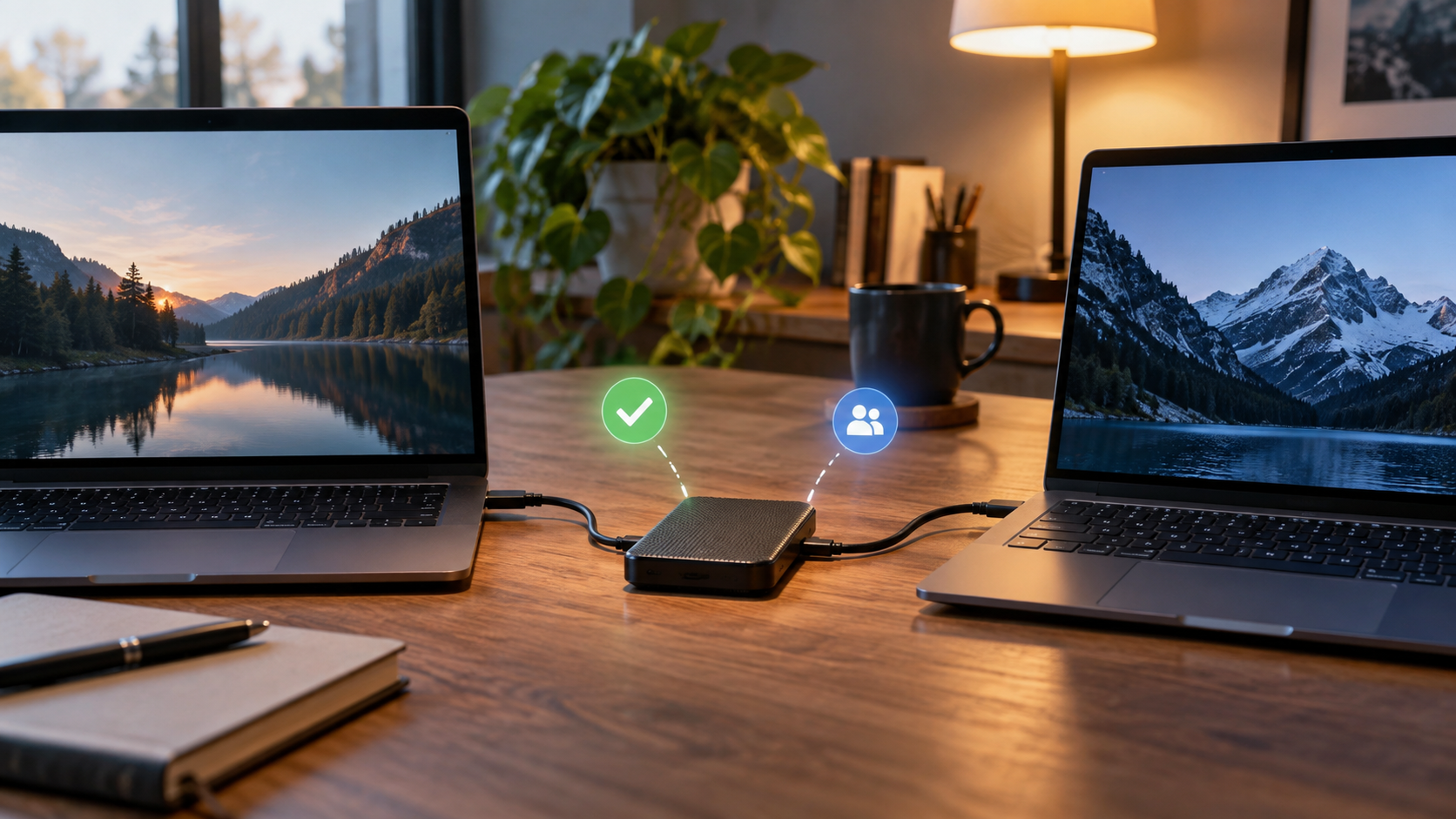
External Drive Access Denied: Fix Permissions Without Data Loss
Read more →: External Drive Access Denied: Fix Permissions Without Data LossAccess denied can result from NTFS permissions, encryption, or a failing file system. Check the drive on its original computer and verify the owner; do not repeatedly change permissions or format. Back up readable files before any ownership changes.

Lost Partition on an External Drive: Recover Before Rebuilding
Read more →: Lost Partition on an External Drive: Recover Before RebuildingIf a used external disk suddenly becomes unallocated, do not create a new partition. Confirm the physical model, stop writing, and recover files or make a sector image on another disk. Rebuild partitions only after opening and verifying the recovered files.
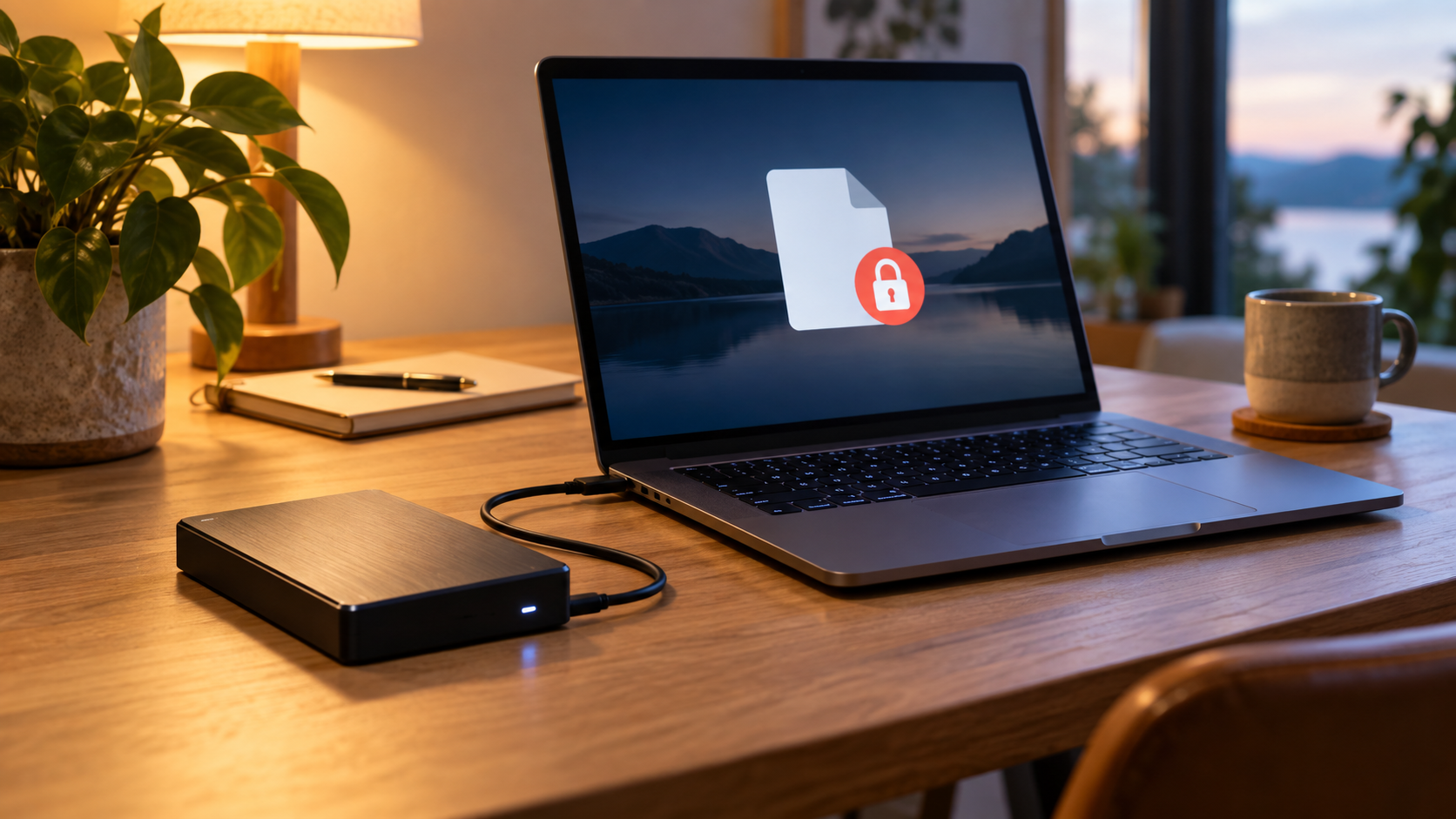
Drive Is Read-Only: Causes, Safe Fixes, and Recovery
Read more →: Drive Is Read-Only: Causes, Safe Fixes, and RecoveryCheck the physical lock switch, free space, file permissions, and disk health. A drive that becomes read-only can be protecting itself from failure. Copy readable files first; do not force write access or run destructive DiskPart commands before backup.
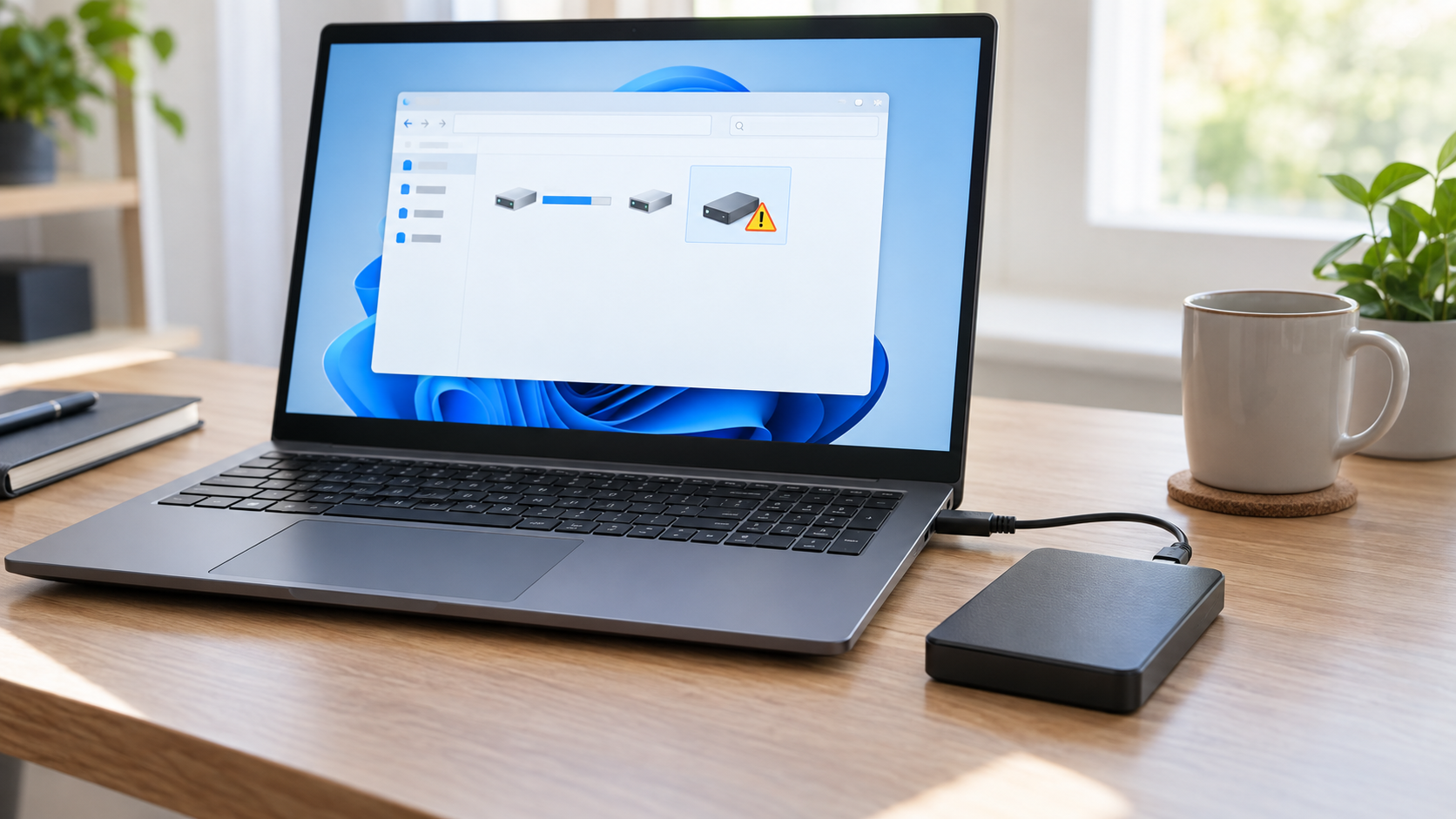
The Parameter Is Incorrect on External Hard Drive: Safe Fixes
Read more →: The Parameter Is Incorrect on External Hard Drive: Safe FixesCancel repair and format prompts. The incorrect-parameter message can come from a damaged file system, unstable connection, failing sectors, or an enclosure problem. Test one known-good cable and direct port, then copy or recover readable files to another physical disk before CHKDSK or formatting.
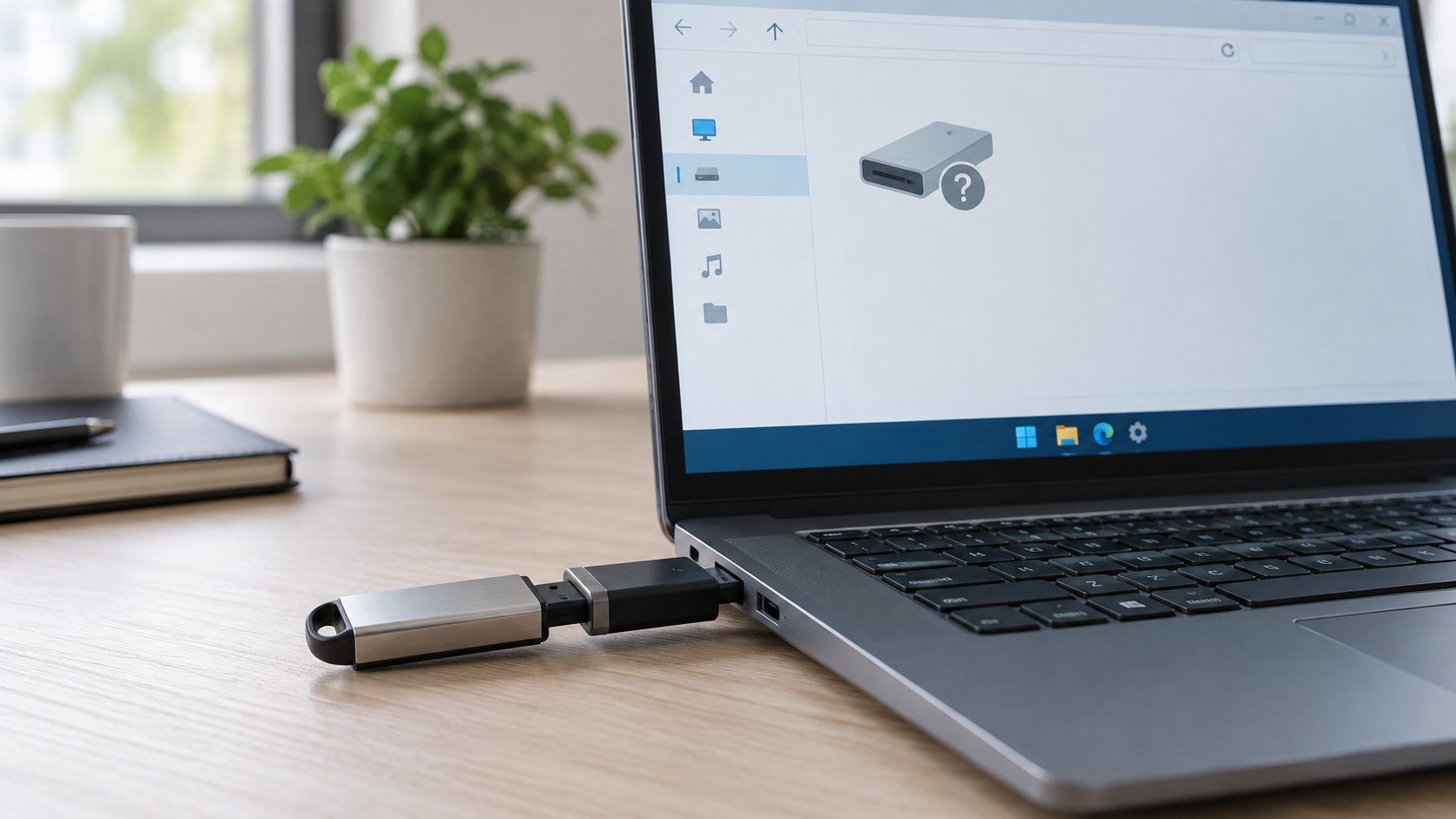
USB Drive Says Please Insert a Disk: Recover Safely
Read more →: USB Drive Says Please Insert a Disk: Recover SafelyDo not format a USB that reports Please insert a disk. Check Disk Management on one other computer and confirm whether the correct capacity appears. If it remains 0 bytes or No Media, the controller or flash memory may have failed and ordinary recovery software may not be able to read it.
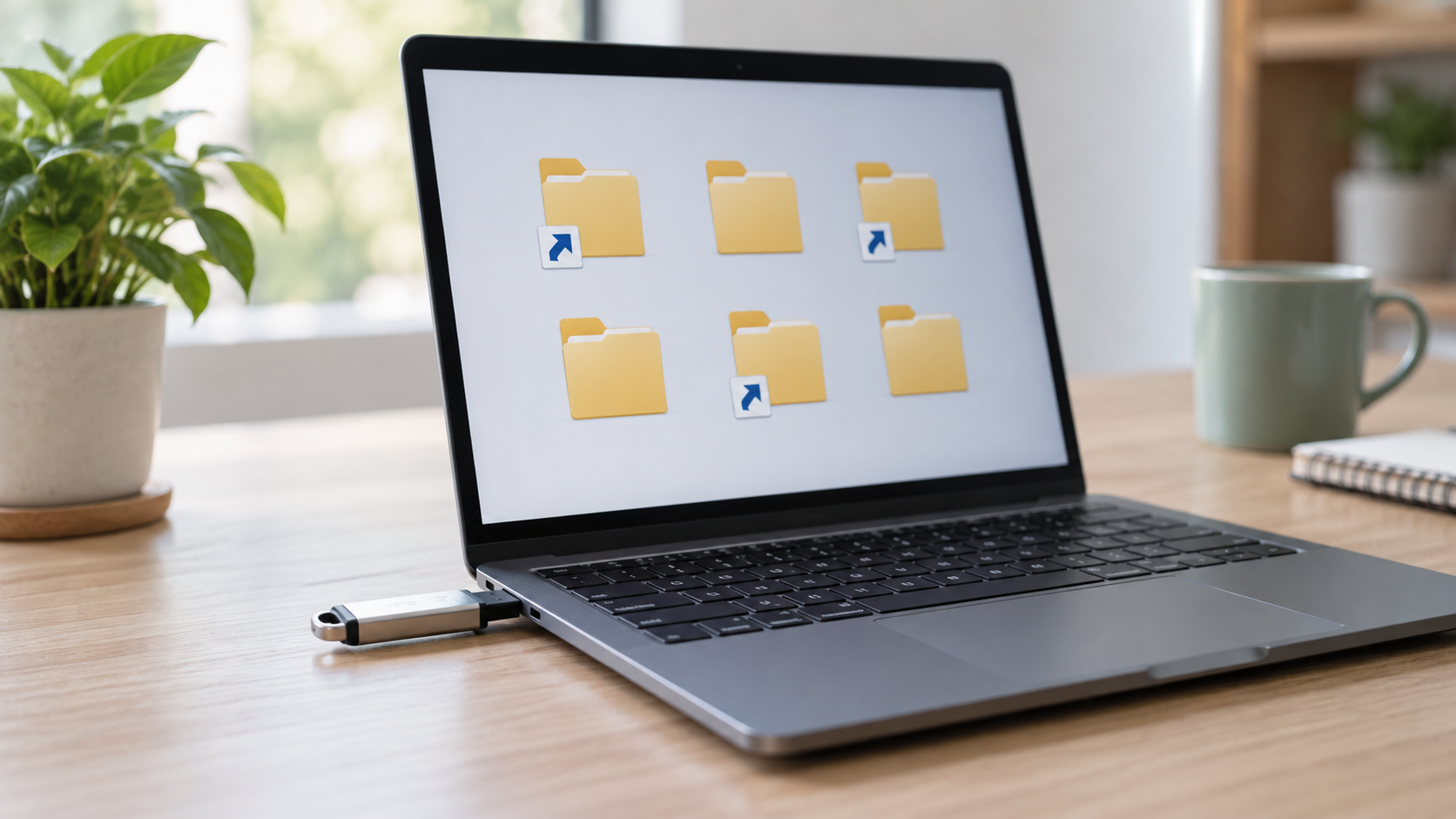
Files Turned Into Shortcuts on USB: Restore Them Safely
Read more →: Files Turned Into Shortcuts on USB: Restore Them SafelyDisconnect the computer from untrusted networks, stop opening shortcut files, and do not save anything new to the USB. Show hidden items, run Microsoft Defender on the computer, and use attrib only after preserving important files. Recover missing originals to a different disk.
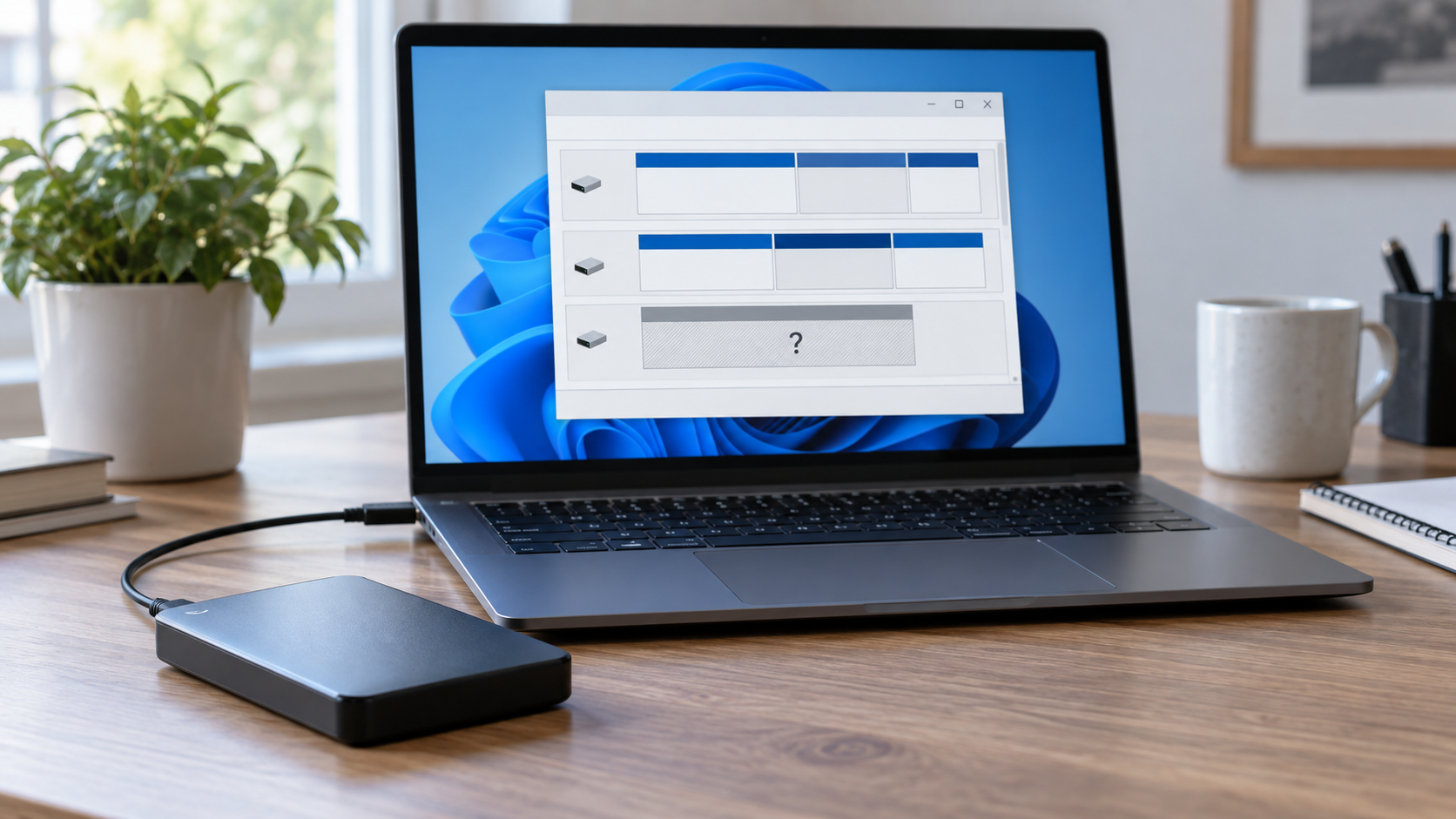
Drive Letter Missing in Windows: Restore Access Safely
Read more →: Drive Letter Missing in Windows: Restore Access SafelyFirst confirm the correct disk by model and capacity in Disk Management. If the healthy volume is visible and simply lacks a letter, assign an unused letter without formatting. If the partition is RAW, unallocated, missing, or the drive is unstable, recover files before changing the partition layout.
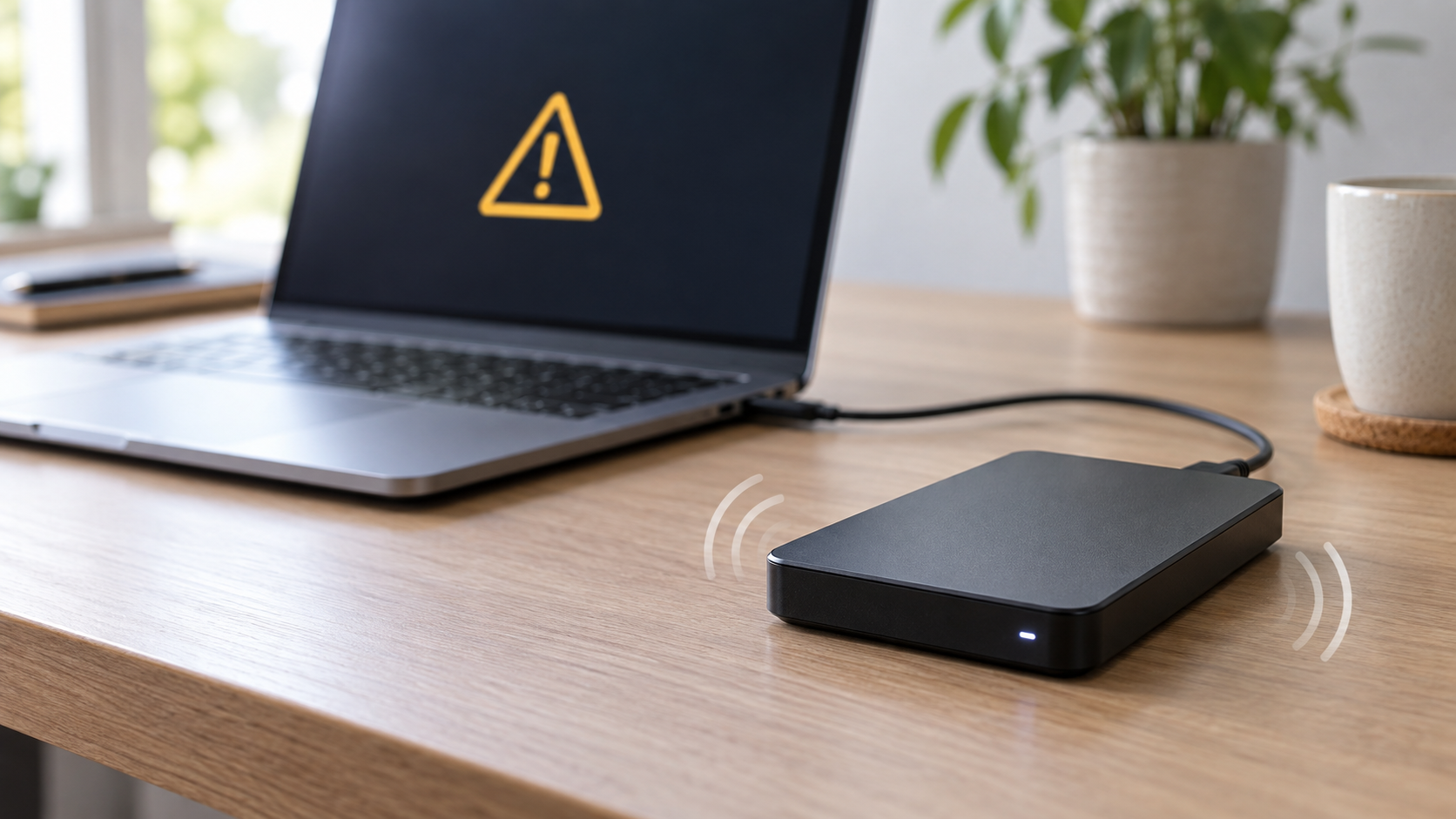
External Hard Drive Beeping: Stop and Protect Your Data
Read more →: External Hard Drive Beeping: Stop and Protect Your DataA beeping external hard drive can indicate insufficient power, a stalled motor, head problems, or enclosure electronics. Stop repeated reconnects and scans. Try the manufacturer-approved power supply or one known-good cable only once; if beeping continues, disconnect it and seek professional recovery for irreplaceable data.




Copyright © 2025 PandaOffice. All Rights Reserved. The order process, tax issue, and invoicing to end users are conducted by PandaOffice Limited.