






Computer Data Recovery
Pandaoffice Drecov offers computer data recovery solutions for restoring deleted, formatted, or lost files from HDDs, SSDs, USB drives, and crashed systems with deep scan and secure recovery technology.
TOP 4 Hot Articles
Top 4 hot articles will provide you reliable solutions to find crucial data with Drecov software.
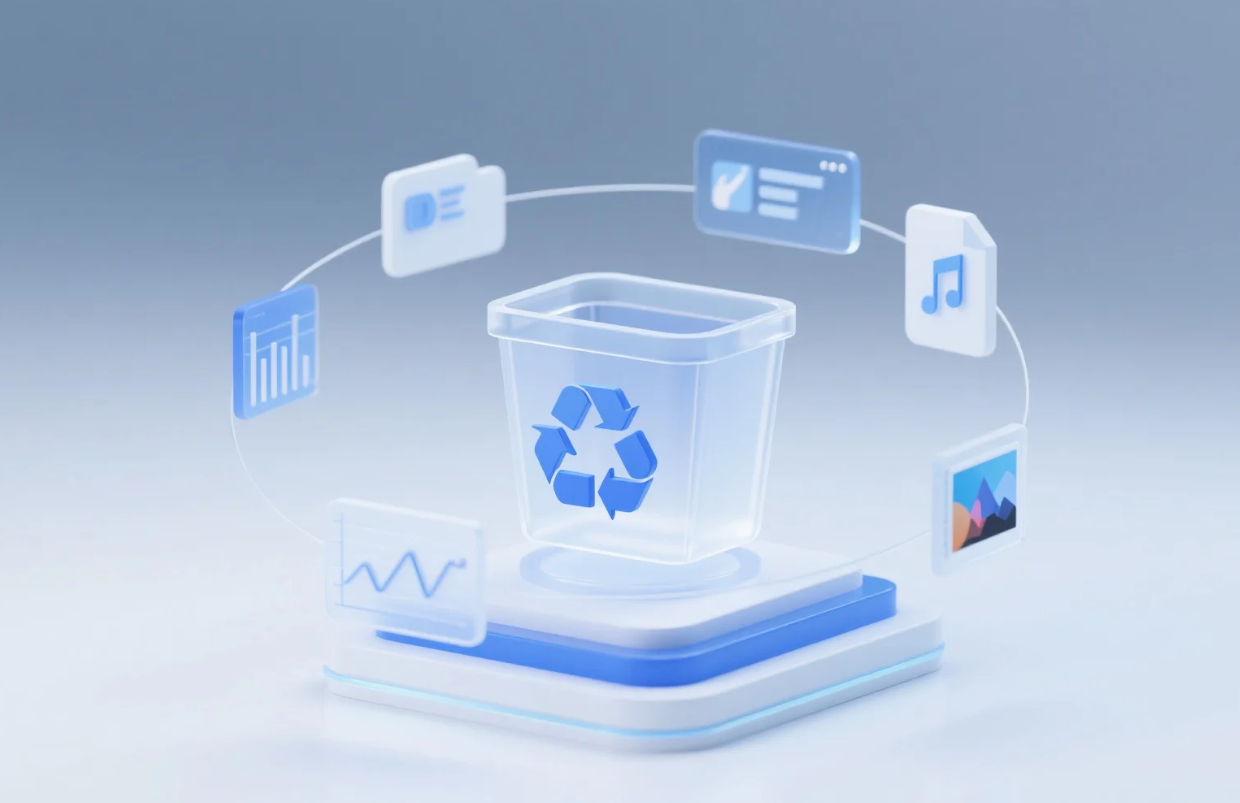

How to Hide Recycle Bin: 4 Pro Tips for a Minimalist Desktop
Master how to hide Recycle Bin icons on Windows 10 and 11 using easy settings, Group Policy, or Registry tweaks. This guide helps you achieve a minimalist desktop while providing professional data recovery steps using PandaOffice Drecov to ensure your deleted files stay protected.
Find a solution that suits your case
Here are file recovery guidelines for all types of files. Just choose the most suitable situation for you to retrieve your data
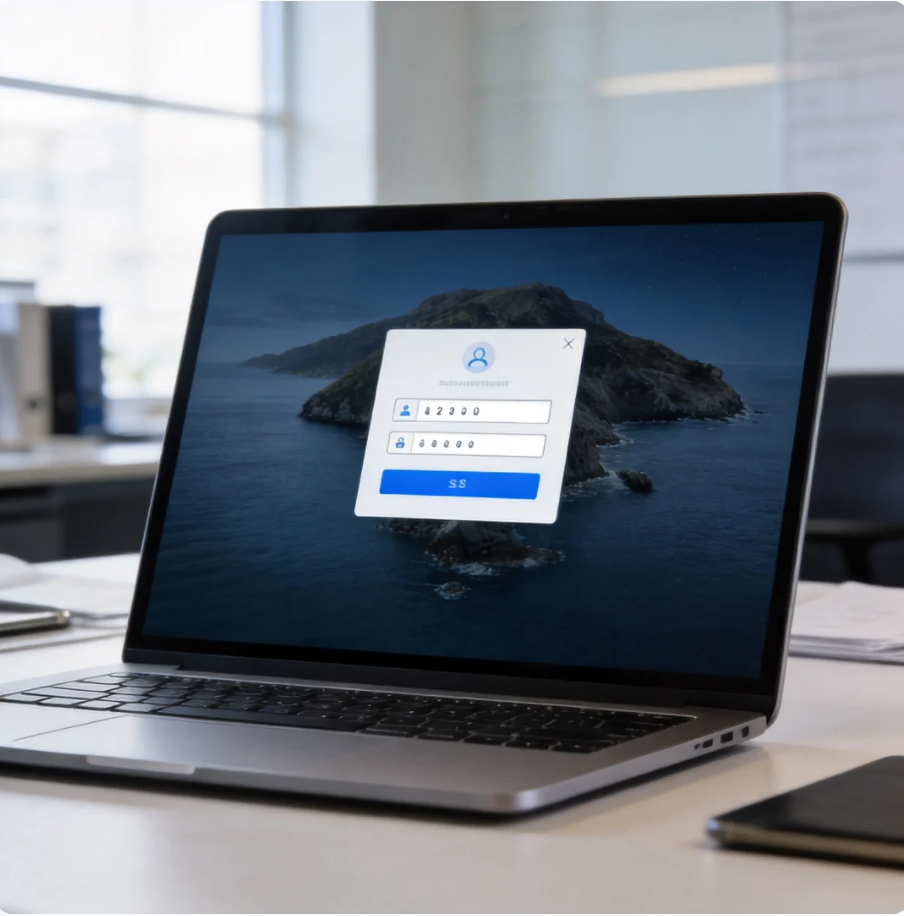

How to Change BitLocker PIN: Updating and Managing Windows BitLocker Security
Read more →: How to Change BitLocker PIN: Updating and Managing Windows BitLocker SecurityThis guide explains how to change BitLocker PIN, troubleshoot startup errors, manage TPM settings, and securely update Windows BitLocker PIN for better protection.


Upgrade Windows 10 Home to Pro Without Data Loss
Read more →: Upgrade Windows 10 Home to Pro Without Data LossLearn how to upgrade Windows 10 Home to Pro smoothly using official Microsoft methods, troubleshoot common installation issues, and use Drecov to protect and restore your files from unexpected update data loss.


How to Fix Diskpart Commands Mistakes and Recover Lost Data
Read more →: How to Fix Diskpart Commands Mistakes and Recover Lost DataThis guide explains how to safely recover lost files using Drecov after executing incorrect Windows diskpart commands, comparing manual partitioning fixes with automated data recovery methods.

How to Cancel Windows Updates Instantly
Read more →: How to Cancel Windows Updates InstantlyThis guide explains how to stop or cancel Windows updates safely using native tools and introduces PandaOffice Drecov software to recover data lost during update crashes.


Legal Sports Streaming Platform Alternatives: Watch Sports Online Safely
Read more →: Legal Sports Streaming Platform Alternatives: Watch Sports Online SafelyExplore the top legal sports streaming alternatives, including ESPN+, YouTube TV, DAZN, Peacock, and official league services. Learn how to choose the right platform and protect your sports video library.
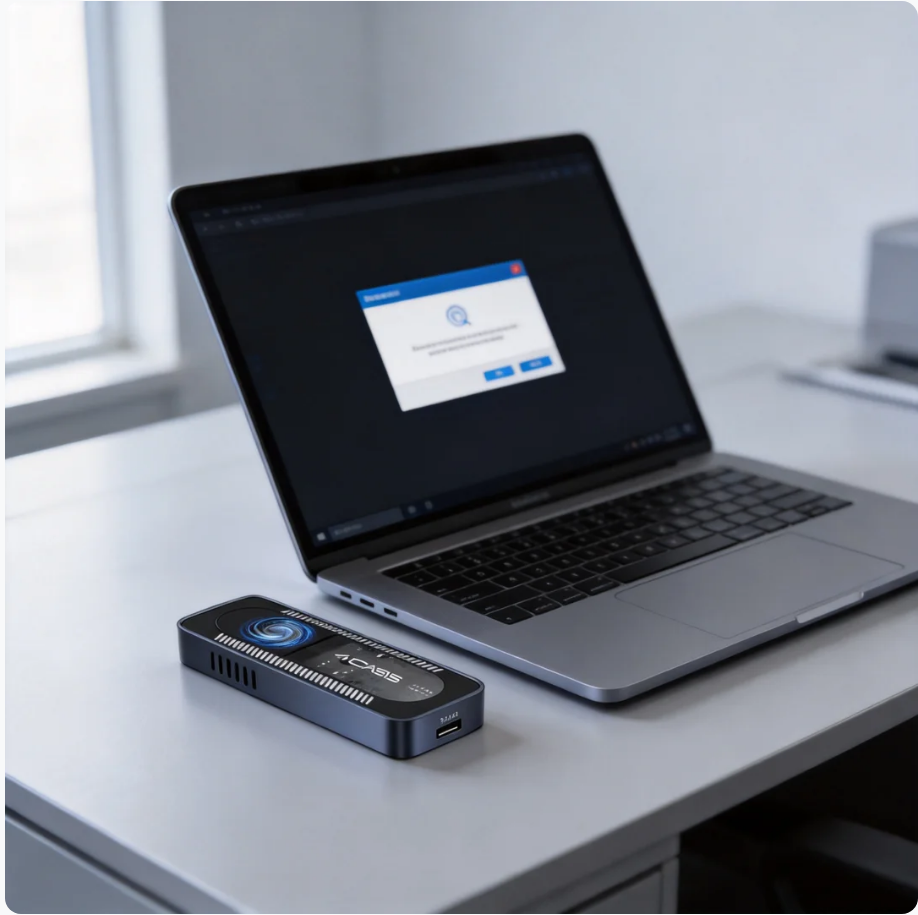

SSD Not Showing Up After Installation: Complete Fix Guide
Read more →: SSD Not Showing Up After Installation: Complete Fix GuideThis guide explains why a newly installed SSD may not appear in Windows and provides step-by-step solutions for initialization, BIOS settings, drivers, hardware connections, and advanced SSD troubleshooting.

Windows Manual File Repair: Step-by-Step Fixes
Read more →: Windows Manual File Repair: Step-by-Step FixesDiscover effective methods for windows manual file repair using native system tools alongside PandaOffice Drecov software to safely fix corrupted files and protect your data.

Complete BIOS Reset Guide: How to Reset BIOS on Computer Safely and Effectively
Read more →: Complete BIOS Reset Guide: How to Reset BIOS on Computer Safely and EffectivelyThis guide explains how to reset BIOS using UEFI, CMOS battery, jumper, and recovery methods, with troubleshooting tips for boot issues and system stability.

Complete Guide: Install Windows on a New SSD Without Losing Data
Read more →: Complete Guide: Install Windows on a New SSD Without Losing DataThis guide explains how to install Windows 10 or Windows 11 on a new SSD without losing data. It covers system cloning, clean installation, migration methods, SSD optimization, troubleshooting common installation issues, and post-installation performance tuning for a faster and more reliable PC experience.

Acer System Reset Guide: How to Reset an Acer Laptop on Windows and Linux Systems
Read more →: Acer System Reset Guide: How to Reset an Acer Laptop on Windows and Linux SystemsThis guide explains multiple ways to perform an Acer system reset on Windows and Linux, including recovery partition, advanced startup, BIOS reset, and dual boot solutions. It also covers common issues, troubleshooting methods, and best practices to safely restore Acer laptops to factory settings.




Copyright © 2025 PandaOffice. All Rights Reserved. The order process, tax issue, and invoicing to end users are conducted by PandaOffice Limited.