






Troubleshooting
This guide explains the meaning of troubleshooting and walks you through practical steps to identify, diagnose, and resolve common technical problems with ease.
TOP 4 Hot Articles
Top 4 hot articles will provide you reliable solutions to find crucial data with Drecov software.


Windows Stuck on Welcome? Diagnose the Sign-In Stage First
Separate a slow sign-in from a frozen profile, service, update, or storage fault. Use controlled account tests and protect local files before reset or reinstall.


Could Not Find the Recovery Environment? Check WinRE First
Identify why Windows cannot locate WinRE, protect local files, and choose the least invasive path before reset or partition changes.


Fix Turn Off BitLocker Cmd: BitLocker Recovery Steps
This guide explains turn off BitLocker cmd steps with manage-bde status, authorized unlock, correct drive-letter checks, backup before decryption, Instagram reset text separation, Excel sheet protection boundaries, and file recovery after accessible storage loses data.
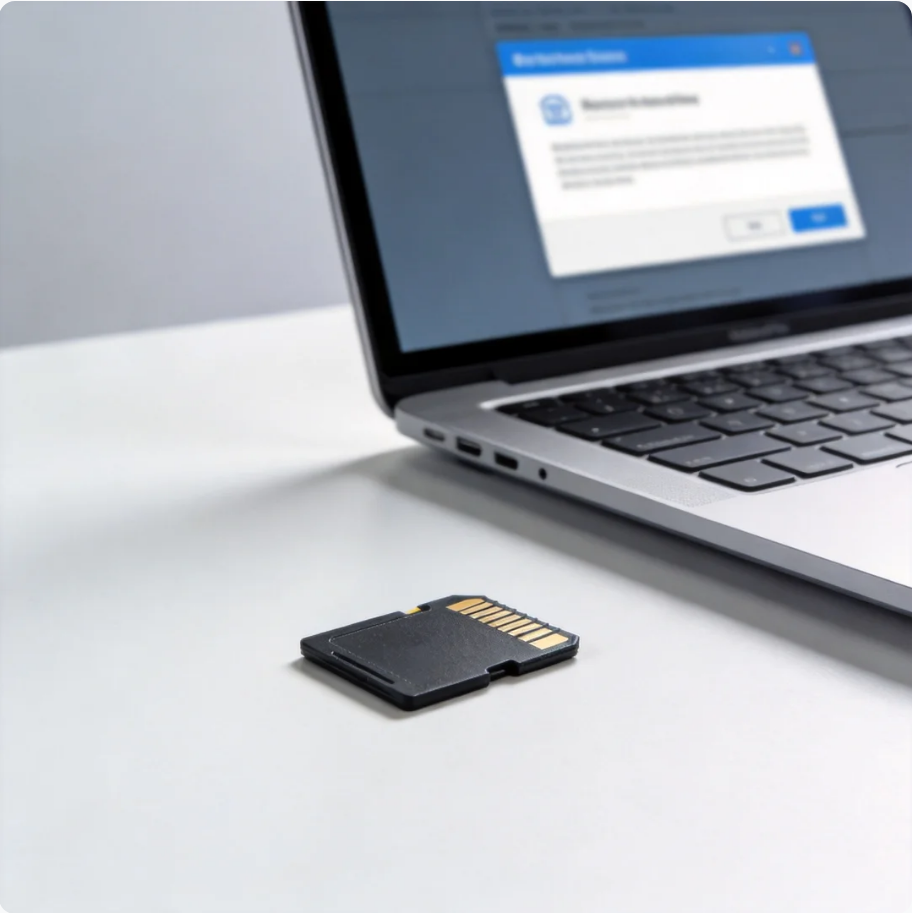

SD Card Not Showing Up on Windows: Complete Fix Guide for Detection Issues
This guide explains why an SD card may not appear on Windows, covering driver issues, partition corruption, repair methods, formatting, and safe data recovery solutions.
Find a solution that suits your case
Here are file recovery guidelines for all types of files. Just choose the most suitable situation for you to retrieve your data

Windows Update Is Taking Forever: Wait or Intervene?
Read more →: Windows Update Is Taking Forever: Wait or Intervene?A slow update is not always stuck. Identify its stage, check for signs of progress, use the relevant Windows troubleshooter when appropriate, and protect local files before resets or reinstalls.
Surface Black Screen: Find Out Whether It Is Power, Display, or Windows
Read more →: Surface Black Screen: Find Out Whether It Is Power, Display, or WindowsA dark Surface screen can mean no power, a display-output issue, or a startup failure. This guide separates those cases, shows safe first checks, and explains when to protect local files before recovery actions.
PC Stuck on the Startup Screen? Find Where Boot Stops
Read more →: PC Stuck on the Startup Screen? Find Where Boot StopsA PC can freeze before Windows loads or after the logo appears. This guide separates those stages, gives safe checks for each, and shows how to protect local files before a reset or installation.

Documents Folder Missing After Changing Its Location
Read more →: Documents Folder Missing After Changing Its LocationDocuments folder missing after changing location: Before changing the disk, determine whether it contains irreplaceable files, whether the hardware is stable, and which devices must read it. Formatting is the final configuration step, not the first response to an error. Quick Answer For the native checks used in this diagnosis, consult the official technical guidance.…

Partition Is Healthy but Access Is Denied: Safe Fixes
Read more →: Partition Is Healthy but Access Is Denied: Safe Fixespartition is healthy but access is denied: Before changing the disk, determine whether it contains irreplaceable files, whether the hardware is stable, and which devices must read it. Formatting is the final configuration step, not the first response to an error. Quick Answer For the native checks used in this diagnosis, consult the official technical…

The Semaphore Timeout Period Has Expired: Safe Next Steps
Read more →: The Semaphore Timeout Period Has Expired: Safe Next StepsError 121 means an operation timed out, but its cause depends on where it happened. Compare a local file, the external device, and any network path. Preserve important data before file-system repairs or repeated full scans.

Steam Stuck on Reserving Space? Check the Library Drive
Read more →: Steam Stuck on Reserving Space? Check the Library DriveA stalled reservation can reflect limited space, a slow library drive, or a client problem. This guide separates those causes, protects local saves, and explains when file recovery is relevant.
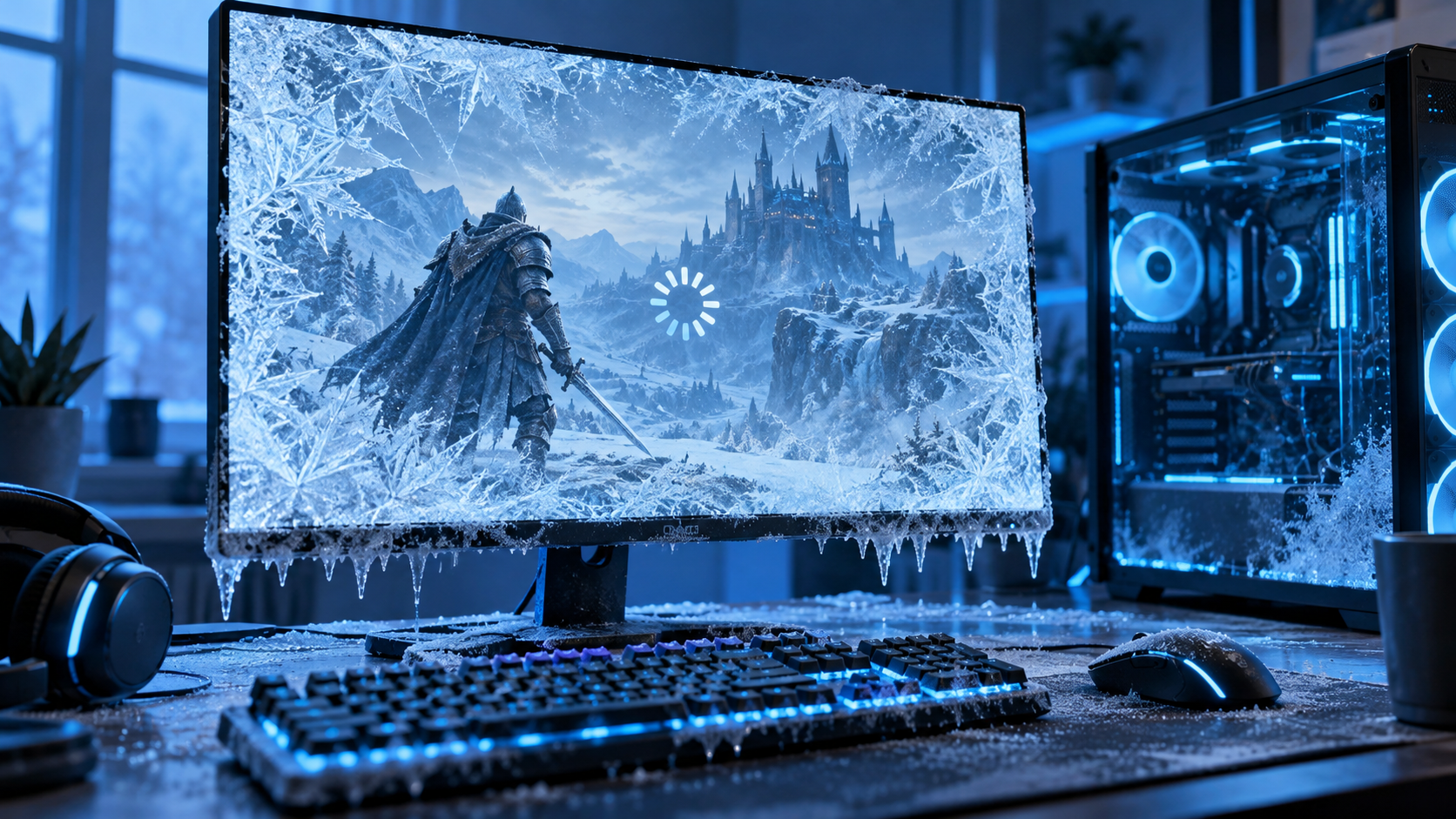
Why Does My Computer Freeze When I Play Games?
Read more →: Why Does My Computer Freeze When I Play Games?A game-only freeze, a full Windows lockup, and a sudden shutdown point to different causes. Use simple checks to narrow the trigger, back up saves, and recover lost local files only when needed.
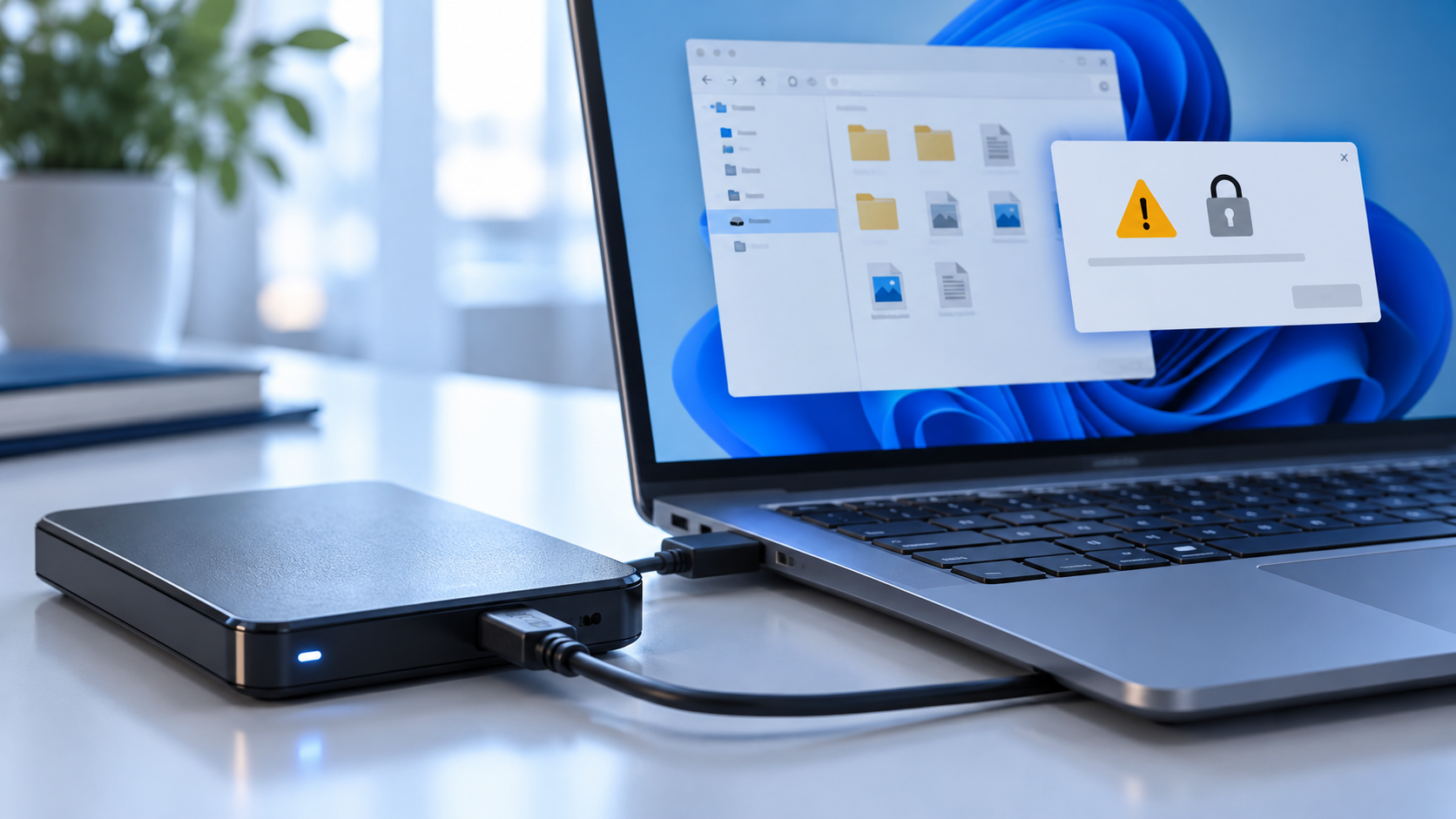
Cannot Open Volume for Direct Access? Check the Drive Before CHKDSK
Read more →: Cannot Open Volume for Direct Access? Check the Drive Before CHKDSKThis article separates a temporary volume lock from drive instability, shows which checks are safe, and explains how to recover important files before attempting repairs that modify the disk.

Windows Stuck in Automatic Repair: Recover Files Before Reset
Read more →: Windows Stuck in Automatic Repair: Recover Files Before ResetWindows stuck in Automatic Repair recover files: Before changing the disk, determine whether it contains irreplaceable files, whether the hardware is stable, and which devices must read it. Formatting is the final configuration step, not the first response to an error. Quick Answer For the native checks used in this diagnosis, consult the official technical…




Copyright © 2025 PandaOffice. All Rights Reserved. The order process, tax issue, and invoicing to end users are conducted by PandaOffice Limited.