







type
Supported Memory Card Types
Support all types of memory cards

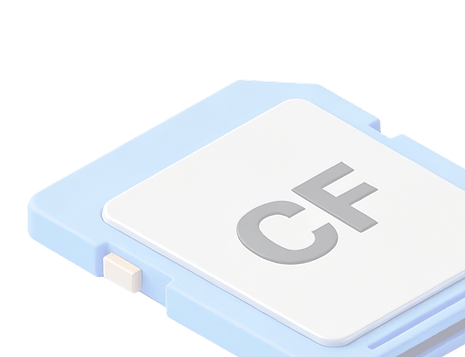
CF Card
CF Type I, CF 2.0, CF 3.0, Microdrive

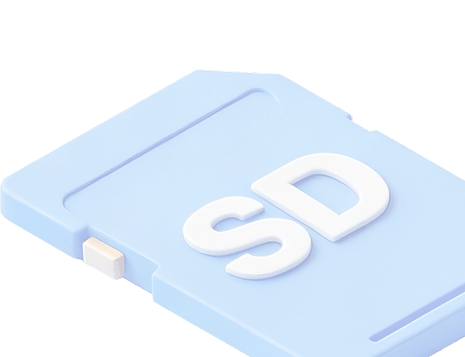
SD Card
SD, MiniSD, MicroSD, SDXC, SDHC, MicroSDHC, MicroSDXC, SDHC, WiFi SD Cards

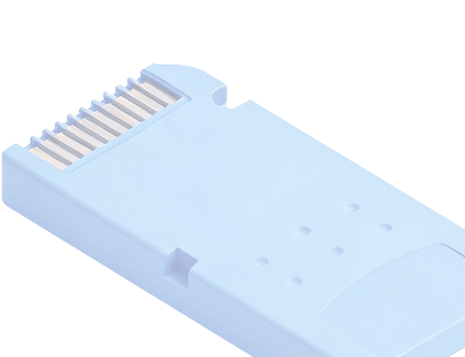
Memory Stick
Memory Stick, Memory Stick PRO, Memory Stick Duo, Memory Stick PRO Duo, Memory Stick PRO-HG Duo, and Memory Stick Micro (M2)

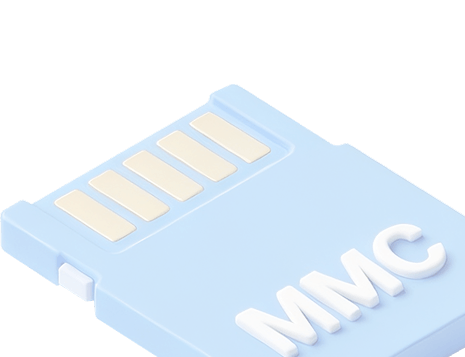



Others
Email、Database、Executable files
Wide Compatibility
Supported Storage Devices
Supported File Types





Common Causes of
Memory Card Data Loss
Understand why files disappear to better protect your important data.
Accidental Deletion
Files may be mistakenly deleted while browsing or clearing space, often without backup.


Card Formatting
Formatting a memory card erases all stored data, whether done intentionally or by error.

File System Corruption
Improper ejection, power loss, or device errors can damage the file system and hide files.
What to Do
After Data Loss

Stop Using the Card Immediately
Avoid adding new data to prevent overwriting lost files and reduce recovery chances.

Remove and Store Safely
Take out the memory card and keep it in a secure place until recovery begins.
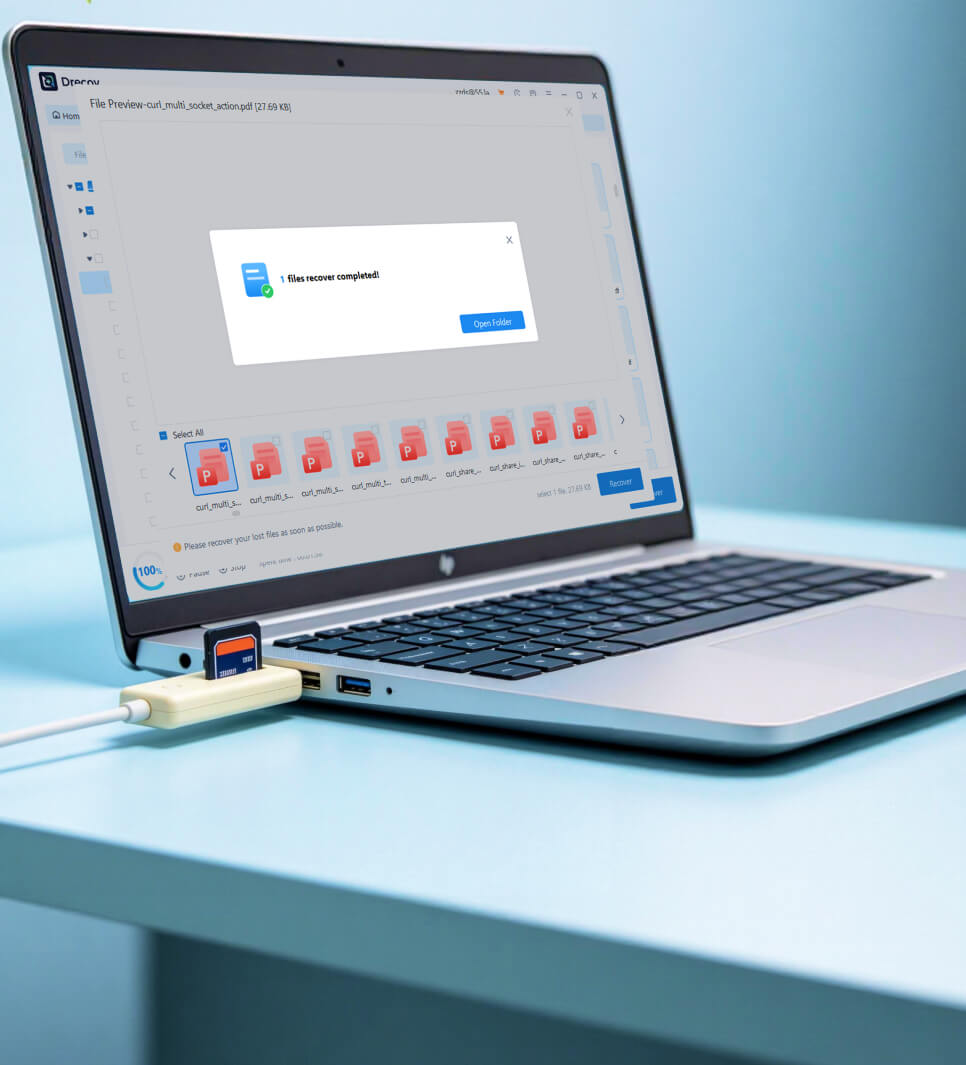
Use Reliable Recovery Software
Choose professional tools to scan and recover lost files effectively and safely.
Reason
Why Choose
PandaOffice Drecov?
Powerful, user-friendly recovery software designed for all memory card scenarios.

97
%
number of positive reviews
53
M
Quality Service
100
M
successfully recover data
98
%
High Recovery Success Rate
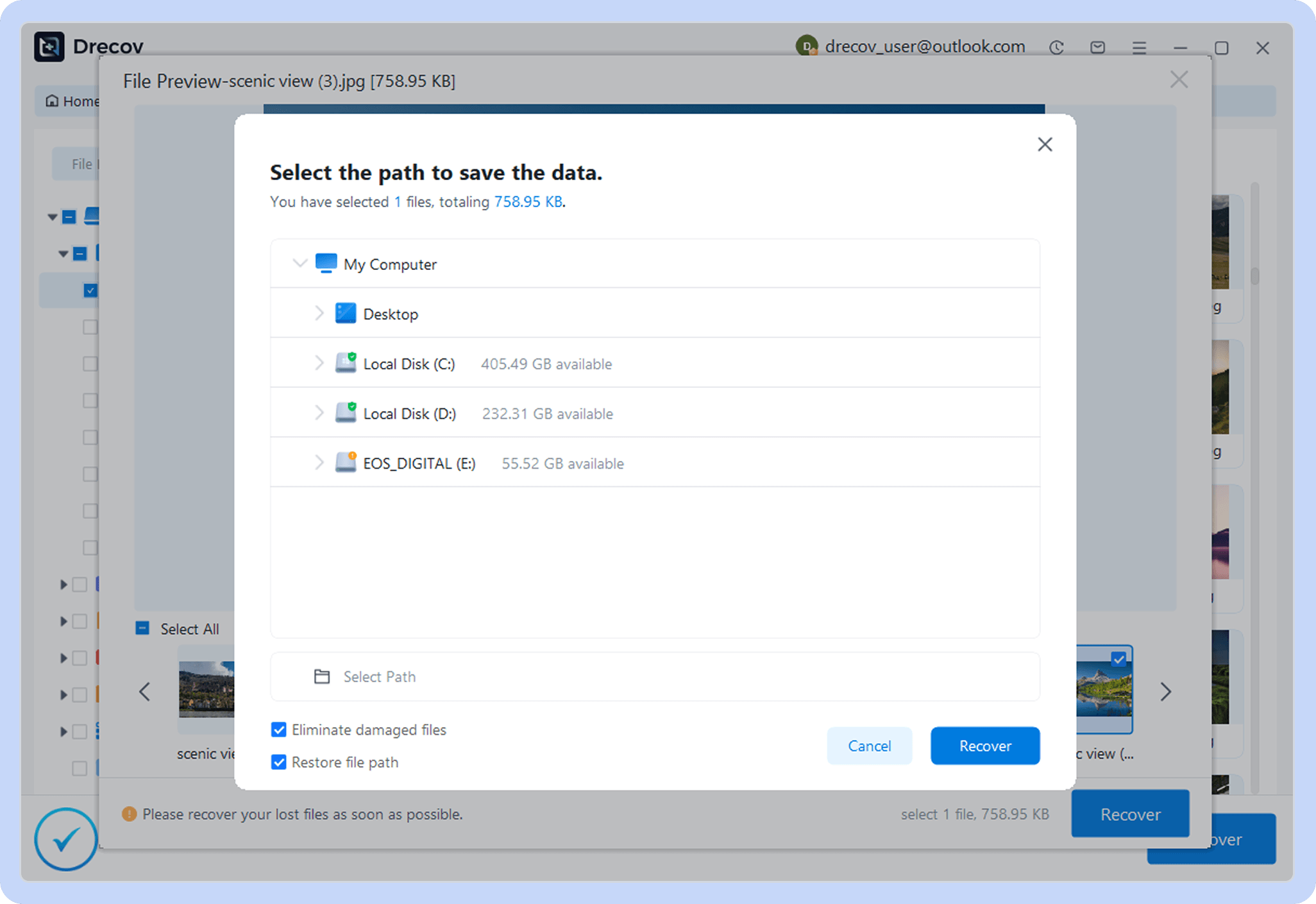
3 Simple Steps
to Retrieve Lost Datas
setp 1
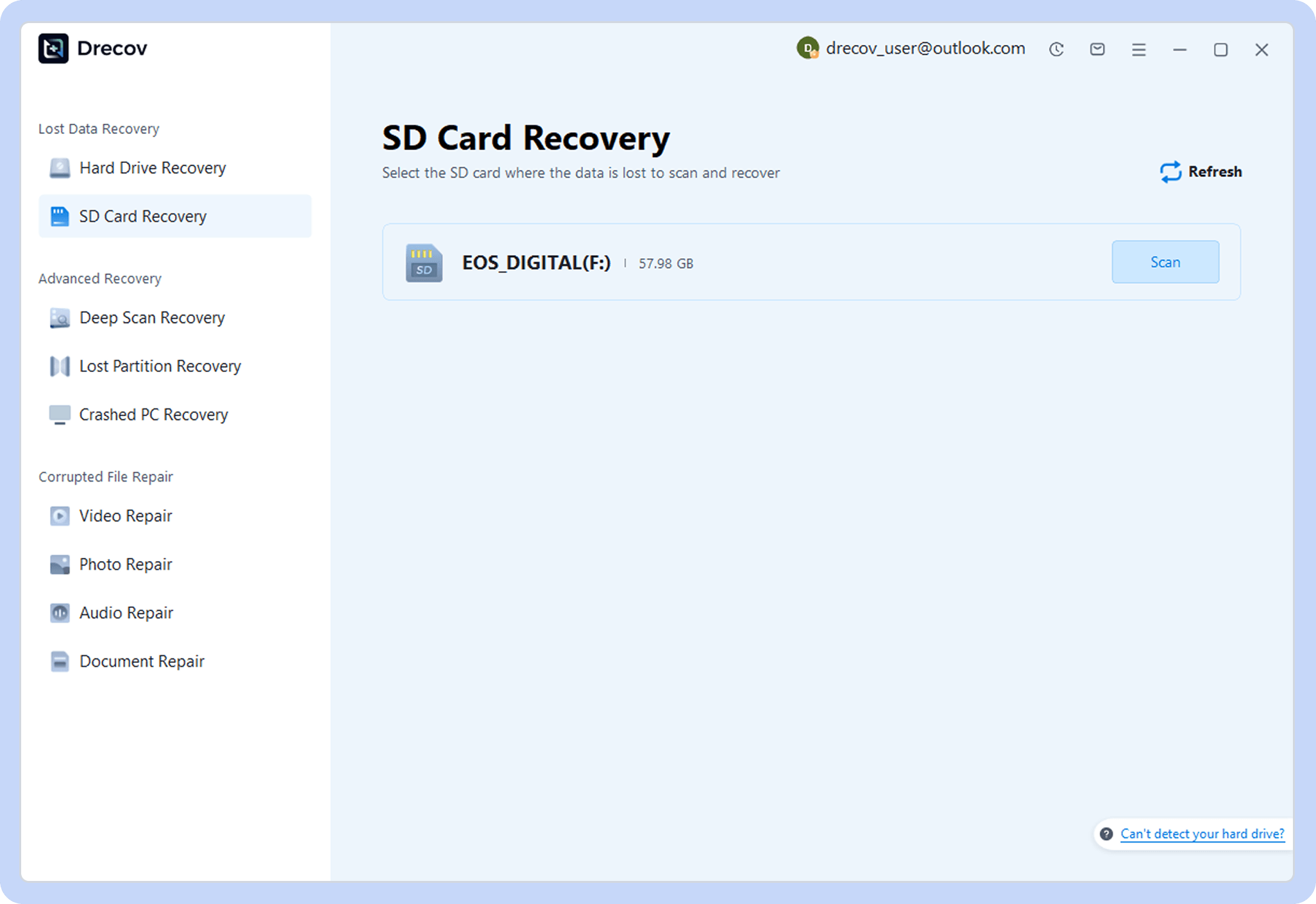
Choose a Location
Open PandaOffice Drecov and select where to scan.
setp 2
Scan for Files
Let the software find lost or deleted data.
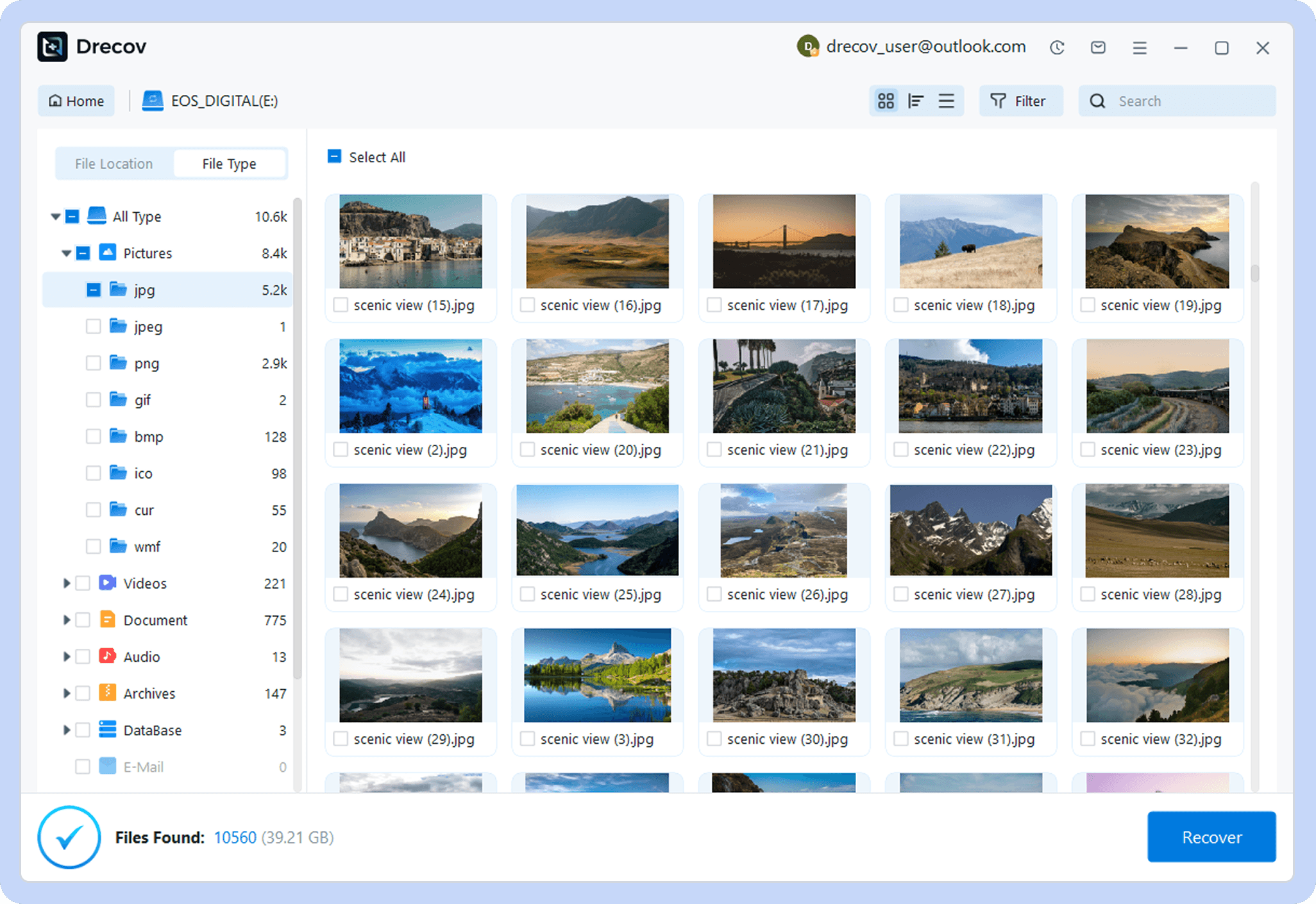
setp 3
Recover Data
Preview and restore your files with one click.
Tips
Tips to Prevent
Memory Card Data Loss
Simple habits and best practices to protect your memory card and keep your data safe.


Regular Backups
Create backups frequently to ensure your important files are always protected.

Proper Ejection
Always safely eject your card to avoid file system corruption or damage.

Avoid Using on Multiple Devices
Frequent switching between devices increases the risk of compatibility issues.

Use Trusted Devices and Software
Low-quality devices or tools can damage your memory card or cause data loss.
User
Reviews
Real stories from users who successfully recovered their lost memory card data.

Emily
Professional Photographer

“I thought those photos were gone forever, but Drecov recovered every RAW image perfectly. It literally saved my client project.”
Recovery Scenario: accidentally deleting files from an SD card
Recovered: photos

James
IT Technician
“The scan was fast and surprisingly accurate. I recovered all my important documents without any corruption. Very reliable tool.”
Recovery Scenario: Formatted a MicroSD card by mistake
Recovered: Word Docs, PDF Files

Sophia
College Student
“I was stressed about losing my video project, but Drecov brought everything back. Super easy to use, even for beginners.”
Recovery Scenario: Memory card got corrupted
Recovered: video
Common Problem
Download Recovery Softwar
Common Problem Recovery Tutorials
Detailed step-by-step guides to help you solve various data loss problems.
Unsupported
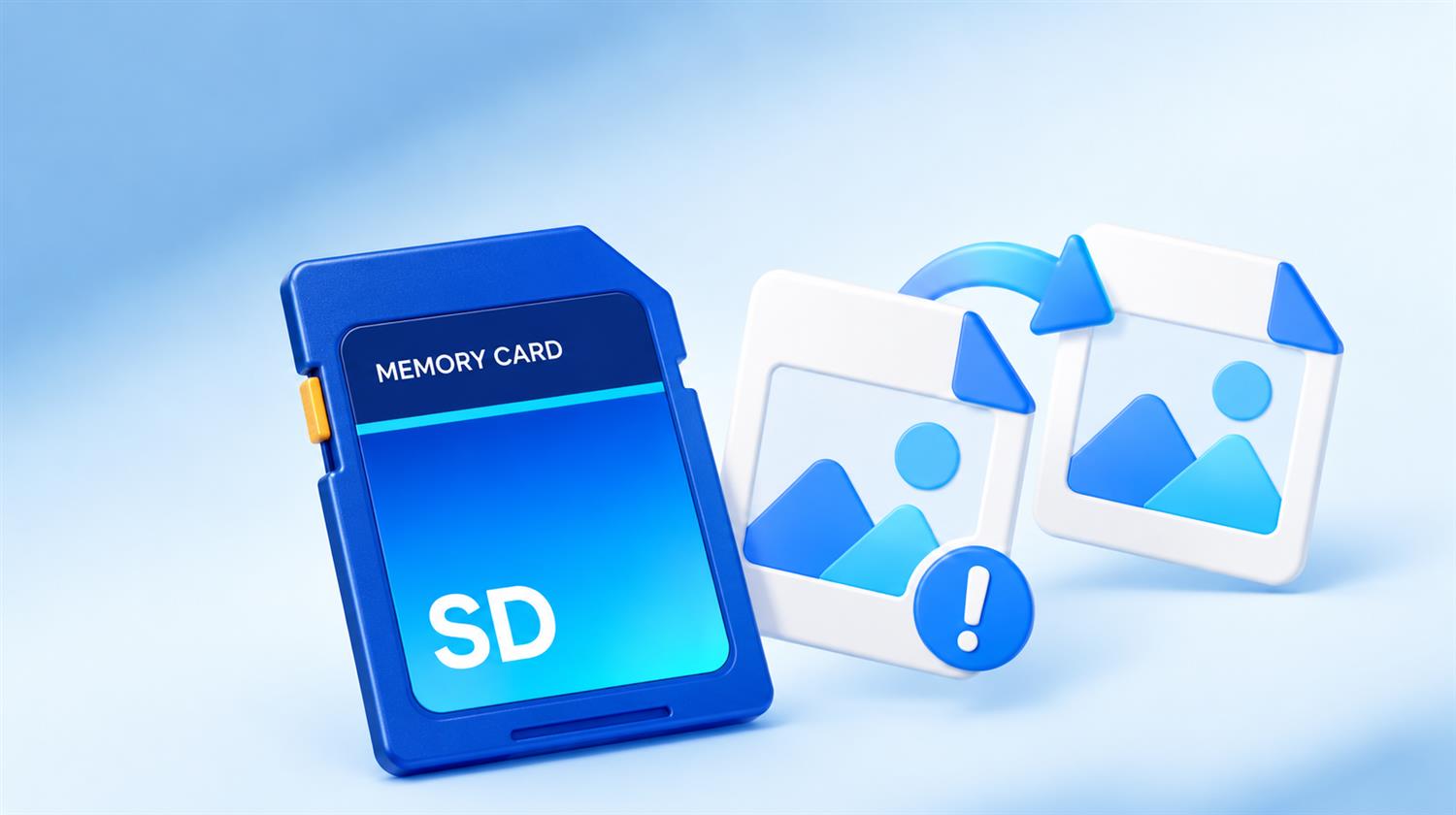
SD Card Photos Show Unsupported Format: Recover Originals
Preserve the original card and do not batch-convert the only photos. Test a trusted viewer and copy to a separate folder, compare extensions and headers, then restore alternate copies from the card or backup. Repair only duplicates after recovery.
Corrupted SD Card

Best Data Recovery Software for Corrupted SD Card (Free)
Use the best free data recovery software to recover files from a corrupted SD card safely. Easy-to-use tools help restore photos, videos, and documents quickly without data loss.
CFexpress Card

How to Recover Files from a CFexpress Card Safely
Learn how to recover data from CFexpress cards, including type B, using safe methods with compatible readers and Pandaoffice Drecov for photos, videos, and documents.
Reset Micro SD
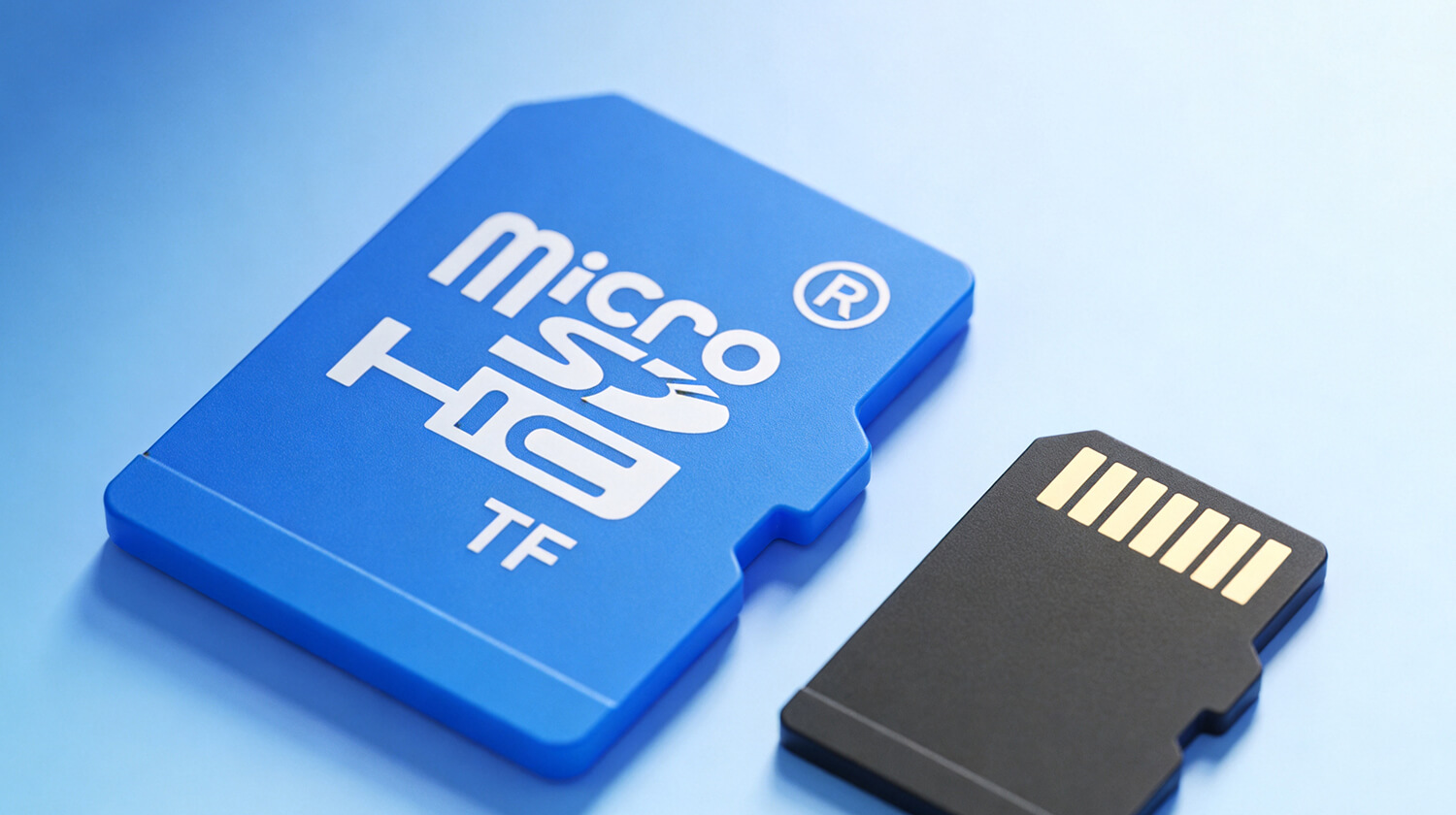
How to Reset A Micro SD Card
This guide explains how to reset an SD card using File Explorer, Disk Management, DiskPart, or an SD card reset tool, and how to recover lost data safely with Pandaoffice drecov
Asked Questions
Frequently
Asked Questions
Answers to common questions about memory card data recovery
Deleted files may still be recoverable if their data has not been overwritten. Stop using the card as soon as you notice the loss, connect it to your computer, and scan it with PandaOffice Drecov. Recovery results depend on the card’s condition and any activity after the files were deleted.
Recovery may be possible after formatting, especially if you have not saved new files to the card. The outcome depends on the formatting method and whether the original data remains intact. Stop using the card and scan it before making further changes.
PandaOffice Drecov supports common memory card types, including SD, microSD, SDHC, SDXC, CompactFlash (CF), and Memory Stick. Connect the card using a compatible card reader so your computer can detect it. Recovery availability depends on the card’s condition and accessibility.
You can scan for lost photos, videos, audio files, documents, and other supported file types. Whether a particular file can be recovered depends on whether its data is still present and intact.
Use your computer’s built-in card slot or a compatible USB card reader. If your camera or phone does not expose the memory card as a storage drive, remove the card and connect it directly through a card reader.