






Format Data Recovery
Recover lost files after formatting with our Format Data Recovery guide. Learn proven methods to restore data from formatted hard drives, SD cards, and USB devices quickly and safely.
TOP 4 Hot Articles
Top 4 hot articles will provide you reliable solutions to find crucial data with Drecov software.


Format Partition Guide: Complete Methods for Windows and Linux Users
This guide explains how to format a partition in Windows and Linux, fix errors, choose file systems, and recover data safely before formatting using PandaOffice Drecov.
Find a solution that suits your case
Here are file recovery guidelines for all types of files. Just choose the most suitable situation for you to retrieve your data
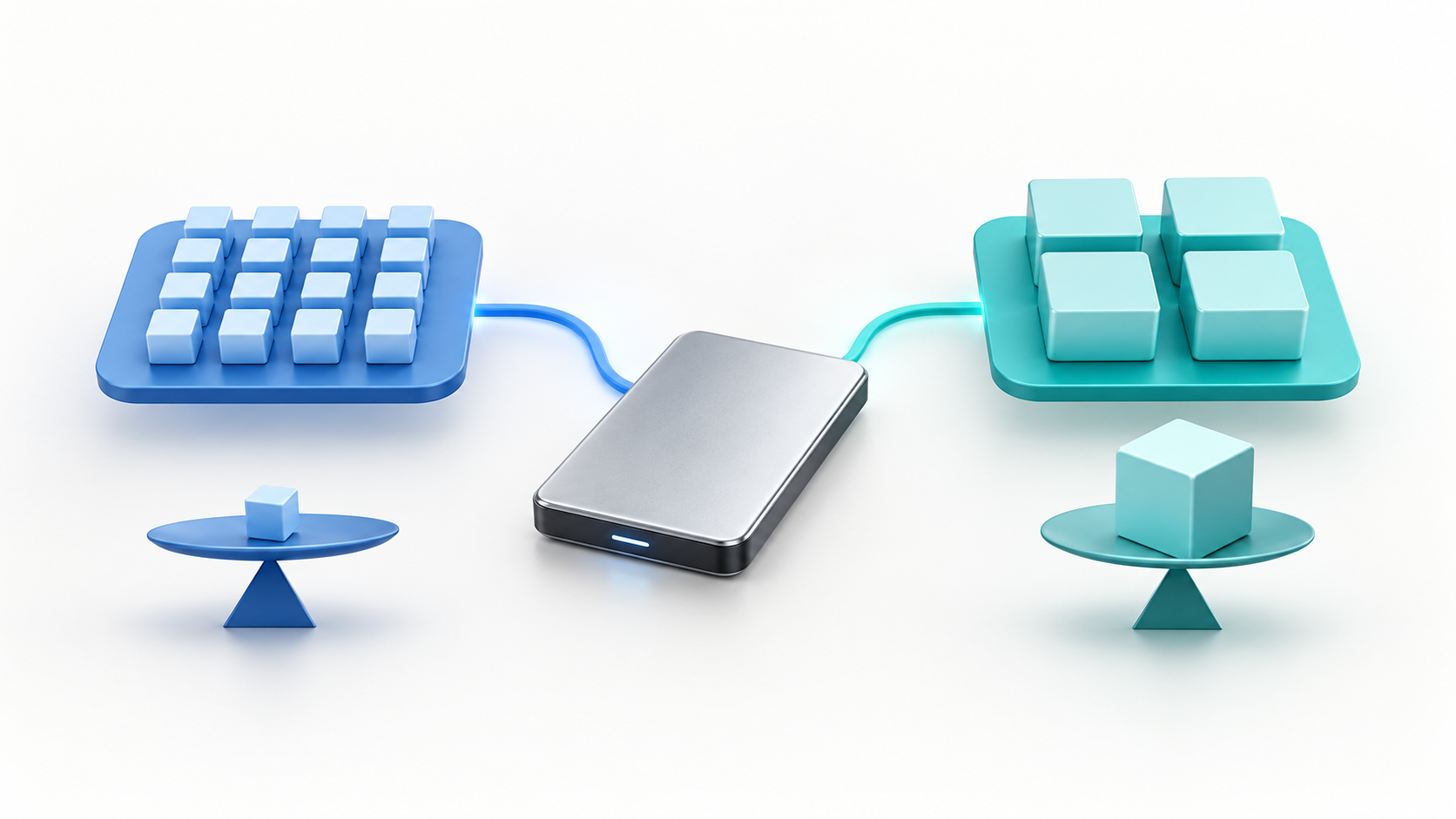

exFAT vs FAT32: Choose the Right File System Safely
Read more →: exFAT vs FAT32: Choose the Right File System SafelyexFAT vs FAT32: Choose the Right File System Safely — The safe order is identify, protect, recover, verify, then repair or replace. Keeping those stages separate avoids turning a manageable logical problem into permanent


How to Remove a Disk Partition Without Deleting the Wrong Data
Read more →: How to Remove a Disk Partition Without Deleting the Wrong DataMap the disk, verify backups and encryption, recover needed data, then delete the intended partition with Disk Management or DiskPart.


What Is exFAT and When Should You Use It?
Read more →: What Is exFAT and When Should You Use It?A practical exFAT pillar guide for cross-platform storage, device checks, limitations, formatting decisions, and data protection.


What Is Allocation Unit Size and Which Should You Choose?
Read more →: What Is Allocation Unit Size and Which Should You Choose?Understand clusters, slack space, workload tradeoffs, defaults, formatting risk, and how to inspect an existing volume.


Best exFAT Allocation Unit Size for Different Drives
Read more →: Best exFAT Allocation Unit Size for Different DrivesSelect an exFAT cluster size for mixed devices, large media, or many small files without inventing performance gains.
Format Partition Guide: Complete Methods for Windows and Linux Users
Read more →: Format Partition Guide: Complete Methods for Windows and Linux UsersThis guide explains how to format a partition in Windows and Linux, fix errors, choose file systems, and recover data safely before formatting using PandaOffice Drecov.
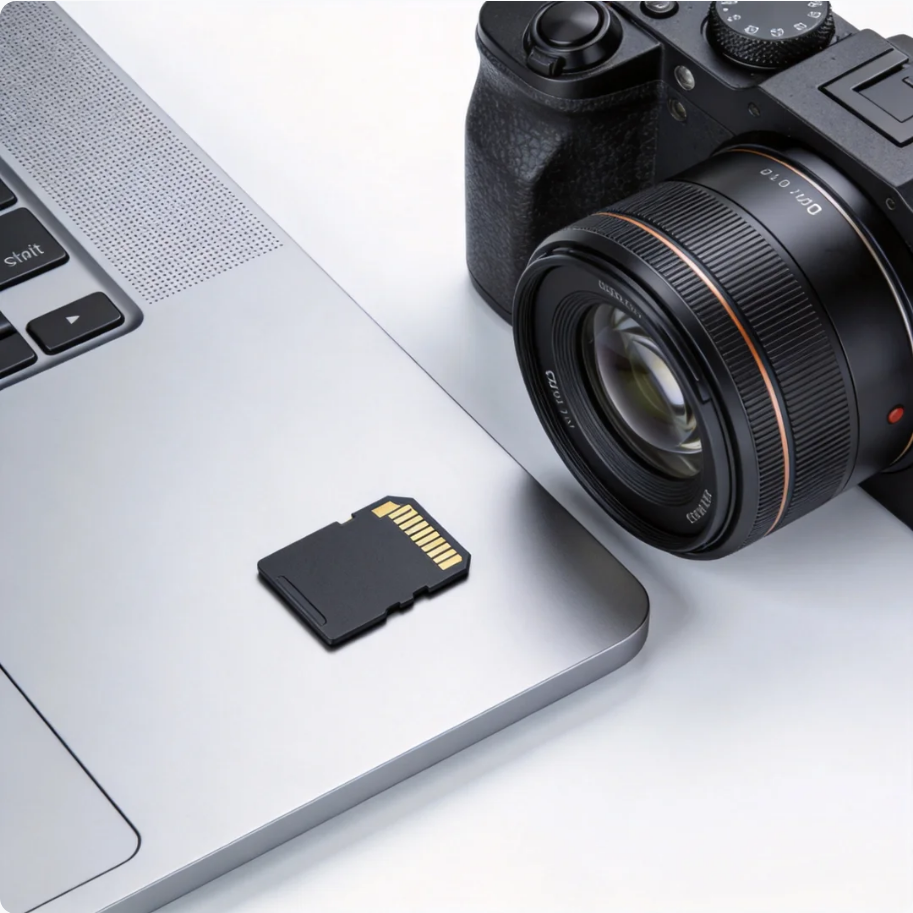

How to Format SD Card for GoPro: Complete Guide
Read more →: How to Format SD Card for GoPro: Complete GuideThis guide explains how to format SD cards for GoPro cameras, fix SD card errors, choose the right file system, and recover footage safely using PandaOffice Drecov.


How to Format a Hard Drive in Windows 7: Beginner-to-Advanced Guide
Read more →: How to Format a Hard Drive in Windows 7: Beginner-to-Advanced GuideThis guide explains how to format a hard drive in Windows 7 using File Explorer, Disk Management, CMD, and setup tools, plus recovery tips with PandaOffice Drecov.
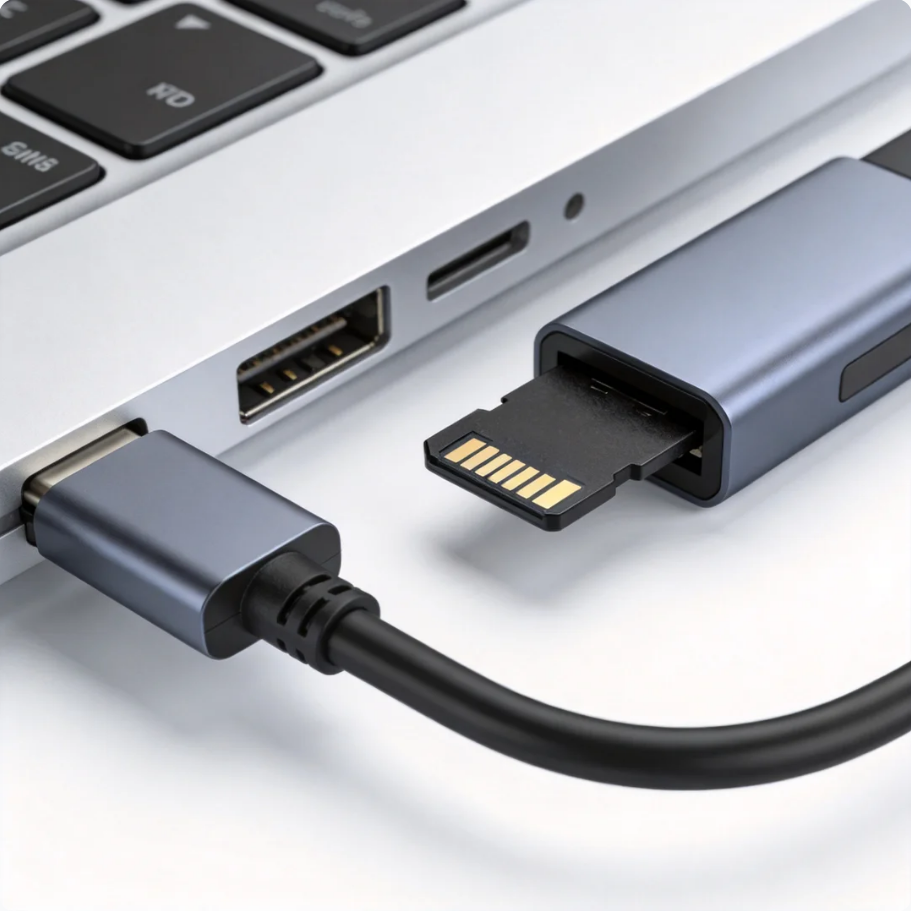

How to Format a TF Card Safely:Guide for Phones, Cameras, and PCs
Read more →: How to Format a TF Card Safely:Guide for Phones, Cameras, and PCsThis guide explains how to format TF cards on Windows, Mac, Android phones, and cameras, including repair tips, file systems, common errors, and recovery with PandaOffice Drecov.
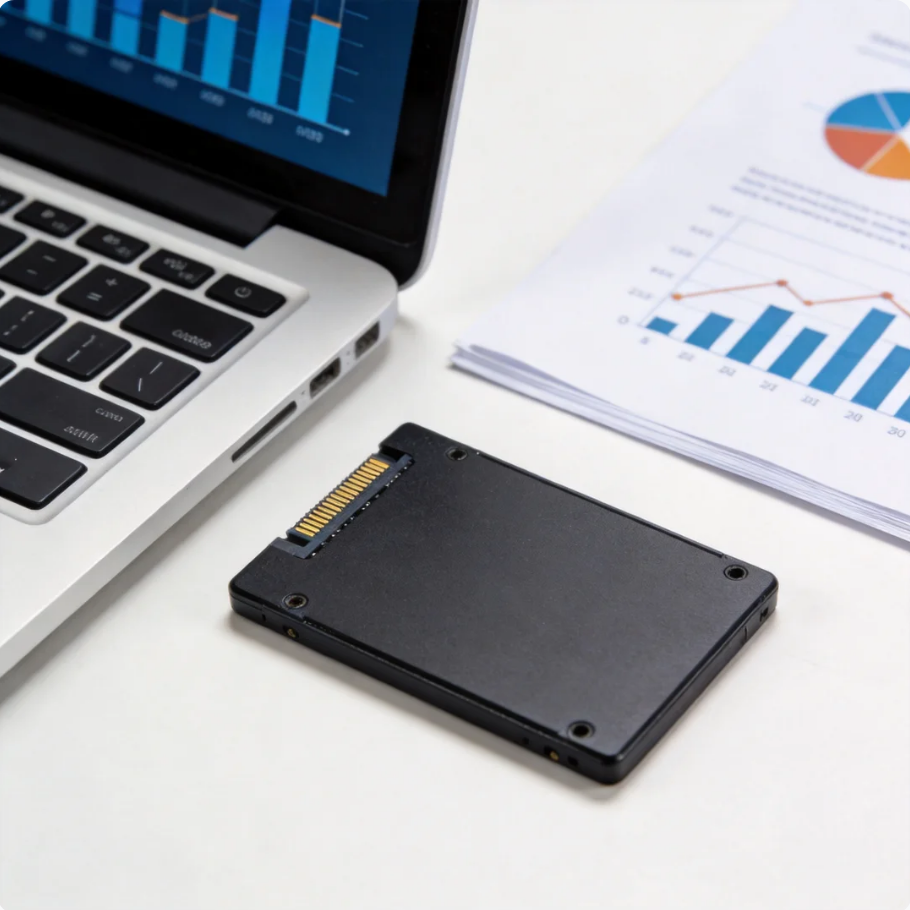

Complete Guide to Low-Level HDD Formatting and Repair Tool
Read more →: Complete Guide to Low-Level HDD Formatting and Repair ToolThis guide explains how HDD Low Level Format Tool works, when to use it, risks, and alternatives, including data recovery with PandaOffice Drecov before formatting.




Copyright © 2025 PandaOffice. All Rights Reserved. The order process, tax issue, and invoicing to end users are conducted by PandaOffice Limited.