






Data Recovery
Welcome to our Data Recovery section: your trusted guide to recovering lost files from any device, whether lost to deletion, formatting, virus attacks or system errors.
TOP 4 Hot Articles
Top 4 hot articles will provide you reliable solutions to find crucial data with Drecov software.


Best Data Recovery Software for Windows: Complete Guide
Understanding Data Recovery on Windows Systems Why Data Recovery Is Important for Windows Users Modern computers store enormous amounts of data, from personal documents and photos to business files and system information. However, data loss can occur unexpectedly due to accidental deletion, hardware failure, formatting errors, malware attacks, or system crashes. When this happens, reliable…
Find a solution that suits your case
Here are file recovery guidelines for all types of files. Just choose the most suitable situation for you to retrieve your data


Choosing and Using a File Recovery Program Windows Solution
Read more →: Choosing and Using a File Recovery Program Windows SolutionThis guide explains how data loss occurs on Windows and reviews PandaOffice Drecov, a powerful recovery tool. Learn step-by-step methods, alternative approaches, and best practices to restore lost files successfully.


How to Fix Windows Error 0xc0000017 [Complete Guide]
Read more →: How to Fix Windows Error 0xc0000017 [Complete Guide]Windows Error 0xc0000017 is caused by memory errors or invalid BCD boot records. Learn how to test your RAM, protect data with Drecov, and safely repair system files.


Format Did Not Complete Successfully? Protect Files First
Read more →: Format Did Not Complete Successfully? Protect Files FirstIdentify why Windows stopped formatting, recover needed files before further writes, and choose a repair only after checking device stability, write protection, and volume state.


Initialize a Disk Without Losing Data: What to Do First
Read more →: Initialize a Disk Without Losing Data: What to Do FirstInitialize only a genuinely new or intentionally blank disk. If an existing drive suddenly appears Not Initialized, initialization writes partition metadata and can complicate recovery; cancel the prompt, verify the model and capacity, and recover or image the disk first.
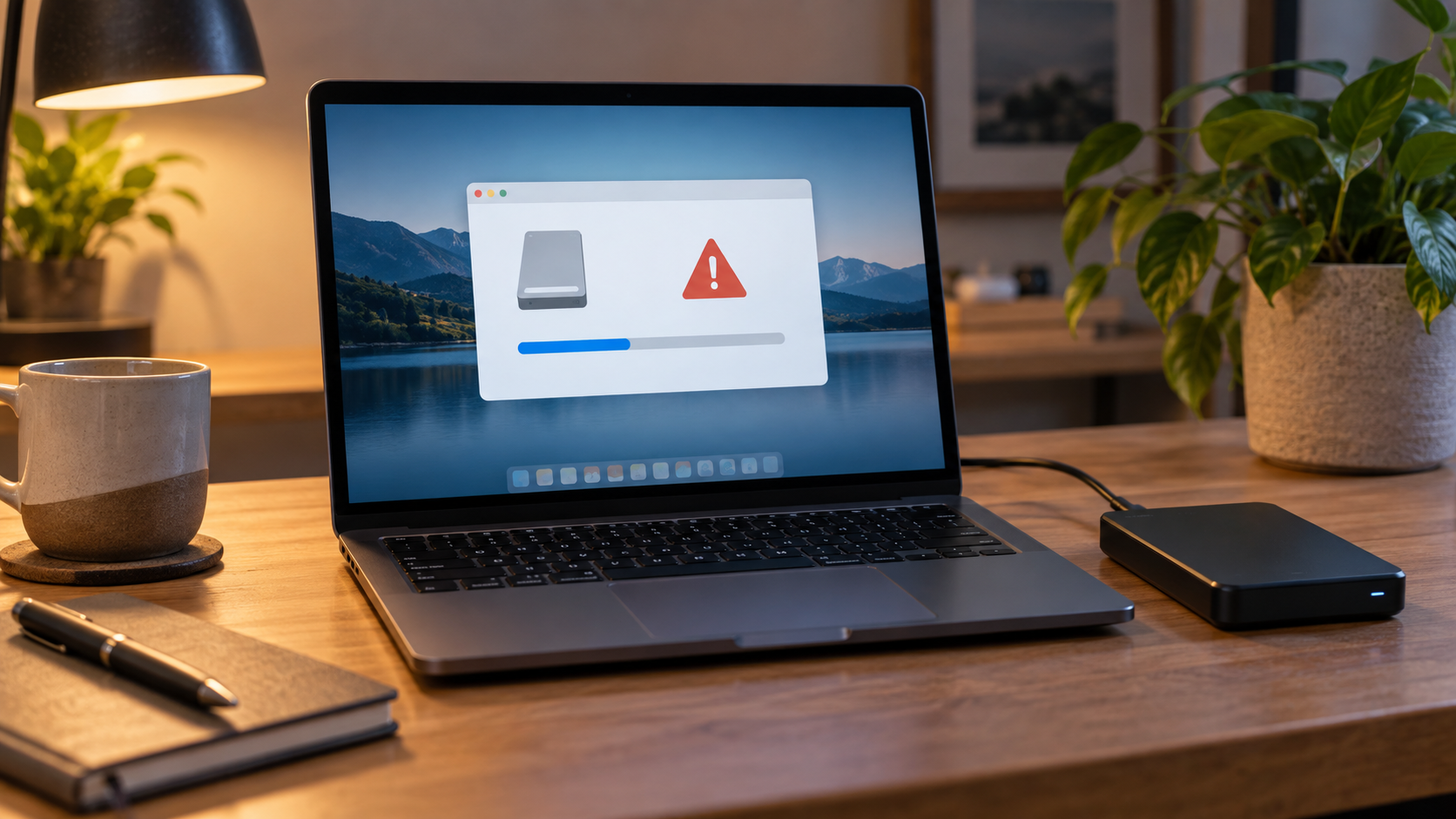
Windows Was Unable to Complete the Format: Safe Fixes
Read more →: Windows Was Unable to Complete the Format: Safe FixesWhen Windows cannot complete a format, first preserve any needed files. Then test the connection, check write protection and disk health, confirm the correct volume, and retry with Disk Management. A drive that disconnects, reports the wrong size, or repeatedly fails should be replaced, not forced.
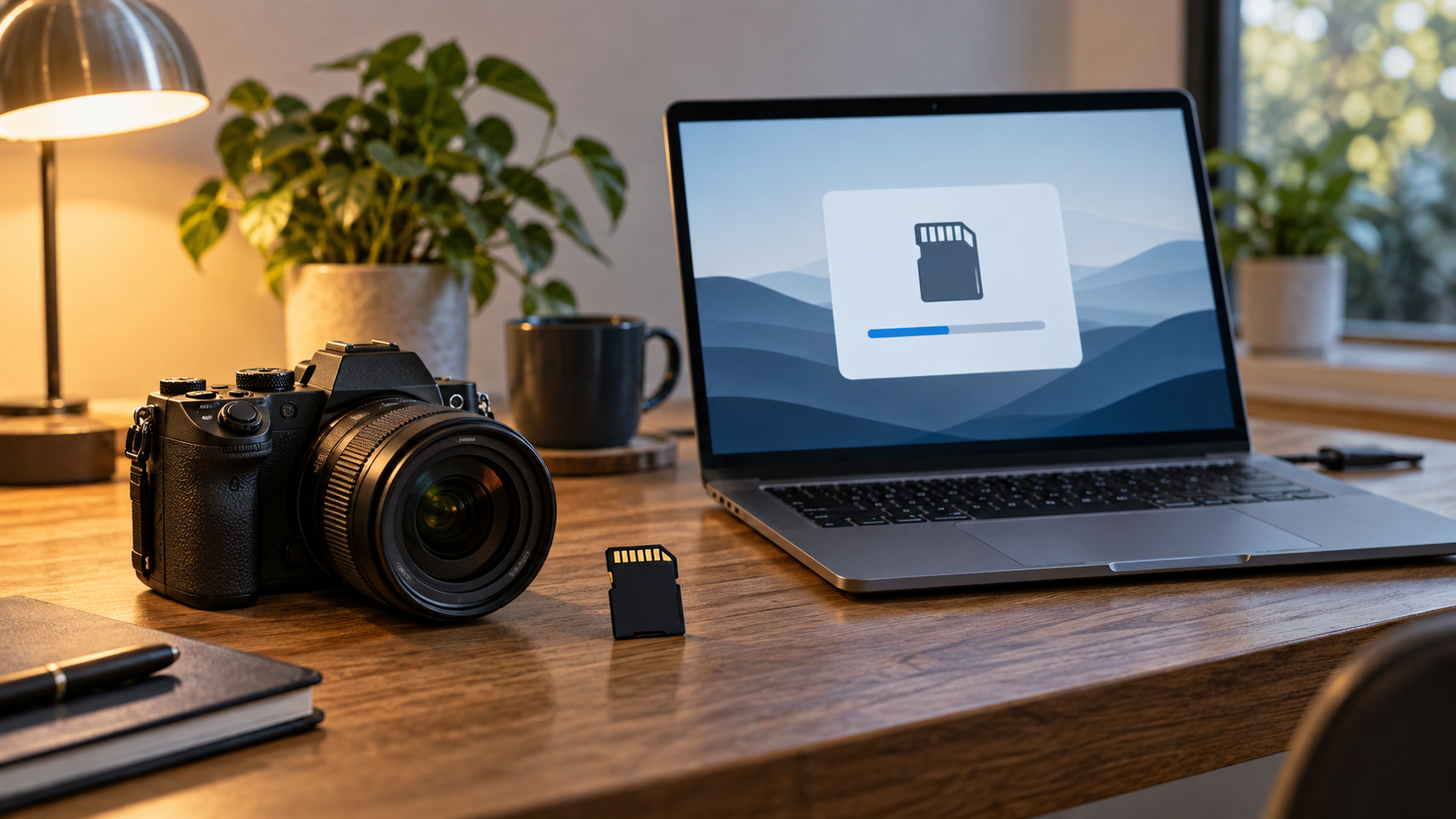
Format an SD Card Safely for a Camera or Phone
Read more →: Format an SD Card Safely for a Camera or PhoneBack up photos first, then format the SD card in the camera or phone that will use it when possible. Choose the capacity class and file system the device supports, avoid adapters with an active lock switch, and replace cards that show repeated errors or corruption.
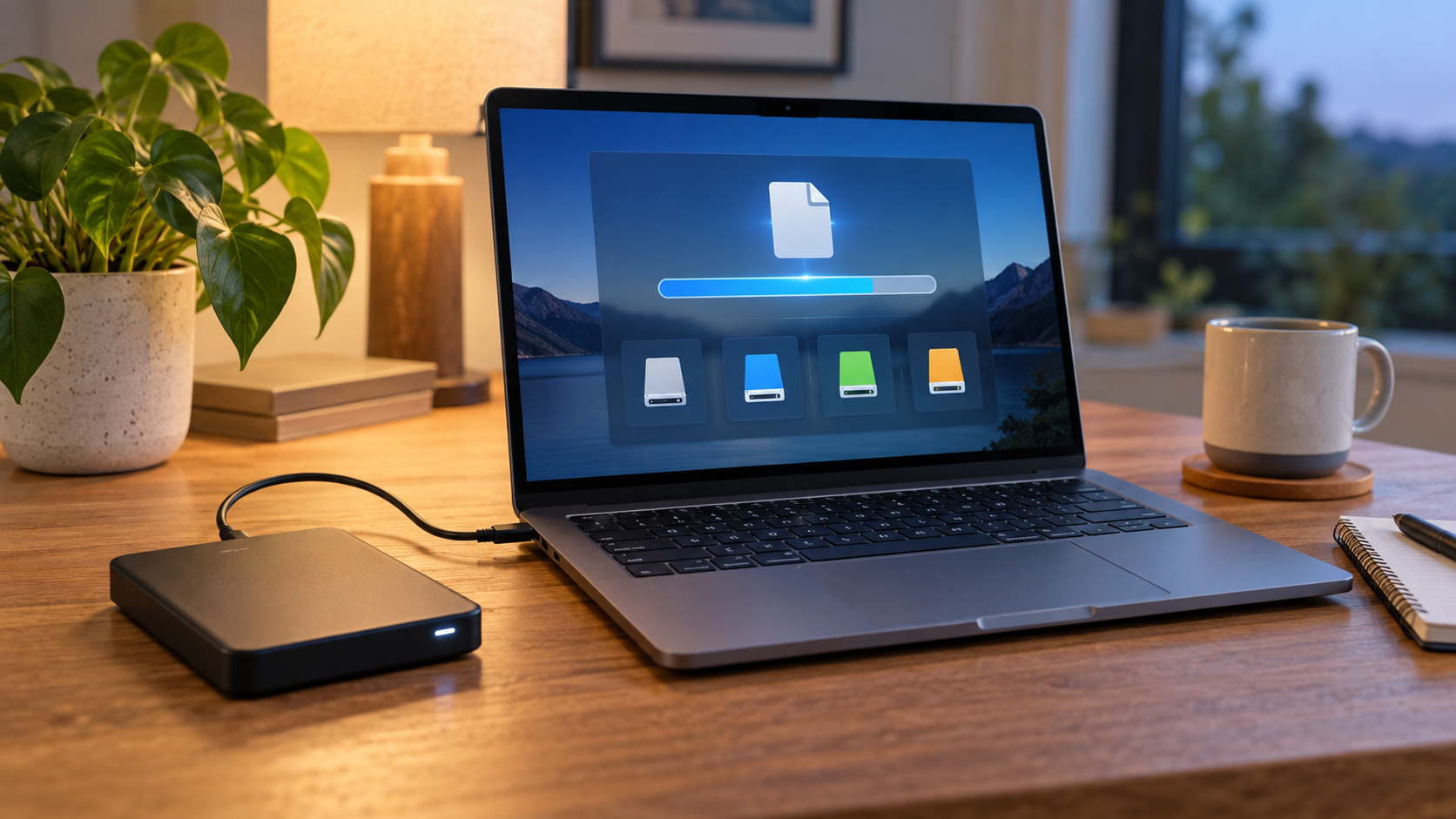
Format a Drive for Files Larger Than 4GB: Best Options
Read more →: Format a Drive for Files Larger Than 4GB: Best OptionsFAT32 cannot store one file larger than 4 GB. Use exFAT for a removable drive shared by current Mac and Windows systems, NTFS for Windows-focused use, APFS for Mac-only use, or a native Linux file system. Copy or recover files before changing the format.
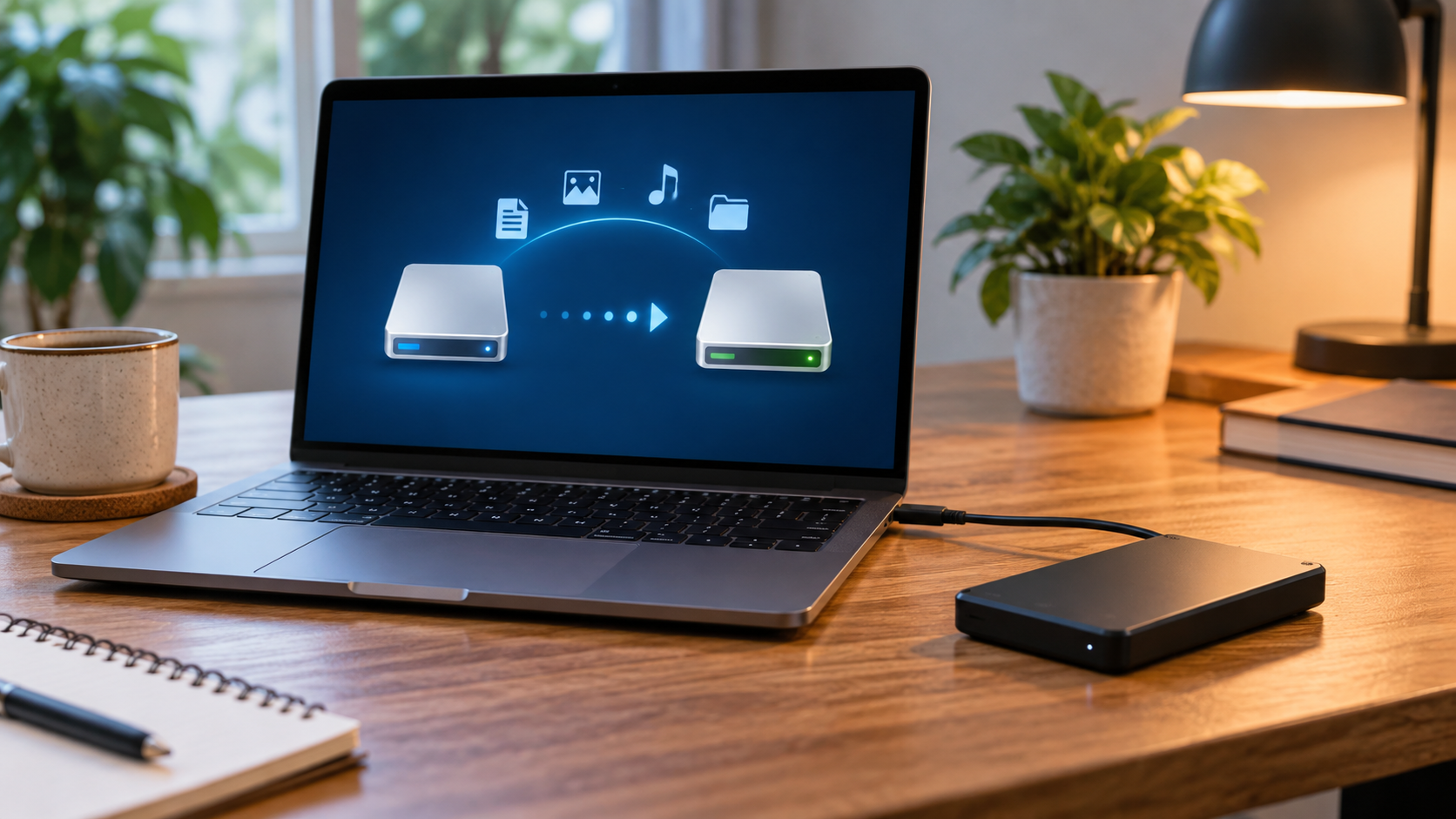
Convert FAT32 to NTFS Without Formatting: Safe Guide
Read more →: Convert FAT32 to NTFS Without Formatting: Safe GuideWindows convert can change a healthy FAT32 volume to NTFS without a normal format, but it is not a substitute for backup and cannot reverse the conversion. Check the file system, free space, errors, and power stability; copy critical files before running the command.
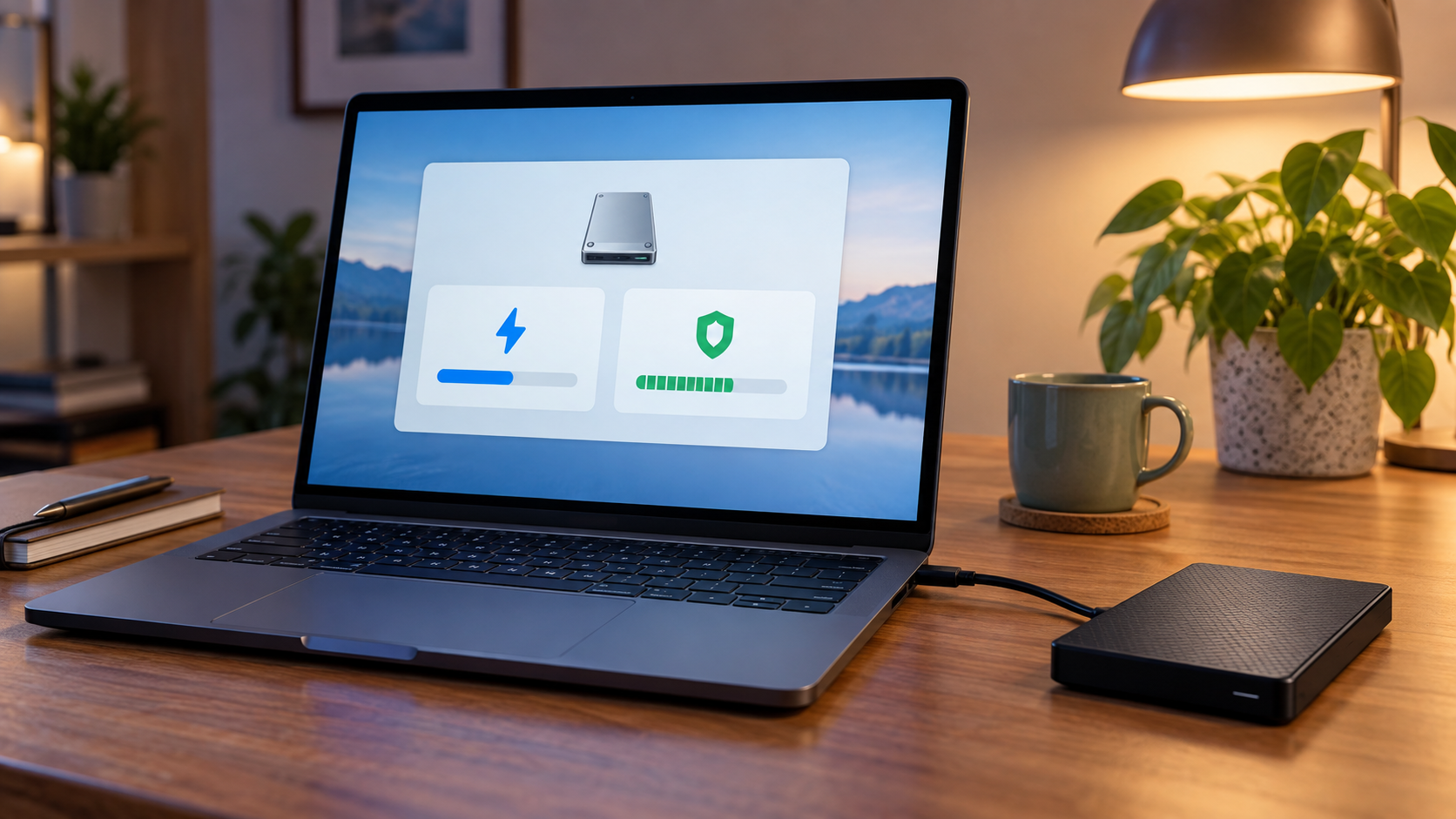
Full Format vs Quick Format: Which Should You Use?
Read more →: Full Format vs Quick Format: Which Should You Use?Use quick format for a healthy drive that only needs a new file system; it replaces metadata and finishes faster. A full format also checks readable sectors and writes across more of the volume, which greatly reduces recovery chances. Recover important files before either option.
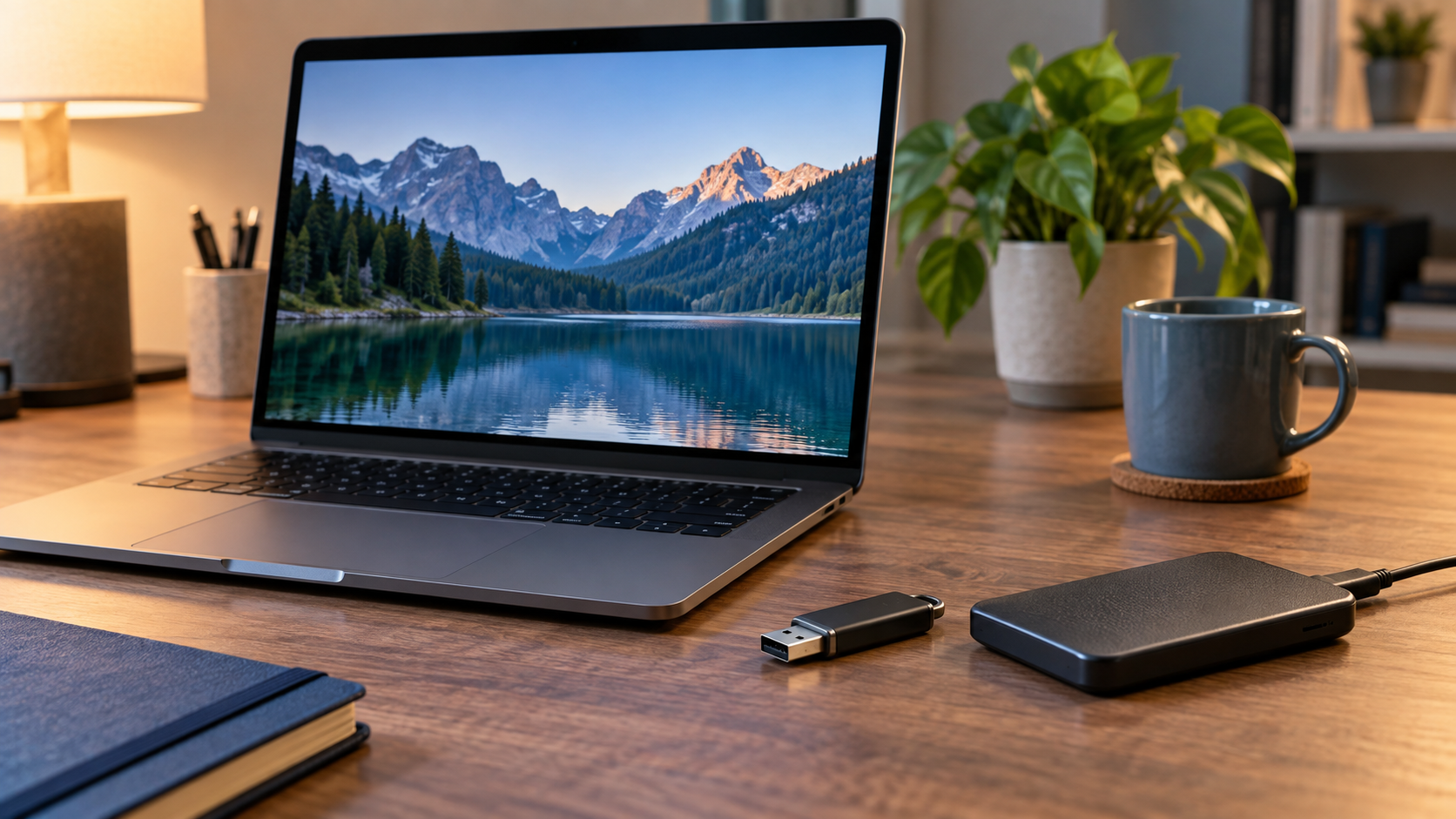
Format a USB Drive Without Losing Data: Safe Options
Read more →: Format a USB Drive Without Losing Data: Safe OptionsFormatting cannot preserve the only copy of files by itself. First copy readable data, restore a backup, or recover missing files to another physical disk; only then format the verified USB drive and copy the data back.




Copyright © 2025 PandaOffice. All Rights Reserved. The order process, tax issue, and invoicing to end users are conducted by PandaOffice Limited.