






Troubleshooting
This guide explains the meaning of troubleshooting and walks you through practical steps to identify, diagnose, and resolve common technical problems with ease.
TOP 4 Hot Articles
Top 4 hot articles will provide you reliable solutions to find crucial data with Drecov software.


Windows Stuck on Welcome? Diagnose the Sign-In Stage First
Separate a slow sign-in from a frozen profile, service, update, or storage fault. Use controlled account tests and protect local files before reset or reinstall.
Find a solution that suits your case
Here are file recovery guidelines for all types of files. Just choose the most suitable situation for you to retrieve your data


Videos Not Working on Firefox? Find the Broken Layer First
Read more →: Videos Not Working on Firefox? Find the Broken Layer FirstCompare one site, a private window, another browser, and a known-good local file to identify the failed Firefox playback layer before changing profiles, drivers, or recovering data.

BitLocker Keeps Asking for Recovery Key? Stop the Loop Safely
Read more →: BitLocker Keeps Asking for Recovery Key? Stop the Loop SafelyA valid key that is requested repeatedly usually signals a trusted-boot change, not failed decryption. Preserve data, compare TPM and firmware state, then reseal protectors carefully.
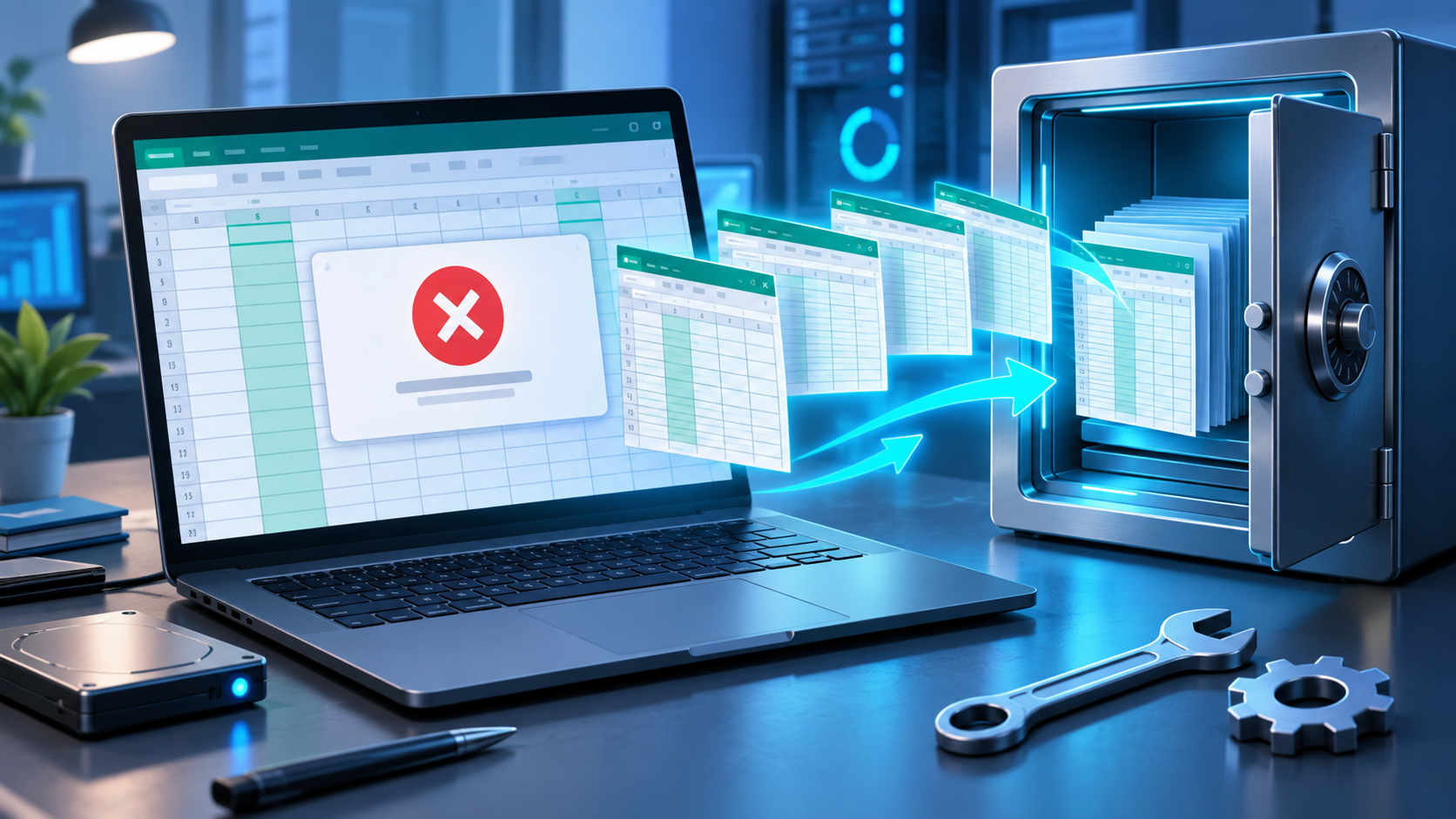
Errors Were Detected While Saving Excel? Preserve the Workbook
Read more →: Errors Were Detected While Saving Excel? Preserve the WorkbookKeep Excel open, save independent copies, determine whether the workbook or destination is failing, and recover an earlier local file only when the needed version is missing.

How to Unlock a Pendrive Without Erasing Its Files
Read more →: How to Unlock a Pendrive Without Erasing Its FilesThe safe fix depends on whether a pendrive is encrypted, write-protected, permission-blocked, or failing. Diagnose the exact message, preserve readable files, and recover data before destructive changes.

APC Index Mismatch in Windows 11: Trace the Driver, Not a Guess
Read more →: APC Index Mismatch in Windows 11: Trace the Driver, Not a GuessCapture the exact stop event, preserve accessible files and crash dumps, correlate evidence with recent drivers, then use Safe Mode, targeted rollback, system checks, and controlled verification.
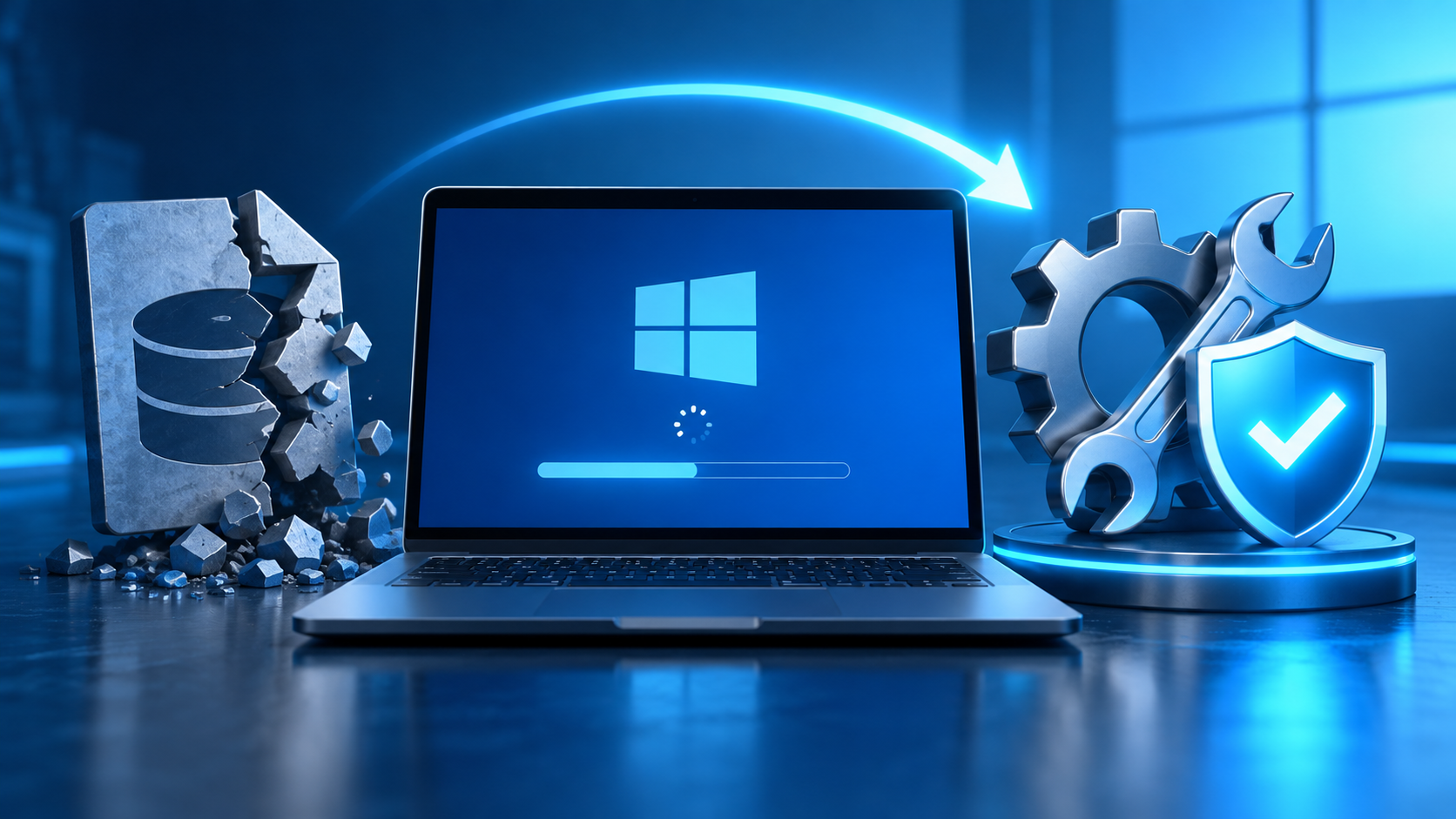
Bootrec /RebuildBCD Element Not Found? Check EFI Before Repair
Read more →: Bootrec /RebuildBCD Element Not Found? Check EFI Before RepairIdentify the real Windows and EFI volumes, protect important files, rebuild boot data only on the correct partition, and verify the result without formatting blindly.

C:\Boot Path Not Found? Find Windows Before Rebuilding BCD
Read more →: C:\Boot Path Not Found? Find Windows Before Rebuilding BCDWinRE may assign Windows a different drive letter. This guide shows how to identify the correct volume, protect important files, and repair boot data without targeting the wrong partition.

Fix Blurry Videos by Finding Where Detail Was Actually Lost
Read more →: Fix Blurry Videos by Finding Where Detail Was Actually LostCompare the original with each later copy, identify whether blur comes from focus, scaling, compression, streaming, or corruption, and improve the earliest stage that still retains usable detail.

My PC Restarts Randomly: Find the Trigger Before It Gets Worse
Read more →: My PC Restarts Randomly: Find the Trigger Before It Gets WorseClassify each restart by screen behavior, workload, temperature, event evidence, and recent changes. Protect important files before testing power, drivers, memory, storage, or Windows recovery options.

Stop Error 0x0000007B: Protect Files Before Boot Repairs
Read more →: Stop Error 0x0000007B: Protect Files Before Boot RepairsUse the failure stage, firmware detection, controller changes, and disk stability to separate a boot configuration problem from storage failure before repairing Windows. The decision path separates reversible boot configuration from an unstable storage device.




Copyright © 2025 PandaOffice. All Rights Reserved. The order process, tax issue, and invoicing to end users are conducted by PandaOffice Limited.