






SD Card Recovery
Expert SD card recovery solutions for all scenarios—recover deleted data from formatted, corrupted or undetected SD/microSD cards easily.
TOP 4 Hot Articles
Top 4 hot articles will provide you reliable solutions to find crucial data with Drecov software.


How to Format an SD Card and Recover Lost Documents
Learn how to format SD cards safely on Windows and macOS, choose the right file system (FAT32, exFAT), and avoid data loss. Discover how PandaOffice Drecov can recover formatted documents, including Word, Excel, PowerPoint, and PDF files, even after accidental formatting.

How to Perform Micro SD Card Recovery: A Step-by-Step Tutorial
This comprehensive guide explains the principles of micro sd card recovery and provides clear, step-by-step instructions. From using professional tools like PandaOffice Drecov to leveraging system commands and official manufacturer utilities, you will learn how to effectively retrieve lost data and prevent future card failures.


How to format an sd card to fat32?
This article explains how to format an SD card to FAT32 using Windows, Mac, and software-based methods. It covers common causes of SD card errors, step-by-step formatting instructions, comparisons between system tools and third-party solutions, and what to do if data is lost during formatting.


Recover Data From Formatted SD Card: A Complete Recovery Guide
This guide explains how to Recover Data From Formatted SD Card safely and effectively. It covers what happens during formatting, when recovery is still possible, and the most reliable methods to restore lost photos, videos, and files. You’ll learn recovery using professional software, practical system tools, and proven tips to avoid overwriting data and maximize…
Find a solution that suits your case
Here are file recovery guidelines for all types of files. Just choose the most suitable situation for you to retrieve your data
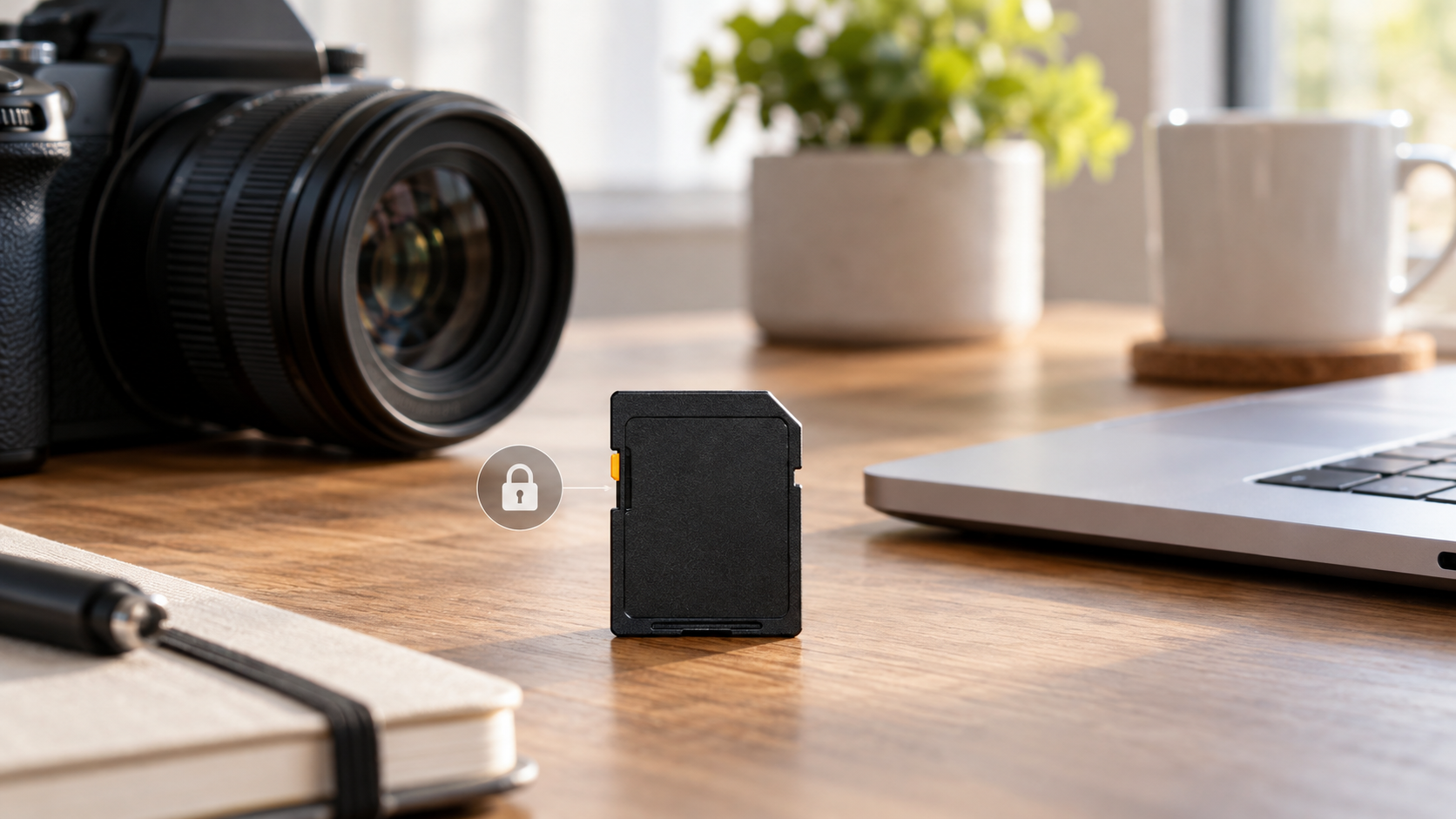

SD Card Is Write-Protected: Safe Checks Before Formatting
Read more →: SD Card Is Write-Protected: Safe Checks Before FormattingCheck the card or adapter lock switch first, then test another reader. Copy readable files before changing attributes. If write protection returns immediately, the card may have entered a failure-protection mode and should be replaced after recovery.
SD Card Says It Needs to Be Formatted: Recover Photos First
Read more →: SD Card Says It Needs to Be Formatted: Recover Photos FirstCancel the format prompt if photos matter. Test another reader and computer, confirm the expected capacity, and stop using the card. Recover photos to a separate disk before any repair or format.
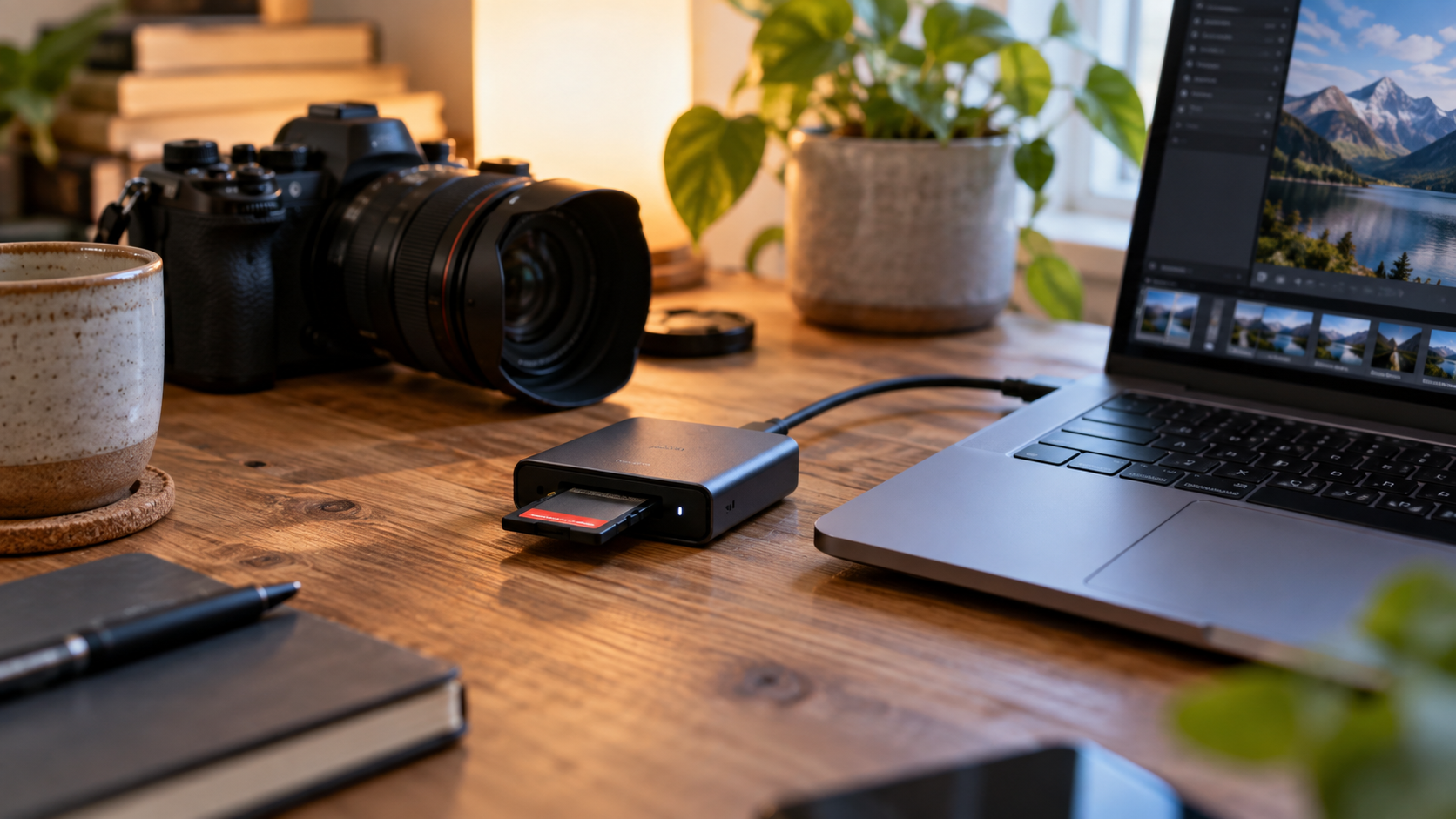
SD Card Not Detected: Recover Photos Before Formatting
Read more →: SD Card Not Detected: Recover Photos Before FormattingStop taking photos and remove the SD card. Test a different reader without formatting. If the card is detected with the expected capacity, recover photos to a separate disk; a physically invisible card needs hardware diagnosis.
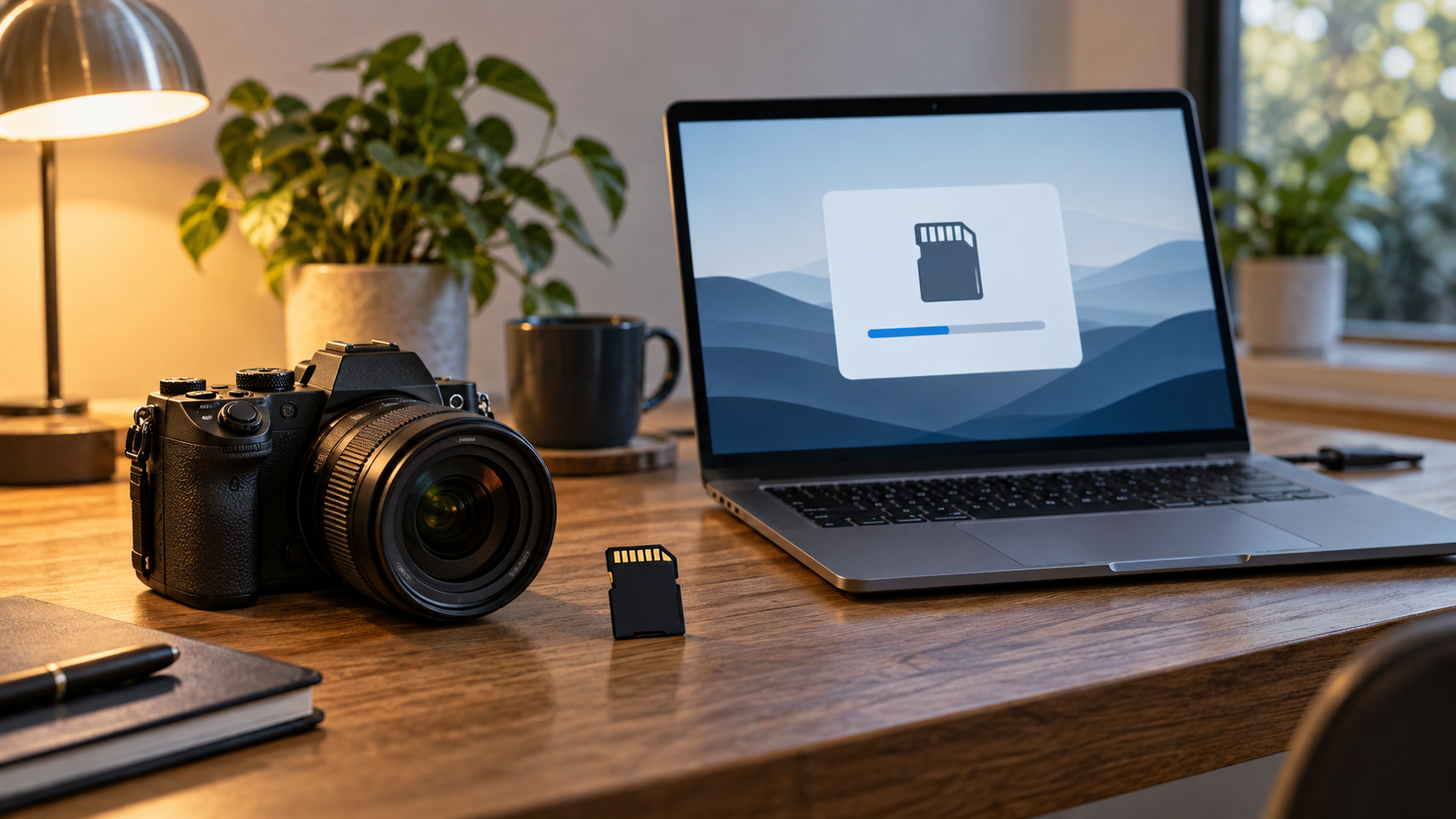
Format an SD Card Safely for a Camera or Phone
Read more →: Format an SD Card Safely for a Camera or PhoneBack up photos first, then format the SD card in the camera or phone that will use it when possible. Choose the capacity class and file system the device supports, avoid adapters with an active lock switch, and replace cards that show repeated errors or corruption.


How Long Does BitLocker Decryption Take Guide
Read more →: How Long Does BitLocker Decryption Take GuideThis guide explains how long BitLocker decryption takes and why timing varies by drive size, used space, SSD or HDD speed, USB connection, and system activity. It covers progress checks, safe preparation, bypass warnings, ZIP and Instagram password confusion, and file recovery after a decrypted drive becomes accessible.

How Do I Retrieve My Yahoo Password
Read more →: How Do I Retrieve My Yahoo PasswordThis guide explains how do I retrieve my Yahoo password safely through Yahoo Sign-in Helper, recovery phone or email, account key, trusted devices, and saved password managers. It also separates Snapchat, Facebook, and Word document password recovery and shows how to recover missing Yahoo attachments after account access returns.

How To Find Computer Password
Read more →: How To Find Computer PasswordThis guide explains how to find computer password access safely without unauthorized password discovery. It covers Microsoft account recovery, local Windows account options, administrator help, saved browser passwords, Yahoo and Snapchat password differences, and file recovery after Windows access returns or local files disappear.

How To Disable BitLocker Encryption Guide
Read more →: How To Disable BitLocker Encryption GuideThis guide explains how to disable BitLocker encryption safely and how to avoid data loss during decryption. It covers Control Panel, manage-bde, recovery key requirements, enabling BitLocker again, encrypting a memory stick, Instagram and Snapchat password confusion, and file recovery after accessible storage loses data.

Restore Deleted Videos Android: Recovery Guide And Safe Steps
Read more →: Restore Deleted Videos Android: Recovery Guide And Safe StepsThis guide explains how to restore deleted videos Android users lose from Gallery, Google Photos, Samsung phones, app drafts, chat folders, and SD cards. It also covers permanently deleted files, deleted voicemail limits, Samsung broken screen recovery, recovery app decisions, and full-playback testing after recovery.

Bypass BitLocker: Safe Unlock And File Recovery Guide
Read more →: Bypass BitLocker: Safe Unlock And File Recovery GuideThis guide explains why you cannot safely bypass BitLocker without a password, recovery key, or authorized administrator process. It covers recovery key lookup, BitLocker password changes, disable BitLocker command prompt steps, online password confusion, safe unlock boundaries, and file recovery after the drive becomes accessible.




Copyright © 2025 PandaOffice. All Rights Reserved. The order process, tax issue, and invoicing to end users are conducted by PandaOffice Limited.