






Data Recovery
Welcome to our Data Recovery section: your trusted guide to recovering lost files from any device, whether lost to deletion, formatting, virus attacks or system errors.
TOP 4 Hot Articles
Top 4 hot articles will provide you reliable solutions to find crucial data with Drecov software.


Best Data Recovery Software for Windows: Complete Guide
Understanding Data Recovery on Windows Systems Why Data Recovery Is Important for Windows Users Modern computers store enormous amounts of data, from personal documents and photos to business files and system information. However, data loss can occur unexpectedly due to accidental deletion, hardware failure, formatting errors, malware attacks, or system crashes. When this happens, reliable…
Find a solution that suits your case
Here are file recovery guidelines for all types of files. Just choose the most suitable situation for you to retrieve your data


Best Software To Recover Deleted Files: Practical Choices By Data Loss Case
Read more →: Best Software To Recover Deleted Files: Practical Choices By Data Loss CaseThis guide matches deleted-file recovery software to real cases, including documents, videos, pictures, mail exports, cloud copies, and local storage.
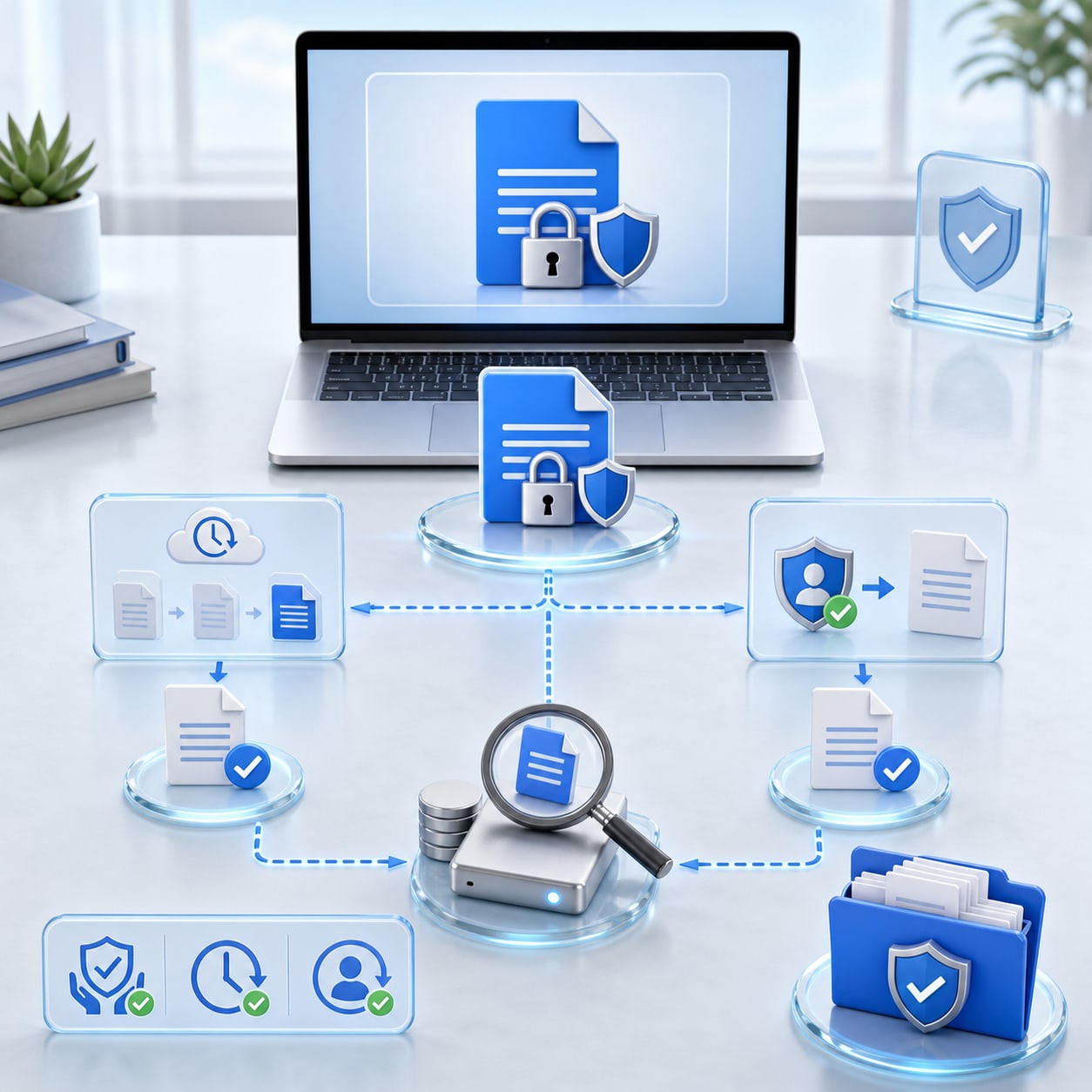

Can I Recover Deleted Word Documents? Safe Ways To Get DOCX Files Back
Read more →: Can I Recover Deleted Word Documents? Safe Ways To Get DOCX Files BackThis guide answers whether deleted Word documents can be recovered and shows Recycle Bin, AutoRecover, OneDrive, backup, temp, and scan options.


Can You Recover Deleted Emails? Gmail, Yahoo, Outlook, And Local Mail Steps
Read more →: Can You Recover Deleted Emails? Gmail, Yahoo, Outlook, And Local Mail StepsThis guide explains when deleted emails can be recovered from trash, server retention, local mail files, PST backups, and safe storage scans.


Application Unable To Start Correctly 0xc000007b: Fix The Error And Protect Files
Read more →: Application Unable To Start Correctly 0xc000007b: Fix The Error And Protect FilesThis guide explains how to fix 0xc000007b without risking files, when to repair runtimes, and how to recover project data after app errors.
AutoCAD Backup File Recovery: Find BAK, SV$, And DWG Copies
Read more →: AutoCAD Backup File Recovery: Find BAK, SV$, And DWG CopiesThis AutoCAD recovery guide shows where to find BAK, SV$, autosave, temp, backup, and deleted DWG files without overwriting recoverable drawings.

BitLocker Cracker Software? Safe Recovery Steps That Actually Work
Read more →: BitLocker Cracker Software? Safe Recovery Steps That Actually WorkThis guide explains why BitLocker cracker software is unsafe, then shows recovery key lookup, admin help, backups, and file recovery after lawful access returns.

Decode Encrypted Software Safely: Owner-Approved Recovery Steps
Read more →: Decode Encrypted Software Safely: Owner-Approved Recovery StepsThis guide explains how owners can decode encrypted software safely, avoid risky decoder tools, restore lawful access, and recover files from readable storage.

EaseUS Todo Backup Free Review: Backup Limits And Recovery Alternatives
Read more →: EaseUS Todo Backup Free Review: Backup Limits And Recovery AlternativesThis review explains what EaseUS Todo Backup Free can do, where backup tools stop, whether PhotoRec is safe, and when file recovery software is the better path.


How to Change GPT to MBR Without Losing Data
Read more →: How to Change GPT to MBR Without Losing DataChoose a GPT to MBR path only after checking firmware, disk role, backups, and the destructive limits of Windows tools.

Where To Find Recovery Key For BitLocker: Complete Owner Checklist
Read more →: Where To Find Recovery Key For BitLocker: Complete Owner ChecklistThis checklist explains where to find recovery key for BitLocker across Microsoft accounts, printed records, saved files, USB drives, password manager notes, Active Directory, Entra ID, Intune, and IT support. It also explains why recovery screens happen.




Copyright © 2025 PandaOffice. All Rights Reserved. The order process, tax issue, and invoicing to end users are conducted by PandaOffice Limited.