






Troubleshooting
This guide explains the meaning of troubleshooting and walks you through practical steps to identify, diagnose, and resolve common technical problems with ease.
TOP 4 Hot Articles
Top 4 hot articles will provide you reliable solutions to find crucial data with Drecov software.


Windows Stuck on Welcome? Diagnose the Sign-In Stage First
Separate a slow sign-in from a frozen profile, service, update, or storage fault. Use controlled account tests and protect local files before reset or reinstall.
Find a solution that suits your case
Here are file recovery guidelines for all types of files. Just choose the most suitable situation for you to retrieve your data
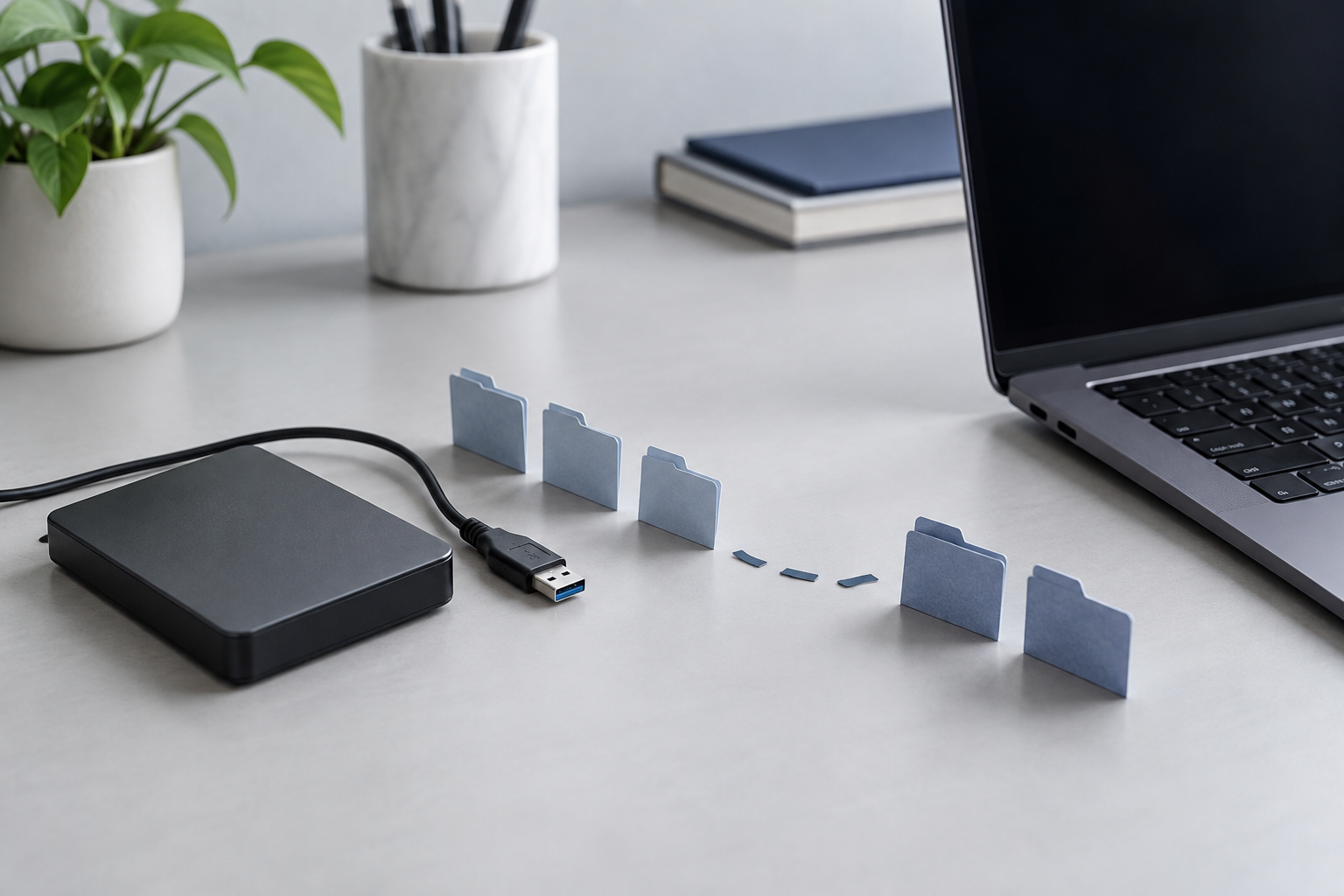
Location Is Not Available on External Drive: Recover Safely
Read more →: Location Is Not Available on External Drive: Recover SafelyDo not format or initialize the drive when Windows reports that the location is unavailable. Confirm the physical disk and capacity in Disk Management, test one cable and direct port, and copy any readable priority files before permissions or file-system repairs.
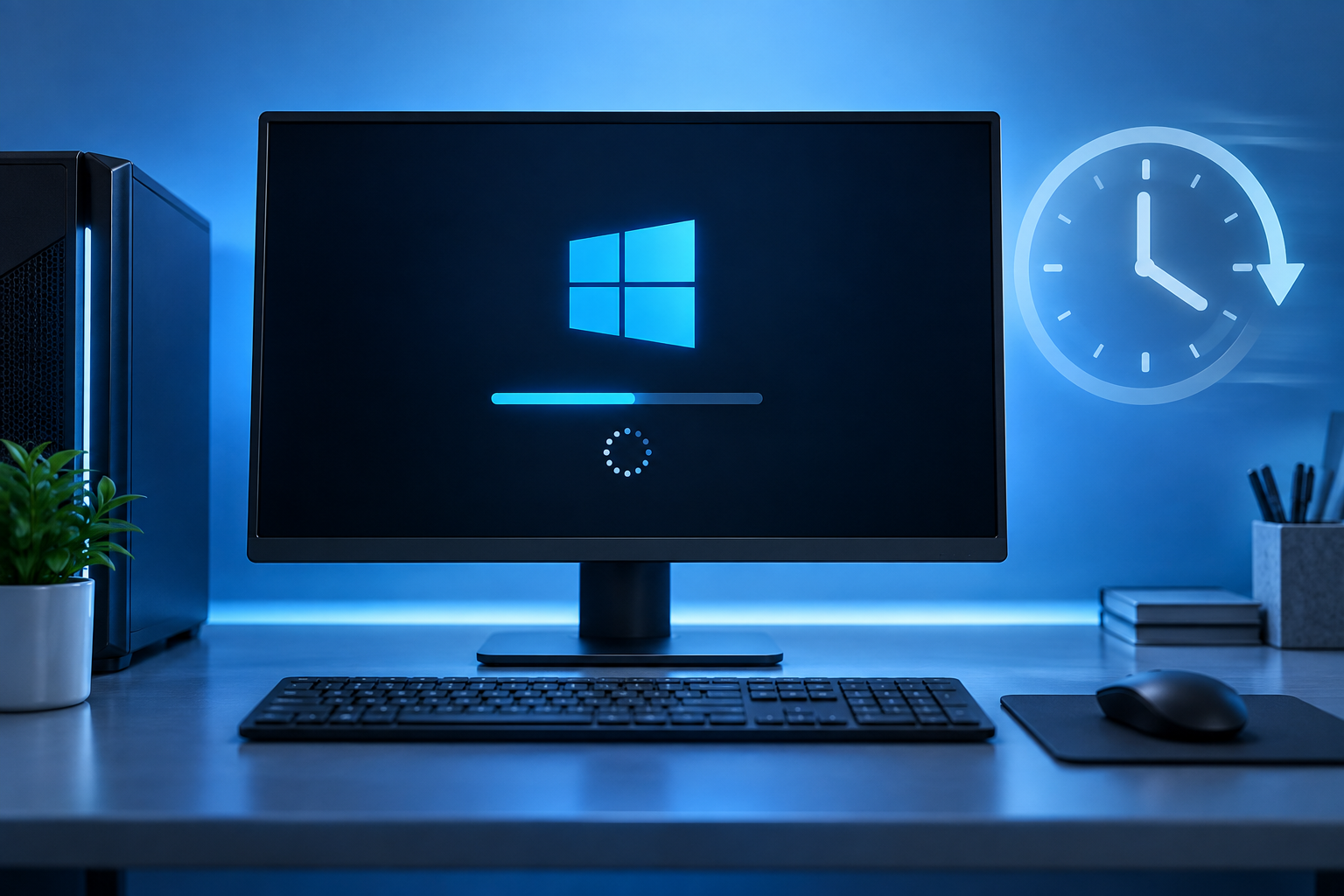
Windows 10 Suddenly Takes Forever to Startup? Find the Delay
Read more →: Windows 10 Suddenly Takes Forever to Startup? Find the DelaySeparate a newly slow Windows startup into firmware, sign-in, and desktop stages. Use that timeline to investigate recent changes, protect files, and confirm whether a targeted adjustment actually helps.


Toshiba No Screen Display: Find Where Startup Stops
Read more →: Toshiba No Screen Display: Find Where Startup StopsUse power lights, fan behavior, the Toshiba logo, external output, and Windows sounds to separate display failure from a boot, graphics, firmware, or storage problem.
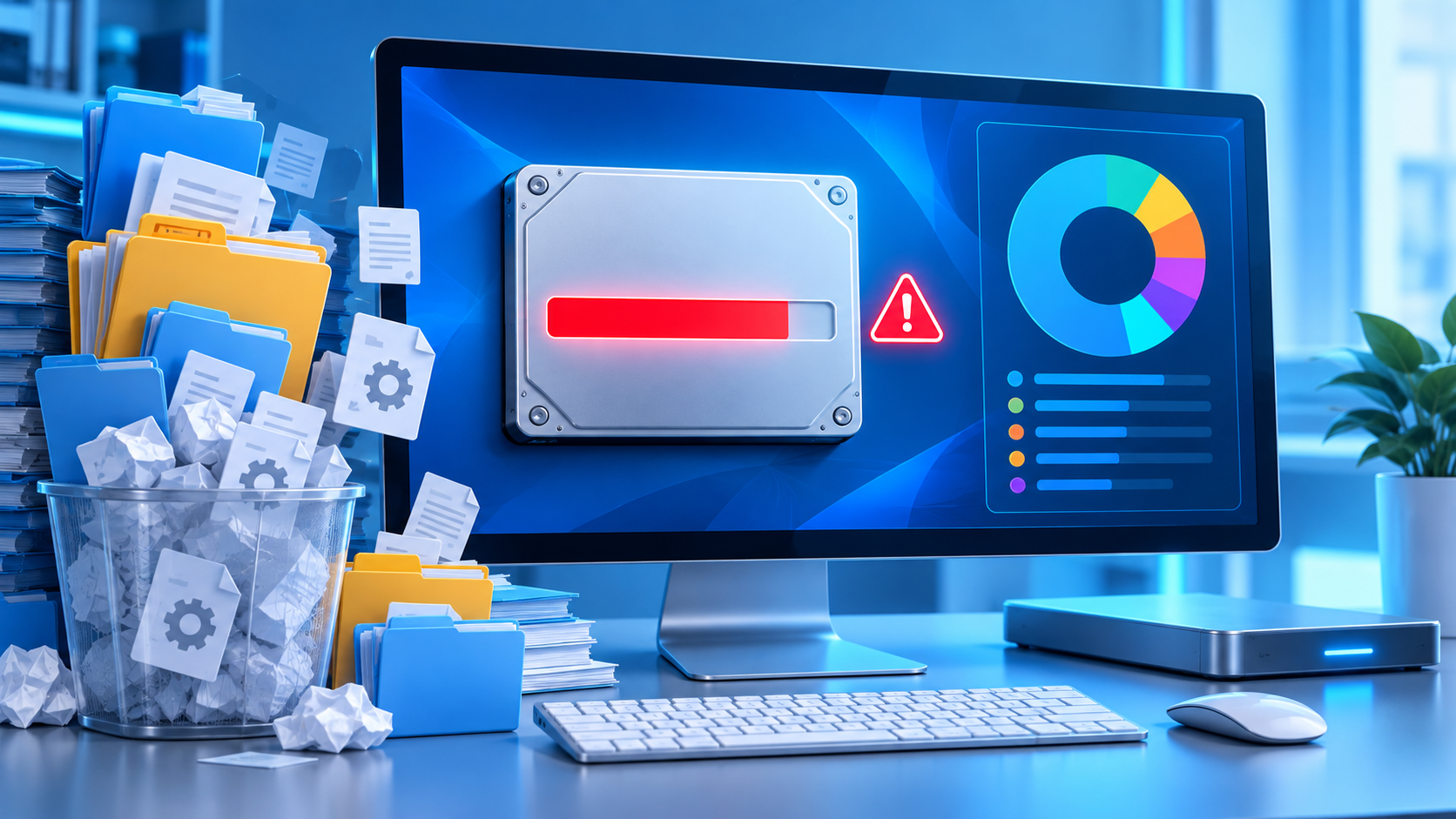
Why Is My C Drive Full? Find the Real Space Consumer
Read more →: Why Is My C Drive Full? Find the Real Space ConsumerTrace C: usage by category and time, distinguish legitimate system growth from personal files or errors, and remove only items whose purpose and value you understand.
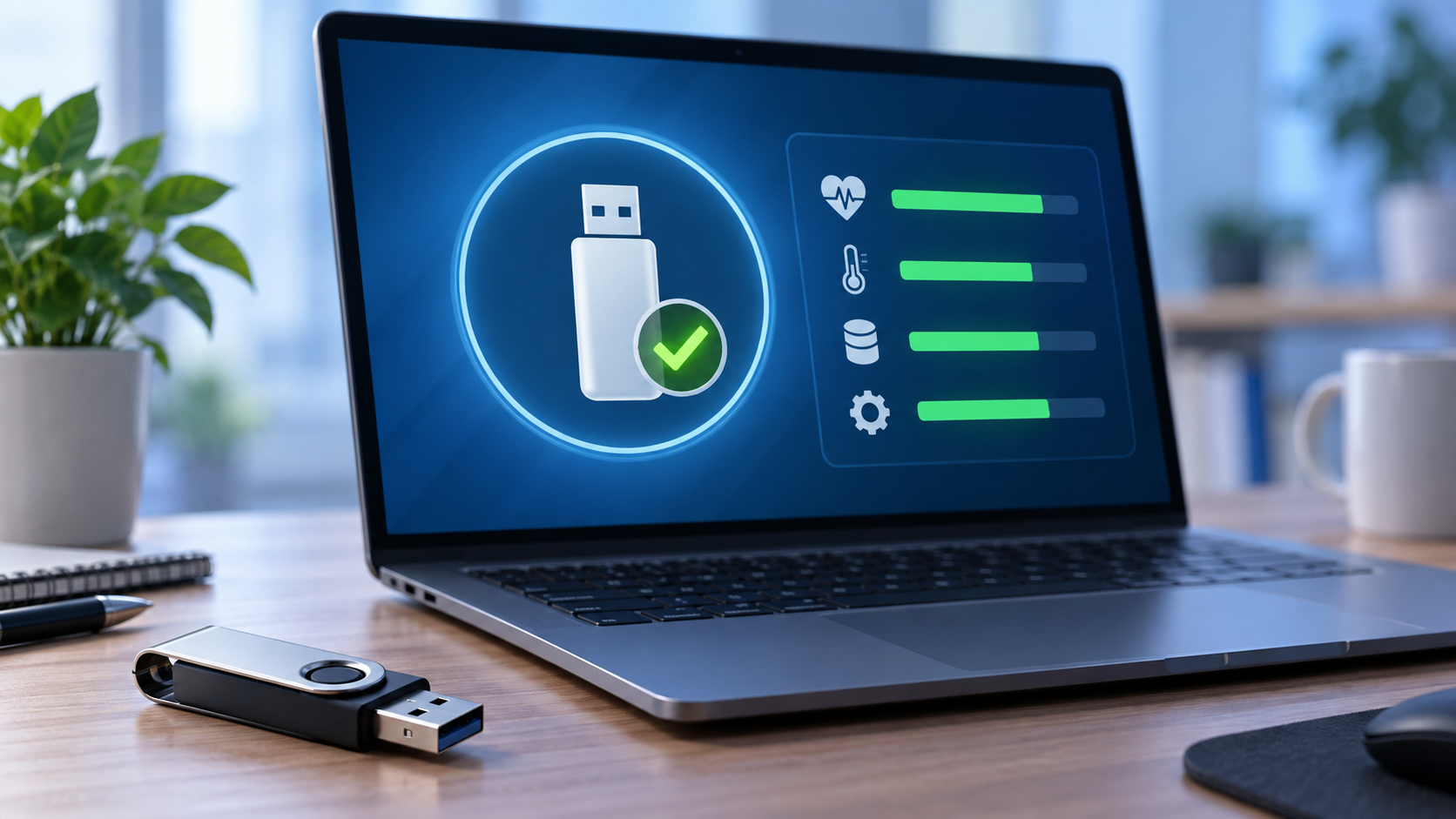
Check Pendrive Health Without Putting Your Files at Risk
Read more →: Check Pendrive Health Without Putting Your Files at RiskA readable USB drive is not necessarily reliable. Learn what connection checks, filesystem reports, and copied files can establish, when recovery comes first, and which warning signs justify retiring the device.
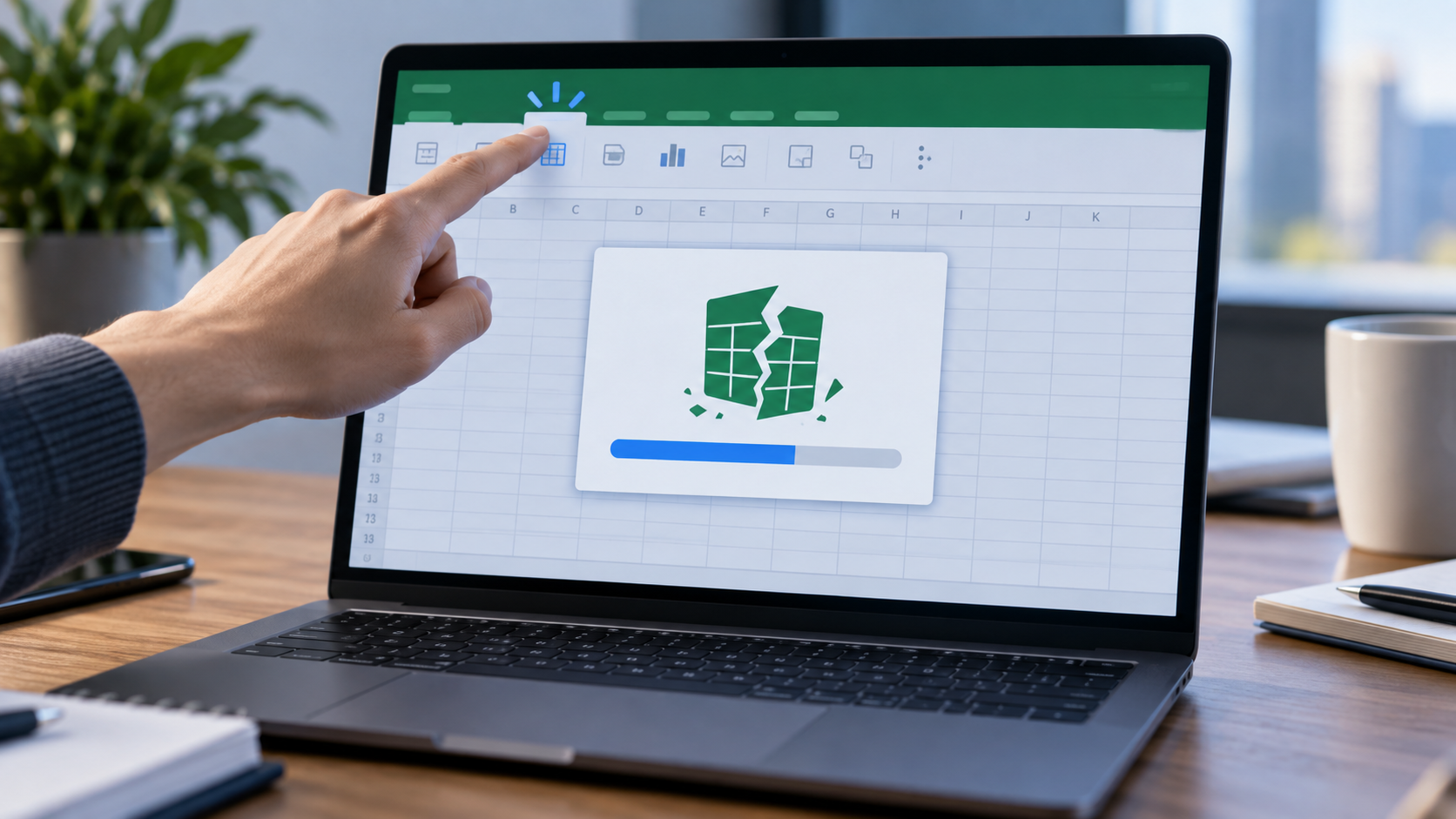
Excel Crashes When Clicking Insert Tab? Isolate the Trigger
Read more →: Excel Crashes When Clicking Insert Tab? Isolate the TriggerSeparate a crash on opening the Insert ribbon from a failure during insertion. Compare workbook copies and safe mode, preserve recoverable versions, and recover genuinely missing saved files before further changes.

GPT Protected Partition: Recover Files Before Changing the Disk
Read more →: GPT Protected Partition: Recover Files Before Changing the DiskThe protective label does not identify a single fault. Learn how disk history, capacity, and connection changes guide diagnosis, when file recovery fits, and why rebuilding must wait until data is verified elsewhere.
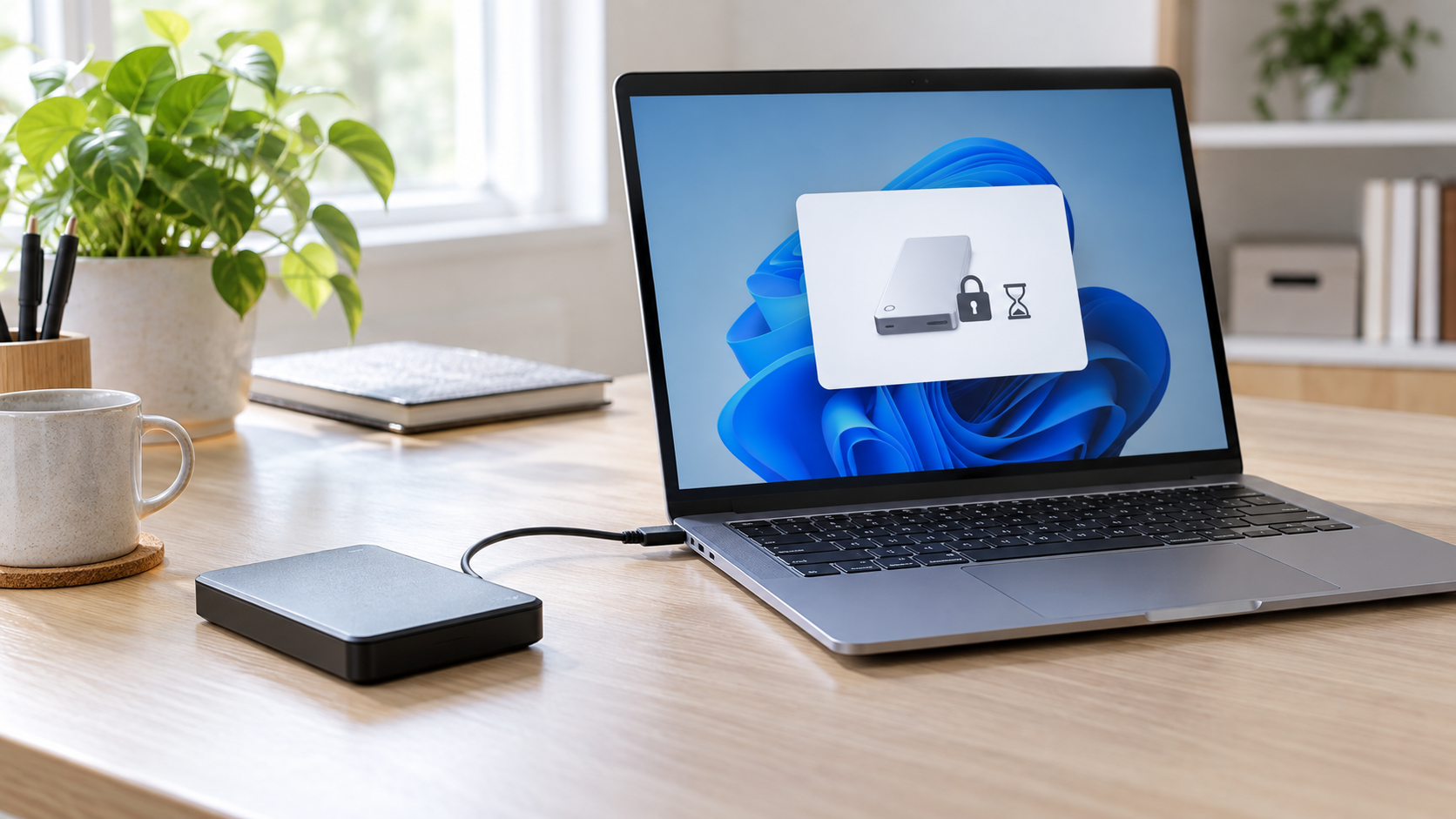
External Hard Drive Wonʼt Eject: Safe Steps Before Unplugging
Read more →: External Hard Drive Wonʼt Eject: Safe Steps Before UnpluggingClose programs using the drive, pause synchronization and antivirus scans, then use the system eject command again. Check Task Manager or Resource Monitor for open handles. If activity continues, shut down the computer before unplugging rather than forcing removal during writes.
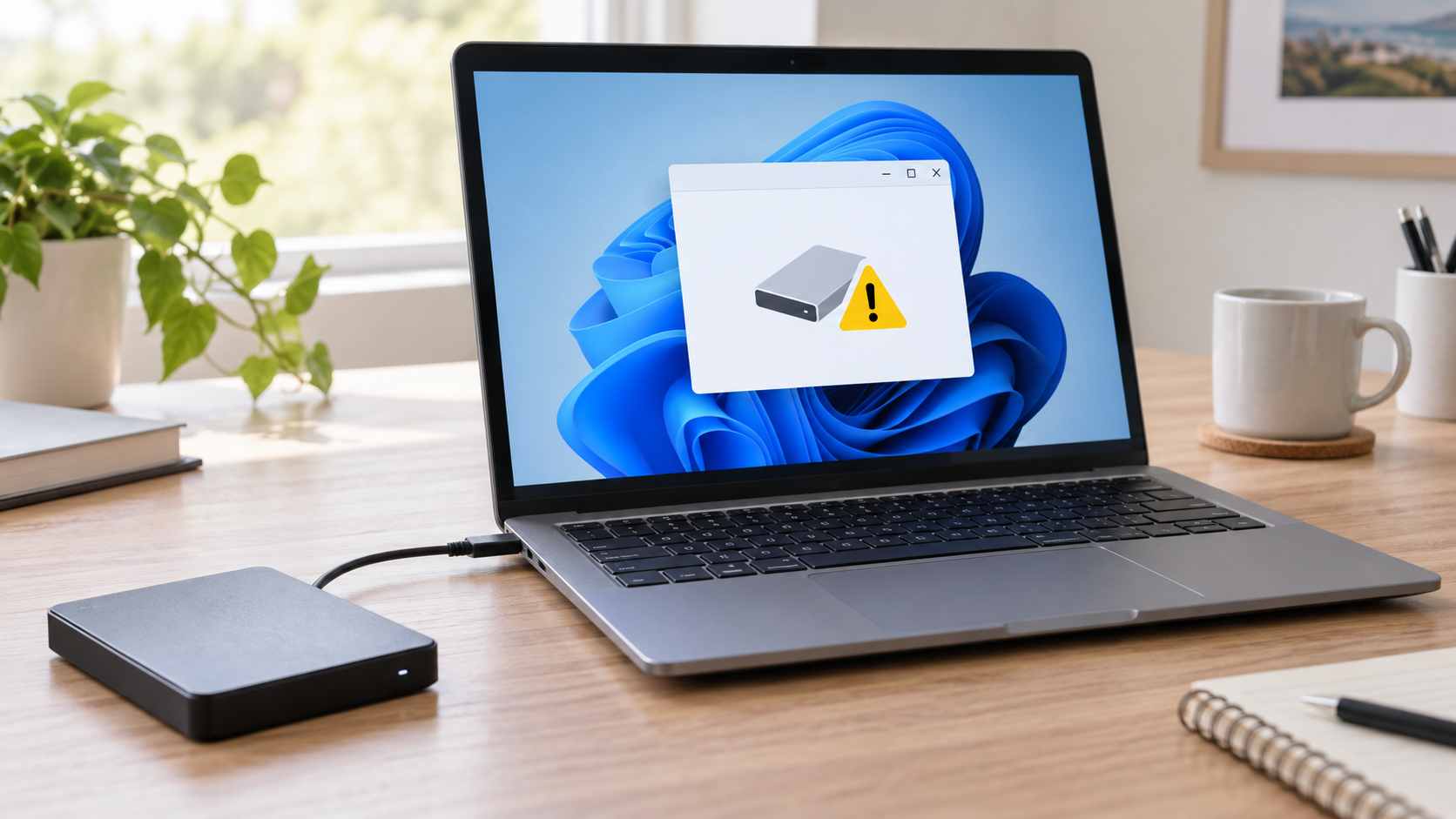
I/O Device Error on External Drive: Recover Before Repair
Read more →: I/O Device Error on External Drive: Recover Before RepairAn I/O device error can come from the cable, enclosure, unstable power, bad sectors, or failing hardware. Stop repair commands and repeated full scans. Test one known-good cable and direct port, copy readable priority files first, and save recovery output to another physical disk.
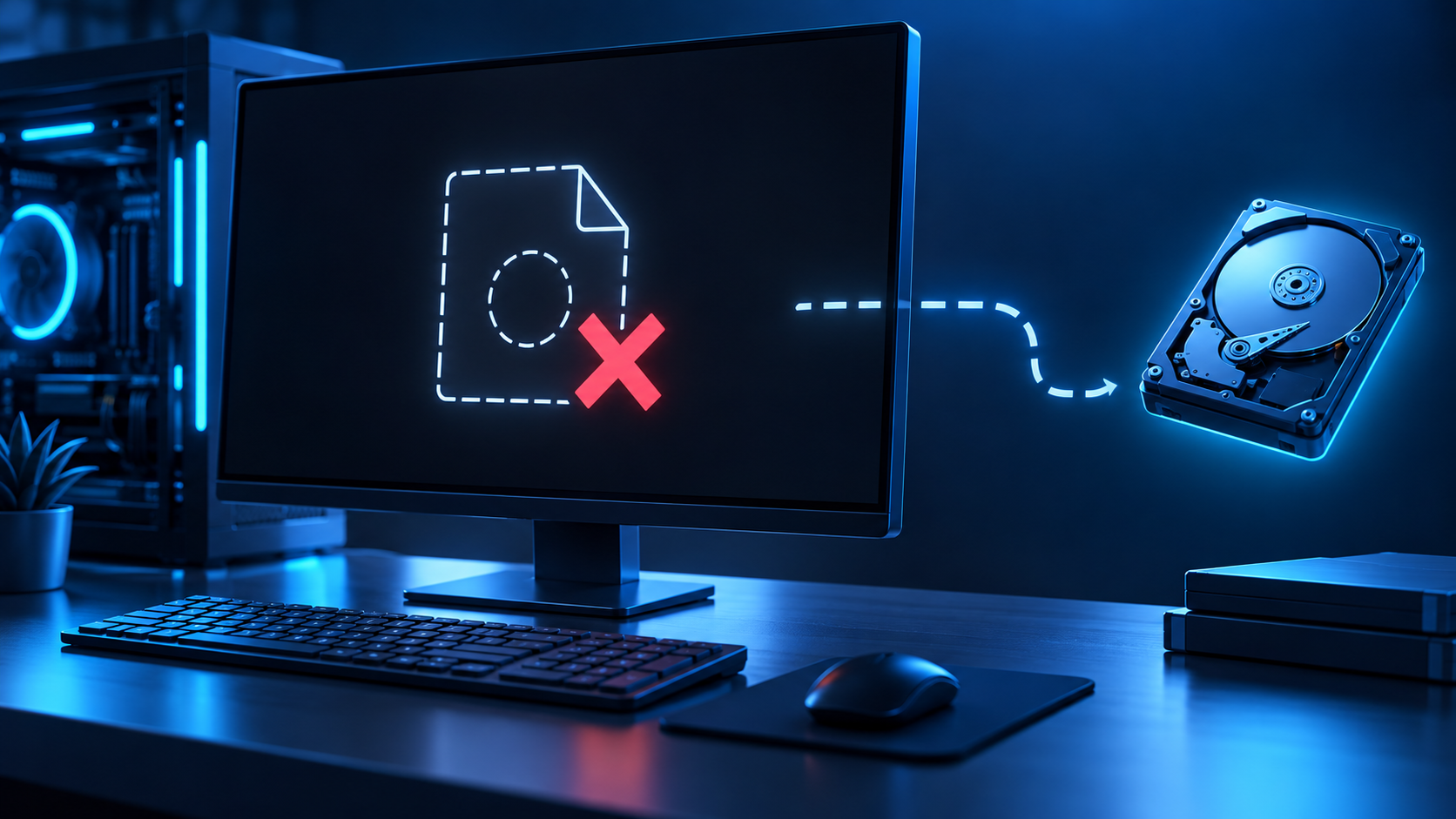
Operating System Not Found: Check the Disk Before Repair
Read more →: Operating System Not Found: Check the Disk Before RepairUse firmware detection and disk stability to decide whether the error comes from boot order, boot files, partition layout, encryption, or a failing system drive.




Copyright © 2025 PandaOffice. All Rights Reserved. The order process, tax issue, and invoicing to end users are conducted by PandaOffice Limited.