






Troubleshooting
This guide explains the meaning of troubleshooting and walks you through practical steps to identify, diagnose, and resolve common technical problems with ease.
TOP 4 Hot Articles
Top 4 hot articles will provide you reliable solutions to find crucial data with Drecov software.


Windows Stuck on Welcome? Diagnose the Sign-In Stage First
Separate a slow sign-in from a frozen profile, service, update, or storage fault. Use controlled account tests and protect local files before reset or reinstall.
Find a solution that suits your case
Here are file recovery guidelines for all types of files. Just choose the most suitable situation for you to retrieve your data
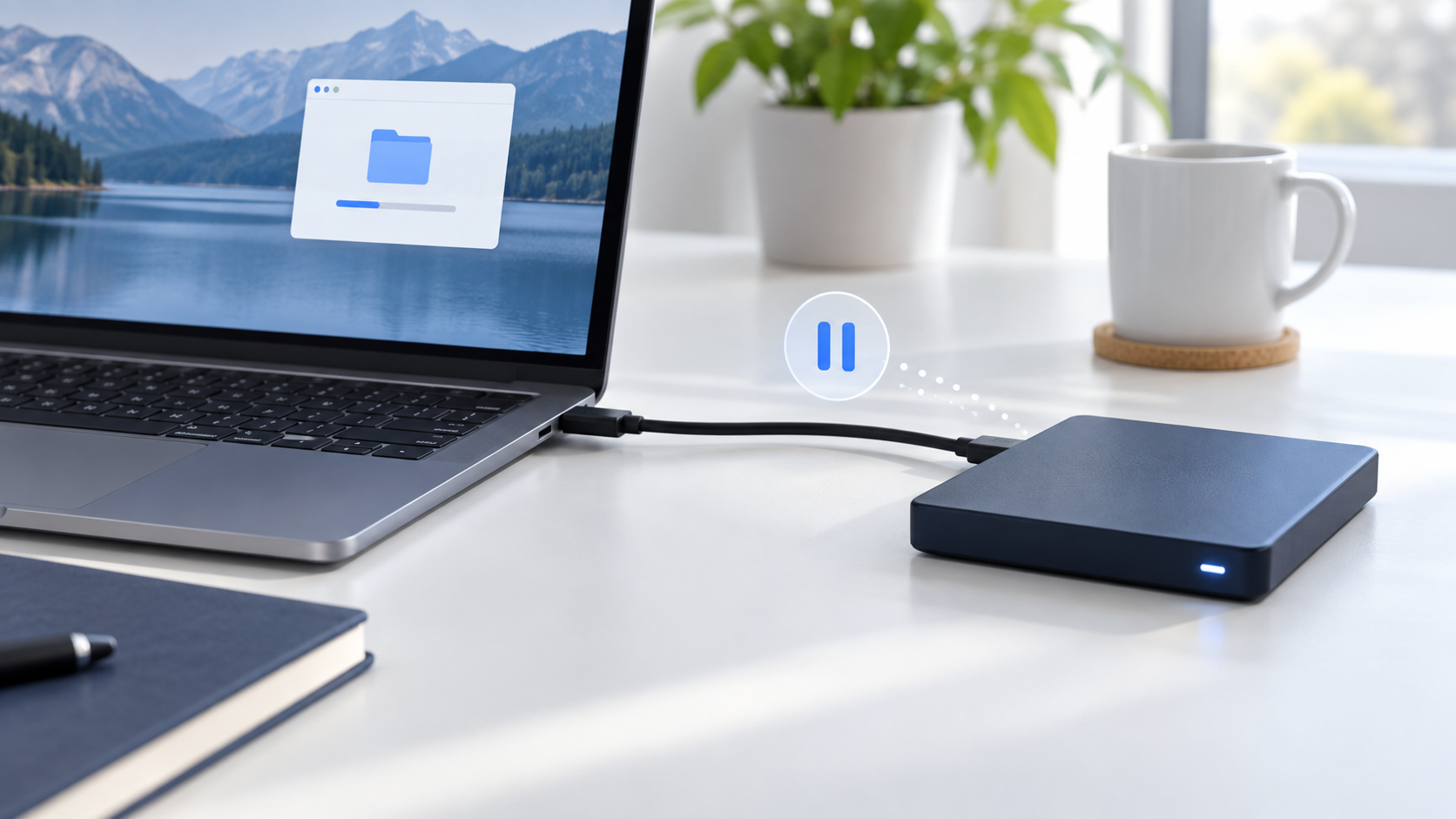

External Drive Says Device Is Currently in Use: Eject Safely
Read more →: External Drive Says Device Is Currently in Use: Eject SafelyDo not unplug a drive that Windows says is in use. Finish transfers, close files and Explorer windows, pause sync and indexing, check Task Manager or Resource Monitor for open handles, then eject again. Shut down fully if the drive still cannot be released.

Why Is My Right Click Not Working? Narrow the Failure
Read more →: Why Is My Right Click Not Working? Narrow the FailureCompare another device, application, and Windows account to determine whether the failed right click belongs to hardware, settings, drivers, or shell extensions. The article includes practical verification and stopping points.

White Light on PS4: Read the Pattern Before Resetting
Read more →: White Light on PS4: Read the Pattern Before ResettingA steady white light and a persistent blinking white light mean different things. Check display, cables, Safe Mode, and shutdown behavior before reset or reinstallation. The article includes practical verification and stopping points.

Why Is My YouTube So Laggy? Find the Real Bottleneck
Read more →: Why Is My YouTube So Laggy? Find the Real BottleneckUse playback statistics and controlled comparisons to tell buffering from dropped frames, browser trouble, or limited hardware before changing unrelated Windows settings. The article includes practical verification and stopping points.

VLC Player No Audio? Isolate the Track, Output, or File
Read more →: VLC Player No Audio? Isolate the Track, Output, or FileUse a known-good file and a second player to determine whether silence belongs to VLC, Windows audio routing, a missing track, or damaged media. The article also defines verification and safe stopping points.
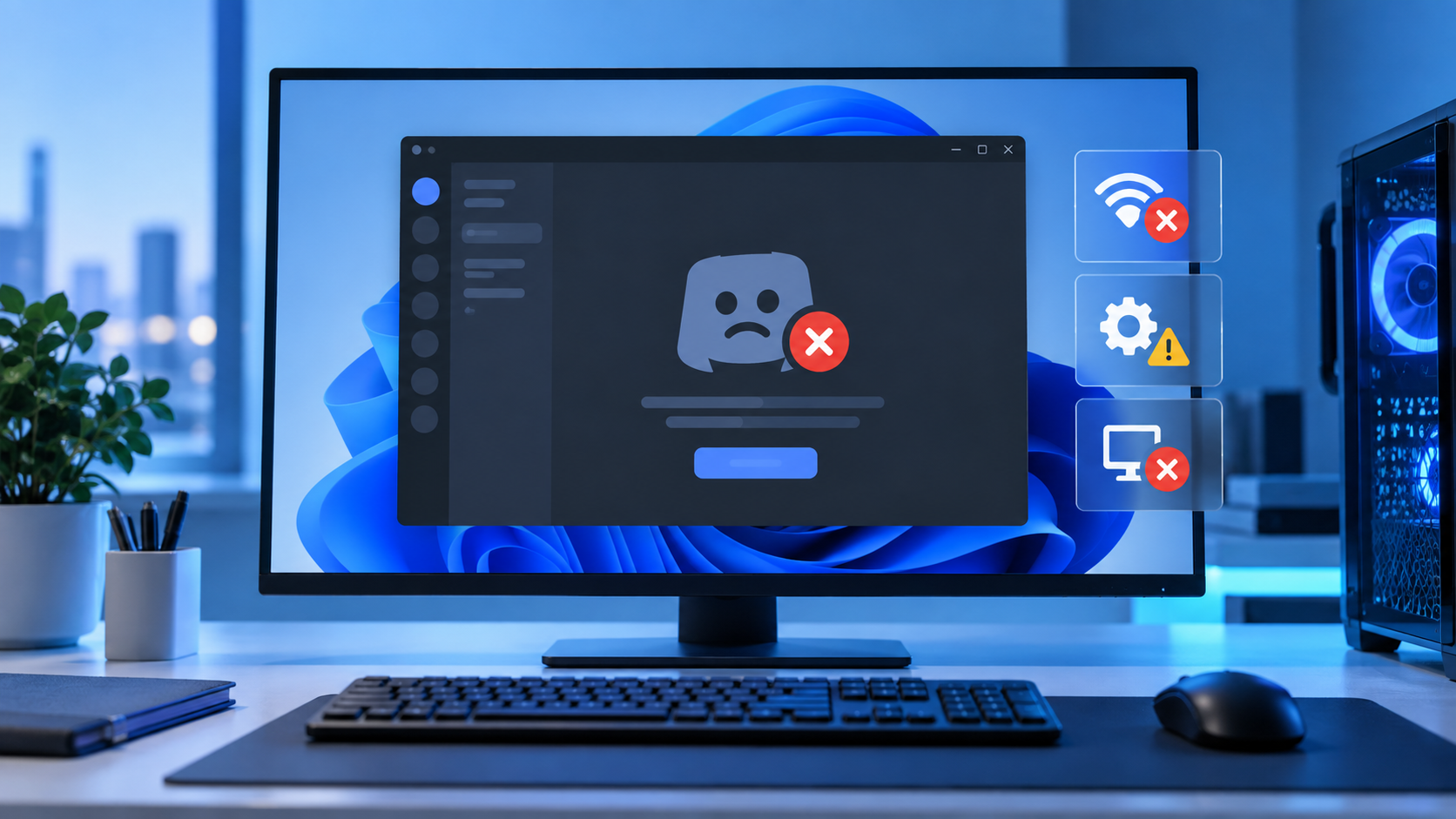
Why Is My Discord Not Opening? Diagnose the Launch Stage
Read more →: Why Is My Discord Not Opening? Diagnose the Launch StageUse the last visible launch stage to choose a targeted Discord fix instead of deleting every application folder or changing unrelated Windows settings. The article also defines verification and safe stopping points.

DWM.exe Desktop Window Manager: Read High Usage Correctly
Read more →: DWM.exe Desktop Window Manager: Read High Usage CorrectlyDWM.exe composes the Windows desktop. Measure when its resource use rises, isolate display and application triggers, and avoid unsafe attempts to remove a core process. The article also defines verification and safe stopping points.

External Drive Is Read-Only on Mac: Safe Fixes and Recovery
Read more →: External Drive Is Read-Only on Mac: Safe Fixes and RecoveryA Mac drive can become read-only because of NTFS format, permissions, file-system errors, or failing hardware. Copy readable files first, identify the file system in Disk Utility, and avoid reformatting until recovery is complete. Test repairs only on a verified backup or clone.

Run Time Error 1004? Preserve Excel and Trace the Failing Action
Read more →: Run Time Error 1004? Preserve Excel and Trace the Failing ActionProtect the live workbook, capture the complete Excel 1004 message, compare manual and macro actions, and repair only the failing path, object, or workbook copy without guessing.

This Folder Is Empty After Extraction? Trace the Archive Output
Read more →: This Folder Is Empty After Extraction? Trace the Archive OutputTrace the archive, selected destination, nested folders, hidden output, quarantine records, and extraction errors before treating the contents as deleted or starting file recovery unnecessarily.




Copyright © 2025 PandaOffice. All Rights Reserved. The order process, tax issue, and invoicing to end users are conducted by PandaOffice Limited.