






Troubleshooting
This guide explains the meaning of troubleshooting and walks you through practical steps to identify, diagnose, and resolve common technical problems with ease.
TOP 4 Hot Articles
Top 4 hot articles will provide you reliable solutions to find crucial data with Drecov software.


Windows Stuck on Welcome? Diagnose the Sign-In Stage First
Separate a slow sign-in from a frozen profile, service, update, or storage fault. Use controlled account tests and protect local files before reset or reinstall.
Find a solution that suits your case
Here are file recovery guidelines for all types of files. Just choose the most suitable situation for you to retrieve your data


Google Photos Not Backing Up? Trace the Missing Uploads
Read more →: Google Photos Not Backing Up? Trace the Missing UploadsConfirm the active Google account and local original before changing settings. Then check backup status, quota, permissions, network restrictions and selected folders. The article also defines safe stopping points and a practical verification test.
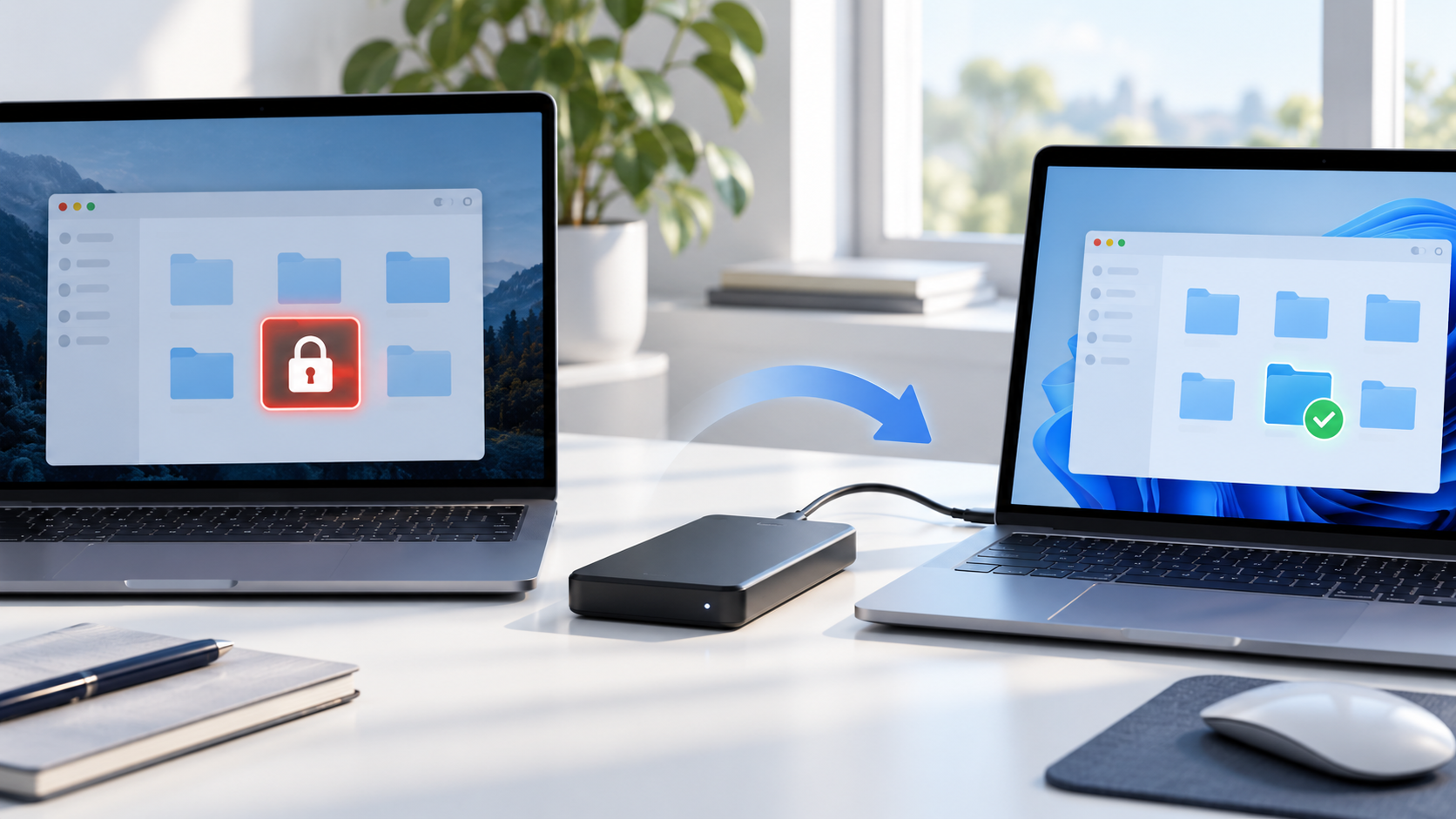
External Drive Access Denied After Moving to Another PC
Read more →: External Drive Access Denied After Moving to Another PCDo not take ownership or rewrite permissions on the only copy yet. Reconnect the drive to the original PC, verify the current account, BitLocker or EFS status, copy readable files first, and recover inaccessible data to another disk before changing metadata.

Steam Game Won’t Launch? Trace the Failure Without Losing Saves
Read more →: Steam Game Won’t Launch? Trace the Failure Without Losing SavesA Steam launch failure may belong to one game, Steam, Windows, a runtime, security software, graphics, or storage. Preserve local saves, change one layer at a time, and use recovery software only for truly deleted local files.
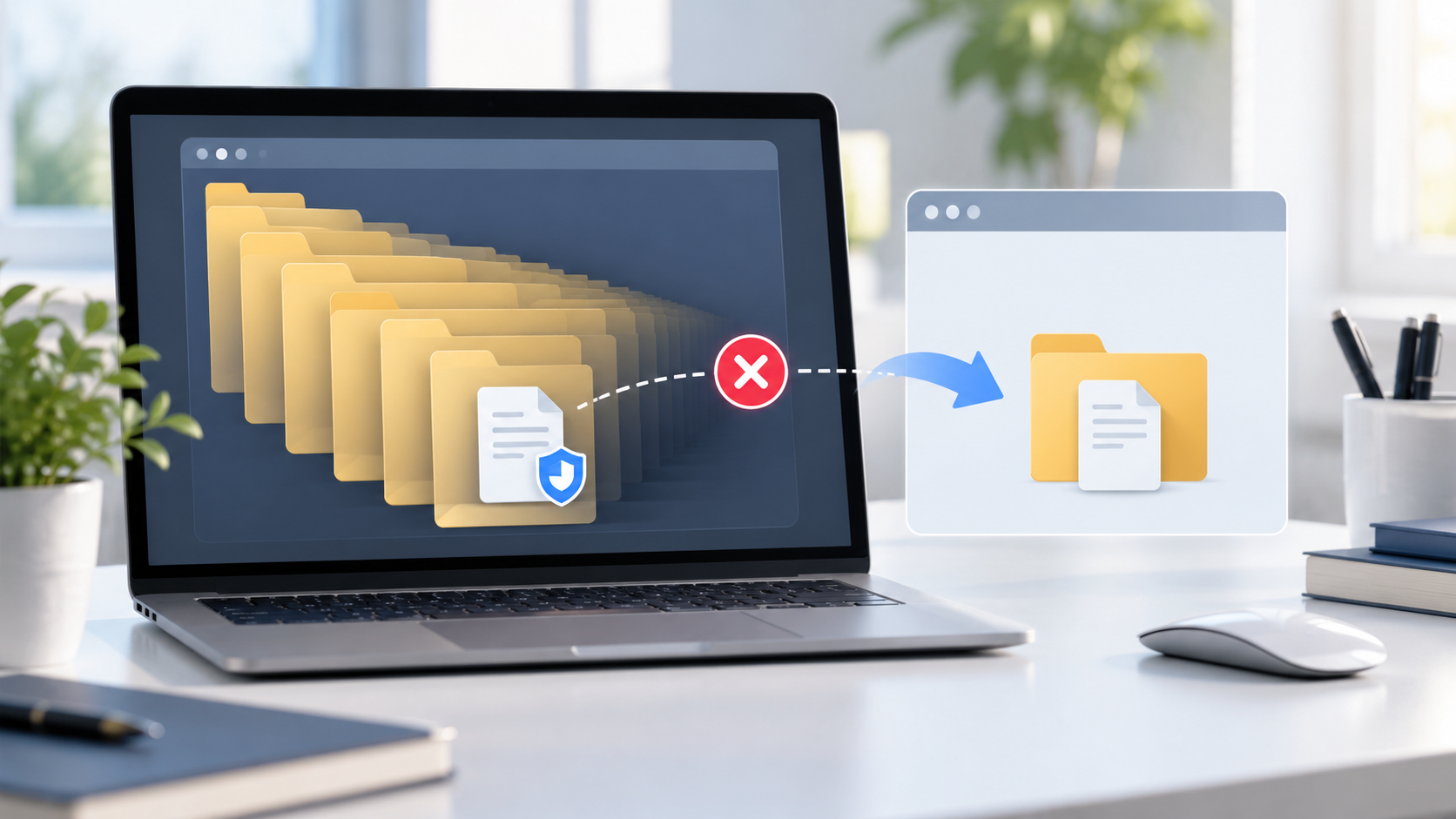
File Path Too Long to Copy: Preserve and Move Files Safely
Read more →: File Path Too Long to Copy: Preserve and Move Files SafelyDo not delete or rename the only copy while solving a path-too-long error. Copy the highest parent folder to a short destination, enable long paths only when supported, use a trusted command-line copy tool, and verify file counts and hashes before removing the source.
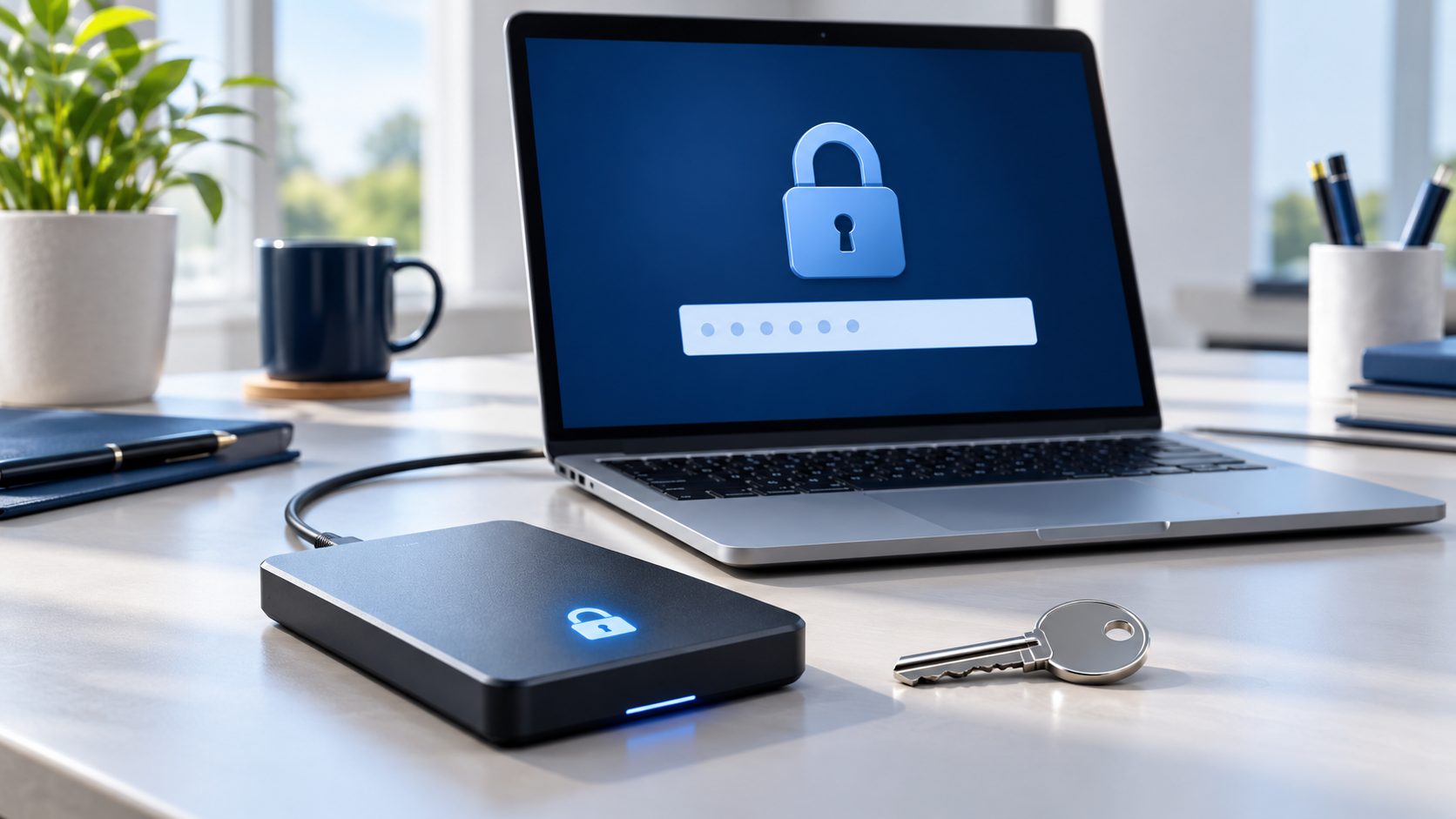
BitLocker Drive Asks for a Recovery Key: Safe Access Steps
Read more →: BitLocker Drive Asks for a Recovery Key: Safe Access StepsA BitLocker recovery prompt does not mean the files are deleted. Do not format the drive or clear TPM data. Record the recovery-key ID, check the correct Microsoft or organization account, printouts and backups, unlock once with the matching key, then copy important files elsewhere.

PC Won’t Shut Down? Find What Is Blocking Power-Off
Read more →: PC Won’t Shut Down? Find What Is Blocking Power-OffIdentify the exact point where shutdown stops, protect open work, and test one cause at a time. This guide separates app, update, driver, firmware, and power problems without jumping straight to a reset.

PS4 Checking System Storage Status: Save Data Before Repair
Read more →: PS4 Checking System Storage Status: Save Data Before RepairA PS4 may check system storage after interrupted power or storage inconsistency. Let one check finish, protect accessible cloud or USB saves, use Safe Mode conservatively, and treat repeated loops, freezes, or drive noises as reasons to stop before destructive initialization.

Recovery Server Could Not Be Contacted? Fix the Mac Path
Read more →: Recovery Server Could Not Be Contacted? Fix the Mac PathThe message usually concerns access to Apple installation services, not proof that personal files are gone. Diagnose the clock, network, Recovery path, and installer before erasing the startup disk.
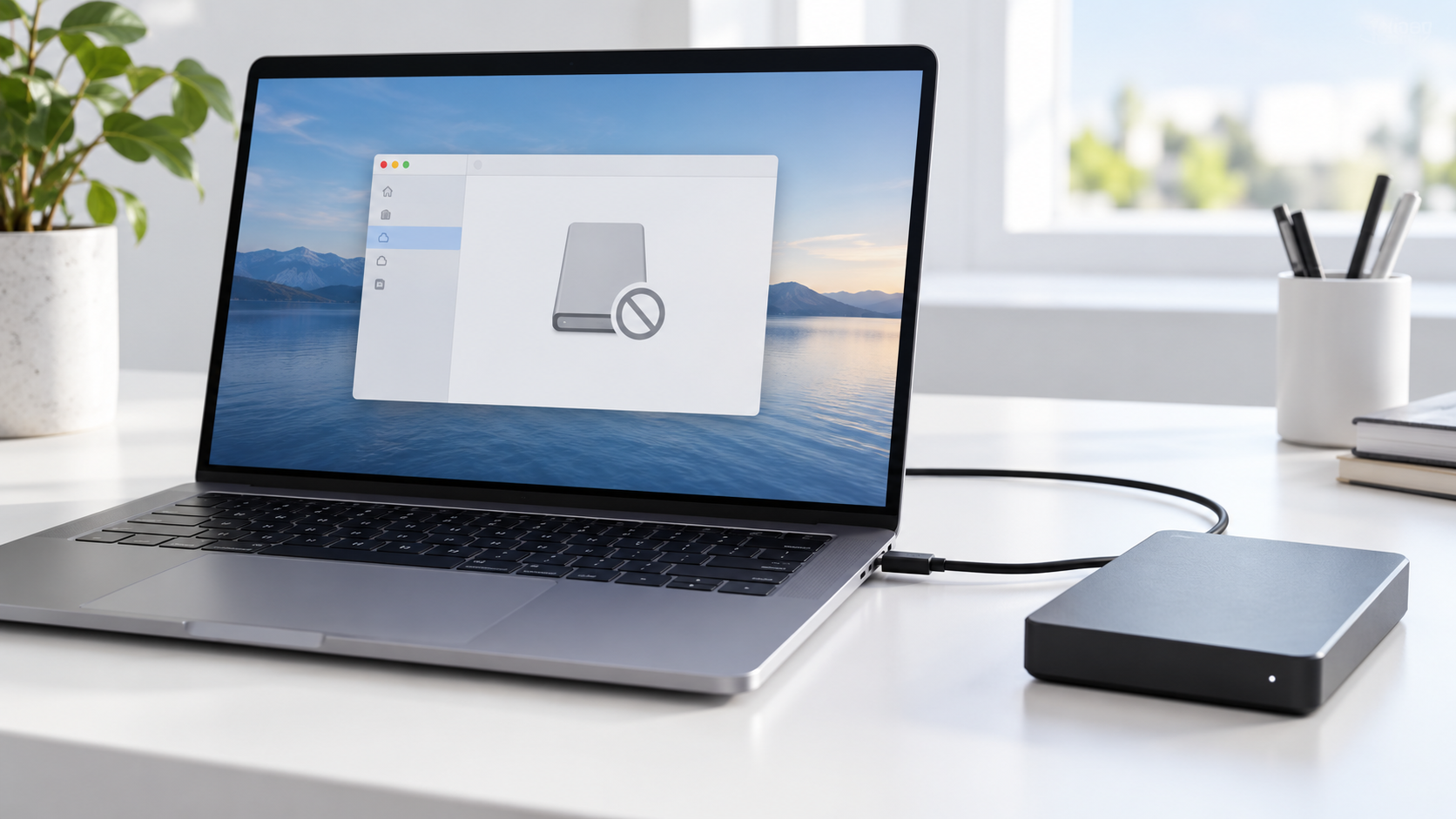
External Drive Not Mounting on Mac: Recover Before Repair
Read more →: External Drive Not Mounting on Mac: Recover Before RepairIf an external drive appears in Disk Utility but will not mount, do not erase or repartition it. Note its physical size and file system, try one cable and port, copy readable data, create an image when errors repeat, and run First Aid only after recovery.
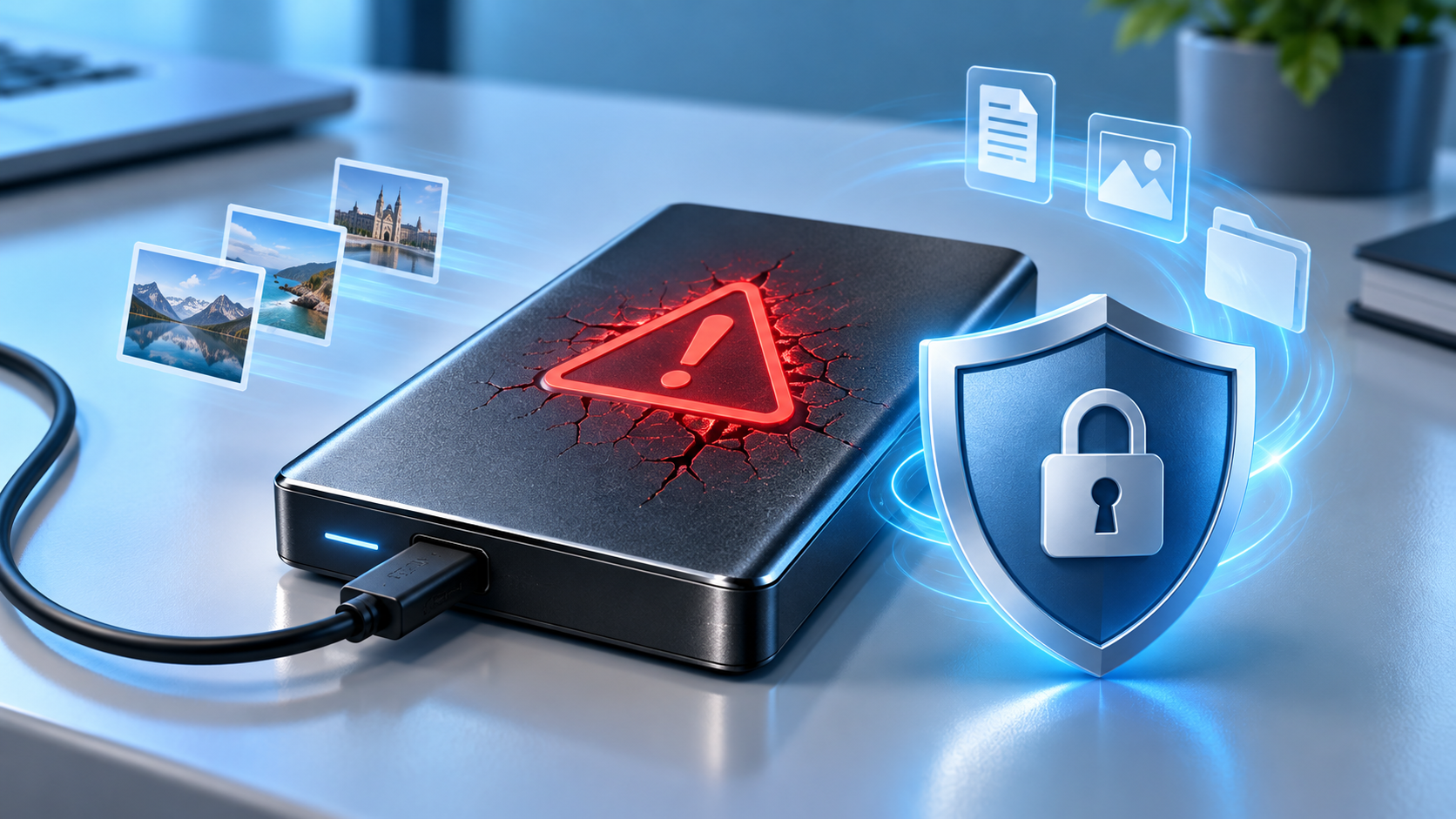
Request Failed: Fatal Device Hardware Error—Protect the Drive
Read more →: Request Failed: Fatal Device Hardware Error—Protect the DriveA fatal device hardware error may come from a cable, enclosure, controller, file system, or failing medium. This guide uses observable symptoms to choose between a controlled test, recovery from stable storage, imaging, and professional help.




Copyright © 2025 PandaOffice. All Rights Reserved. The order process, tax issue, and invoicing to end users are conducted by PandaOffice Limited.