






Drecov Knowledge
Drecov Knowledge provides practical solutions for common data recovery issues, including deleted files, lost photos, damaged drives, and software usage guides to help users recover important data.
TOP 4 Hot Articles
Top 4 hot articles will provide you reliable solutions to find crucial data with Drecov software.

“There Isn’t Enough Memory to Complete This Action” in Excel?
Protect unsaved work, distinguish a workbook-specific limit from add-ins or system pressure, simplify the failing operation, and recover missing workbook copies safely only when genuinely necessary.
Find a solution that suits your case
Here are file recovery guidelines for all types of files. Just choose the most suitable situation for you to retrieve your data

How Much Space Does Windows 11 Take Beyond the Minimum?
Read more →: How Much Space Does Windows 11 Take Beyond the Minimum?Windows 11 needs more than its published minimum because updates, recovery files, paging, hibernation, apps and personal data expand the working footprint. The article also defines safe stopping points and a practical verification test.
Back Up Chrome Bookmarks So Sync Is Not Your Only Copy
Read more →: Back Up Chrome Bookmarks So Sync Is Not Your Only CopyExport bookmarks from the intended Chrome profile, open the HTML backup to verify it, and store it outside the profile. Treat Sync as convenience, not the only copy. The article also defines safe stopping points and a practical verification test.
How to Know Your RAM Memory in Windows Without Guessing
Read more →: How to Know Your RAM Memory in Windows Without GuessingWindows offers quick totals and deeper module information, but each screen answers a different question. Use Settings, Task Manager, System Information, PowerShell, firmware, and model documentation in the right order.
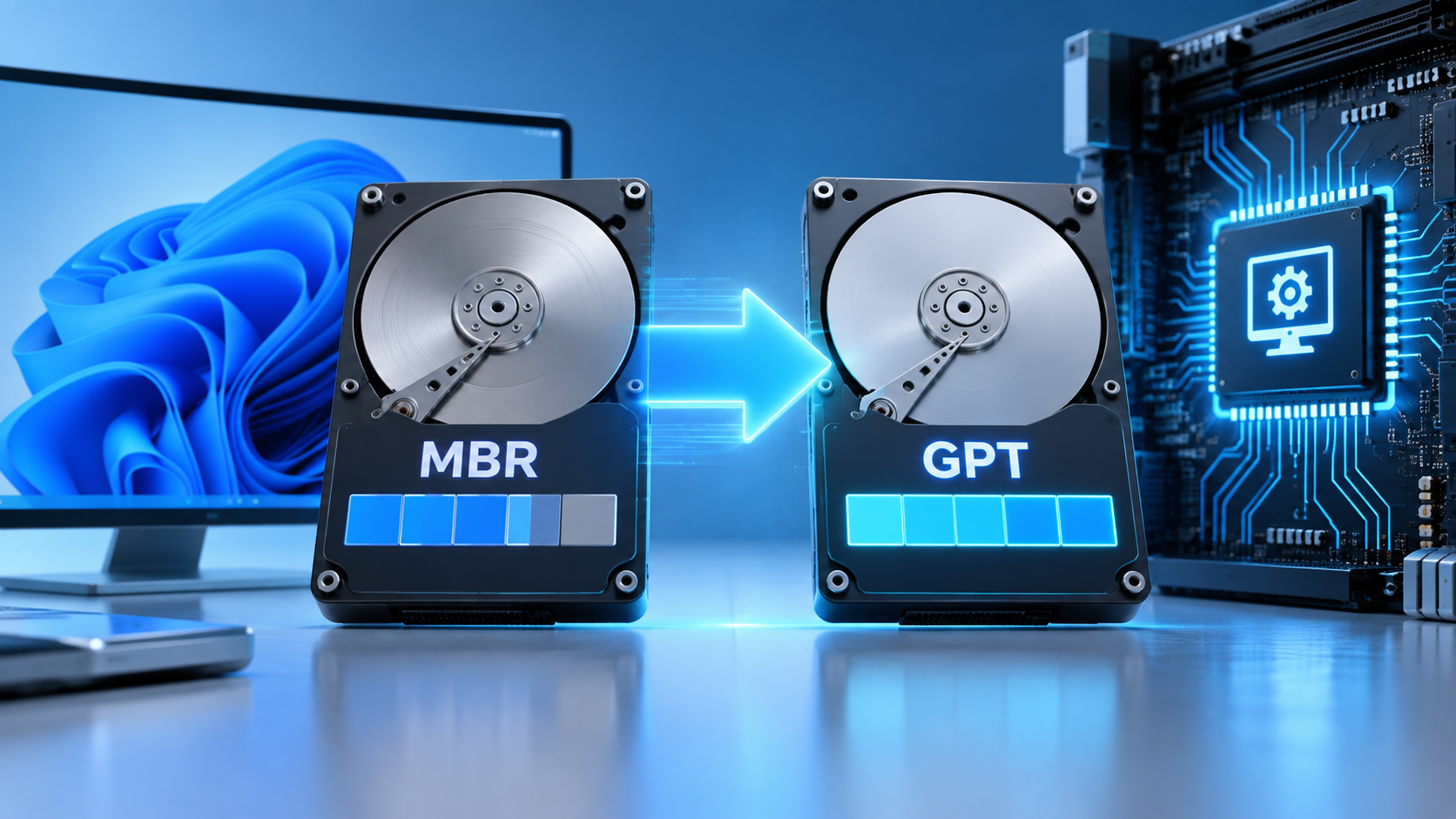
MBR2GPT.exe: Protect Data Before Converting the Boot Disk
Read more →: MBR2GPT.exe: Protect Data Before Converting the Boot DiskMBR2GPT.exe changes a supported Windows system disk from MBR to GPT without deleting its data by design, but it still rewrites boot and partition metadata. Put backups, recovery, validation, log review, UEFI preparation, and post-conversion checks in the correct order.
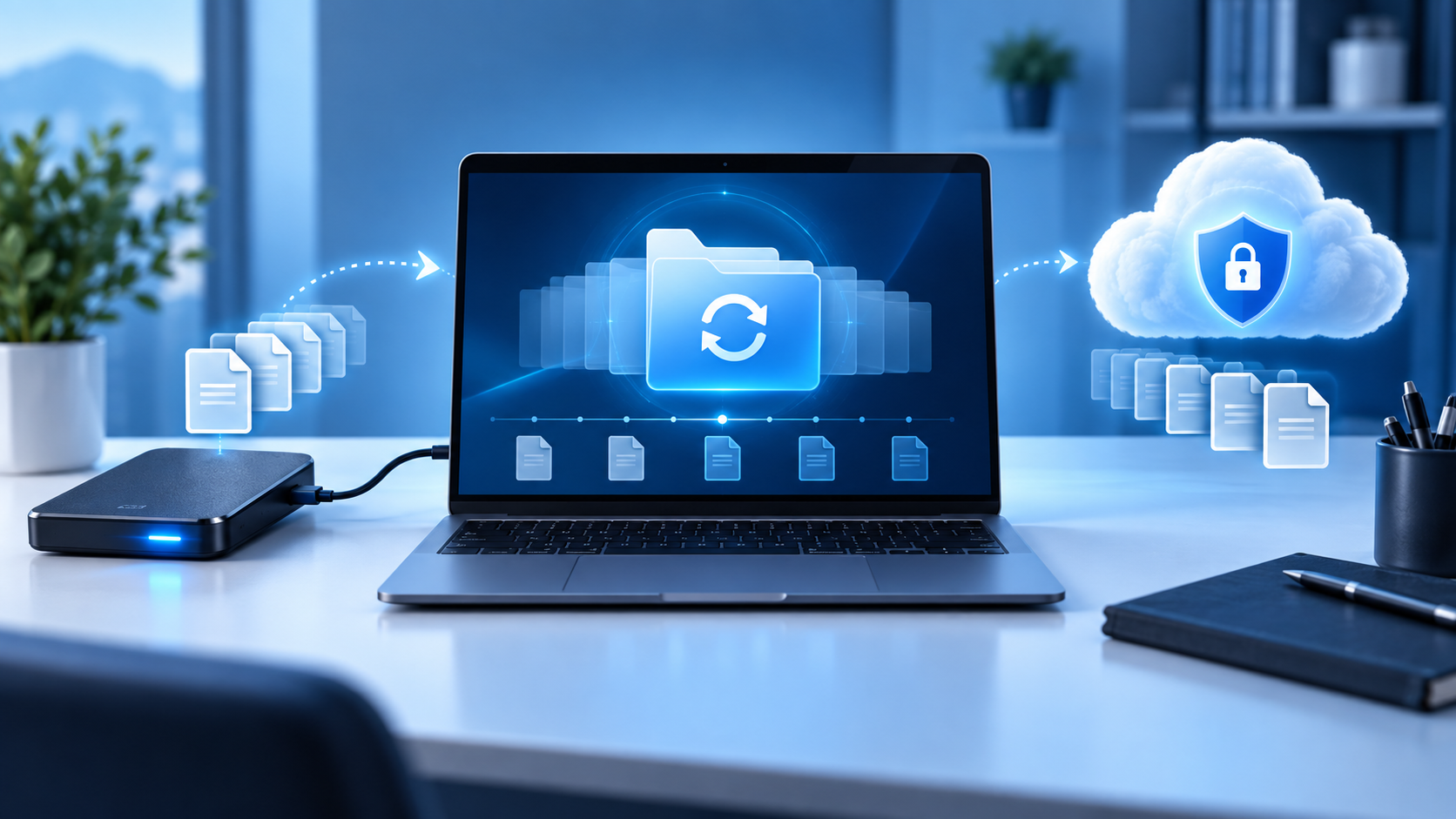
Best Backup Program: Choose by Restore, Not Feature Count
Read more →: Best Backup Program: Choose by Restore, Not Feature CountThe right backup software depends on what must be restored, how quickly, and after which failure. Compare file history, cloud protection, disk imaging, cloning, encryption, retention, and restore testing before choosing.

Disk Drill Alternatives: Choose by Failure, Platform, and Control
Read more →: Disk Drill Alternatives: Choose by Failure, Platform, and ControlThis documented comparison matches Drecov, R-Studio, TestDisk and PhotoRec-style workflows to user conditions without invented benchmarks, prices, ratings, or recovery rates. It separates ordinary Windows recovery from advanced imaging, RAID, and specialist cases.
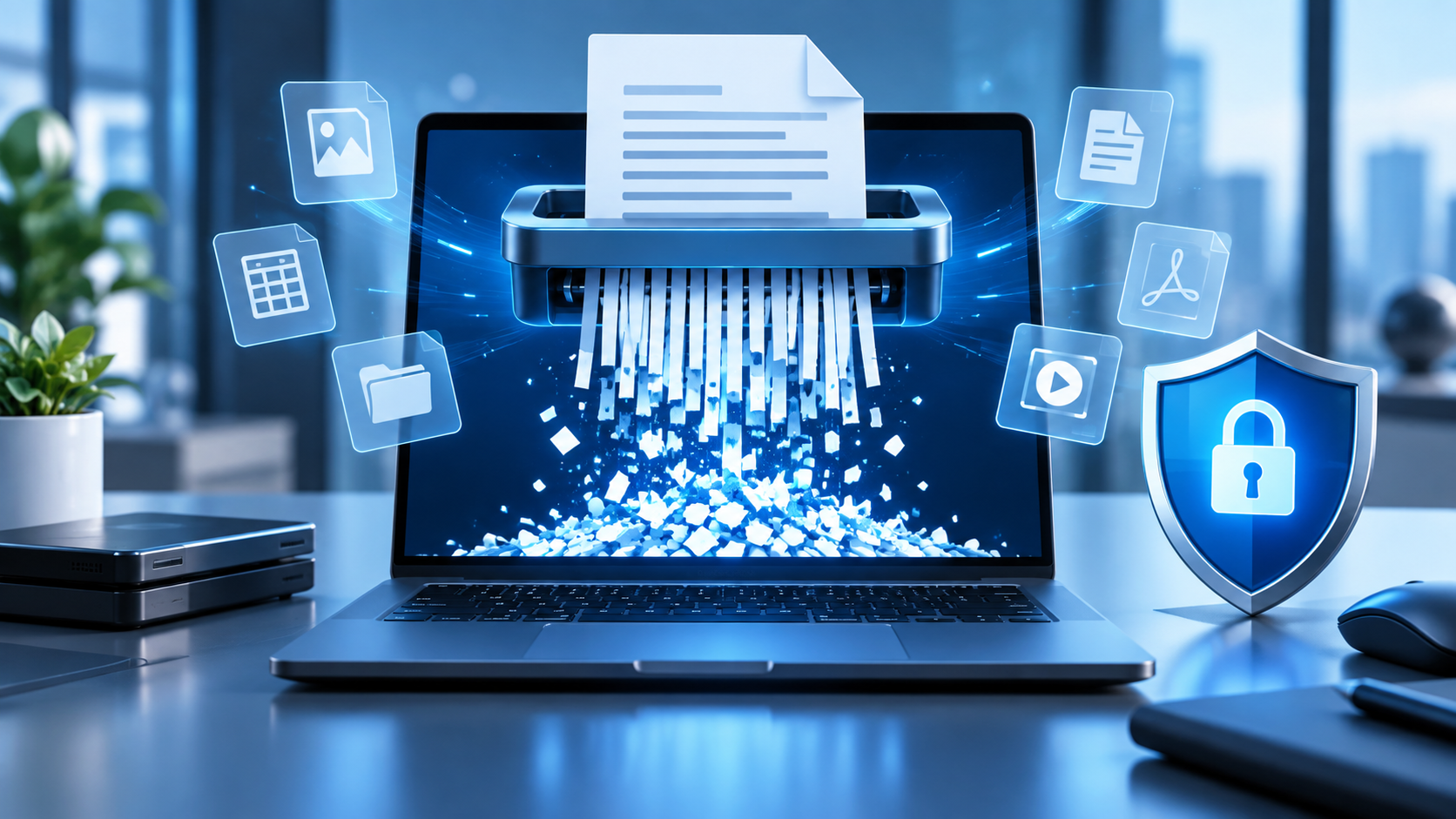
File Shredder Software: Know What Secure Deletion Covers
Read more →: File Shredder Software: Know What Secure Deletion CoversA shredder can overwrite selected data on some local media, but it cannot automatically remove backups, synced copies, snapshots, or flash cells hidden by a controller. Choose the sanitization method by medium and threat model.
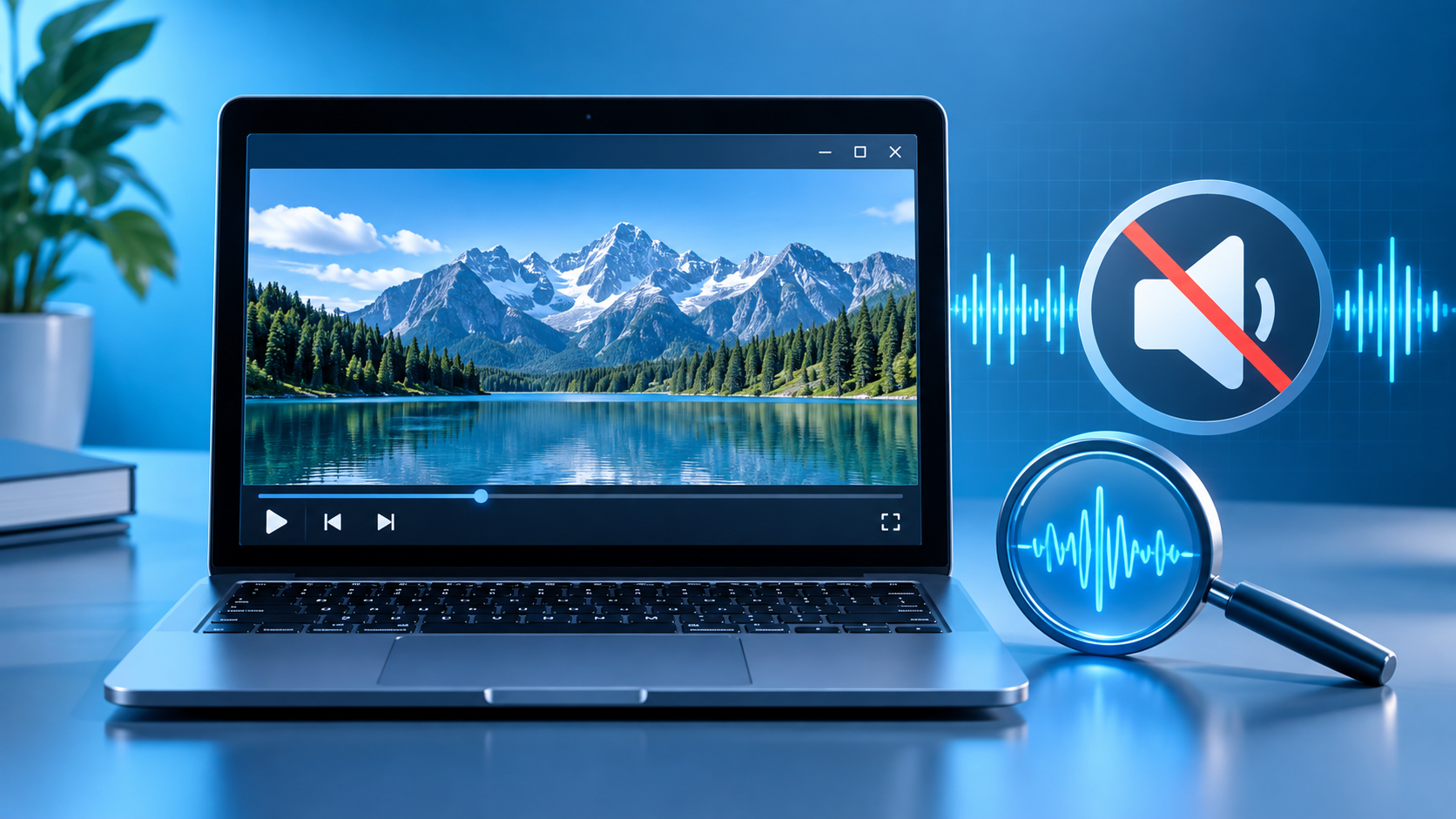
Windows Media Player Not Playing Audio? Trace the Output
Read more →: Windows Media Player Not Playing Audio? Trace the OutputUse a known-good audio file and another player to separate Windows output routing, Media Player configuration, codec support, and damaged media. The article includes practical verification and stopping points.
Turn Off BitLocker in Windows 11 Without Losing the Key
Read more →: Turn Off BitLocker in Windows 11 Without Losing the KeyUnderstand whether you need temporary suspension or full decryption, preserve the recovery key, keep power stable, and verify protection status before disk changes. The article includes practical verification and stopping points.
Acronis Disk Cloning: Plan the Migration Before You Copy
Read more →: Acronis Disk Cloning: Plan the Migration Before You CopyCloning can migrate a working disk, but it is not file recovery or versioned backup. Protect important data and verify the target before switching drives. The article includes practical verification and stopping points.




Copyright © 2025 PandaOffice. All Rights Reserved. The order process, tax issue, and invoicing to end users are conducted by PandaOffice Limited.