






Data Recovery
Welcome to our Data Recovery section: your trusted guide to recovering lost files from any device, whether lost to deletion, formatting, virus attacks or system errors.
TOP 4 Hot Articles
Top 4 hot articles will provide you reliable solutions to find crucial data with Drecov software.


Best Data Recovery Software for Windows: Complete Guide
Understanding Data Recovery on Windows Systems Why Data Recovery Is Important for Windows Users Modern computers store enormous amounts of data, from personal documents and photos to business files and system information. However, data loss can occur unexpectedly due to accidental deletion, hardware failure, formatting errors, malware attacks, or system crashes. When this happens, reliable…
Find a solution that suits your case
Here are file recovery guidelines for all types of files. Just choose the most suitable situation for you to retrieve your data


Remove Password In Word Document: Safe Unlock And File Recovery Guide
Read more →: Remove Password In Word Document: Safe Unlock And File Recovery GuideThis guide explains how to remove password in Word document safely when you own the file or have authorization. It covers open-password encryption, editing restrictions, owner copies, protected business documents, backup checks, and file recovery when Word documents disappear.

How To See If BitLocker Is Enabled Guide
Read more →: How To See If BitLocker Is Enabled GuideThis guide explains how to see if BitLocker is enabled using Windows settings, Manage BitLocker, and manage-bde status. It covers setup, turning BitLocker off, recovery key safety, Word password confusion, and file recovery after accessible storage loses data.
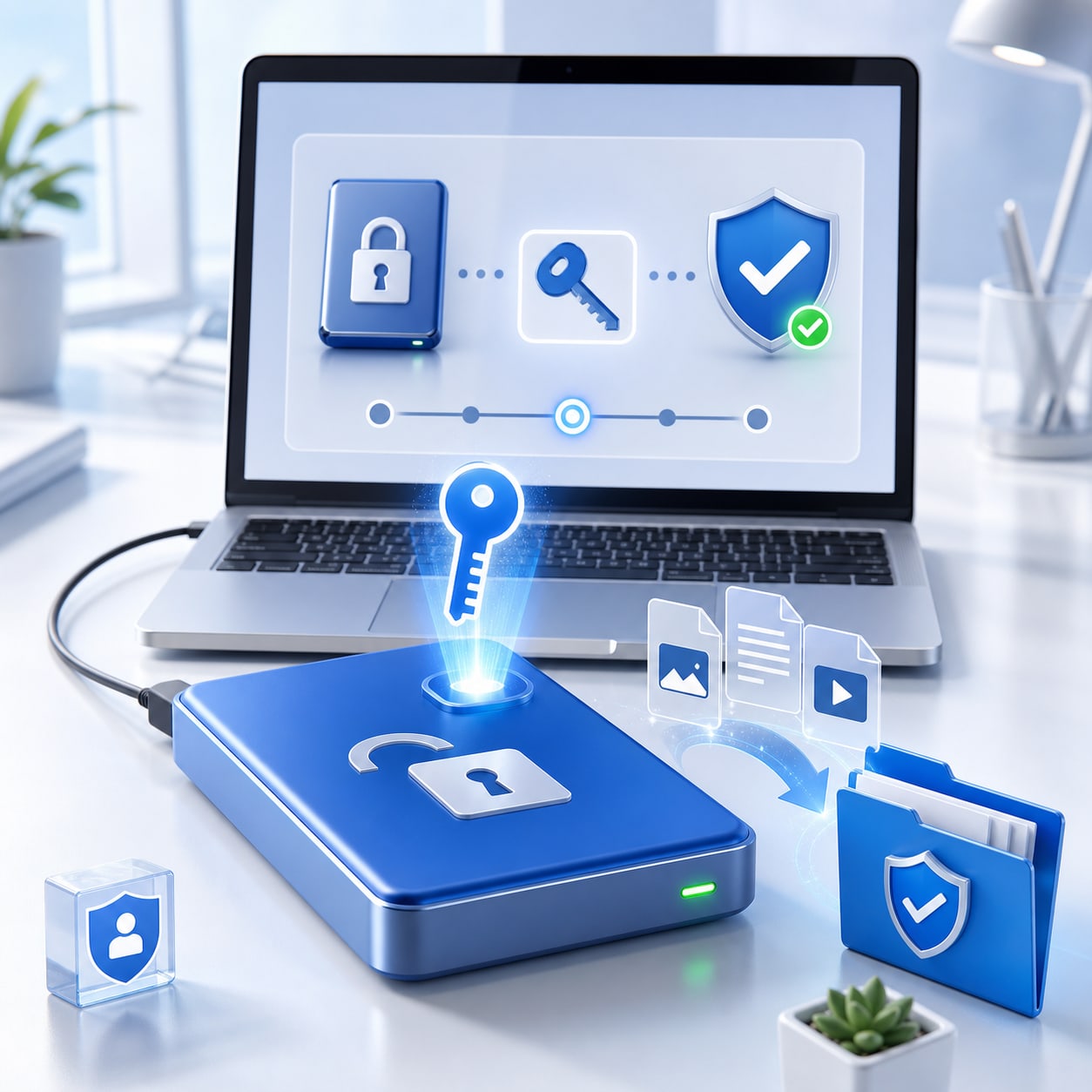
How To Unlock BitLocker Guide
Read more →: How To Unlock BitLocker GuideThis guide explains how to unlock BitLocker safely with a password, recovery key, Microsoft account key record, startup key, or administrator escrow. It covers recovery key matching, unlocking data drives, Excel and Word password differences, Snapchat recovery boundaries, and file recovery after access returns.

Snap Password Reset By Username: Safe Unlock And File Recovery Guide
Read more →: Snap Password Reset By Username: Safe Unlock And File Recovery GuideThis guide explains snap password reset by username through Snapchat official recovery, phone or email verification, trusted devices, and support prompts. It covers forgotten email and password cases, Instagram reset text safety, password manager cleanup, and recovering missing Snapchat media after access returns.

Data Recovery Hard Drive Guide Before Repair
Read more →: Data Recovery Hard Drive Guide Before RepairRecover hard drive files safely before repair, reset, or formatting with Drecov.


Save Facebook Video Safely and Recover Missing Files
Read more →: Save Facebook Video Safely and Recover Missing FilesSave Facebook videos safely and recover missing local copies with Drecov.


Xvid Video Codec Playback Problems and File Recovery Guide
Read more →: Xvid Video Codec Playback Problems and File Recovery GuideFix Xvid playback issues and recover missing video files safely with Drecov.


How to Enable BitLocker on Windows: Complete Setup and Management Guide
Read more →: How to Enable BitLocker on Windows: Complete Setup and Management GuideThis guide explains how to setup BitLocker on Windows, including checking encryption status, enabling drive protection, turning off BitLocker, managing recovery keys, and solving common setup problems.


Sora 2 AI Video Generator Files and Recovery Guide
Read more →: Sora 2 AI Video Generator Files and Recovery GuideProtect AI video prompts, exports, and project files while using Drecov for recovery.


Video Call in Snapchat Problems and Lost Recording Recovery
Read more →: Video Call in Snapchat Problems and Lost Recording RecoveryTroubleshoot Snapchat video calls and recover missing recordings or media files with Drecov.




Copyright © 2025 PandaOffice. All Rights Reserved. The order process, tax issue, and invoicing to end users are conducted by PandaOffice Limited.