






Data Recovery
Welcome to our Data Recovery section: your trusted guide to recovering lost files from any device, whether lost to deletion, formatting, virus attacks or system errors.
TOP 4 Hot Articles
Top 4 hot articles will provide you reliable solutions to find crucial data with Drecov software.


Best Data Recovery Software for Windows: Complete Guide
Understanding Data Recovery on Windows Systems Why Data Recovery Is Important for Windows Users Modern computers store enormous amounts of data, from personal documents and photos to business files and system information. However, data loss can occur unexpectedly due to accidental deletion, hardware failure, formatting errors, malware attacks, or system crashes. When this happens, reliable…
Find a solution that suits your case
Here are file recovery guidelines for all types of files. Just choose the most suitable situation for you to retrieve your data


Hard Drive Format Tools: Safe Options and Recovery First
Read more →: Hard Drive Format Tools: Safe Options and Recovery FirstFor routine formatting, start with the operating system’s built-in disk utility because it exposes the target, partition scheme, and file system without extra installers. Use a third-party tool only for a clearly defined feature and recover data first.
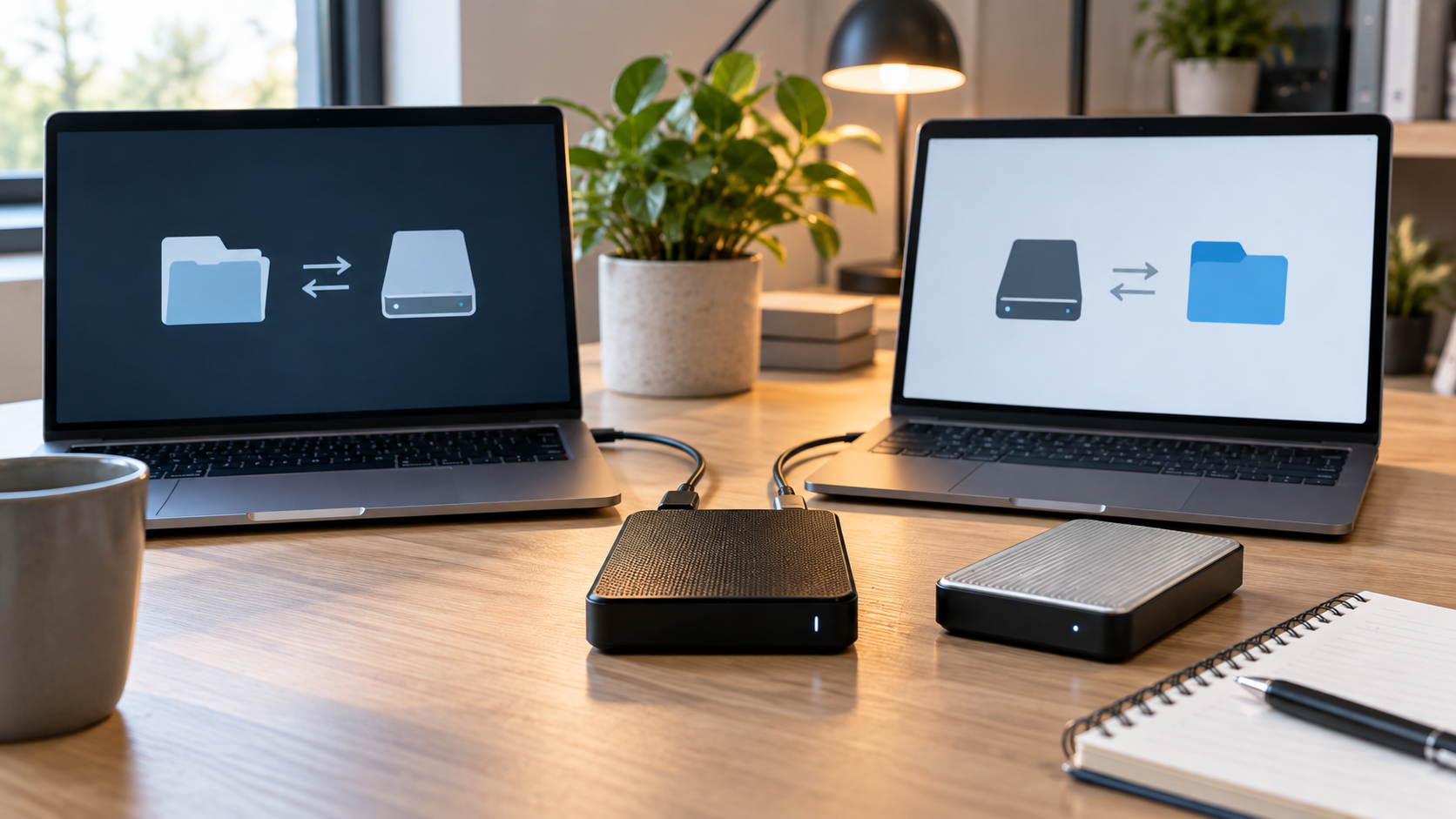
Format an HDD for Mac and PC: exFAT and Safe Steps
Read more →: Format an HDD for Mac and PC: exFAT and Safe StepsChoose exFAT when one external HDD must support large files on current Macs and PCs. Use FAT32 only for older devices, and keep NTFS or APFS for drives that will stay mainly with one operating system.

How to Format an HDD on Windows 10 Safely
Read more →: How to Format an HDD on Windows 10 SafelyIn Windows 10, use Disk Management for an ordinary data HDD and select NTFS for Windows-only use or exFAT for cross-platform sharing. Confirm the volume by model and capacity, not by drive letter alone.
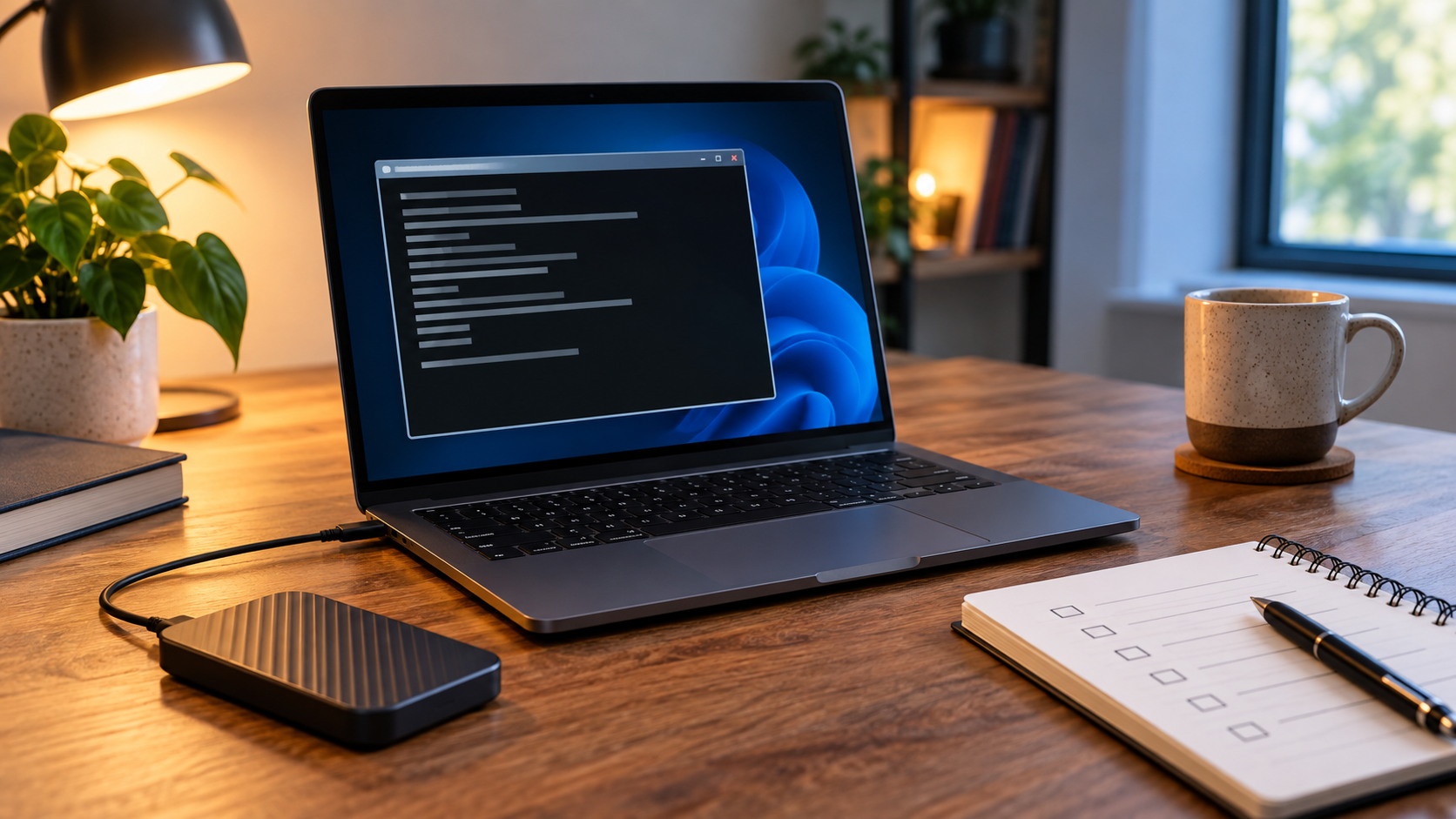
Format a Drive Using DiskPart: Commands, Risks, and Recovery
Read more →: Format a Drive Using DiskPart: Commands, Risks, and RecoveryFormat a Drive Using DiskPart: Commands, Risks, and Recovery — The safe order is identify, back up, recover, verify, and only then format. Choose a file system for the devices and file sizes you actually use, not because a dialog suggests a default.
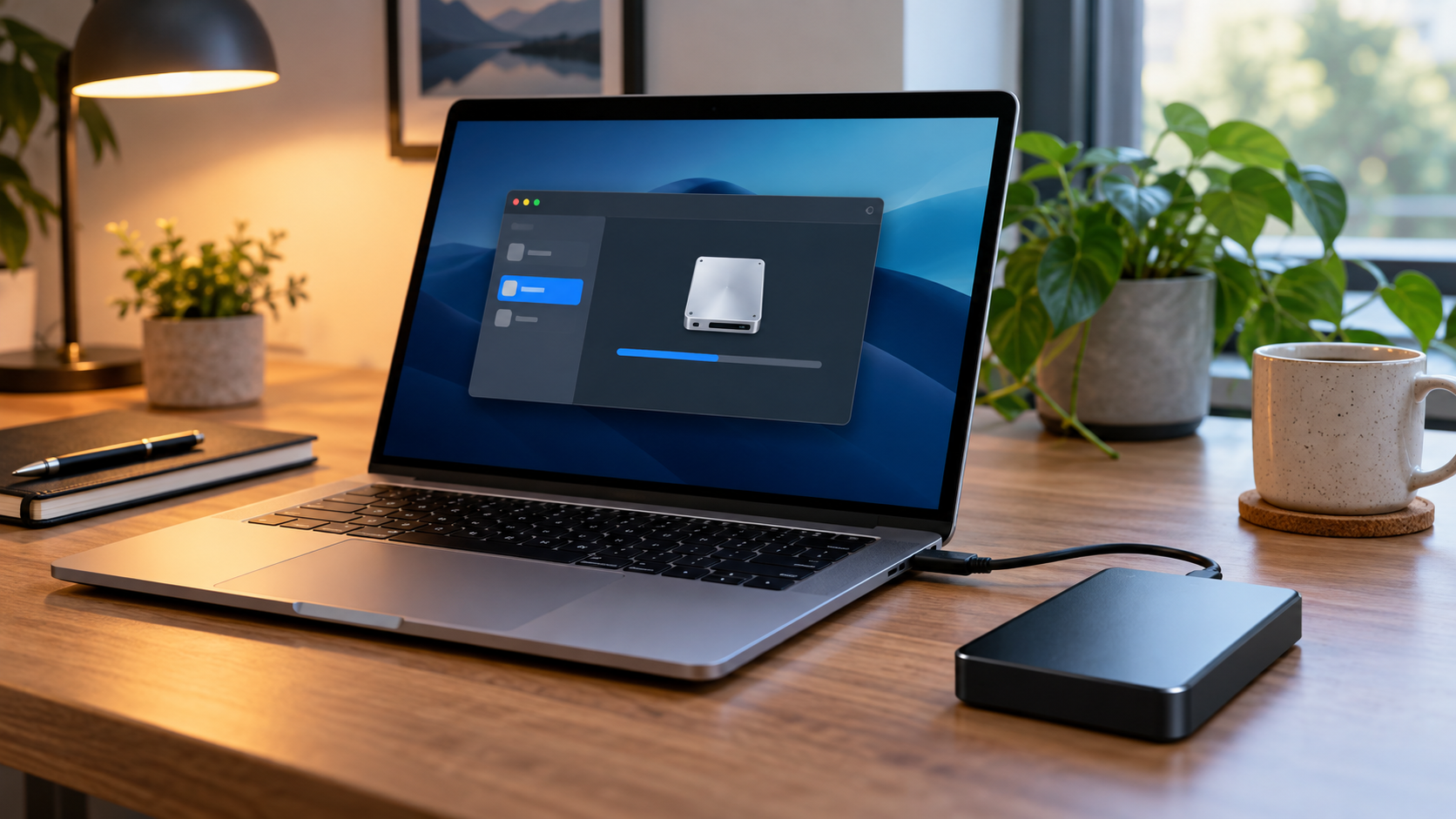
Format an External Hard Disk on Mac: APFS, exFAT, or HFS+
Read more →: Format an External Hard Disk on Mac: APFS, exFAT, or HFS+Format an External Hard Disk on Mac: APFS, exFAT, or HFS+ — The safe order is identify, back up, recover, verify, and only then format. Choose a file system for the devices and file sizes you actually use, not because a dialog suggests a default.
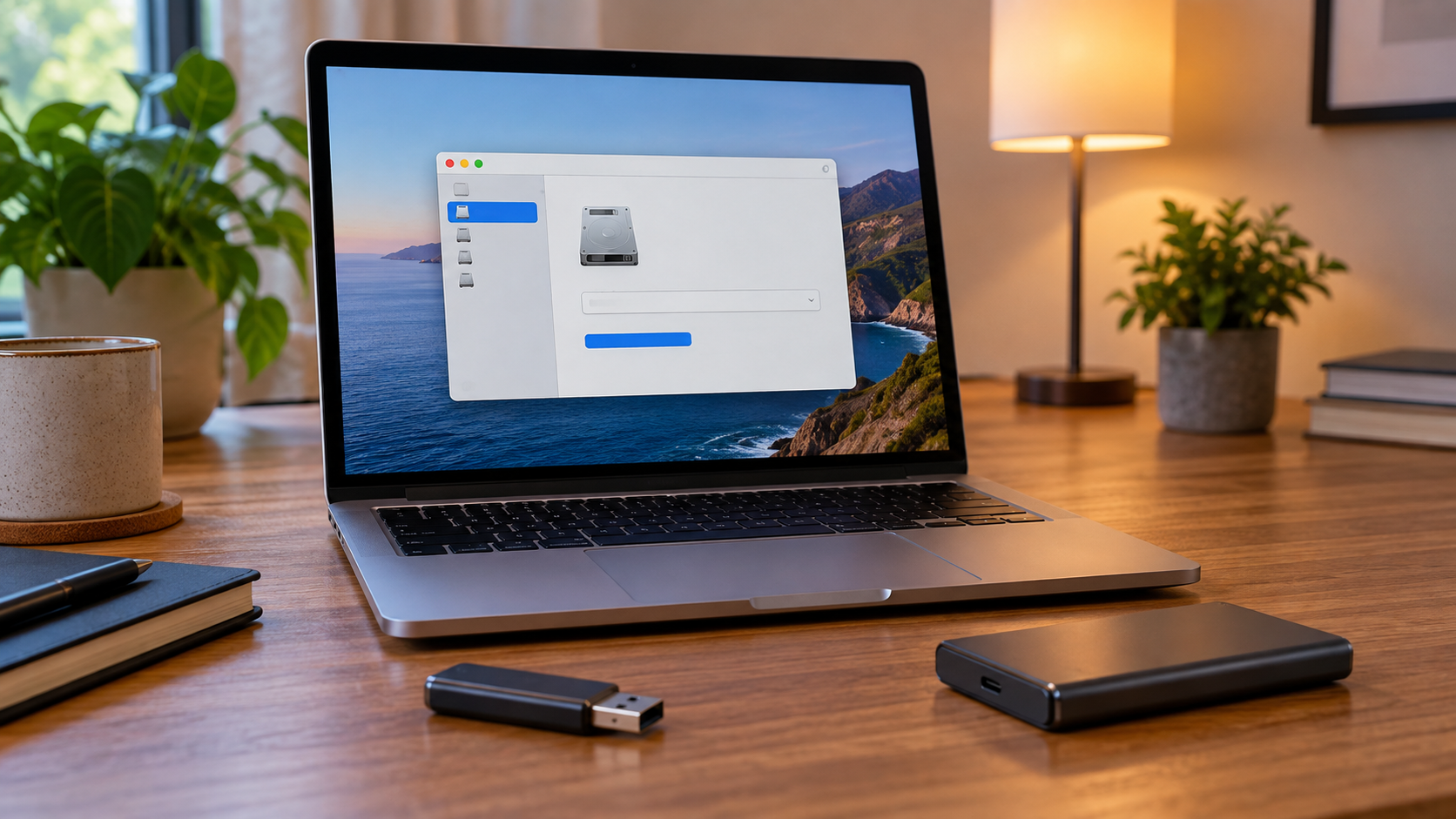
Format FAT32 on Mac: Compatibility, Limits, and Safe Steps
Read more →: Format FAT32 on Mac: Compatibility, Limits, and Safe StepsFormat FAT32 on Mac: Compatibility, Limits, and Safe Steps — The safe order is identify, back up, recover, verify, and only then format. Choose a file system for the devices and file sizes you actually use, not because a dialog suggests a default.
Format a Linux File System: ext4, XFS, or Btrfs Safely
Read more →: Format a Linux File System: ext4, XFS, or Btrfs SafelyFormat a Linux File System: ext4, XFS, or Btrfs Safely — The safe order is identify, back up, recover, verify, and only then format. Choose a file system for the devices and file sizes you actually use, not because a dialog suggests a default.

Best Format for a Mac and PC External Hard Drive: Safe Guide
Read more →: Best Format for a Mac and PC External Hard Drive: Safe GuideNeed one external drive for macOS and Windows? exFAT is usually the practical choice for modern devices and files larger than 4 GB. Back up first.
Format a Disk to FAT32: Limits, Safe Steps, and Recovery
Read more →: Format a Disk to FAT32: Limits, Safe Steps, and RecoveryFormat a Disk to FAT32: Limits, Safe Steps, and Recovery — The safe order is identify, back up, recover, verify, and only then format. Choose a file system for the devices and file sizes you actually use, not because a dialog suggests a default.

Format a Drive Safely: File System, Backup, and Recovery
Read more →: Format a Drive Safely: File System, Backup, and RecoveryFormat a Drive Safely: File System, Backup, and Recovery — The safe order is identify, back up, recover, verify, and only then format. Choose a file system for the devices and file sizes you actually use, not because a dialog suggests a default.




Copyright © 2025 PandaOffice. All Rights Reserved. The order process, tax issue, and invoicing to end users are conducted by PandaOffice Limited.