






Troubleshooting
This guide explains the meaning of troubleshooting and walks you through practical steps to identify, diagnose, and resolve common technical problems with ease.
TOP 4 Hot Articles
Top 4 hot articles will provide you reliable solutions to find crucial data with Drecov software.


Windows Stuck on Welcome? Diagnose the Sign-In Stage First
Separate a slow sign-in from a frozen profile, service, update, or storage fault. Use controlled account tests and protect local files before reset or reinstall.
Find a solution that suits your case
Here are file recovery guidelines for all types of files. Just choose the most suitable situation for you to retrieve your data


Computer Not Shutting Down? Find What Holds Windows Open
Read more →: Computer Not Shutting Down? Find What Holds Windows OpenA practical shutdown troubleshooting path that separates likely causes, protects local data before risky work, applies the smallest relevant fix, and verifies the outcome without unsupported promises.

Excel cannot open because the file format is not valid 1
Read more →: Excel cannot open because the file format is not valid 1A practical file troubleshooting path that separates likely causes, protects local data before risky work, applies the smallest relevant fix, and verifies the outcome without unsupported promises.

How to Change the Boot Drive Without Losing the Boot Path
Read more →: How to Change the Boot Drive Without Losing the Boot PathA practical boot how-to path that separates likely causes, protects local data before risky work, applies the smallest relevant fix, and verifies the outcome without unsupported promises.

How to Flash BIOS From USB Without Guessing
Read more →: How to Flash BIOS From USB Without GuessingA practical firmware troubleshooting path that separates likely causes, protects local data before risky work, applies the smallest relevant fix, and verifies the outcome without unsupported promises.

Windows Green Screen of Death: Tint, Preview Crash, or GPU?
Read more →: Windows Green Screen of Death: Tint, Preview Crash, or GPU?A green crash screen, persistent color cast and green artifacts indicate different layers. Capture the stop code, test another display path, and stabilize Windows before broad repairs. The article also defines safe stopping points and a practical verification test.

MBR2GPT Validation Failed? Read the Layout Before Converting
Read more →: MBR2GPT Validation Failed? Read the Layout Before ConvertingValidation failure means MBR2GPT rejected the current system-disk layout. Inspect the selected disk, partitions, BitLocker state, BCD and logs before changing storage metadata. The article also defines safe stopping points and a practical verification test.

USB Mouse Not Working? Isolate the Port, Driver, or Mouse
Read more →: USB Mouse Not Working? Isolate the Port, Driver, or MouseUse a known-good port and mouse to separate hardware, Windows, power-management, and firmware causes before removing drivers or changing broad USB settings. The article also defines safe stopping points and a practical verification test.
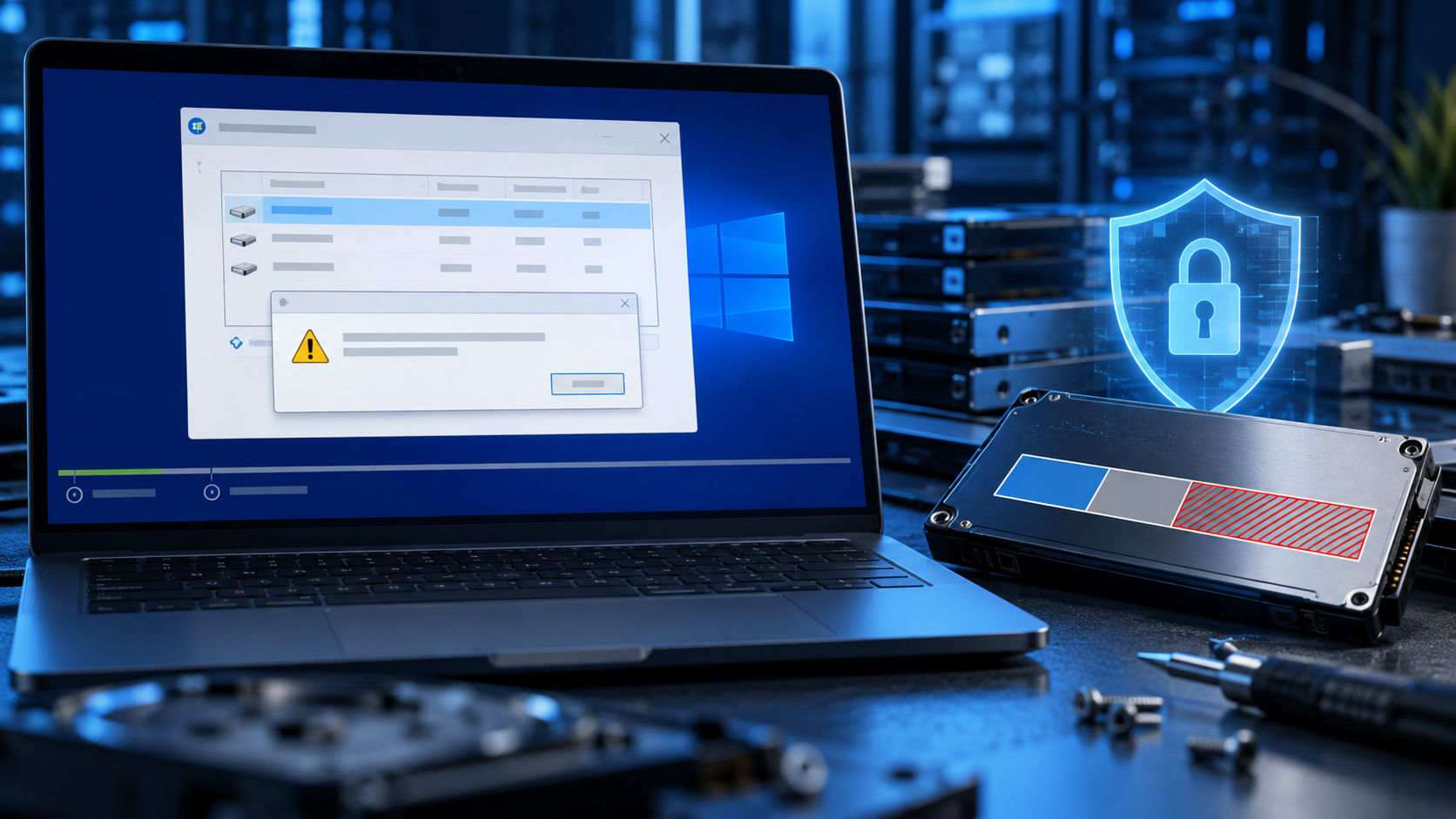
We Couldn’t Create a New Partition: Protect Data Before Setup Fixes
Read more →: We Couldn’t Create a New Partition: Protect Data Before Setup FixesWindows Setup may fail because of boot mode, disk style, existing layouts, storage drivers or competing disks. Protect files before deleting partitions or using DiskPart clean. The article also defines safe stopping points and a practical verification test.

Computer Crashes When Playing Games? Test Load, Heat, and Power
Read more →: Computer Crashes When Playing Games? Test Load, Heat, and PowerClassify the crash first: game exit, freeze, restart, shutdown or stop error. Then reproduce one controlled workload while checking heat, drivers, memory and power. The article also defines safe stopping points and a practical verification test.

Google Photos Not Backing Up? Trace the Missing Uploads
Read more →: Google Photos Not Backing Up? Trace the Missing UploadsConfirm the active Google account and local original before changing settings. Then check backup status, quota, permissions, network restrictions and selected folders. The article also defines safe stopping points and a practical verification test.




Copyright © 2025 PandaOffice. All Rights Reserved. The order process, tax issue, and invoicing to end users are conducted by PandaOffice Limited.