






Format Data Recovery
Recover lost files after formatting with our Format Data Recovery guide. Learn proven methods to restore data from formatted hard drives, SD cards, and USB devices quickly and safely.
TOP 4 Hot Articles
Top 4 hot articles will provide you reliable solutions to find crucial data with Drecov software.
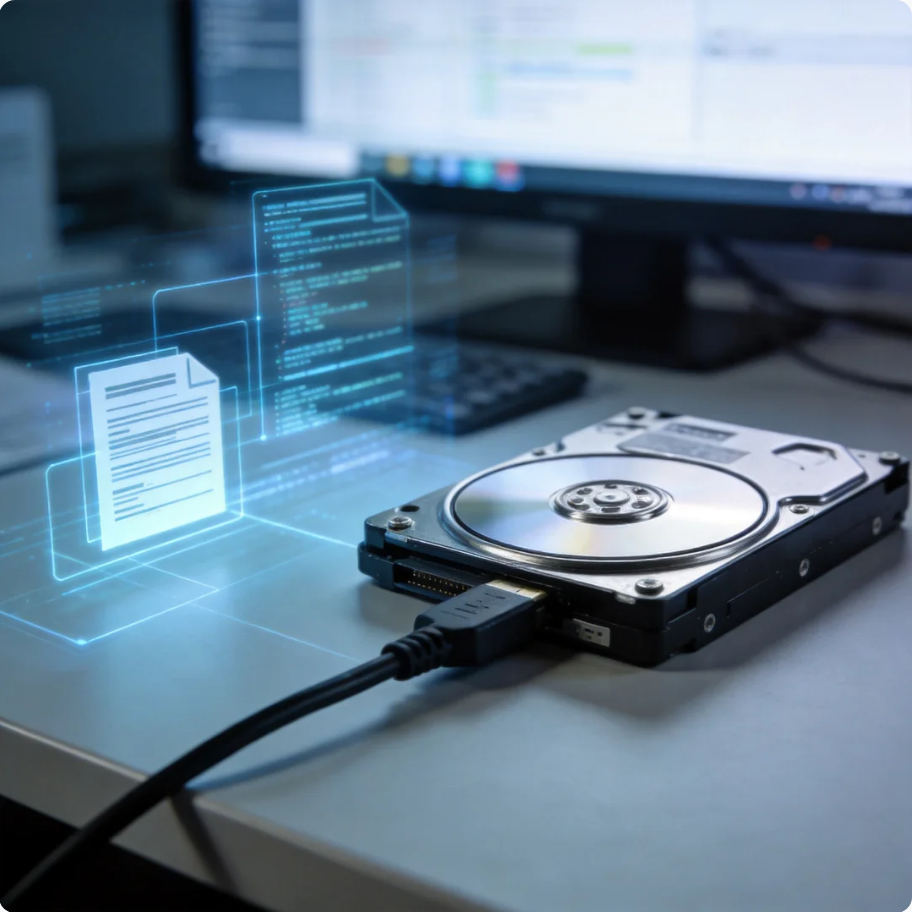

Format Partition Guide: Complete Methods for Windows and Linux Users
This guide explains how to format a partition in Windows and Linux, fix errors, choose file systems, and recover data safely before formatting using PandaOffice Drecov.
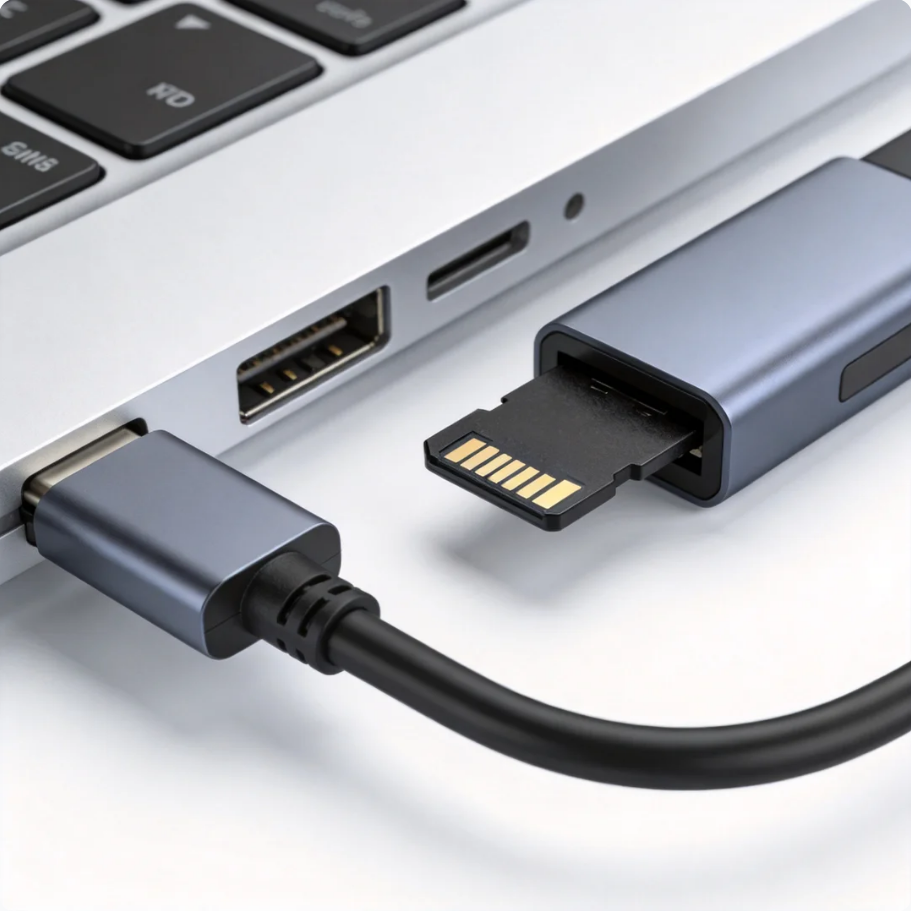

How to Format a TF Card Safely:Guide for Phones, Cameras, and PCs
This guide explains how to format TF cards on Windows, Mac, Android phones, and cameras, including repair tips, file systems, common errors, and recovery with PandaOffice Drecov.
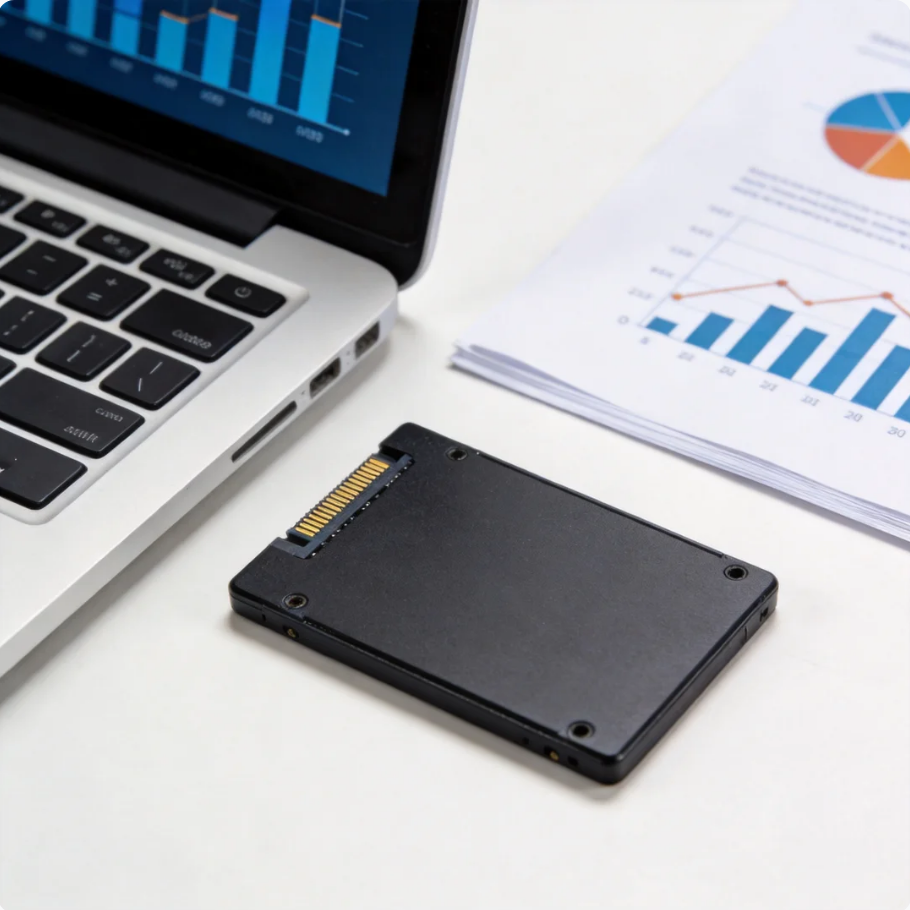

Complete Guide to Low-Level HDD Formatting and Repair Tool
This guide explains how HDD Low Level Format Tool works, when to use it, risks, and alternatives, including data recovery with PandaOffice Drecov before formatting.

Complete Guide to Low Level Format SD Card Safely
This guide explains low level format SD card methods, including PC tools, camera formatting, and recovery-first workflows. It helps fix corruption, improve performance, and safely wipe SD cards.
Find a solution that suits your case
Here are file recovery guidelines for all types of files. Just choose the most suitable situation for you to retrieve your data
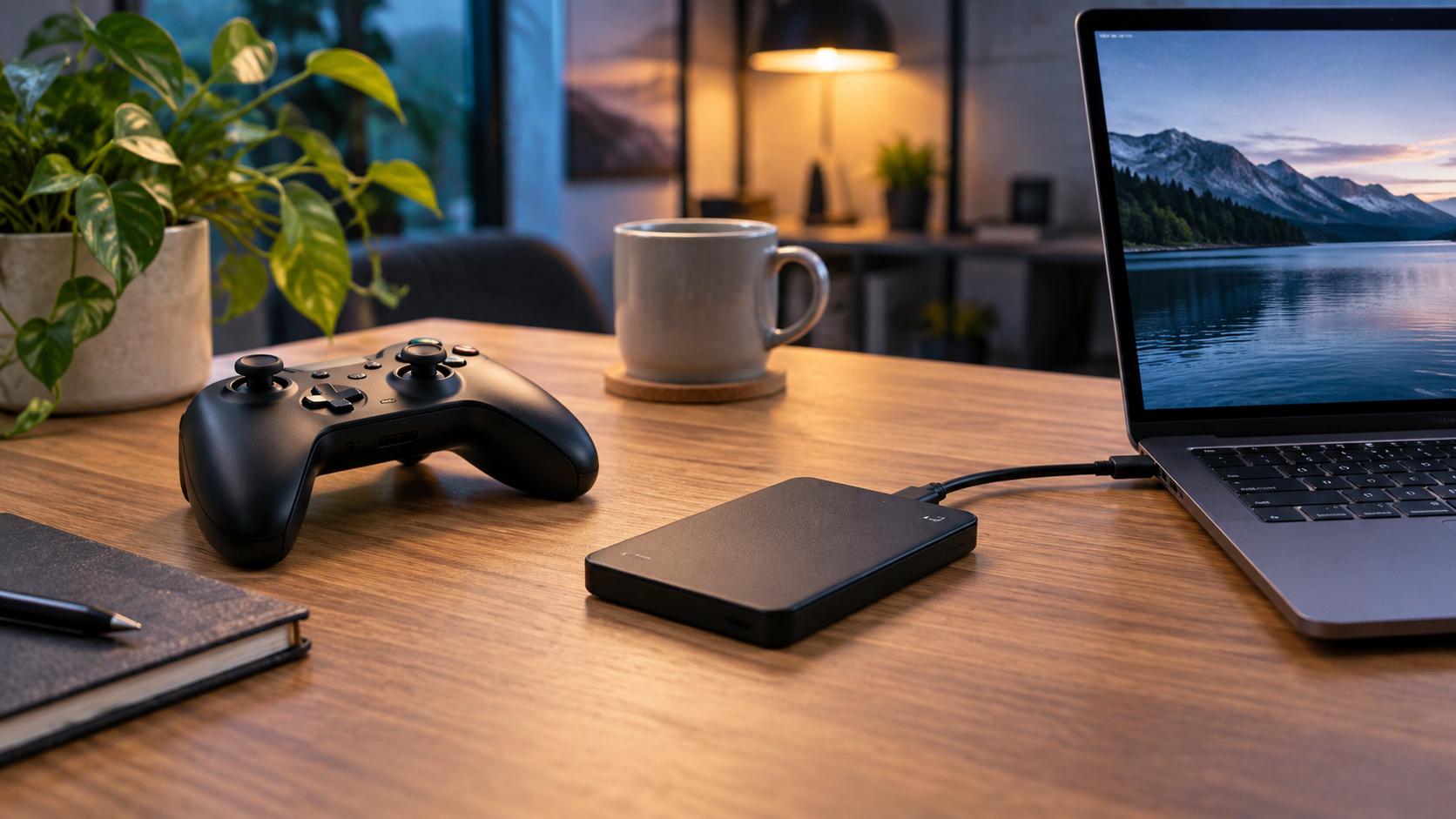

Format an External Drive for PlayStation Safely
Read more →: Format an External Drive for PlayStation SafelyA console formats extended-storage drives for its own use and may erase existing files. Copy personal data first, confirm the model and capacity, connect it directly with a suitable cable, and let the console perform the final format. Do not expect console game storage to remain normal PC storage.
Format an External Drive for Xbox Safely
Read more →: Format an External Drive for Xbox SafelyAn Xbox-formatted game drive is dedicated to console storage and existing files may be erased. Back up personal files first, verify capacity and connection requirements, then use the console storage settings. Reformat on a computer only when intentionally returning the drive to normal use.
Drive Says It Needs to Be Formatted: Recover Files First
Read more →: Drive Says It Needs to Be Formatted: Recover Files FirstWhen Windows says a drive must be formatted, click Cancel if files matter. The message usually means the file system cannot be mounted, not that formatting is the first repair. Stop writes, test the connection, recover files to another disk, and format only after verification.
Format an External Hard Drive to NTFS Safely
Read more →: Format an External Hard Drive to NTFS SafelyNTFS is appropriate for an external drive used mainly with Windows, especially when permissions, compression, or very large files matter. Back up or recover files before formatting; Mac write access is limited without extra software.
APFS vs Mac OS Extended: Which Format Should You Choose?
Read more →: APFS vs Mac OS Extended: Which Format Should You Choose?Choose APFS for modern Mac-only SSDs and current macOS features. Choose Mac OS Extended only for an older Mac, older software, or a documented compatibility requirement. Neither is ideal for normal Windows sharing; recover or copy files before erasing.
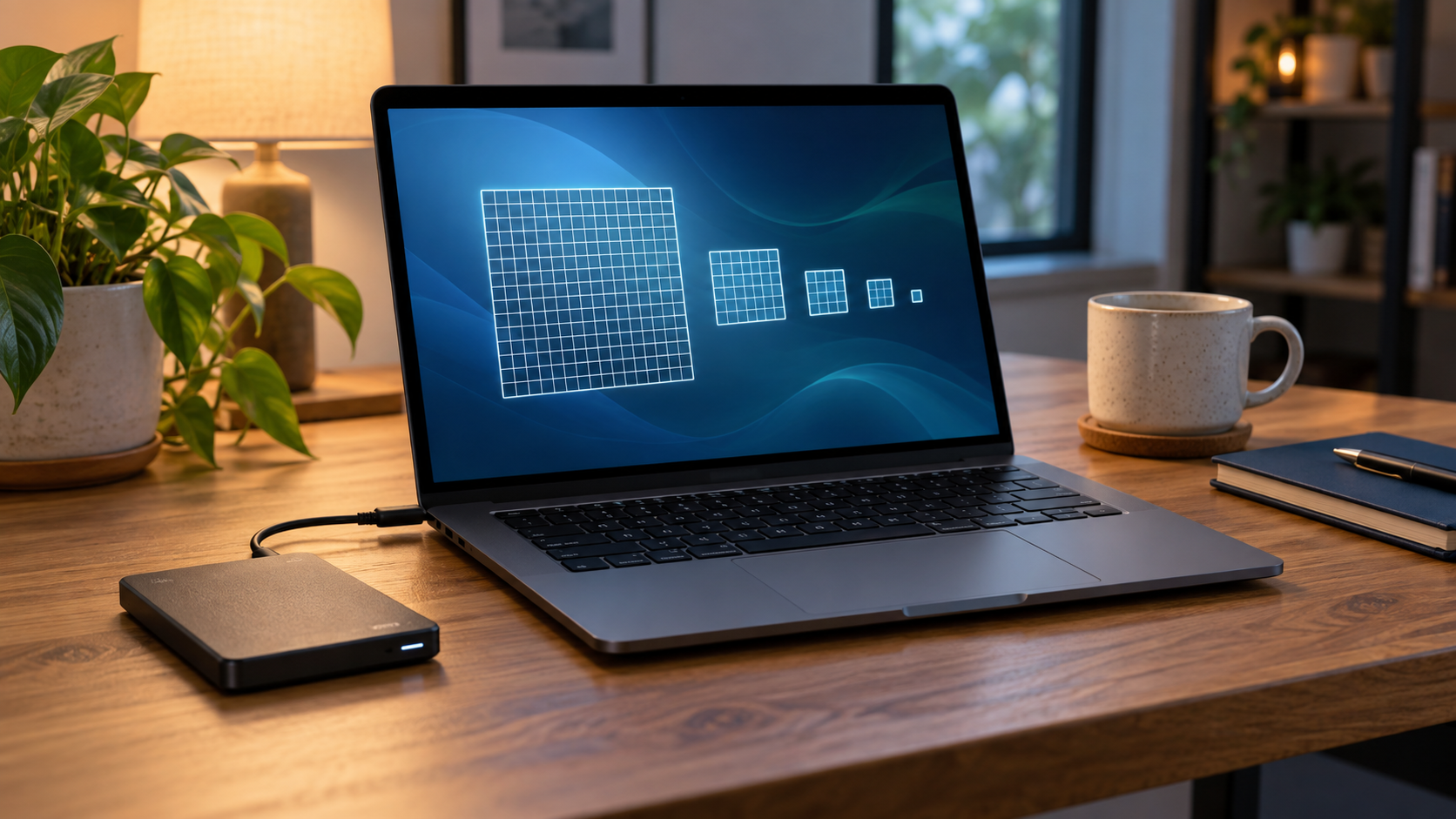
Allocation Unit Size When Formatting: What to Choose
Read more →: Allocation Unit Size When Formatting: What to ChooseFor most users, leave allocation unit size at Default so the operating system selects a suitable cluster size. Change it only for a measured workload with documented requirements; a poor choice can waste space or reduce efficiency, and changing it requires formatting.
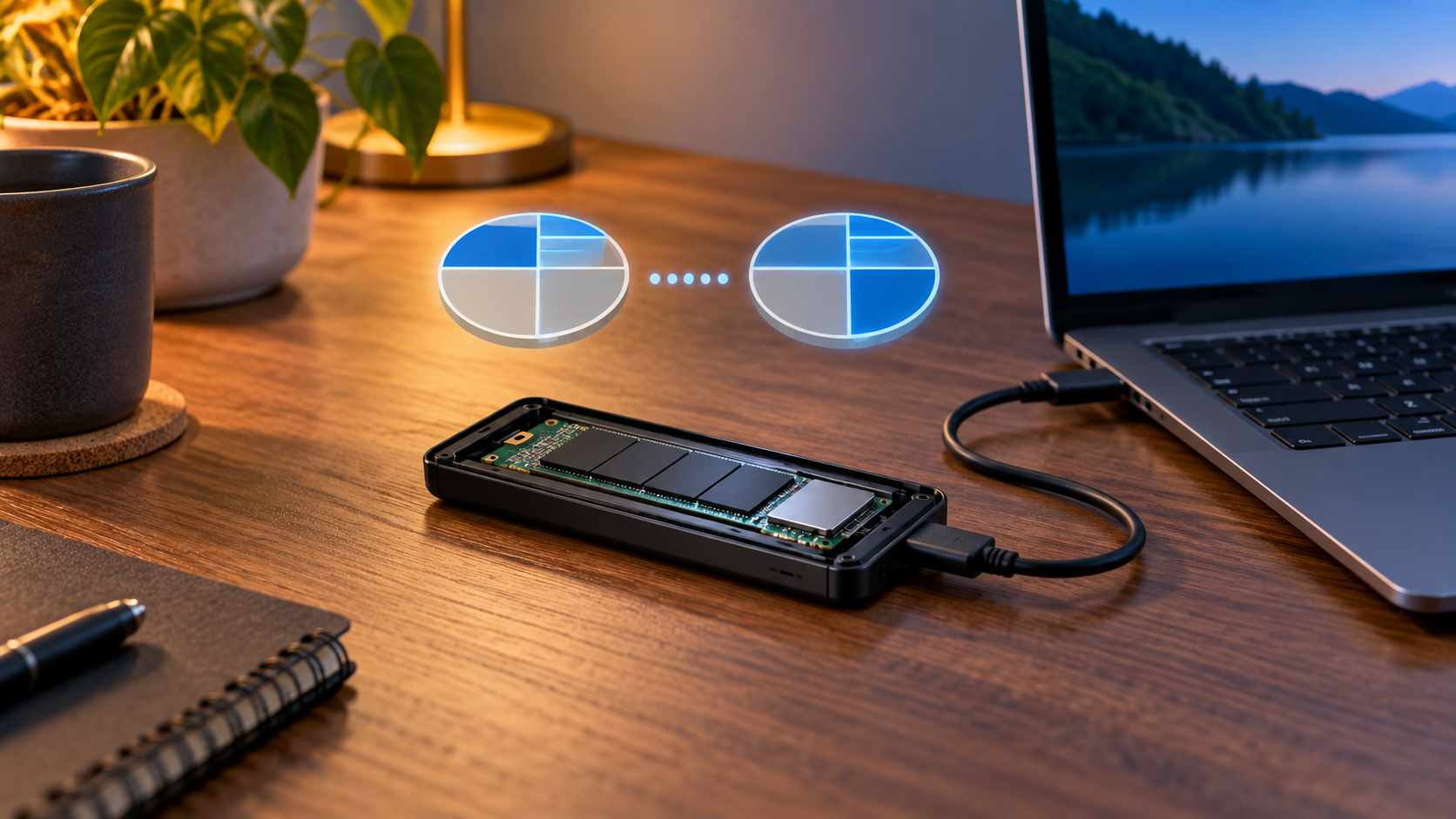
Convert MBR to GPT Without Data Loss: Safe Guide
Read more →: Convert MBR to GPT Without Data Loss: Safe GuideBack up before any MBR-to-GPT conversion. For a supported Windows system disk, validate with MBR2GPT and confirm UEFI boot support; for a data disk, use a verified non-destructive method or rebuild from backup. Do not use DiskPart clean on a disk containing needed files.
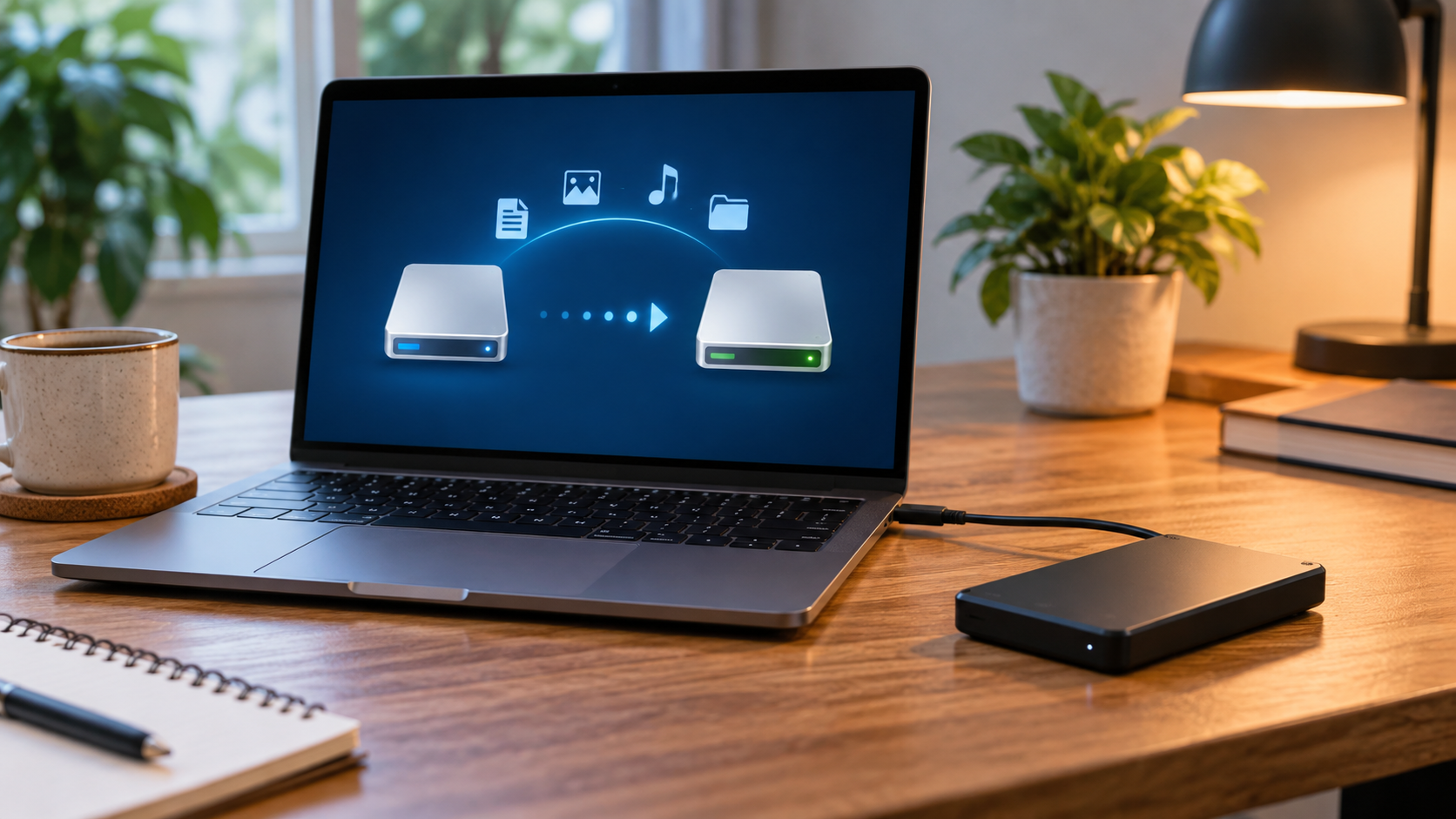
Convert FAT32 to NTFS Without Formatting: Safe Guide
Read more →: Convert FAT32 to NTFS Without Formatting: Safe GuideWindows convert can change a healthy FAT32 volume to NTFS without a normal format, but it is not a substitute for backup and cannot reverse the conversion. Check the file system, free space, errors, and power stability; copy critical files before running the command.
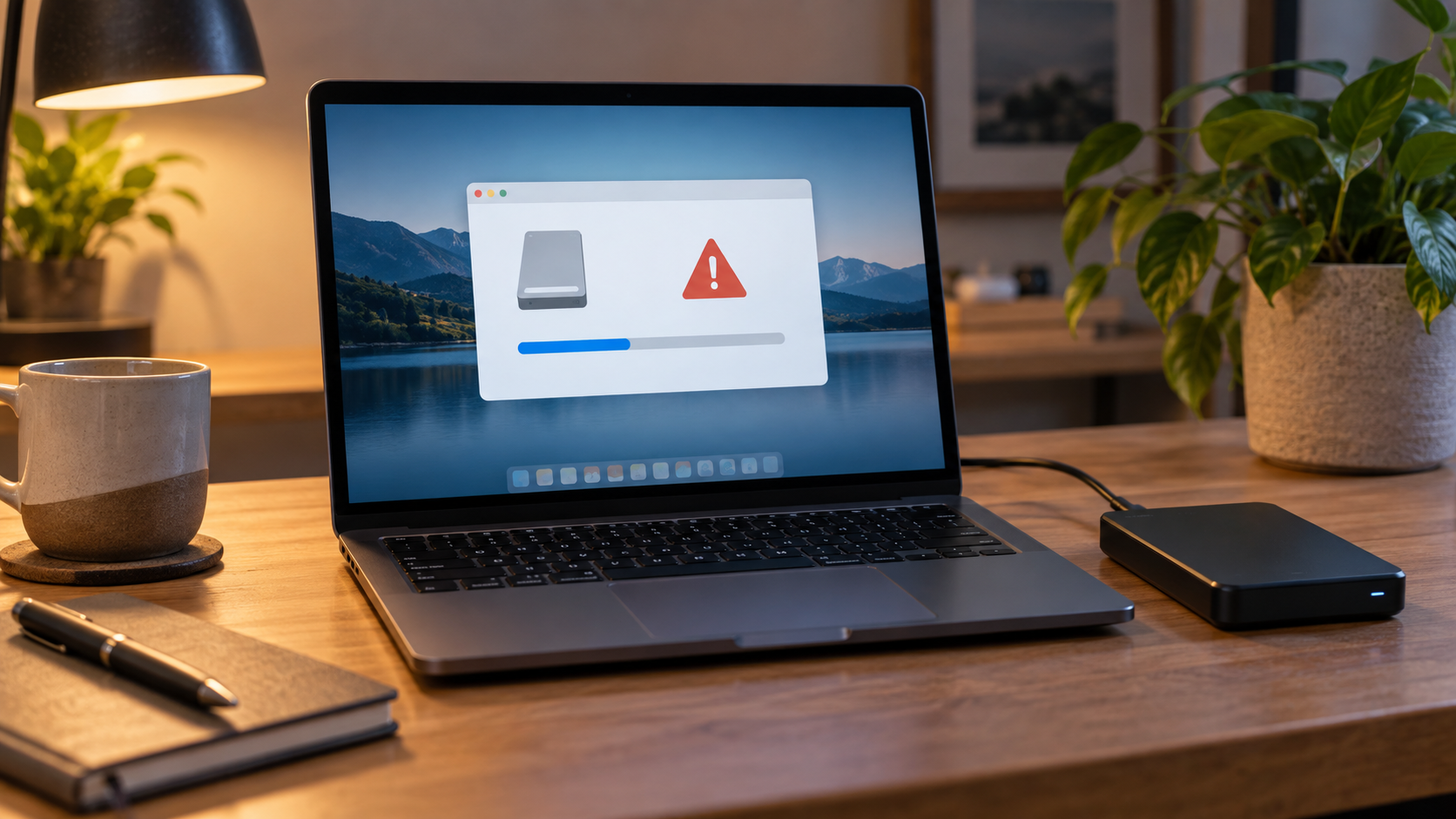
Windows Was Unable to Complete the Format: Safe Fixes
Read more →: Windows Was Unable to Complete the Format: Safe FixesWhen Windows cannot complete a format, first preserve any needed files. Then test the connection, check write protection and disk health, confirm the correct volume, and retry with Disk Management. A drive that disconnects, reports the wrong size, or repeatedly fails should be replaced, not forced.
Format a Drive for Files Larger Than 4GB: Best Options
Read more →: Format a Drive for Files Larger Than 4GB: Best OptionsFAT32 cannot store one file larger than 4 GB. Use exFAT for a removable drive shared by current Mac and Windows systems, NTFS for Windows-focused use, APFS for Mac-only use, or a native Linux file system. Copy or recover files before changing the format.




Copyright © 2025 PandaOffice. All Rights Reserved. The order process, tax issue, and invoicing to end users are conducted by PandaOffice Limited.