






Troubleshooting
This guide explains the meaning of troubleshooting and walks you through practical steps to identify, diagnose, and resolve common technical problems with ease.
TOP 4 Hot Articles
Top 4 hot articles will provide you reliable solutions to find crucial data with Drecov software.


Windows Stuck on Welcome? Diagnose the Sign-In Stage First
Separate a slow sign-in from a frozen profile, service, update, or storage fault. Use controlled account tests and protect local files before reset or reinstall.
Find a solution that suits your case
Here are file recovery guidelines for all types of files. Just choose the most suitable situation for you to retrieve your data
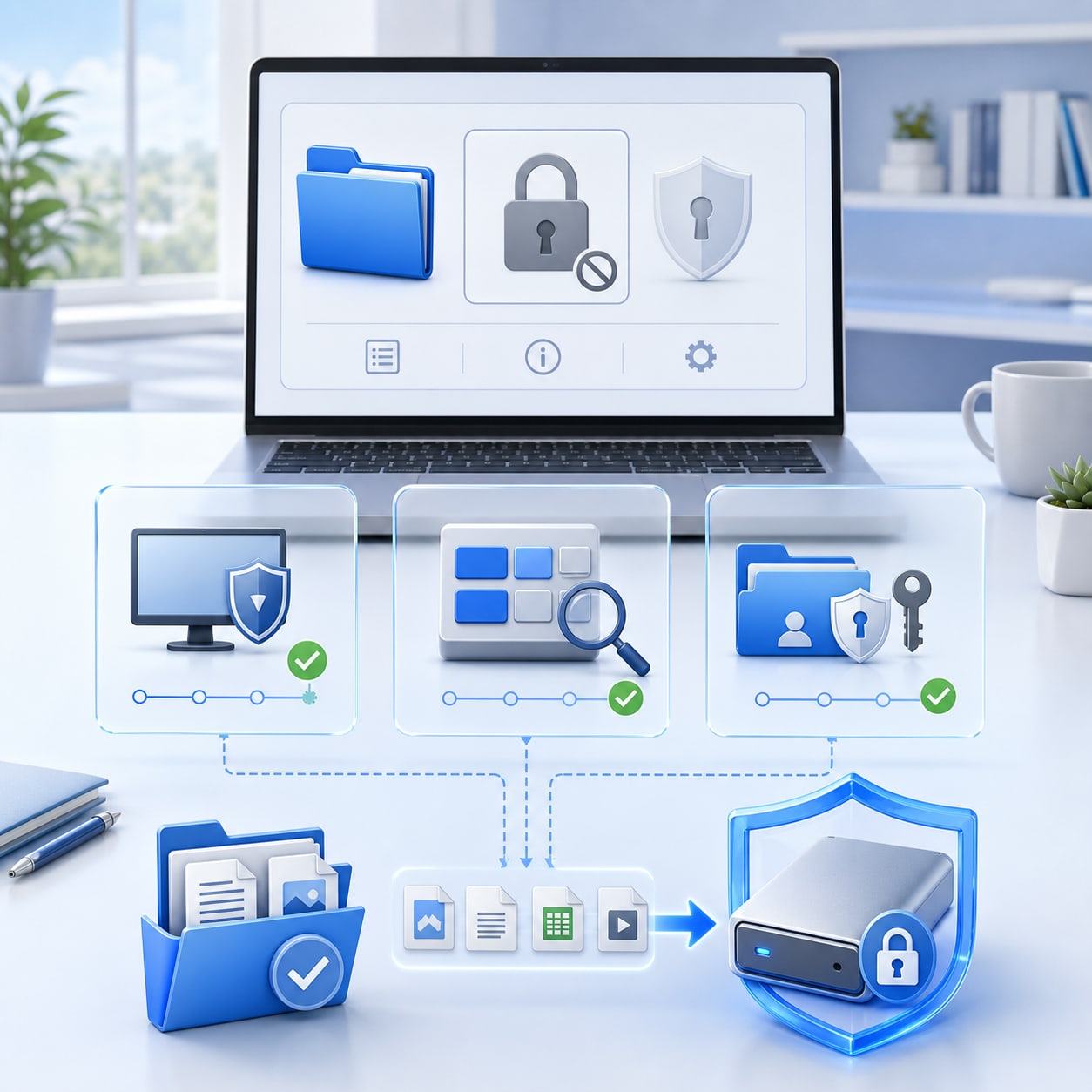

Why Can’t I Encrypt A Folder? Windows Encryption Fixes And File Safety
Read more →: Why Can’t I Encrypt A Folder? Windows Encryption Fixes And File SafetyThis guide explains why you can’t encrypt a folder in Windows, including edition limits, NTFS requirements, policy restrictions, removable drives, and cloud folders. It gives safe checks, BitLocker alternatives, backup advice, and file recovery steps when data disappears.


ASUS Laptop Screen Stays Black and File Recovery
Read more →: ASUS Laptop Screen Stays Black and File RecoveryTroubleshoot an ASUS black screen while protecting files before reset or repair.


Acer Laptop Black Screen and Data Recovery Steps
Read more →: Acer Laptop Black Screen and Data Recovery StepsFix Acer black screen issues safely and recover important files with Drecov.


Acer Laptop Screen Not Working and File Recovery Guide
Read more →: Acer Laptop Screen Not Working and File Recovery GuideDiagnose Acer display issues and protect files before repair or reset.


Acer Laptop Won’t Turn On Blue Light On and Data Safety
Read more →: Acer Laptop Won’t Turn On Blue Light On and Data SafetyTroubleshoot Acer blue light startup issues while protecting recoverable files.
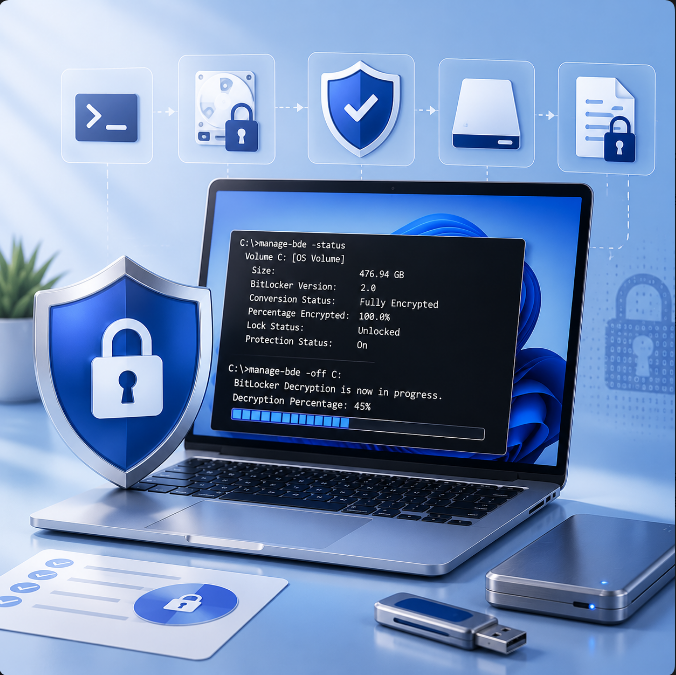

Fix Remove BitLocker Command Line: BitLocker Recovery Steps
Read more →: Fix Remove BitLocker Command Line: BitLocker Recovery StepsThis guide explains remove BitLocker command line steps with manage-bde status, correct drive-letter checks, authorized unlock, backup before decryption, and file recovery after accessible storage loses data. It also separates PDF, Word, and Excel password remover topics from drive encryption.
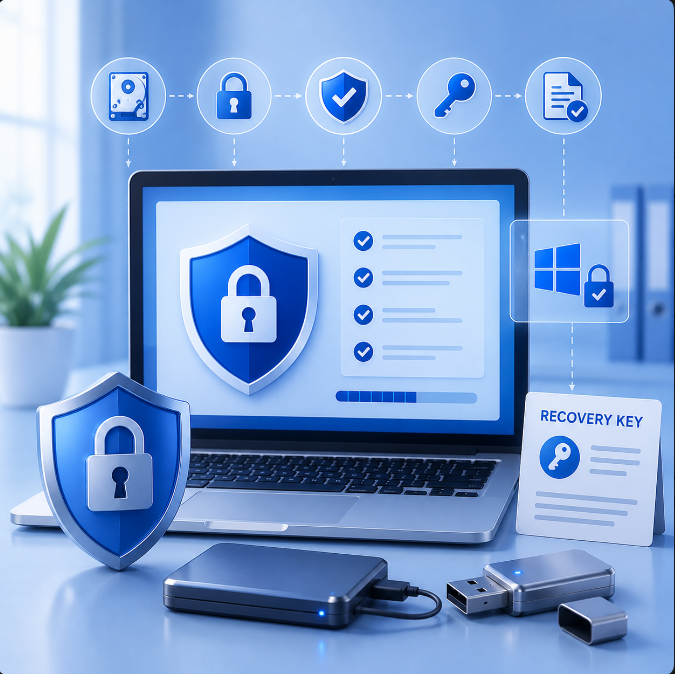

Fix Setting Up BitLocker: BitLocker Recovery Steps
Read more →: Fix Setting Up BitLocker: BitLocker Recovery StepsThis guide explains setting up BitLocker safely with Windows support checks, TPM readiness, recovery key storage, removable drive encryption, business policy cautions, Facebook and Instagram password recovery separation, and file recovery after encryption setup problems.


Fix One Or More BitLocker Key Protectors Are Required: BitLocker Recovery Steps
Read more →: Fix One Or More BitLocker Key Protectors Are Required: BitLocker Recovery StepsThis guide explains how to fix one or more BitLocker key protectors are required by checking current protectors, adding approved TPM, password, startup key, or recovery key options, protecting pendrives, avoiding unsafe password cracker tools, and recovering files from accessible storage.

Samsung File Recovery Software: Best Recovery Options And Safe Steps
Read more →: Samsung File Recovery Software: Best Recovery Options And Safe StepsThis guide explains how Samsung file recovery software fits into a safe recovery workflow. It covers Samsung Gallery Trash, OneDrive, Google Photos, My Files, USB folder copying, SD card recovery, Samsung phone data recovery service options, and mistakes that reduce the chance of restoring deleted pictures or other files.

How Do I Disable BitLocker Guide
Read more →: How Do I Disable BitLocker GuideThis guide explains how do I disable BitLocker safely without losing files. It covers Control Panel steps, manage-bde command line usage, recovery key requirements, business-device cautions, decryption risks, social account password confusion, and file recovery after the drive unlocks or BitLocker turns off.




Copyright © 2025 PandaOffice. All Rights Reserved. The order process, tax issue, and invoicing to end users are conducted by PandaOffice Limited.