






Format Data Recovery
Recover lost files after formatting with our Format Data Recovery guide. Learn proven methods to restore data from formatted hard drives, SD cards, and USB devices quickly and safely.
TOP 4 Hot Articles
Top 4 hot articles will provide you reliable solutions to find crucial data with Drecov software.
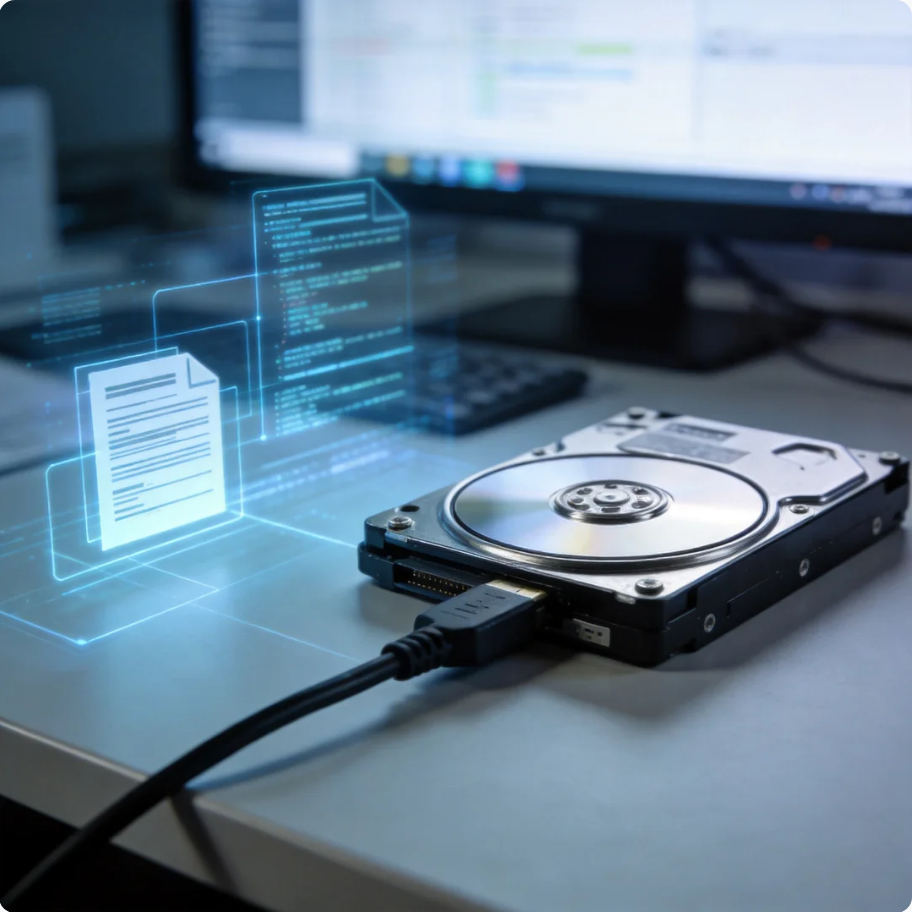

Format Partition Guide: Complete Methods for Windows and Linux Users
This guide explains how to format a partition in Windows and Linux, fix errors, choose file systems, and recover data safely before formatting using PandaOffice Drecov.
Find a solution that suits your case
Here are file recovery guidelines for all types of files. Just choose the most suitable situation for you to retrieve your data

Format a Disk from Command Prompt: Safe Commands and Recovery
Read more →: Format a Disk from Command Prompt: Safe Commands and RecoveryFormat a Disk from Command Prompt: Safe Commands and Recovery — The safe order is identify, back up, recover, verify, and only then format. Choose a file system for the devices and file sizes you actually use, not because a dialog suggests a default.
Format a Disk to FAT32: Limits, Safe Steps, and Recovery
Read more →: Format a Disk to FAT32: Limits, Safe Steps, and RecoveryFormat a Disk to FAT32: Limits, Safe Steps, and Recovery — The safe order is identify, back up, recover, verify, and only then format. Choose a file system for the devices and file sizes you actually use, not because a dialog suggests a default.

Format a Drive Safely: File System, Backup, and Recovery
Read more →: Format a Drive Safely: File System, Backup, and RecoveryFormat a Drive Safely: File System, Backup, and Recovery — The safe order is identify, back up, recover, verify, and only then format. Choose a file system for the devices and file sizes you actually use, not because a dialog suggests a default.
Format a Disk in Windows: Back Up, Verify, Then Format
Read more →: Format a Disk in Windows: Back Up, Verify, Then FormatFormat a Disk in Windows: Back Up, Verify, Then Format — The safe order is identify, protect, recover, verify, then repair or replace. Keeping those stages separate avoids turning a manageable logical problem into perman

Format a Hard Drive in Ubuntu: Safe Steps and Recovery
Read more →: Format a Hard Drive in Ubuntu: Safe Steps and RecoveryFormat a Hard Drive in Ubuntu: Safe Steps and Recovery — The safe order is identify, protect, recover, verify, then repair or replace. Keeping those stages separate avoids turning a manageable logical problem into perman

Format an External Drive for Mac: Choose APFS or exFAT
Read more →: Format an External Drive for Mac: Choose APFS or exFATFormat an External Drive for Mac: Choose APFS or exFAT — The safe order is identify, protect, recover, verify, then repair or replace. Keeping those stages separate avoids turning a manageable logical problem into perman
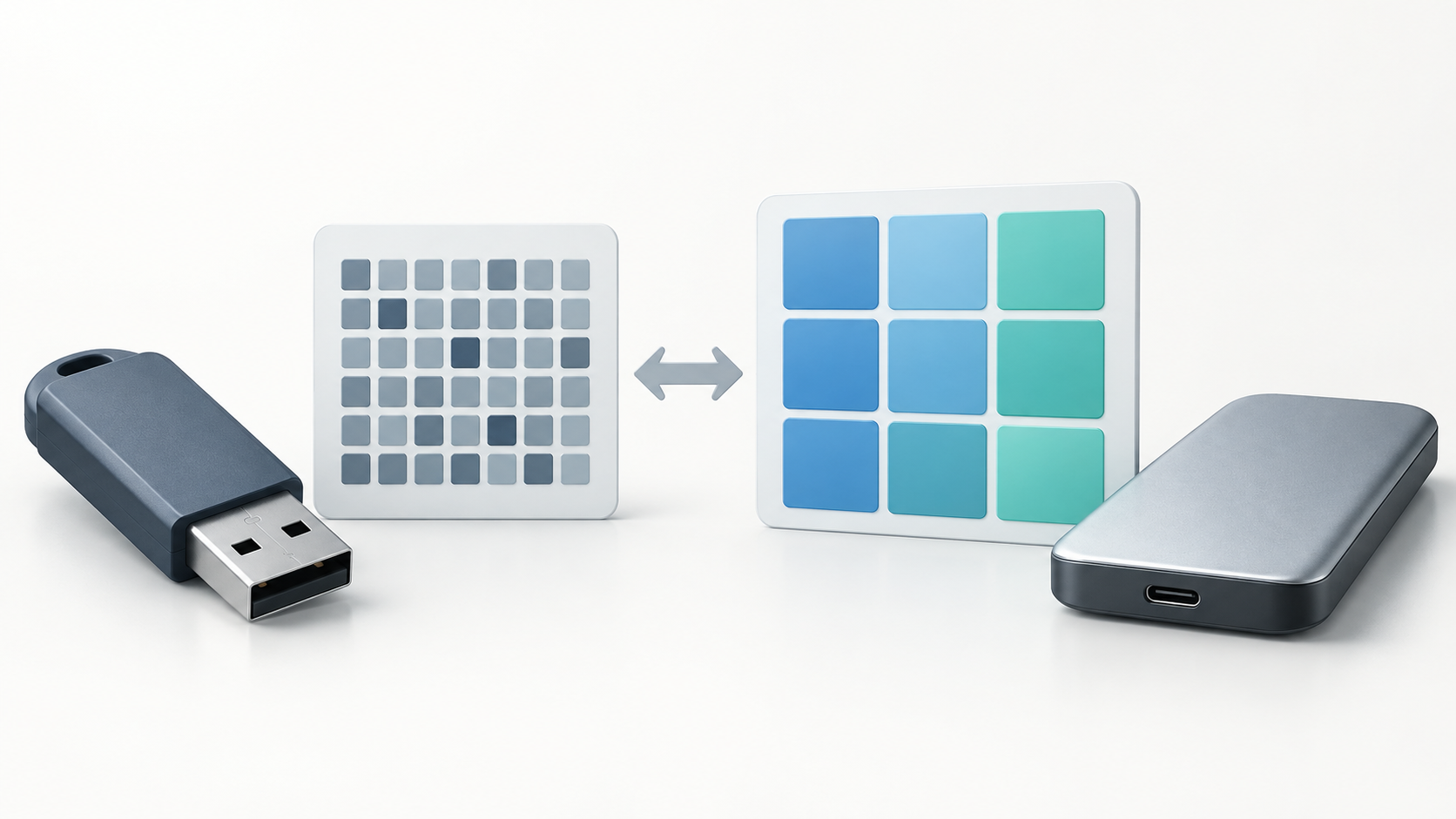
exFAT vs FAT: Differences, Checks, and Recovery
Read more →: exFAT vs FAT: Differences, Checks, and RecoveryexFAT vs FAT: Differences, Checks, and Recovery — The safe order is identify, protect, recover, verify, then repair or replace. Keeping those stages separate avoids turning a manageable logical problem into permanent dat

External Hard Drive Format for Mac and PC: Safe Guide
Read more →: External Hard Drive Format for Mac and PC: Safe GuideExternal Hard Drive Format for Mac and PC: Safe Guide — The safe order is identify, protect, recover, verify, then repair or replace. Keeping those stages separate avoids turning a manageable logical problem into permane

FAT32 File System: Limits, Checks, and Recovery
Read more →: FAT32 File System: Limits, Checks, and RecoveryFAT32 File System: Limits, Checks, and Recovery — The safe order is identify, protect, recover, verify, then repair or replace. Keeping those stages separate avoids turning a manageable logical problem into permanent dat
FAT32 Format in Windows 11: Safe Steps and Recovery
Read more →: FAT32 Format in Windows 11: Safe Steps and RecoveryFAT32 Format in Windows 11: Safe Steps and Recovery — The safe order is identify, protect, recover, verify, then repair or replace. Keeping those stages separate avoids turning a manageable logical problem into permanent




Copyright © 2025 PandaOffice. All Rights Reserved. The order process, tax issue, and invoicing to end users are conducted by PandaOffice Limited.