PandaOffice Drecov has an official online store for each of you: Drecov – The best professional security software. You can go to this page from the software in multiple ways.
Method 1: Via Account Center
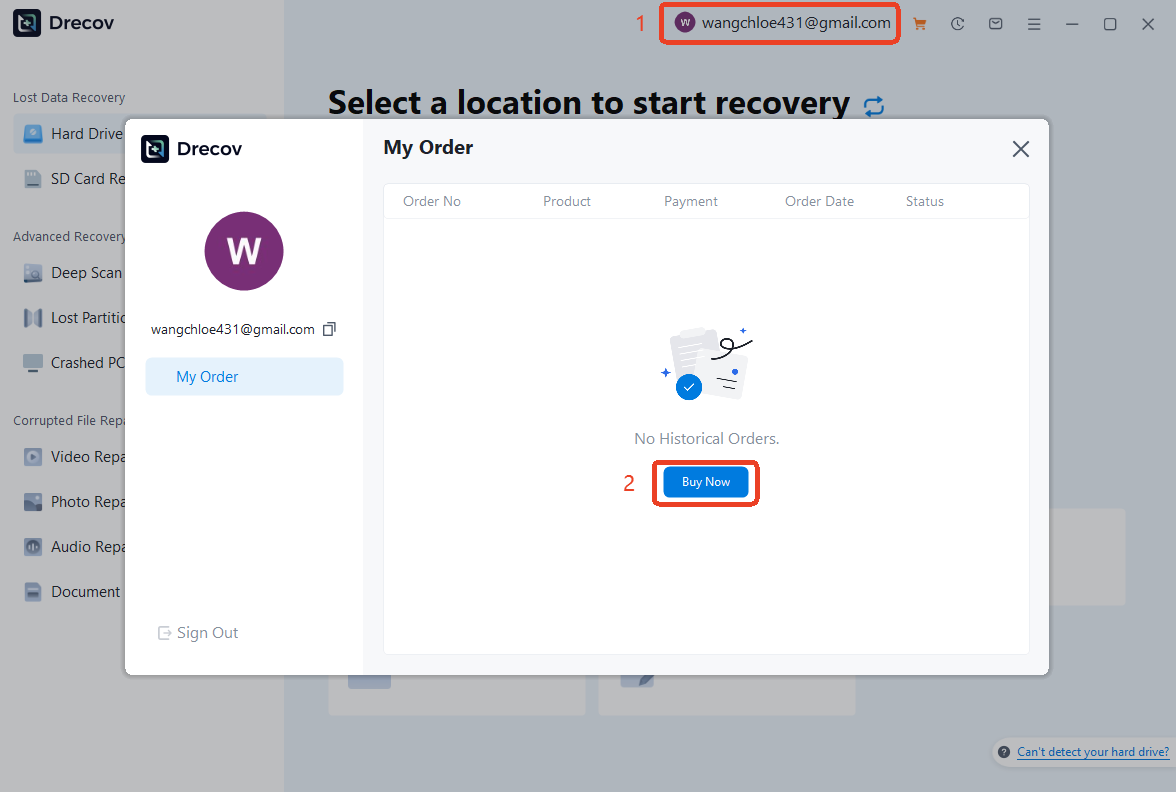
After logging into your account, clicking on your account will display a “My Order” window. Click the “Buy Now” button to access the purchase page. You can select the plan per your need.
Method 2: Via the Shopping Cart
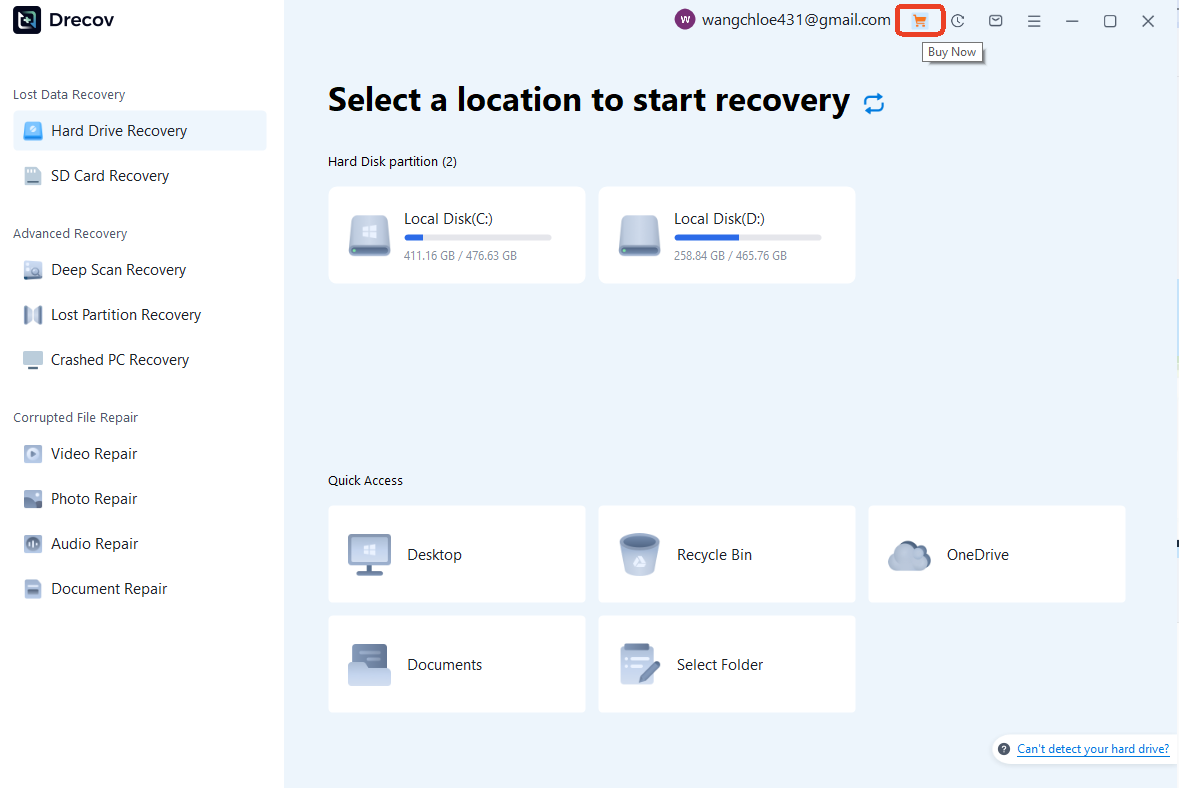
If you are logged in, simply click the Cart Icon in the upper-right corner of the main interface. This will take you directly to the pricing page to browse available packages.
Method 3: During the Recovery Process
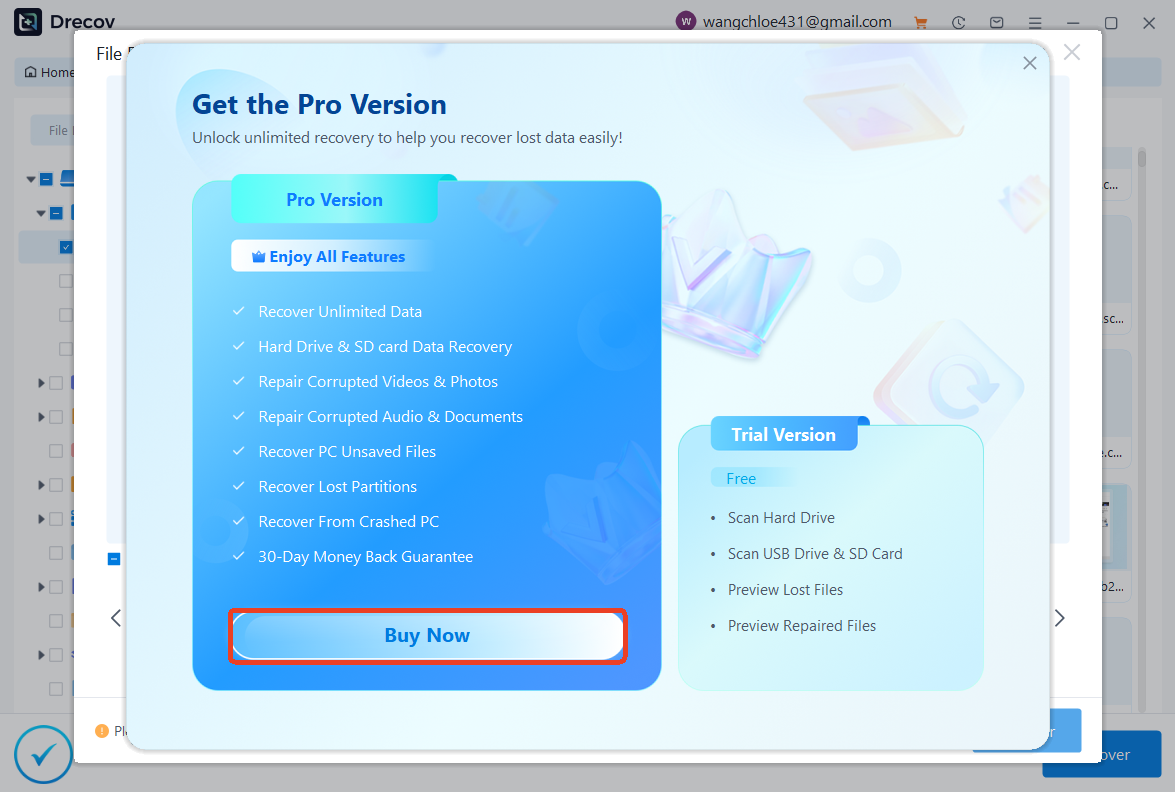
Once you have scanned and found your desired files, clicking the Recover button will trigger a pop-up window if you do not yet have an active license. Click Buy Now from this prompt to upgrade instantly.